

Open your software bill and ask one question:
How much of it is priced per person?

That’s the line that grows when you hire. Not when revenue grows. Not when you serve more customers. When you add a chair.
Airtable bills you for everyone who can edit a single row. Retool counts anyone who edited an app that month as a builder. Tableau charges around $9,000 a year for fifty clients to look at a dashboard.
So this week I checked whether the free versions are real.
Twelve GitHub repos. Star counts pulled live. Every LICENSE file read. Then I priced the one product each one replaces.
Twelve repos. Twelve tools. One honest catch each.
Here they are.
Why I Went Looking
A founder in my community sent me a screenshot last month.
Her monthly software bill: $2,340. Team of six. Pre-revenue.
I asked her to list what each tool did.
Scheduling. Support chat. A CRM nobody had cleaned in four months.
An analytics tool she checked twice a quarter.
A database that was, functionally, a spreadsheet with better fonts.
None of it was wrong. All of it was rented.
So I did the thing I do: I went to GitHub and started checking. I pulled every number in this issue directly from the repositories themselves.
Then I priced what they replace.
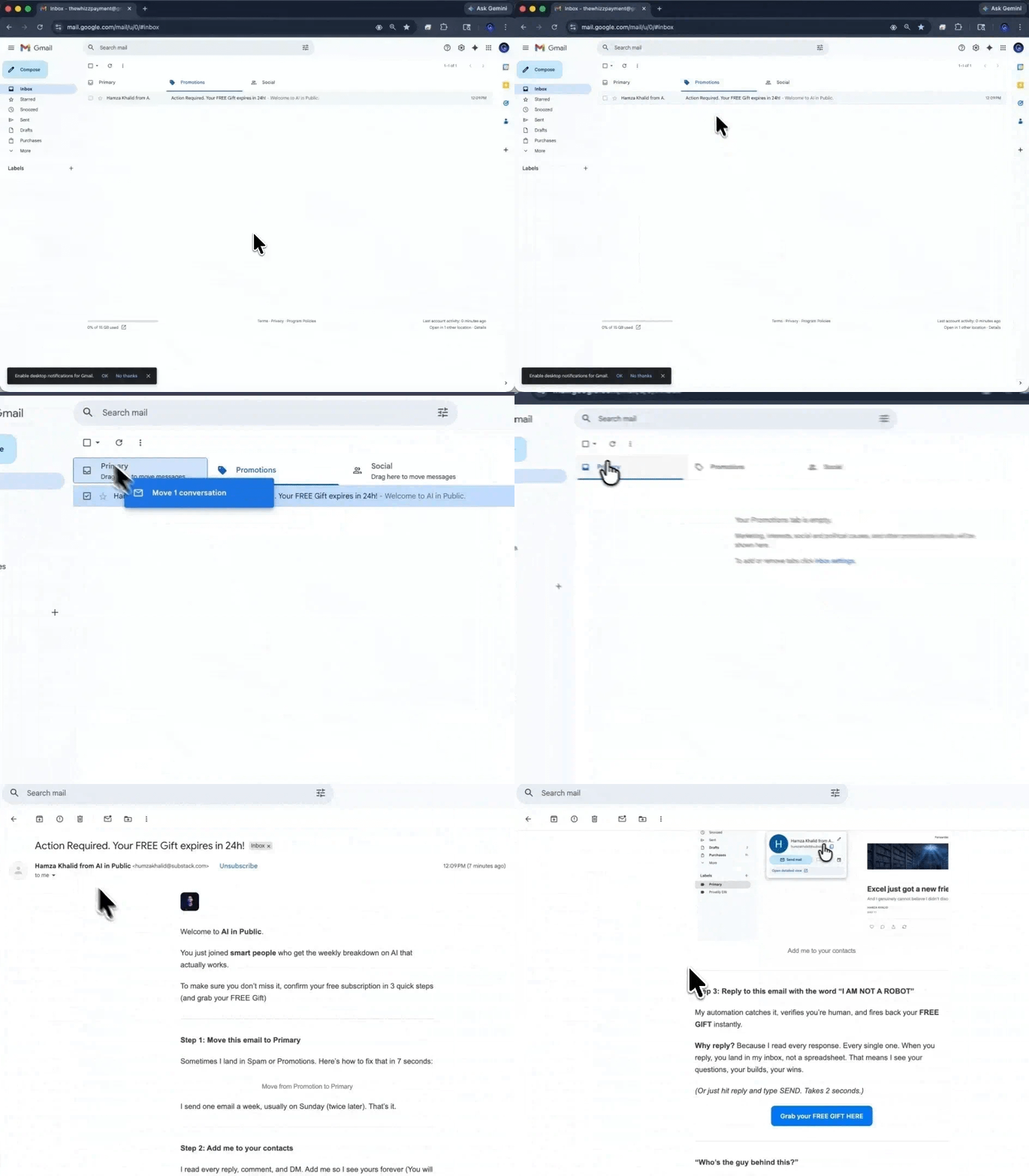
Not getting our issues in your inbox?
Gmail is probably filing them under Promotions.
Two seconds fixes it.
→ Open this email in Gmail
→ Drag it into your Primary tab
→ Click Yes when Gmail asks if you want to do that every time
If it landed in Spam, hit Not Spam first, then drag.
By the end of this, you will be able to look at any line item on your SaaS bill and answer one question honestly: am I paying for the software, or am I paying for someone else to run it?
Sometimes the answer is “I am paying them to run it, and that is worth every dollar.” That is a fine answer. But you should be choosing it, not defaulting into it.
Here are the twelve. I pulled every star count below from the live repository page, not from memory. I read every license from the actual LICENSE file in the repo.
Prices for the commercial alternatives are list prices at the time of writing. They change constantly. Check before you budget.
I don't have a research team. I have a browser with forty tabs open and a coffee that went cold. If this helped, help back.
1. n8n - replaces Zapier
203,036 stars
Workflow automation with a visual node editor, 400+ integrations, and native AI agent nodes. You can build a workflow where an LLM decides which branch to take.
What you’re replacing: Zapier. Professional runs $19.99–$49/month, Team around $69 annually. But the headline number isn’t the bill. Zapier charges per task, and every action inside a multi-step Zap counts as one. A five-step workflow running 150 times a month burns 750 tasks - an entire base tier gone on one automation.
Self-hosted n8n has no task meter. You pay for a server.
The honest catch: n8n isn’t MIT. It ships under the Sustainable Use License - free to self-host for internal business use, but you can’t resell it as a hosted service. Files with .ee. need a paid Enterprise license. Fine for automating your own business. Read the license first if you’re planning “Zapier but cheaper.”
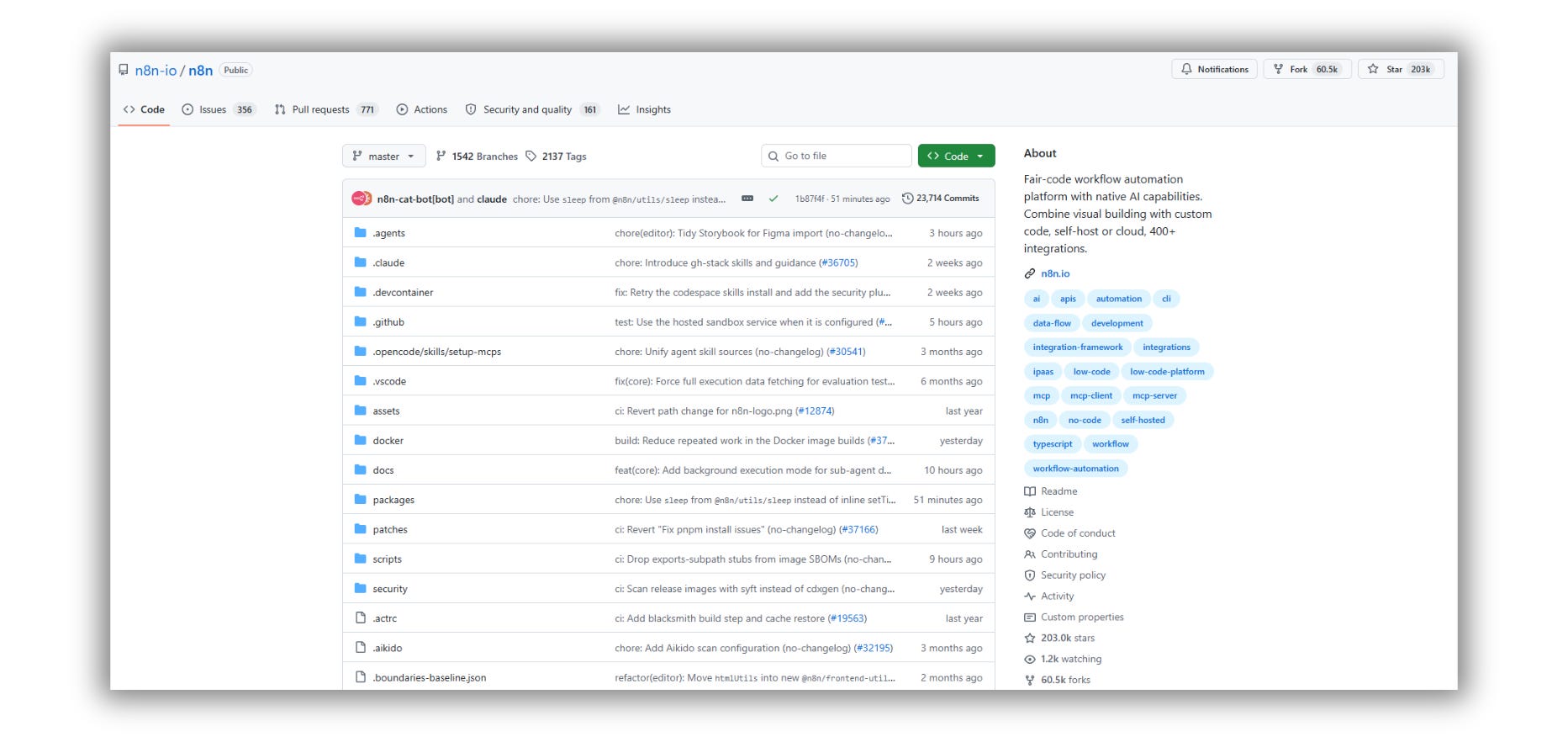
Repo Link: github.com/n8n-io/n8n
2. Firecrawl - replaces Apify
175,198 stars
Point it at a URL, get clean markdown back. Point it at a domain, get the whole site crawled into something an LLM can actually read.
If you’re building anything RAG-shaped, this is the layer that quietly costs you money.
What you’re replacing: Apify. Starter $29/month, Scale $199, Business $999 - with compute units billed on top. That’s the problem: the plan price is a floor, not a forecast. A scraping job that gets retried is a job you pay for twice.
Self-hosted Firecrawl has no compute meter. You pay for proxies and a box.
The honest catch: AGPL-3.0. If you build on it and distribute over a network, the network clause applies. Fine for internal tools. Talk to a lawyer before shipping it as public SaaS.
Also: the repo moved from mendableai/firecrawl to firecrawl/firecrawl. Old links still redirect.
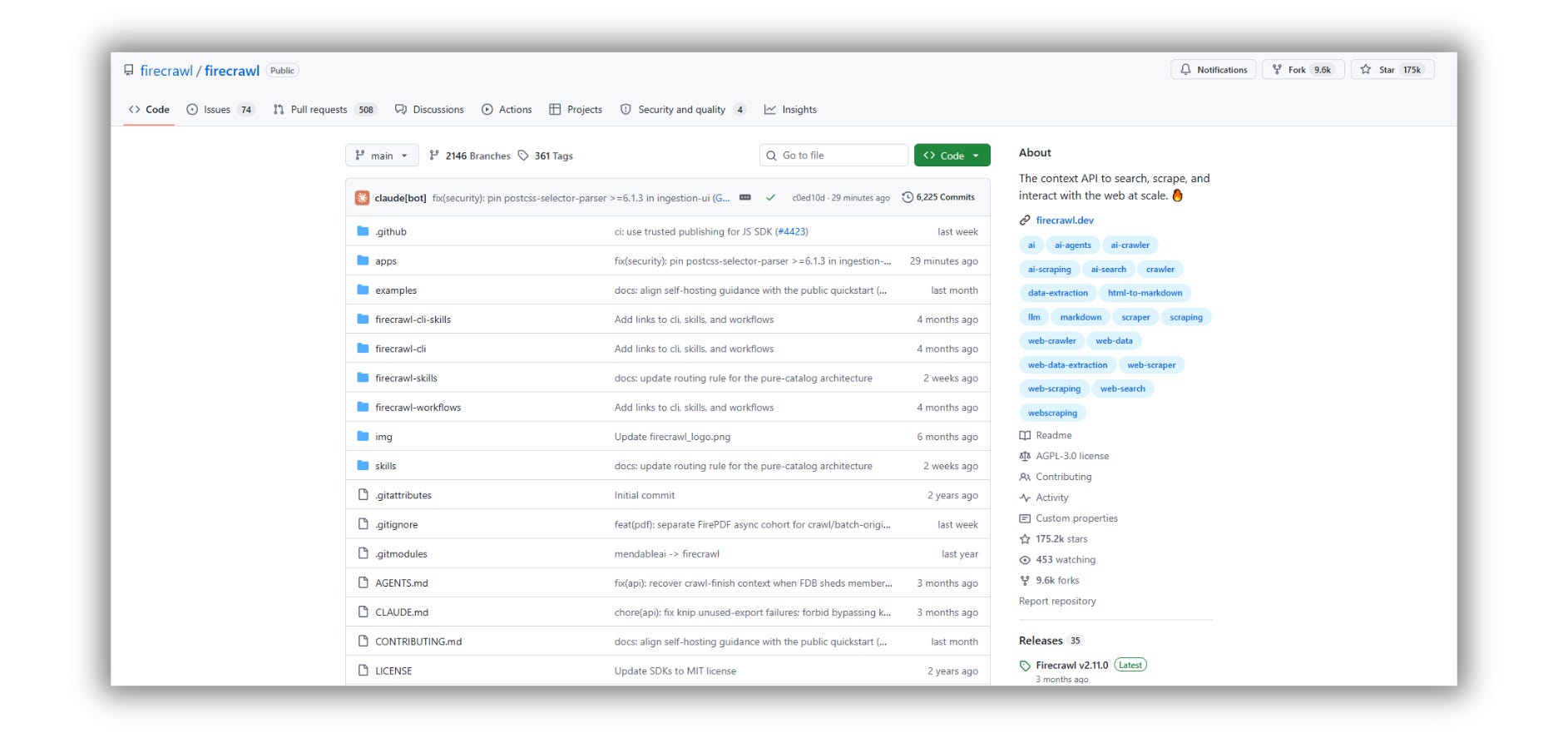
Repo Link: github.com/firecrawl/firecrawl
3. Dify - replaces Stack AI
154,110 stars
Visual builder for LLM apps. RAG pipelines, agent workflows, prompt versioning, model routing, and observability so you can see what your agent actually did instead of guessing.
If you’ve been hand-stitching a vector DB, a prompt template, and a retry loop, this collapses all of it into one canvas.
What you’re replacing: Stack AI. The free tier caps you at 500 runs a month, 2 projects, 1 seat. Above that, as of July 2026, the only published option is Enterprise - talk to sales. The self-serve Builder and Team tiers were pulled from the official page.
That’s the whole argument. When a category’s pricing moves behind a sales call, the free version stops being a compromise and starts being leverage.
The honest catch: modified Apache 2.0. Two conditions matter: no multi-tenant service without written authorization, and the Dify logo stays on the frontend. Everything else is standard.
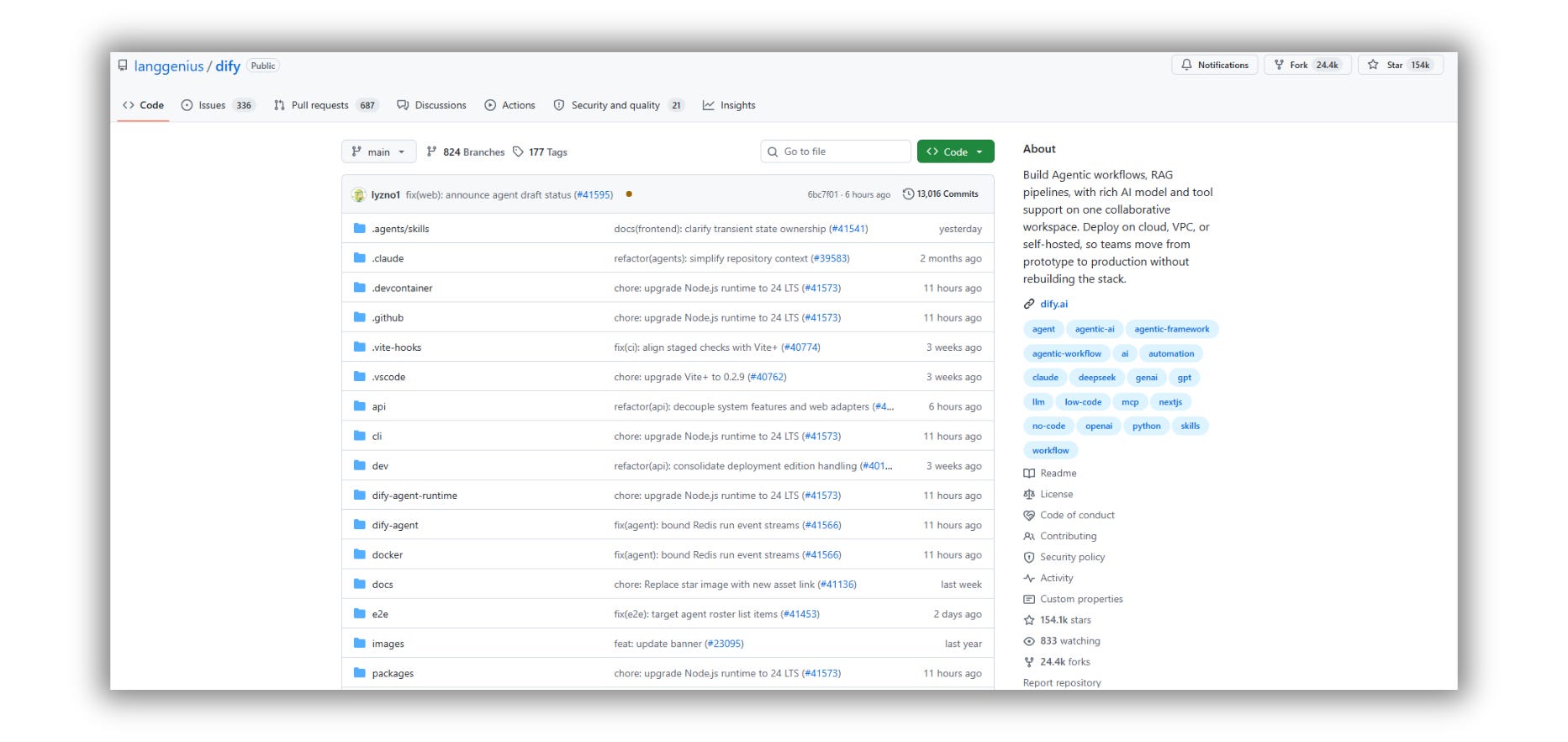
Repo Link: github.com/langgenius/dify
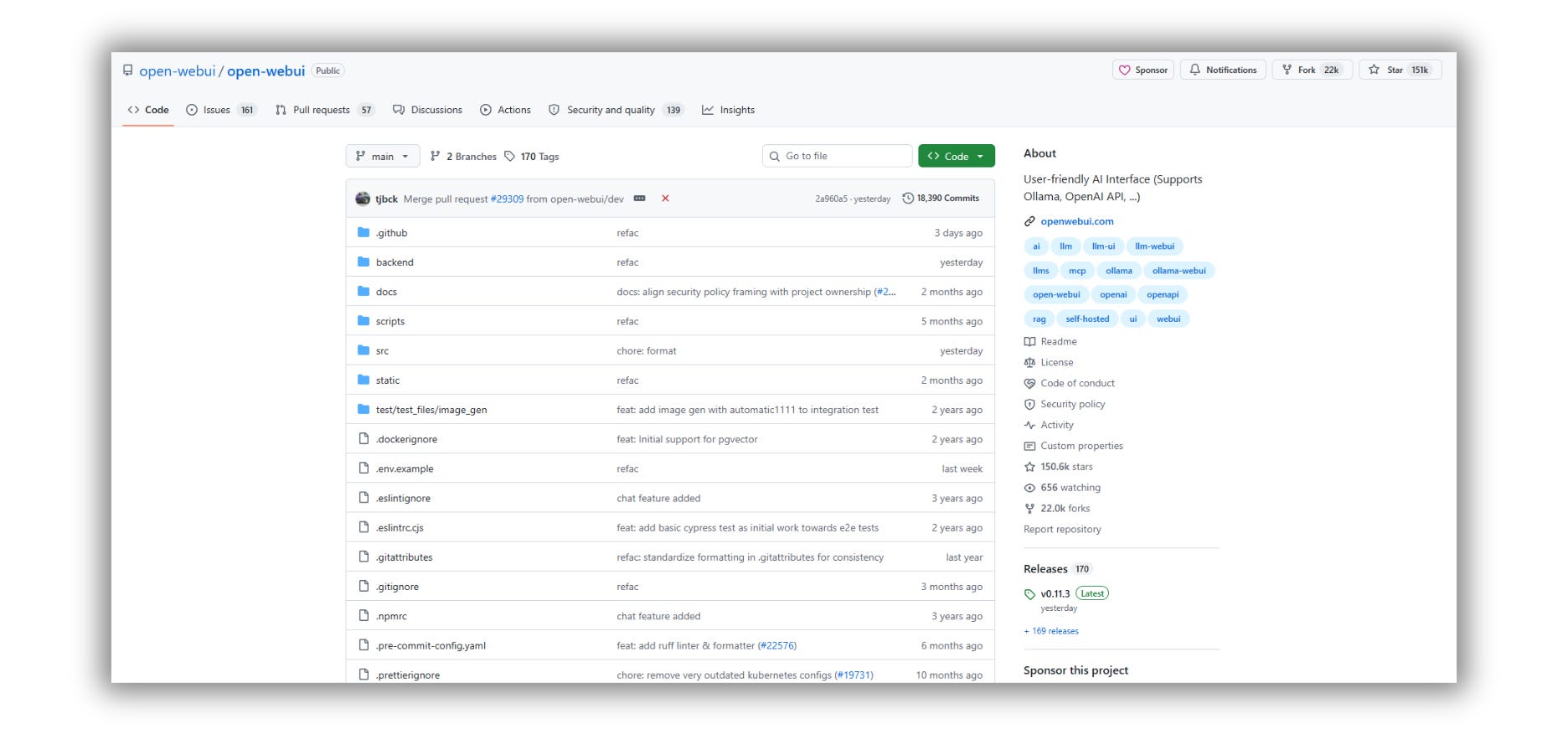
4. Open WebUI - replaces ChatGPT Business
150,600 stars
A full ChatGPT-style interface you host yourself. Multi-user, multi-model, RAG built in. Works against OpenAI, Anthropic, or a local Ollama instance.
What you’re replacing: ChatGPT Business. $20/user/month annually, $25 monthly, two-seat minimum. For a twenty-person team, that’s $4,800–$6,000 a year.
The problem isn’t the price. It’s the shape. You’re buying twenty chairs when three people use AI heavily and seventeen open it on a Tuesday. Open WebUI plus API keys means you pay for tokens consumed, not chairs occupied.
The honest catch: BSD-3-style license with a hard branding clause. You can’t remove Open WebUI branding unless your deployment has fifty or fewer users in any rolling thirty-day window. Under fifty, you’re free. Over fifty, the logo stays.
Repo Link: github.com/open-webui/open-webui
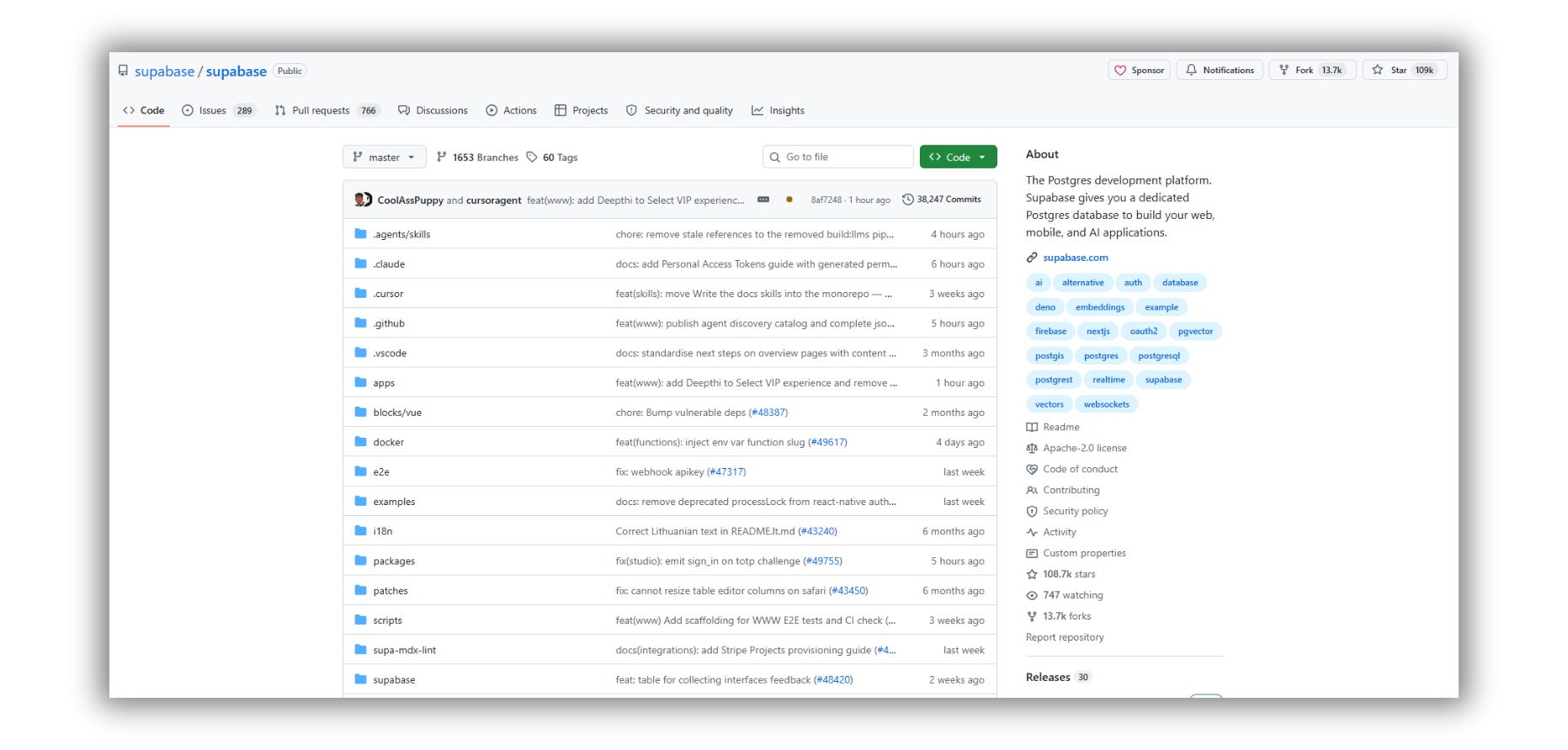
5. Supabase - replaces Firebase
108,685 stars
Postgres with auth, storage, real-time subscriptions, edge functions, and a REST layer generated from your schema. The whole backend - and a real relational database underneath, not a document store you’ll regret in eighteen months.
What you’re replacing: Firebase. There’s no flat paid tier. Spark is free with hard quota stops; Blaze meters every read, write, delete, invocation, and gigabyte of egress.
The number that should worry you isn’t the rate. It’s that Blaze has no hard spending cap. Budget alerts notify you; they don’t stop anything. One inefficient query on a live listener turns a single user action into hundreds of billable reads, and you find out on the invoice.
The honest catch: Apache 2.0, genuinely permissive. The catch isn’t legal; it’s operational - you’re running Postgres now, so backups, migrations, and connection pooling are your job. Supabase Cloud’s free tier is generous enough that self-hosting is usually the second decision, not the first.
Repo Link: github.com/supabase/supabase
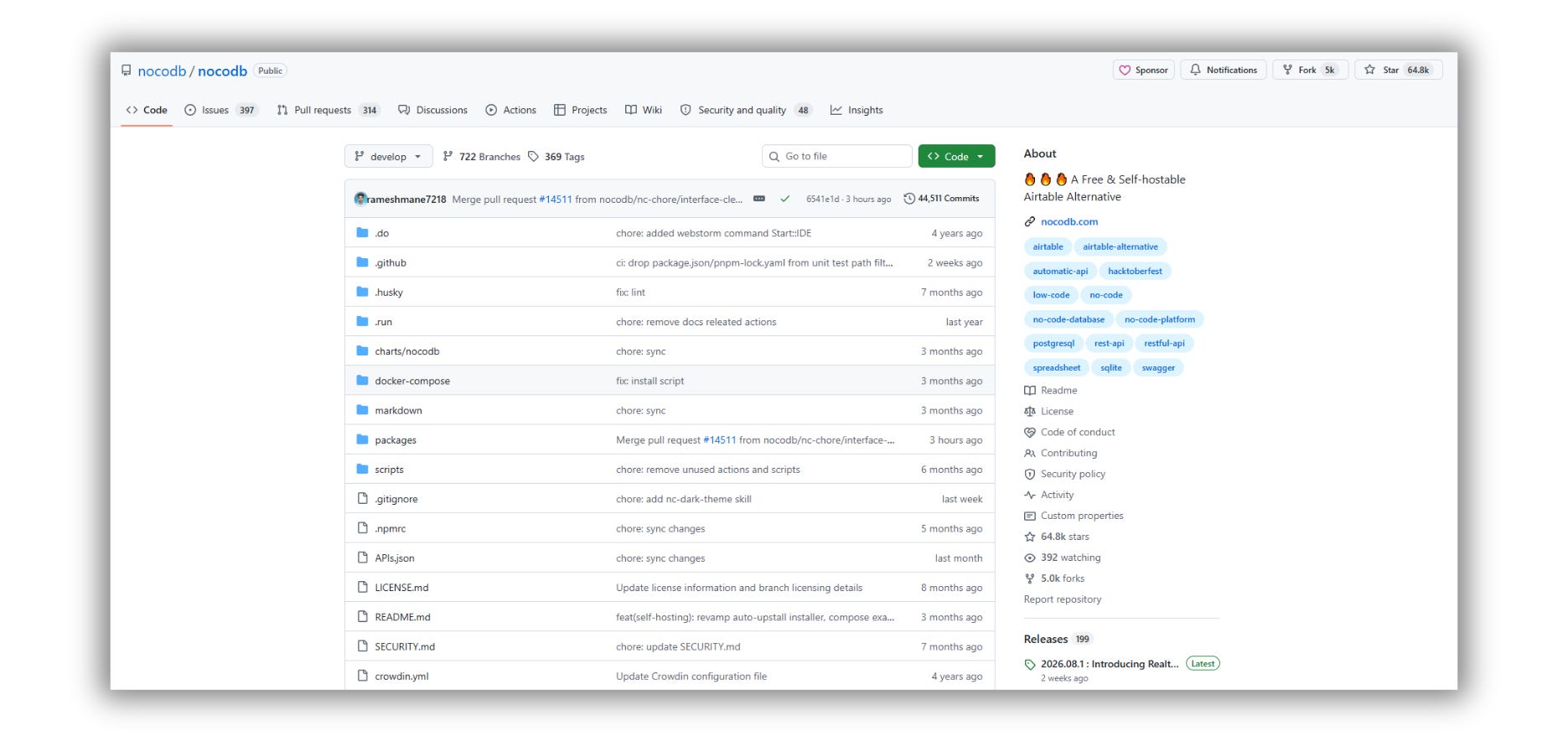
6. NocoDB - replaces Airtable
64,796 stars
Turns any Postgres or MySQL database into a spreadsheet interface. Grid, Kanban, gallery, form, and calendar views. Your ops team gets Airtable; your data lives in a database you control.
What you’re replacing: Airtable. Team is $20 per editor per month annually, $24 monthly. Business is $45 and $54. Every person with edit access to a single base is a billed seat, every month.
The real bite is the record cap: 50,000 per base on Team, 125,000 on Business. Hit it, and the base stops accepting new records until you upgrade or delete.
The honest catch, and this one is recent: NocoDB moved to the Sustainable Use License on January 29, 2026 - the same fair-code model n8n uses. Free for internal business use; no reselling as a service. If you evaluated NocoDB back when it was AGPL, re-read the license before you build on it.
Repo Link: github.com/nocodb/nocodb
Somebody on your team is paying for three tools in this issue right now. Send it to them before the next renewal hits.
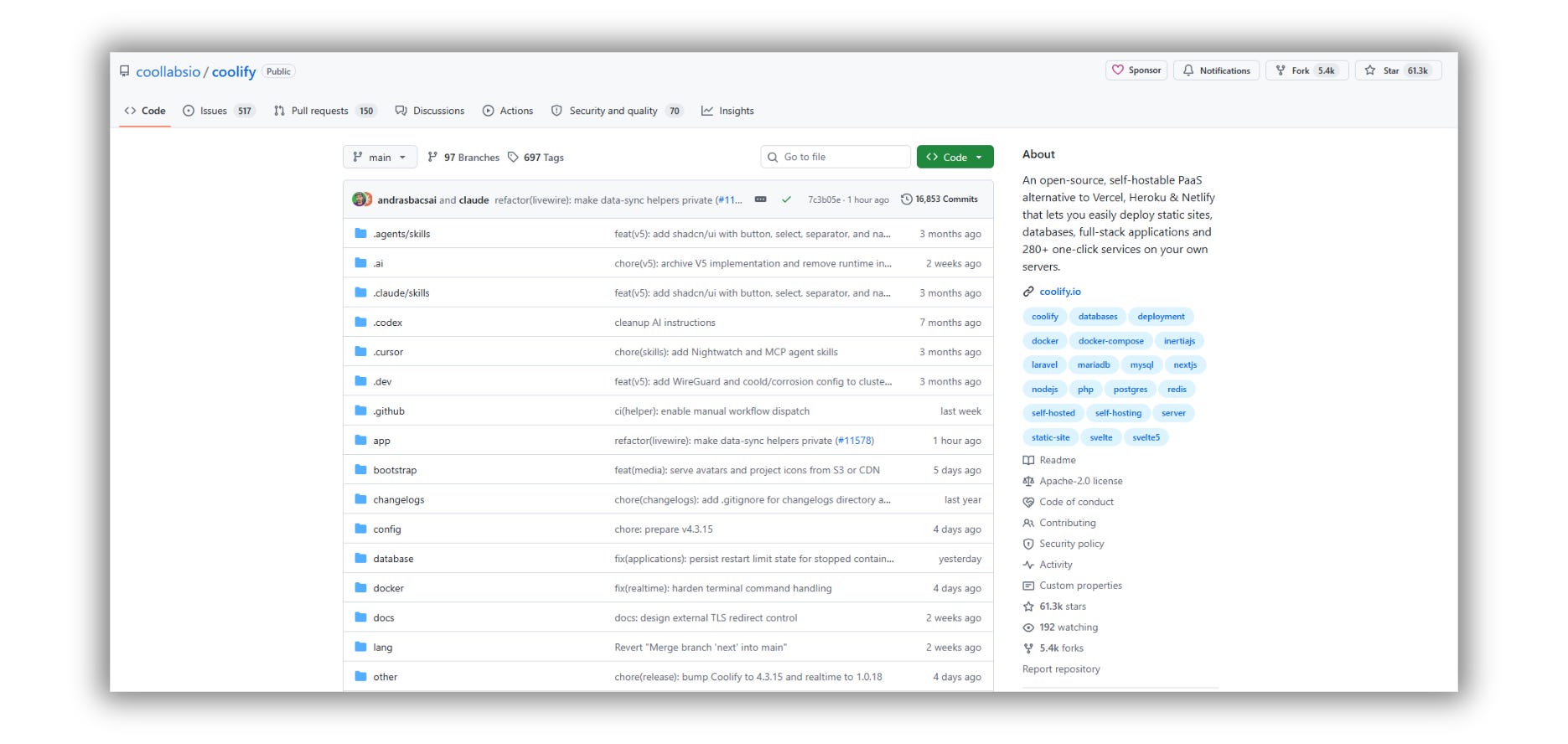
7. Coolify - replaces Vercel
61,287 stars
This is the one that makes the other eleven practical. Point Coolify at a VPS, connect GitHub, and you get push-to-deploy, automatic SSL, databases, backups, and a one-click app library - mostly the tools in this issue.
What you’re replacing: Vercel. Pro is $20/seat/month plus metered bandwidth, compute, and builds. Real bills for a live app land closer to $100–$300/month, and SSO is a $300 add-on on top.
Coolify on a $5–$20 VPS is a fixed number. It doesn’t spike because a page went viral.
The honest catch: Apache 2.0, fully permissive. But you’re the ops team now. When the server goes down at 2 am, there’s no support ticket. Budget for that or don’t do it.
Repo Link: github.com/coollabsio/coolify
8. Twenty - replaces Salesforce
55,993 stars
Modern CRM. Keyboard-first, customizable objects, clean data model.
What you’re replacing: Salesforce Sales Cloud. Enterprise is $165–$175 per user per month. At 25 users, that’s ~$49,500 a year - before add-ons. And the add-ons are where Salesforce lives.
Twenty on a server you already pay for is the server.
The honest catch: AGPLv3; some files are commercial. Also: this isn’t a fifteen-year-old platform with a marketplace. If your sales process runs on nine Salesforce integrations, Twenty won’t absorb that this quarter.
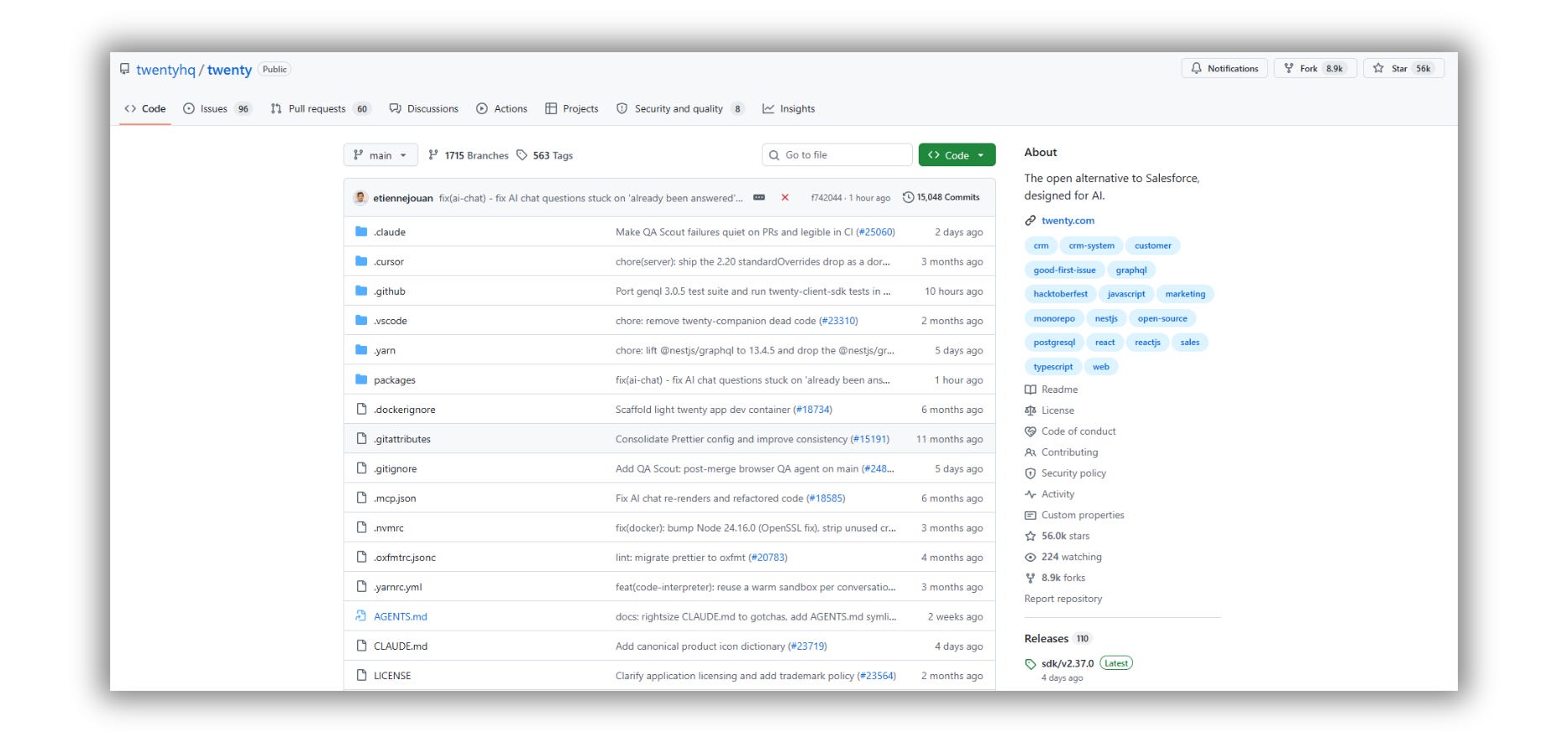
Repo Link: github.com/twentyhq/twenty
9. Metabase - replaces Tableau
49,043 stars
Point it at your database. Non-technical people ask questions in a visual builder; technical people drop into SQL. Dashboards, scheduled reports, alerts.
The BI tool your ops lead will actually open.
What you’re replacing: Tableau Cloud. $75/user/month for Creator, $42 for Explorer, $15 for Viewer - annual only. There’s no guest link, so every external viewer needs a paid seat. Fifty clients just looking at a dashboard is $9,000 a year.
The honest catch: AGPL. Metabase sells paid Pro and Enterprise editions, so some features sit behind that line. The open-source core covers dashboards, questions, and SQL.
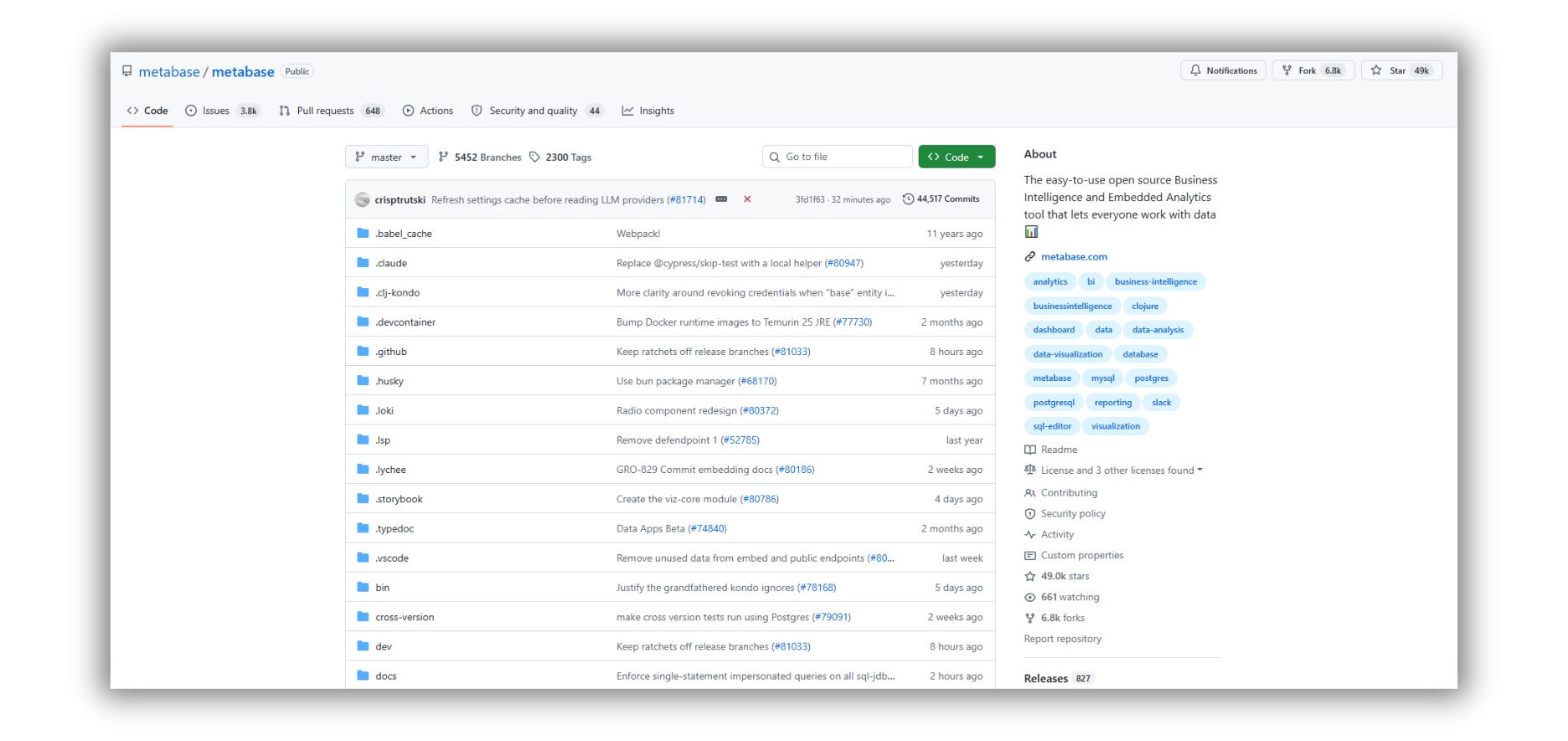
Repo Link: github.com/metabase/metabase
10. Appsmith - replaces Retool
40,799 stars
Drag-and-drop internal tool builder. Connect a database or API, drop in tables and forms, write JavaScript where you need logic. Admin panels, ops dashboards, support consoles.
What you’re replacing: Retool. Business is $50 per builder per month, plus $15–$18 per internal user. Five builders and 30 users run ~$700/month.
The trap: Retool counts anyone who edited an app that cycle as a builder. One person tweaking a button in month seven quietly reprices your seat.
The honest catch: Apache 2.0 core, paid tier for audit logs, granular permissions, and SSO. If you need SOC 2-shaped access control, you’re paying somebody either way.
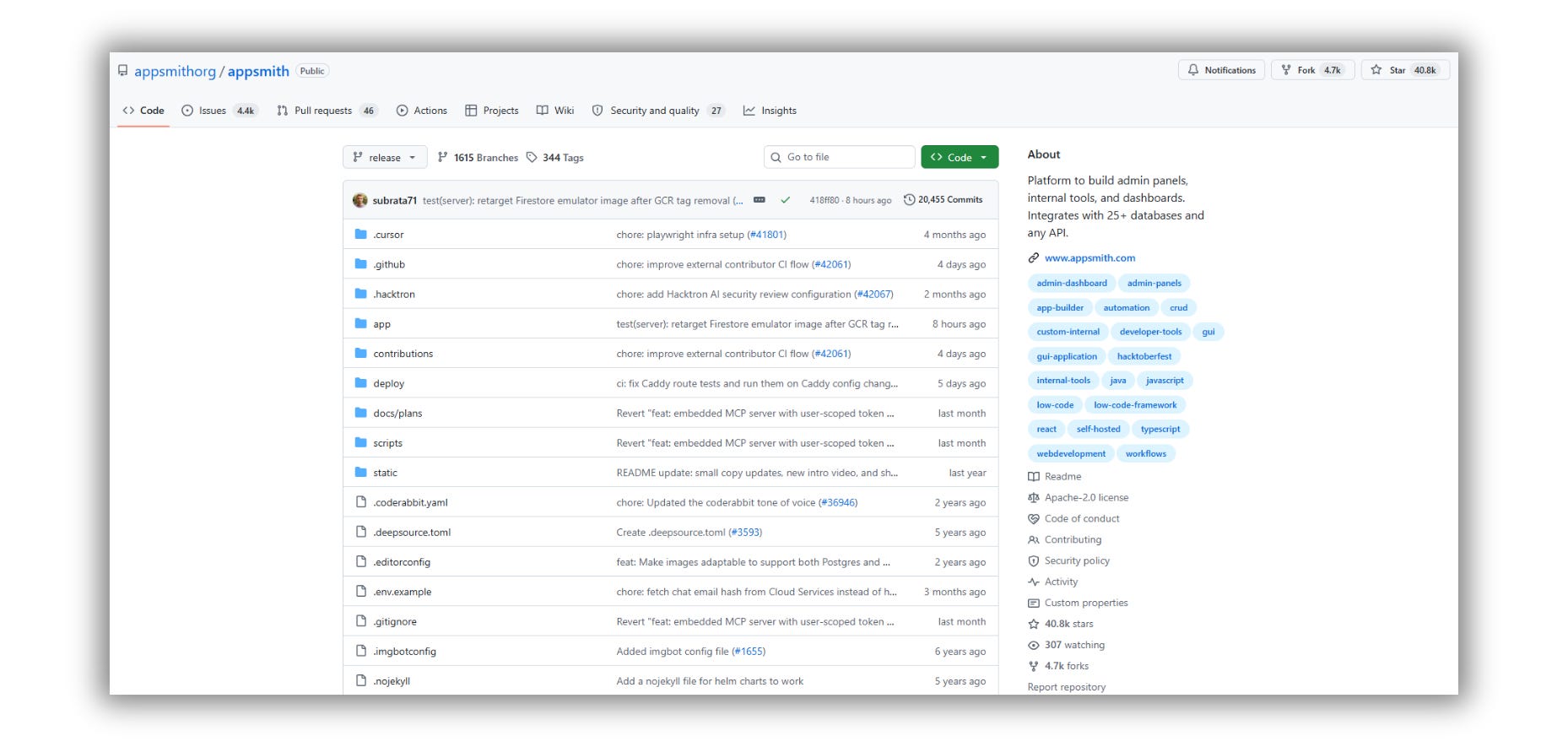
Repo Link: github.com/appsmithorg/appsmith
11. PostHog - replaces Mixpanel
39,522 stars
Product analytics, session replay, feature flags, A/B testing, and surveys in one repo. Most teams buy three tools to get this.
What you’re replacing: Mixpanel. Growth gives you 1M events free, then ~$0.28 per 1,000. Run 10M events, and that’s about $2,520 at least. Mixpanel also doesn’t do session replay at all - so the moment you want to watch what a confused user did, you’re buying a second tool on top.
The honest catch: MIT, except the ee/ directory. Clean open-core split. But self-hosting PostHog at real event volume is heavy infrastructure, and their own guidance leans toward cloud for most teams. I think that’s honest of them.
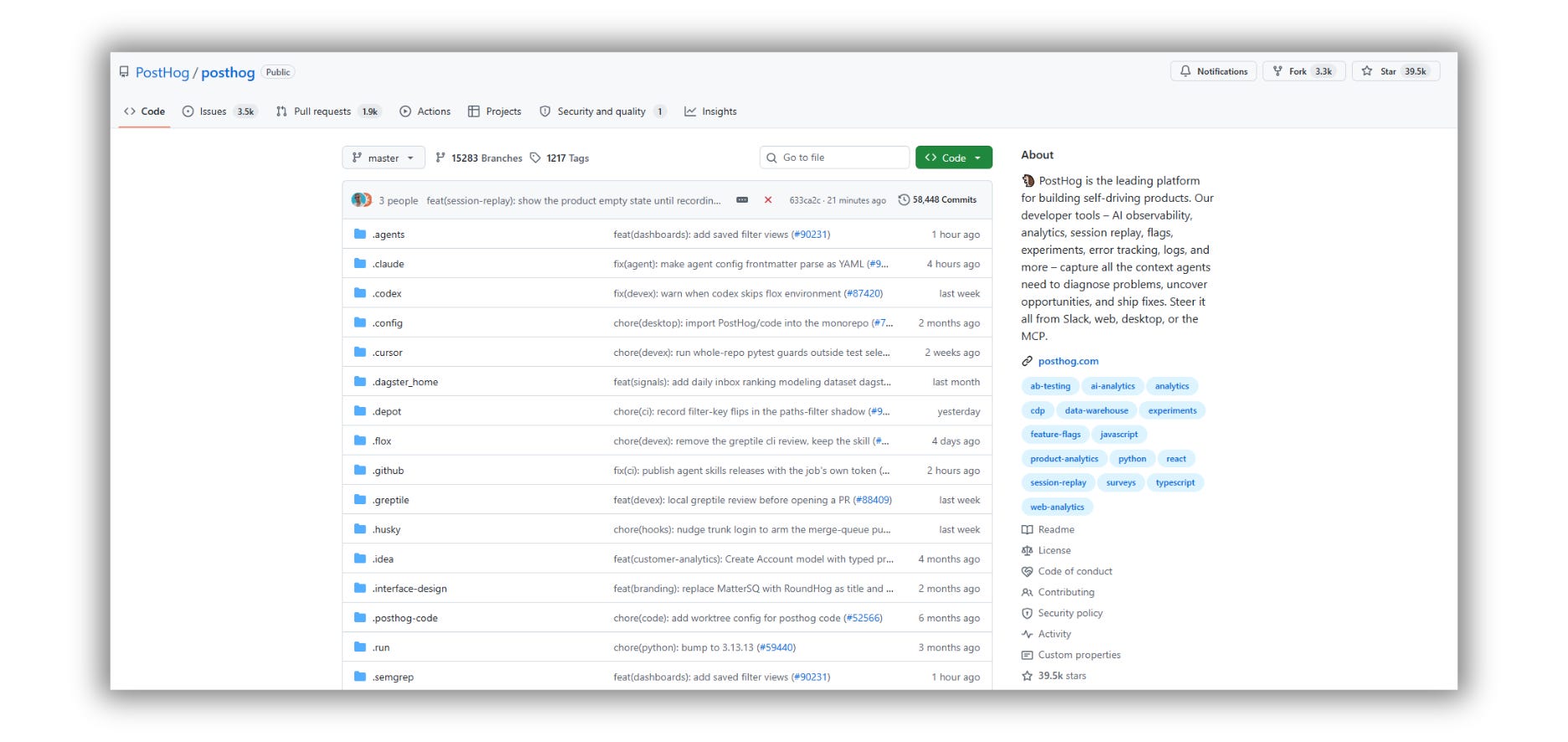
Repo Link: github.com/PostHog/posthog
12. Chatwoot - replaces Intercom
36,370 stars
Omnichannel support inbox. Live chat, email, WhatsApp, Instagram, Telegram - all in one shared queue, plus a help center and canned responses.
What you’re replacing: the biggest number in this issue. Intercom seats are $29, $85, and $132 per person per month. Then Fin, the AI agent, bills $0.99 per resolution on top - 50-outcome monthly minimum, no volume discount, no rollover.
Do the math: 4,000 resolutions is roughly $3,960 in AI fees alone. More than the seats.
The honest catch: MIT, except the enterprise/ directory. And Chatwoot’s AI isn’t Fin. You’re replacing the inbox, not the AI. Be clear-eyed about that trade.
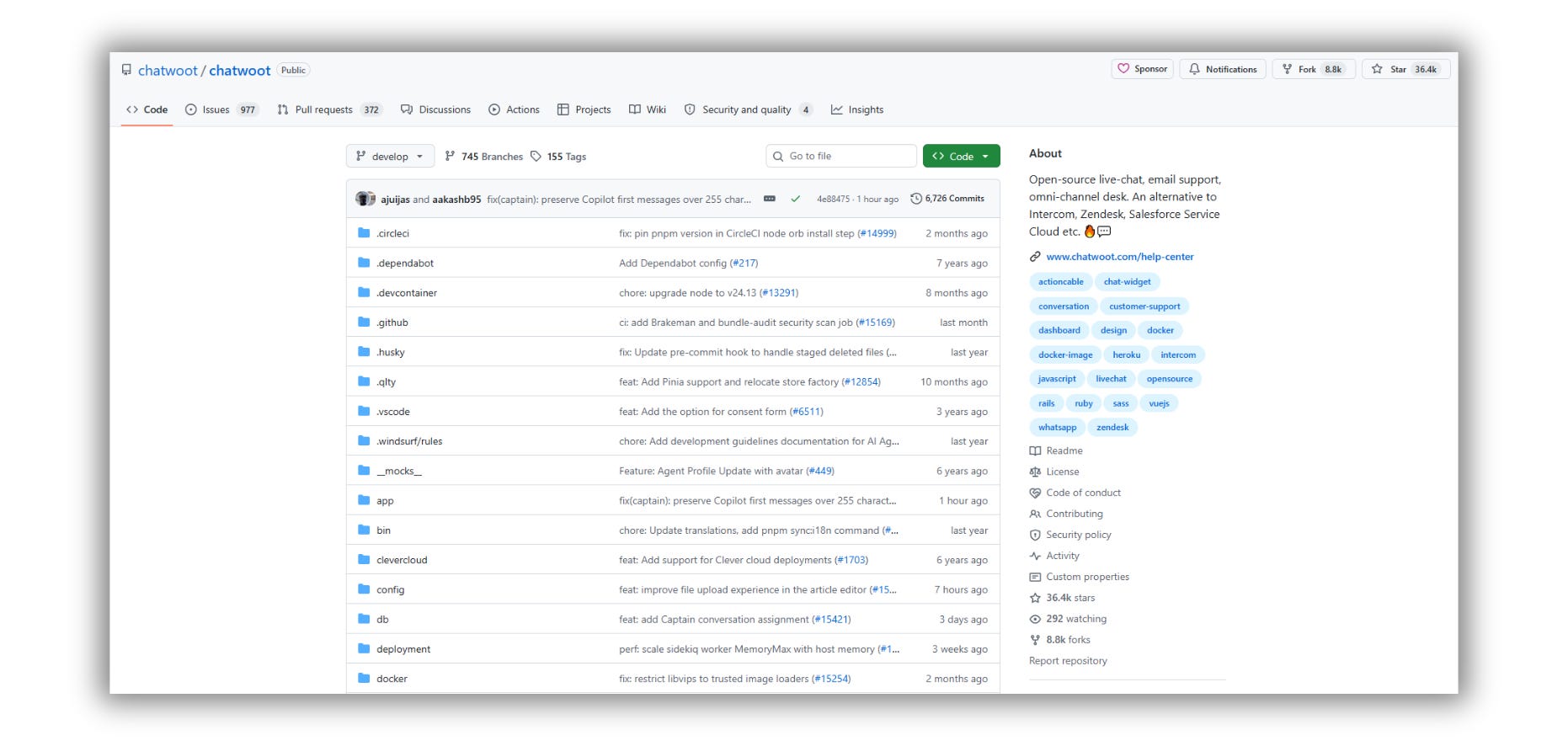
Repo Link: github.com/chatwoot/chatwoot
I don’t have a research team. I have a browser with forty tabs open and a coffee that went cold. If this helped, help back.
The Prompt I Use To Decide
Paste this into Claude with your actual billing data. It will not be sentimental about your tools.
You are a pragmatic infrastructure advisor for a small business. I am
evaluating whether to replace paid SaaS with self-hosted open-source
alternatives.

Here is my current stack:
[paste your tools, monthly cost, number of seats, and who uses each one]

Here is my situation:
- Team size: [number]
- Do we have anyone who can maintain a Linux server: [yes / no / sort of]
- Hours per week available for maintenance: [number]
- Is any of this customer-facing or revenue-critical: [which ones]

For each tool, tell me:
1. The realistic self-hosted replacement, if one exists
2. Annual savings after adding server cost and 4 hours/month of my
   time valued at my hourly rate
3. What specifically breaks if the server goes down at 2am on a Saturday
4. A migration difficulty score from 1 to 5, and what makes it hard
5. A clear KEEP PAYING verdict where the SaaS is genuinely worth it

Rank everything by savings divided by risk. Then tell me the single
tool I should migrate first and the single tool I should never migrate.

Be blunt. If self-hosting is a bad idea for my situation, say so
directly and explain why.
That last instruction is the one doing the work. Without it, the model will happily talk you into running your payroll system on a Raspberry Pi.
Mentor Moment
Let me slow down, because I don’t want this issue to cost you money.
Self-hosting isn’t free. It moves the cost from your card to your calendar.
The bill you stop paying is real. So is four hours a month of patching, backups, and the occasional midnight outage. If your time is worth $150 an hour and you spend four hours keeping a $50/month tool alive, you’re losing money and calling it savings.
The rule I use:
Self-host when the SaaS charges per seat and you have more people than heavy users. Twenty people needing occasional access to a $45-a-head tool is exactly where this wins.
Keep paying when it’s customer-facing, revenue-critical, or compliance-bound. Your payment processor. Your production database. Your support inbox in your busiest quarter. Pay somebody to be on call.
The point was never to spend nothing. It’s to stop paying rent on things you could own, so you can afford what’s genuinely worth renting.
That instinct - knowing which layer to own and which to rent - is the same one I wrote about here:
You’re Not Using AI. You’re Building Someone Else’s Moat.

But the models, memory, pricing, rules, and intelligence layer still belong to someone else.
Recap Checklist
[ ] Opened my billing dashboard and sorted by cost
[ ] Identified which line items are priced per seat
[ ] Ran the decision prompt with my real numbers
[ ] Picked exactly ONE tool to migrate first
[ ] Provisioned a VPS with at least 4GB RAM
[ ] Installed Coolify
[ ] Deployed the replacement and ran it in parallel
[ ] Read the actual LICENSE file before committing
[ ] Set a 30-day calendar reminder before cancelling anything
[ ] Wrote down what I would do if the server died tomorrow
That last one is not optional. If you cannot answer it, you are not ready to cancel.
We tested it in public. Now go use it in private.
If this saved you money, save someone else money. Share it.
I write about the systems, workflows, and ownership layers people will need to remain valuable in the AI era.
Follow @humzaakhalid and subscribe to AI in Public for the next breakdown.
P.S. - Which line on your bill made you flinch when you read this?
Reply and tell me. I read every one.
_ Hamza 💙