I’m going to tell you something most AI newsletters won’t.
There is no “best” AI model in 2026.
There is only the right model for the right job.
And right now, most people are using the wrong one for almost everything they do.
You’re the reason this newsletter exists. What AI tool or workflow should I test next? Drop your topic in the comments - the most-requested one becomes the next issue.
By the end of this issue, I’ll give you a free copy-paste decision cheat sheet - one page, every model, exactly when to use each one. Keep it open every time you start a task.
Four months ago, I had a client deliverable.
A 12-page strategic brief. High stakes.
I needed it to be clean, argued well, and sound like a senior strategist wrote it.
I opened Claude Opus 4.
Spent 90 minutes going back and forth. The output was good. Not great.
I couldn’t figure out why it felt slightly off.
So I tried GPT-4o.
Different output. Also good. Also not quite right.
I spent 4 hours total switching between models, getting increasingly frustrated, blaming the tools.
Then a friend - someone who’s been building with AI for 3 years - looked at what I was doing and said 6 words that still annoy me:
“What type of task is this, exactly?”
I didn’t have an answer.
I was treating a precision reasoning task like a creative writing task.
I was using a model optimised for voice when what I needed was a structured argument.
Same quality model. Wrong job.
20 minutes with the right model - Gemini 2.5 Pro, structured brief, clear role - and the output was better than anything from the previous 4 hours.
Those 4 hours are gone. I can’t get it back.
You don’t have to lose yours.
The Old Way → New Way
The old way most people operate:
→ Pick one “flagship” model
→ Use it for everything
→ Assume the expensive one is always better
→ Wonder why results feel inconsistent
The new way:
→ Match the model to the task type
→ Use 3–4 models in rotation
→ Pay only for what the task actually requires
→ Get faster, better results across the board
The jump from old to new doesn’t require a new tool. It requires a new mental model.
Here’s that mental model - built from 6 months of daily testing.
The 2026 Model Map: Who Does What Best
Before we go model by model, here’s the lens I use for every task I do:
Task complexity determines the model. Not a habit. Not brand loyalty.
Every task you do falls into one of four categories:
→ Precision tasks: code, logic, structured reasoning, math
→ Creative tasks: writing, storytelling, voice, persuasion
→ Research tasks: synthesis, analysis, summarization, comparison
→ Speed tasks: drafting, outlining, quick edits, iteration
Once you know which category your task is, the model choice becomes almost automatic.
Let’s go through each major model - honest, no fanboy, no hype.
I know what you’re thinking right now. “Just tell me which model to use, Hamza.” I hear you. I thought the same thing for 6 months - and I kept picking wrong because I skipped exactly this step. Give me 90 more seconds. The map is worth it.
Step 1: Claude (Anthropic) - Best for Writing, Reasoning, and Long Context
What it’s genuinely great at:
Claude Opus 4 is the model I reach for when the quality of the writing matters.
Not just any writing. Writing that needs to sound like a person wrote it.
Writing with nuance, restraint, and voice.
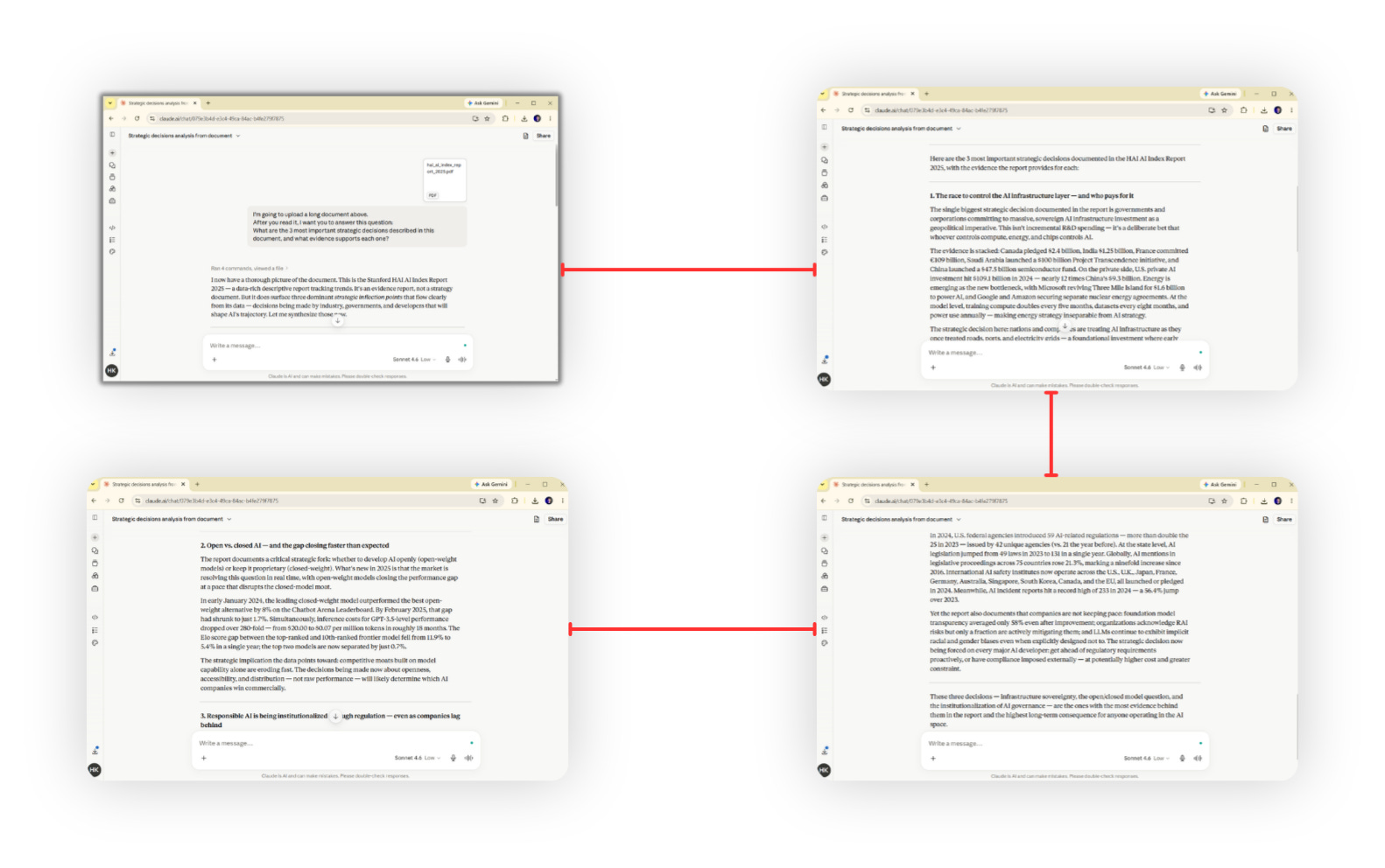
It’s also the only model I trust with 200,000-token context windows.
When I’m loading an entire business document, a long research paper, or a full codebase into one conversation, Claude handles it without losing the thread. Other models get fuzzy past a certain point. Claude doesn’t.
Specific use cases:
Long-form content (newsletters, reports, proposals)
Multi-step reasoning chains
Processing and summarizing large documents
Any task where voice and tone are non-negotiable
System prompt design and prompt engineering
Where I’d warn you off:
Claude is not the fastest model for quick iteration.
If I’m just running 20 subject line variations in 3 minutes, I’m not using Opus. That’s overkill.
Haiku handles that fine at a fraction of the cost and 3x the speed.
Honest rating for 2026: 9/10 for quality tasks. 6/10 for speed tasks.