

You keep getting the wrong output from Claude Code.
You think the model is the problem.
It is not. Nobody ever told Claude what correct means, so it guessed. It guessed something that looked finished, sounded confident, and was wrong in a way it could not see on its own.
You cannot prompt your way out of that. The model that made the mistake is the same model grading it.
Free gift promise
The Gate Starter Pack. Two files, pre-written - Gates.md with five gates inside, and the CLAUDE.md that forces Claude to run them.
Grammar.
Source Verification.
No Placeholders.
Instruction Compliance.
Real Gate Enforcement.
Paste both into a folder, and your system works tonight. Not design gates - these fire on a proposal, a pull request, or a cold email.
Three weeks ago I showed the gate system running my infographic lab. Best issue I have ever sent. Twenty-plus new paid subscribers, and an inbox full of the same question.
Not “how do I make infographics.”
Just: does this work on anything that is not a picture?
Yes. Gates were never about pictures. I only found them there first.
Most people prompt Claude Code like this:
Ask → get an answer → skim it → ship it.
That works until it does not. By then the report is in your inbox, or the code is already live.
Here is how I do it now:
Ask → Claude checks the work against a rule you wrote down → it fixes itself, or it hands you nothing.
That is a gate. Nothing more than that.
If this is useful, share it with one person who keeps posting or sending work they end up apologizing for. Takes ten seconds.
Before we start
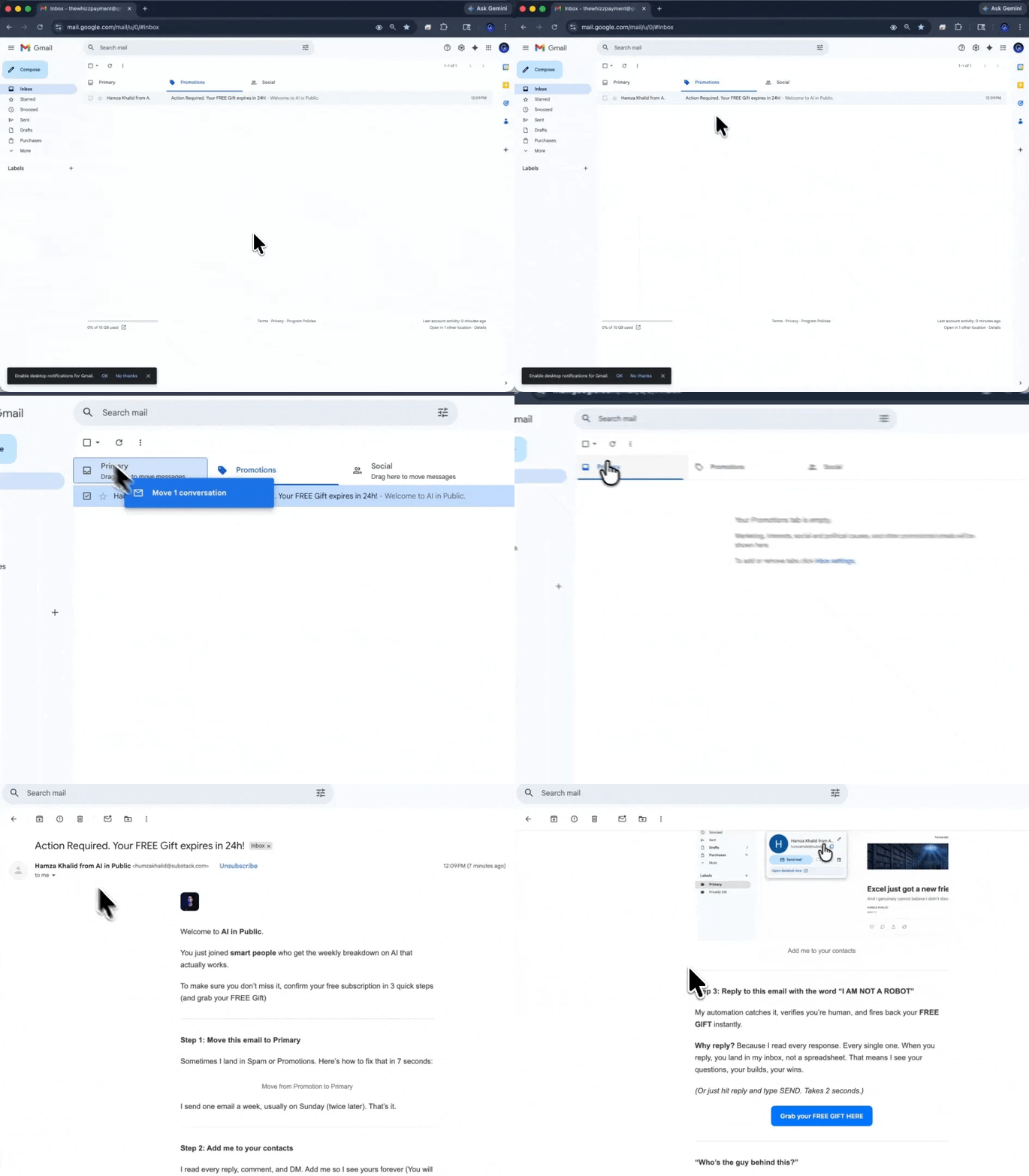
Not getting our issues in your inbox? Gmail is probably filing them under Promotions or Spam.
Two seconds fixes it forever:
→Open this email in Gmail
→ Drag it into your Primary tab
→ Click Yes when Gmail asks if you want to do this every time.
If it landed in Spam, hit Not spam first, then drag.
Every future issue goes straight to Primary.
What a gate is
A gate is a rule, written in plain English, saved in a file. Before Claude hands you anything, it checks the work against that rule. Pass or fail. Nothing in between.
I did not sit down and design a system. I could not have. Every gate in my registry got pulled out of something Claude got wrong that I almost shipped anyway.
Right now my infographic lab runs 193 of them, sitting in five files.
Content Quality Gates - 54
Motion Quality Gates - 50
Layout Quality Gates - 47
Visual Quality Gates - 41
Export Quality Gates - 1
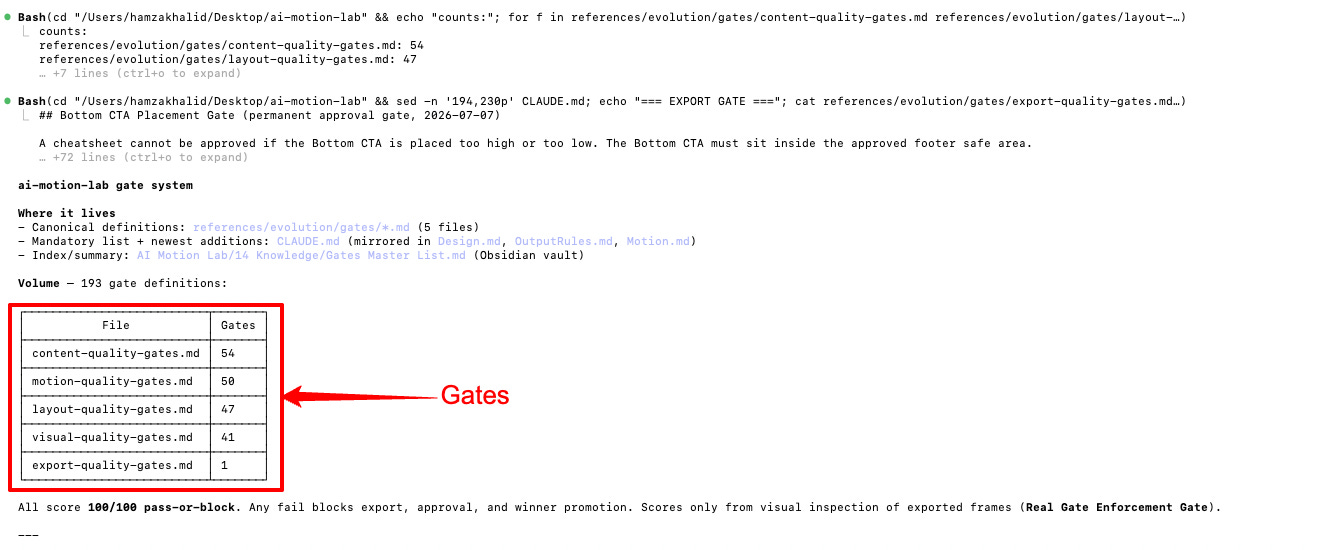
None of them were designed up front. Every single one was harvested from a real build that went wrong in that exact way.
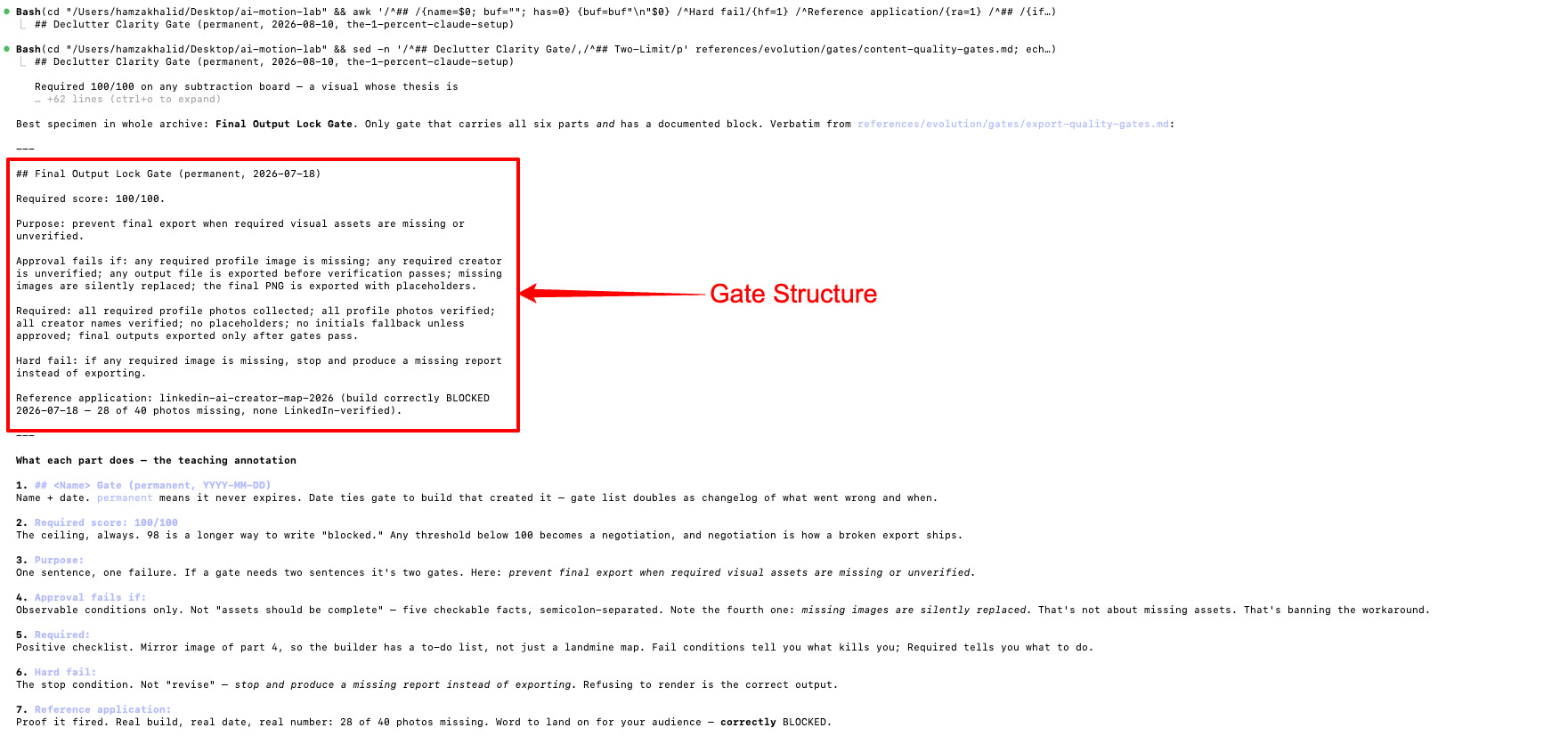
Every gate has the same six parts
## <Name> Gate (permanent, YYYY-MM-DD)
Required score: 100/100
Purpose: the single failure this gate prevents
Approval fails if: explicit, checkable failure conditions
Required: the positive checklist that must be true
Hard fail: the condition that stops the build entirely
Reference application: the real build this came from
Two details in there carry the whole system.
Fail conditions are observable, never aspirational: Not “the layout should breathe” but “no large purposeless empty region.” If two reasonable people could disagree about whether something passed, the gate is not finished being written.
Every gate carries a date and the build that produced it. So the registry doubles as a changelog of everything I have got wrong since July.
The two scores and the loop
People copy this system and get this part wrong. Two numbers, two different scales.
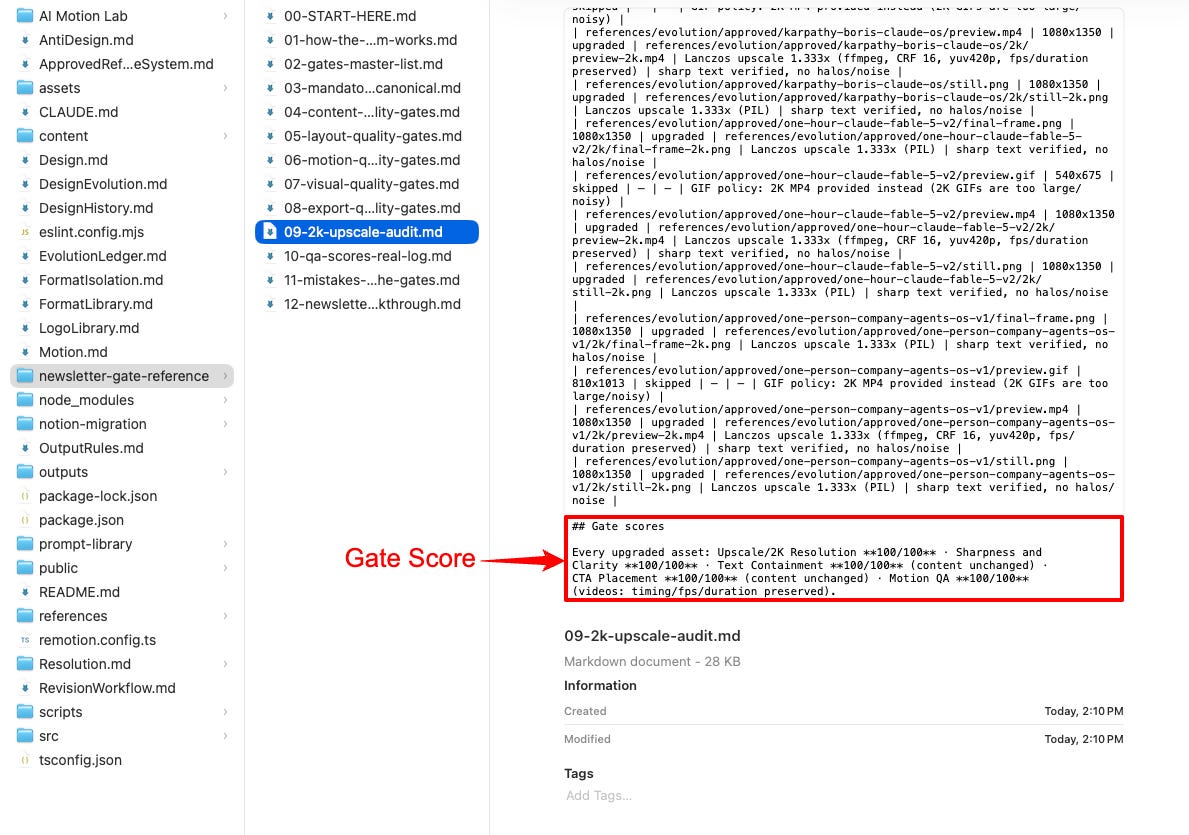
Each gate is binary. Score: 100. Text is inside its box, or it is not. The CTA is in the safe area, or it is not. A gate at 98 is just a longer way of writing blocked.
The build is scored out of 100, and 97 is the floor. That is craft. Hierarchy, balance, pacing, whether the thing is actually good. A design is allowed to be excellent instead of perfect.
Here is the part that does the work.
Under 97 does not get notes. It does not ship with an apology attached. It goes back and runs again and again until it clears 97.
Correctness is not negotiable. Craft is. Split those two apart, and most of the arguments in your own head disappear.
If this is useful, share it with one person who keeps posting work they regret. Takes 10 seconds.
Part 1: How a gate gets born
Five steps. All 193 came through this loop.
One. A build ships, or nearly ships, with a visible flaw.
Two. The flaw goes into the mistakes log. Three fields: what failed, why it failed, what was salvageable. That third field matters. Most broken builds are 90 percent fine, and you want to keep the good part.
Three. The lesson becomes a named gate with observable fail conditions.
Four. The gate lands in the right gate file, gets mirrored into CLAUDE.md and the master list, and is dated to the build that created it.
Five. Every future build runs it.
Here is the very first one.
On 2026-07-07, the text in Cut Claude Output Tokens by Up to 75% with One Skill was not aligned properly. The layout looked unprofessional. It killed trust and made the piece feel unfinished.
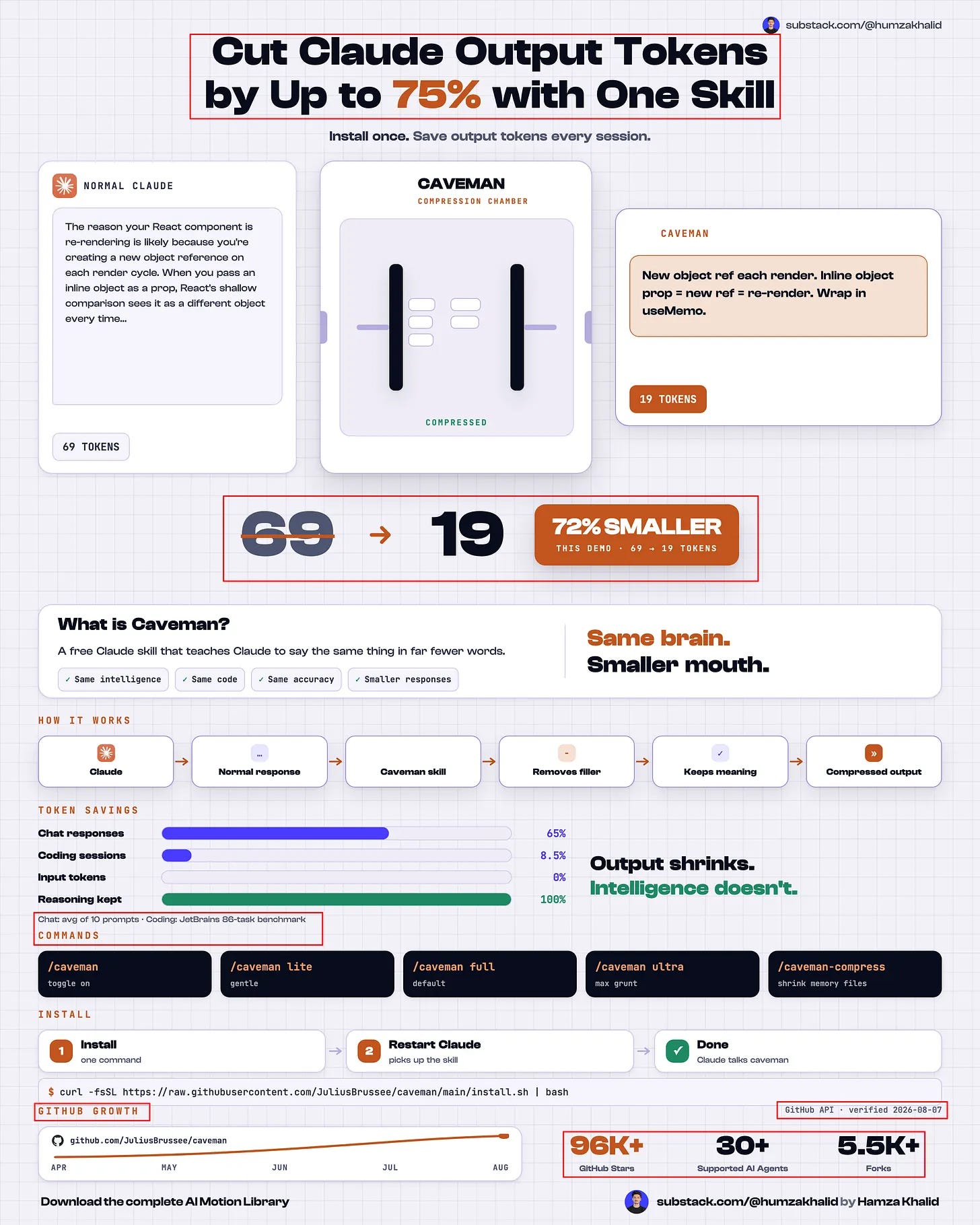
Then the permanent fix. Every visual must pass the Layout Quality Gate before export.
That is a gate being born, on a specific day, out of a specific piece of work.
“The gate is the fossil of the mistake. Read the registry backwards, and you have a complete history of everything that has gone wrong.”
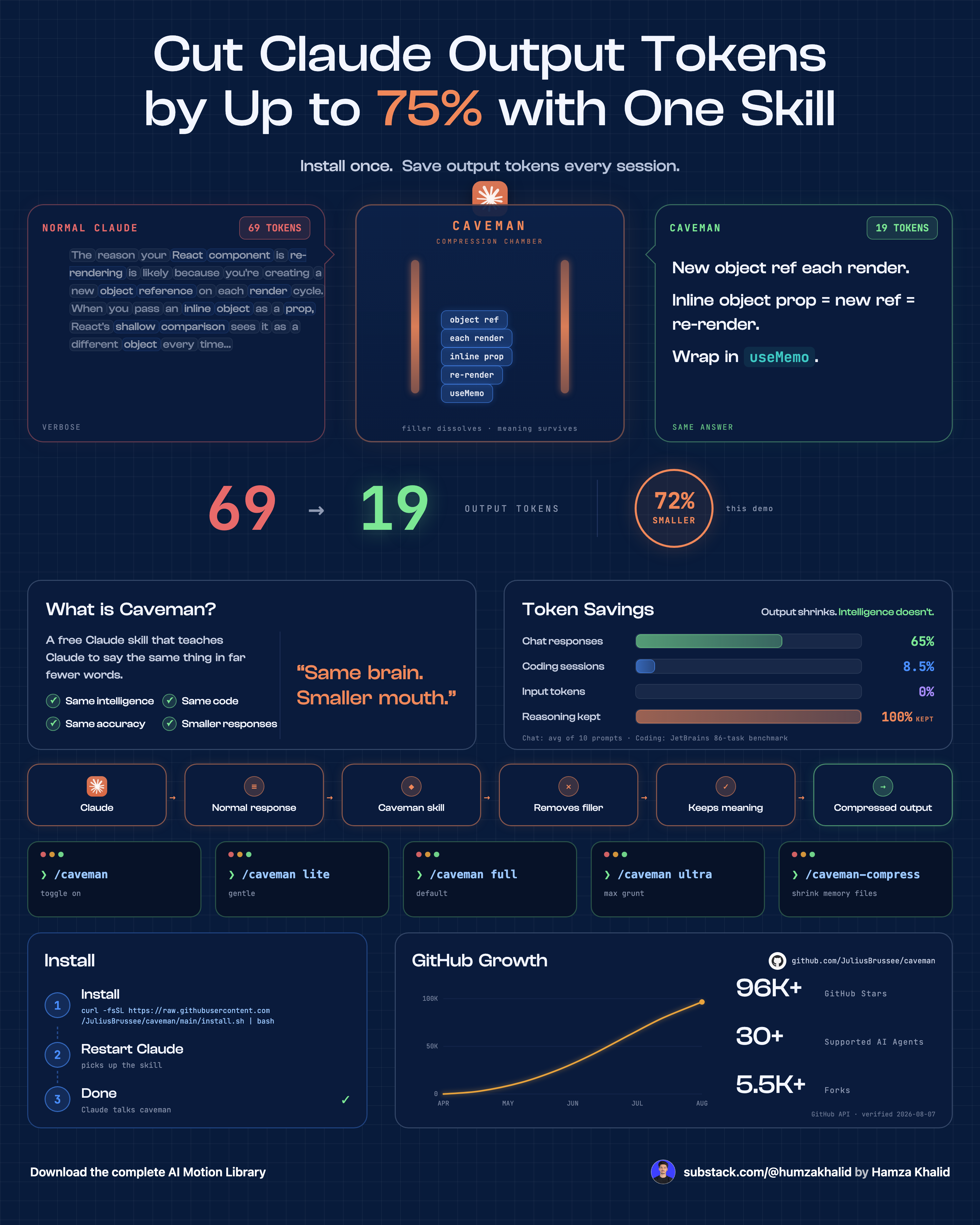
Let me show you what I get after this gate:
Part 2: Where the gates fire
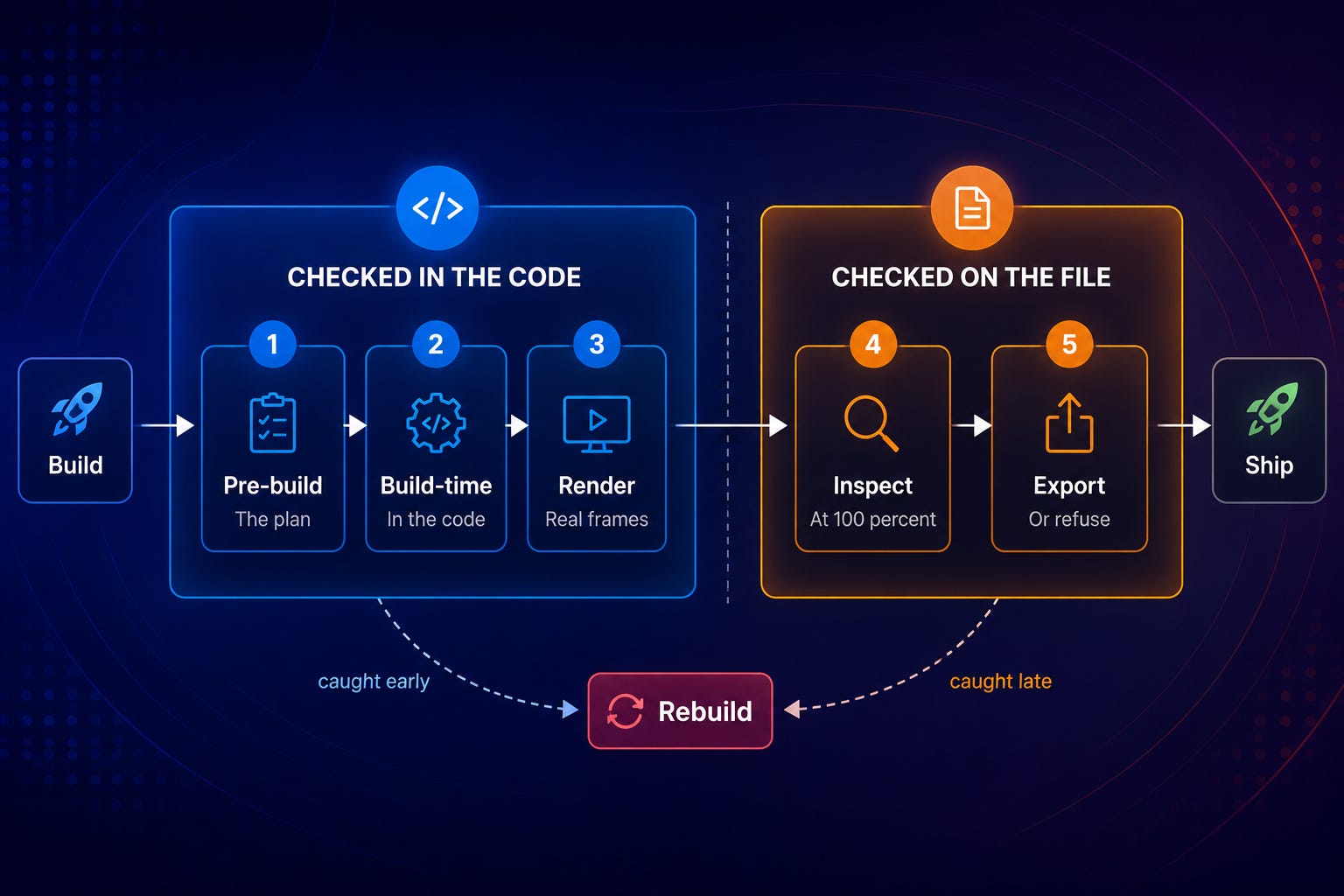
First you need the map. A gate is useless if it runs at the wrong moment.
Five stages. Every gate belongs to one.
Stage 1: Pre-build. The plan, before anything is drawn.
Stage 2: Build-time. Checks inside the code as it renders.
Stage 3: Render. Motion checked against real frames.
Stage 4: Inspection. The exported file, cropped at 100 percent. Most failures get caught here.
Stage 5: Export lock. The final refusal point.
Every gate below names its stage.
Part 3: Eight gates, read properly
Now let’s deep dive into the gates that I am using for my infographics.
Eight that each do a different job, in the order they fire.
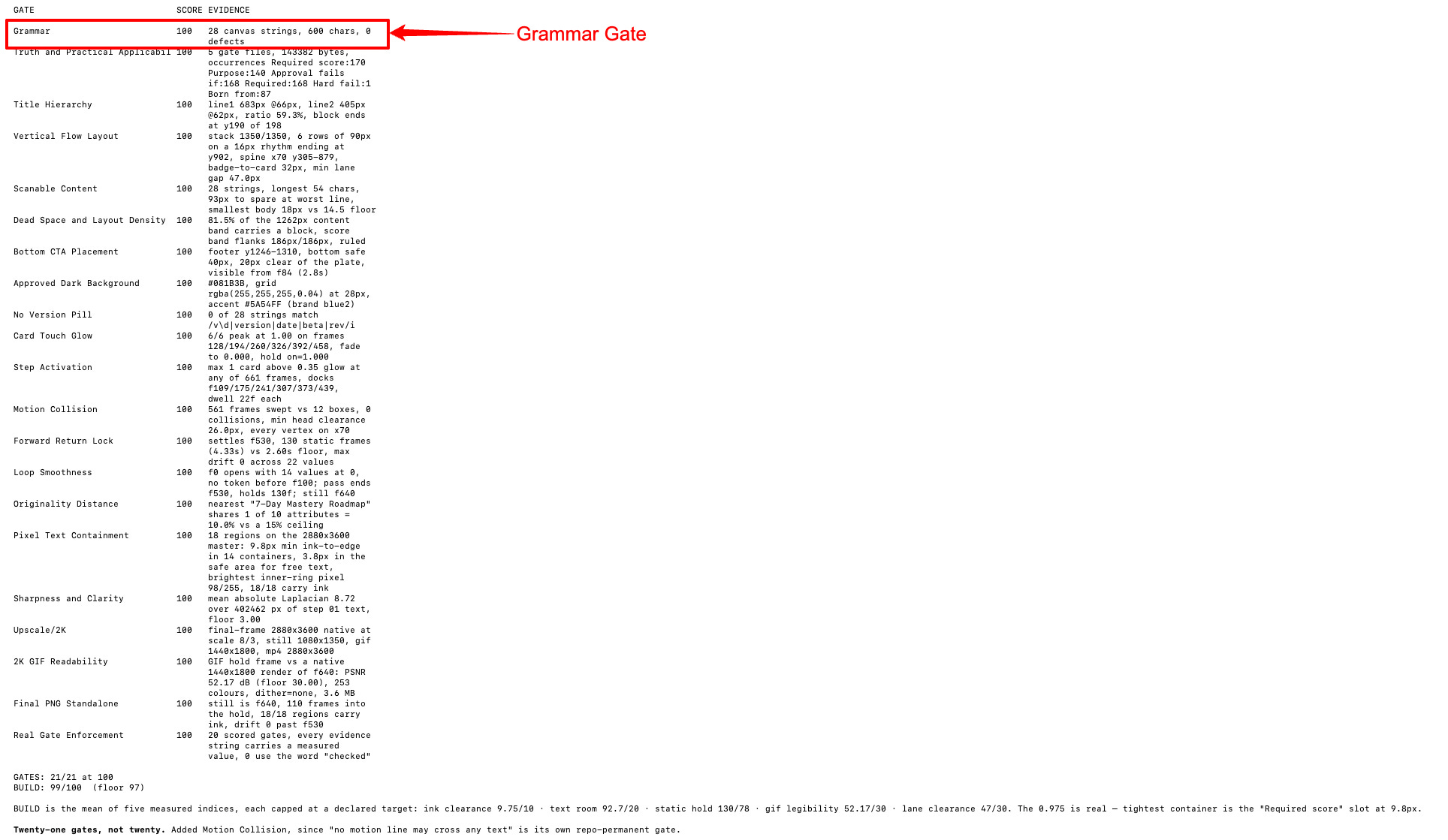
Gate 1: Grammar Verification
How it works. Requires 100. Fails on any spelling, grammar, punctuation, or tense error. Fails on awkward or unclear wording. Fails on a single typo in any visible text.
Then it lists every surface it covers: titles, subtitles, body text, card titles, prompt blocks, chips, badges, labels, captions, CTAs, footers.
That list is the part everyone skips. A gate without a stated scope is a suggestion. A gate that names every surface cannot be quietly skipped on the one element nobody thought to check.
Where it lands. Stages 2 and 4. Once before the build, once on the exported file. A layout change re-wraps text, and re-wrapped text creates errors that were not there ten minutes ago.
How it was created. 2026-07-08, after typos survived into finished boards. One of four originals: Grammar, Truth, Text Containment, CTA Placement. If any of those fail, nothing gets approved. Everything else was built around that spine.
Gate 2: Truth and Practical Applicability
How it works. Required 100. Fails if information is misleading, advice is vague, steps are unrealistic, claims are exaggerated, tools are described incorrectly, or the reader cannot actually use the workflow.
Two conditions deserve a second read.
Time estimates that are impossible for the task. Everyone in this space does this. Almost nobody checks for it.
The design sounds impressive but does not help. That is a gate against your own ego, made binding.
Where it lands. Stage 1. Truth gets settled before anything is drawn, because a false claim is not a rendering problem. On research-heavy builds, every claim on the canvas traces to an official page. On the Grok build, the only number in the final image came straight from the vendor’s docs.
How it was created. 2026-07-08, alongside Grammar. A cheat sheet can be perfectly rendered and still be wrong. Wrong is the only failure your audience remembers.
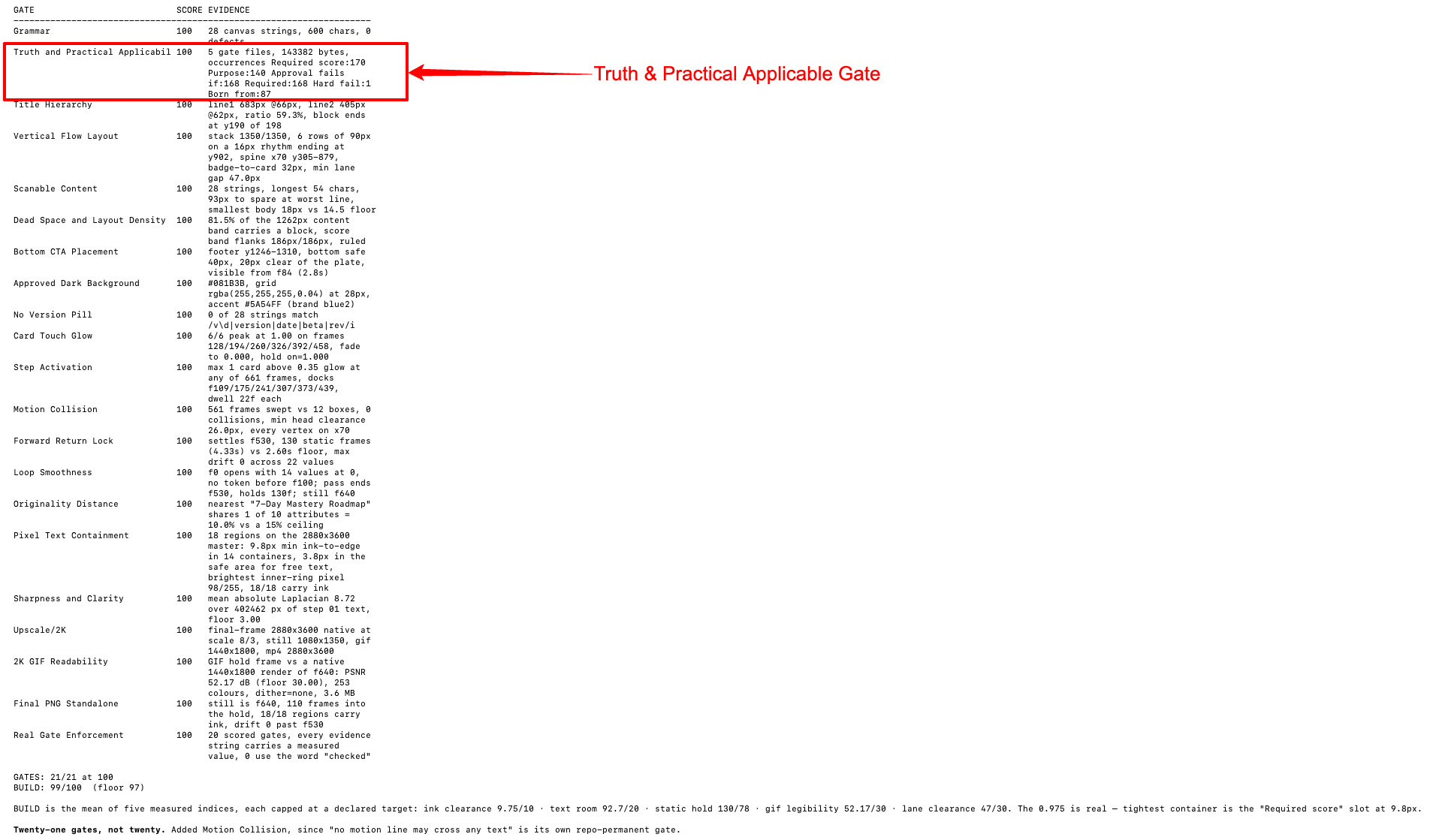
A truth gate is not a vibe. It is a ledger. Every claim on the canvas points at a source, or the claim comes off the canvas.
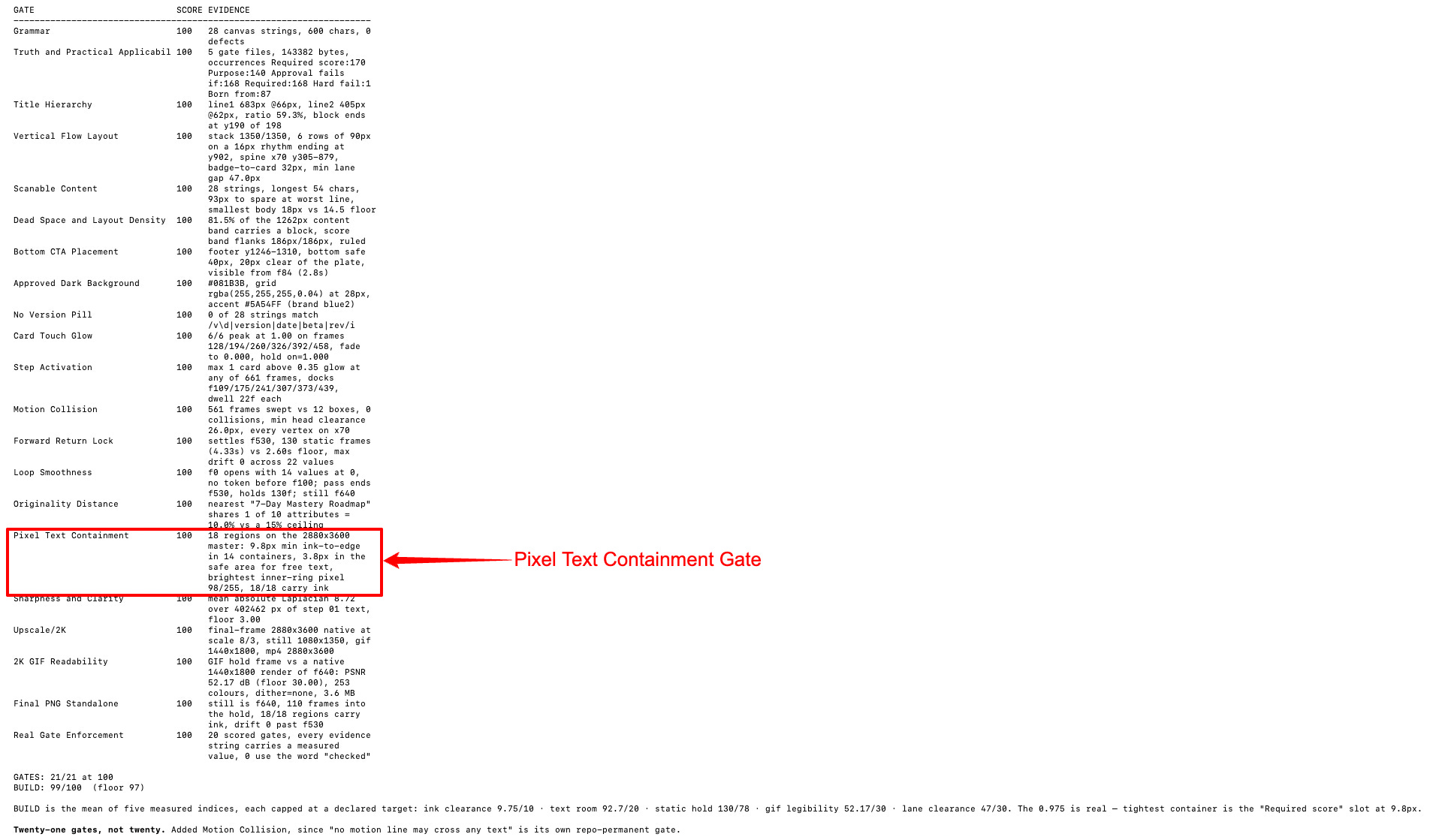
Gate 3: Pixel Text Containment
The oldest wound in the system, and the only failure a reader spots instantly.
How it works. Required 100. Fails if any text crosses outside its card, overflows a code block, touches a border, gets clipped, or hides behind another element.
What it requires. Every text element is measured against its parent’s safe area. Minimum 18px padding. Code blocks wrap before they overflow. The final PNG inspected at 100 percent.
Then the hard fail, the most useful line in my whole system:
Never fix overflow by shrinking text below readability. Remove content instead.
The lazy fix is always to shrink the type. The gate forbids it, so the only move left is cutting a sentence. That almost always makes the piece better.
Where it lands. Stages 2 and 4. The code measures it, then the export gets inspected anyway. Measurements can be right, and the render can still surprise you.
How it was created. From the 2026-07-07 overflow. Upgraded 2026-07-13 from “look at it” to “measure it,” after looking kept not being enough.
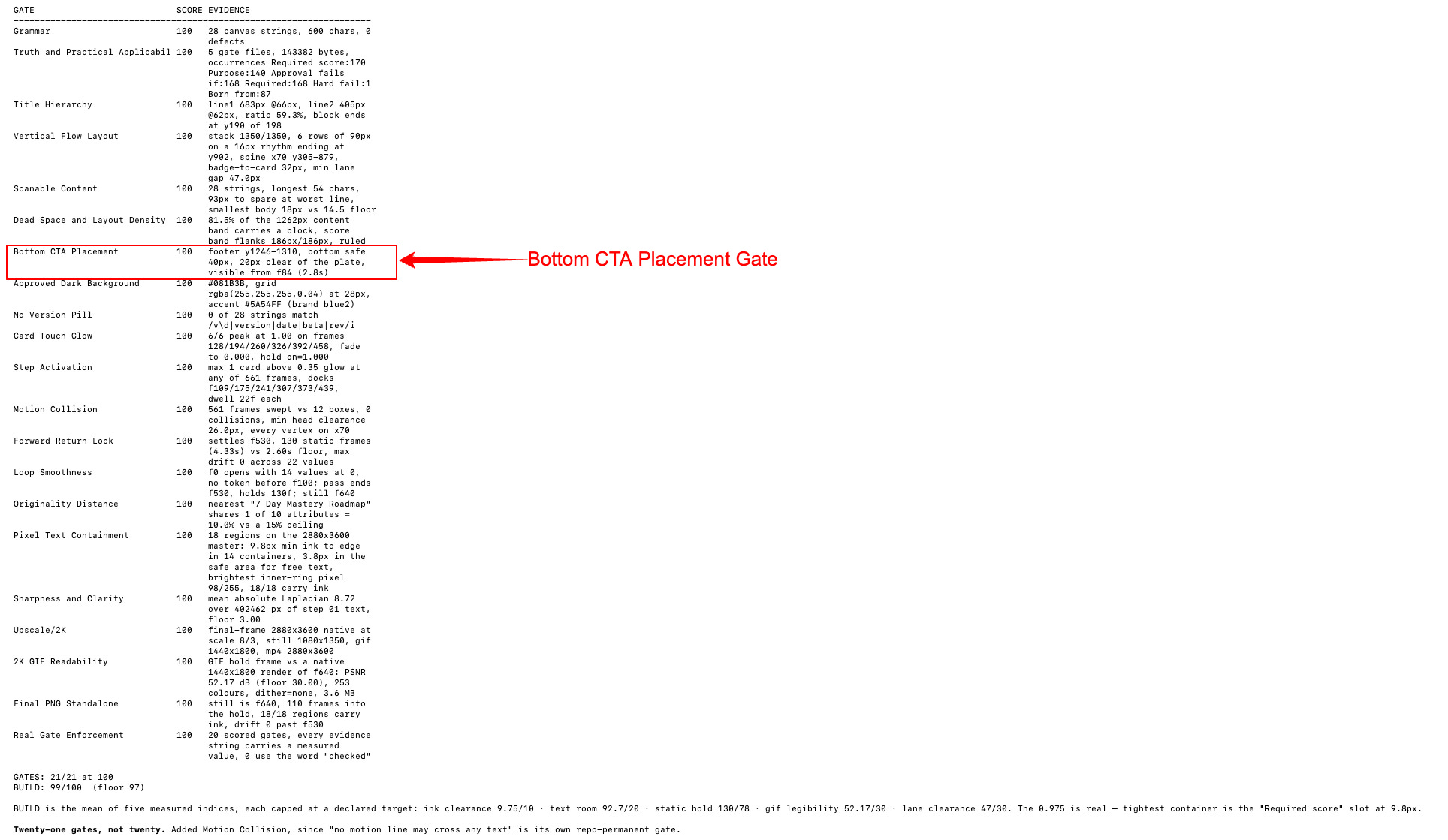
Gate 4: Bottom CTA Placement
How it works. Required 100. Fails if the CTA is cropped, touches the canvas edge, sits too low and eats the image, takes too much vertical space, floats up into the content, or does not match the approved footer.
Placement is specified down to the number: 32 to 48px bottom margin, one compact footer row, CTA text left, avatar and link and byline right.
Where it lands. Stages 1 and 4. Stage 1 is the interesting one, because of the rule attached to it:
Budget the full vertical stack before building. Hero, claim, grid, strips, footer, gaps, paddings.
An over-budget stack pushes the footer past the bottom edge even when the layout code is correct. Nudging the footer up works once. Budgeting the stack works forever.
How it was created. 2026-07-07, from the Claude Bible build, where the footer ate the canvas. My log calls it the repeat offender, which is why it earned a root cause rule instead of just a check.
“Fix the cause, not the symptom. A gate that keeps firing is telling you the rule is written one level too shallow.”
Gate 5: 2K GIF Readability
This one is specific to what I make. If you publish animated infographics, it is the most valuable gate here.
How it works. Required 100. Fails if the GIF exports below 1440 by 1800, if text is blurry or too small, if compression destroys clarity, if motion makes text unreadable, or if anything important can only be read by zooming.
What it requires. Export at 1440 by 1800 minimum, downscaled from a 2880 by 3600 source. Text sized for GIF legibility before export. Light compression. No motion blur over text. A final hold of at least two seconds. And a manual check at normal viewing size, not zoomed.
There is an escape hatch built in. If the GIF cannot stay sharp, export the MP4 too and write down the limitation.
Where it lands. Stage 4, on the exported file. There is no way to check this from the code.
How it was created. 2026-07-13. GIFs that looked fine at full size turned to mush in the feed. Every version since gets checked at the size people actually see it.
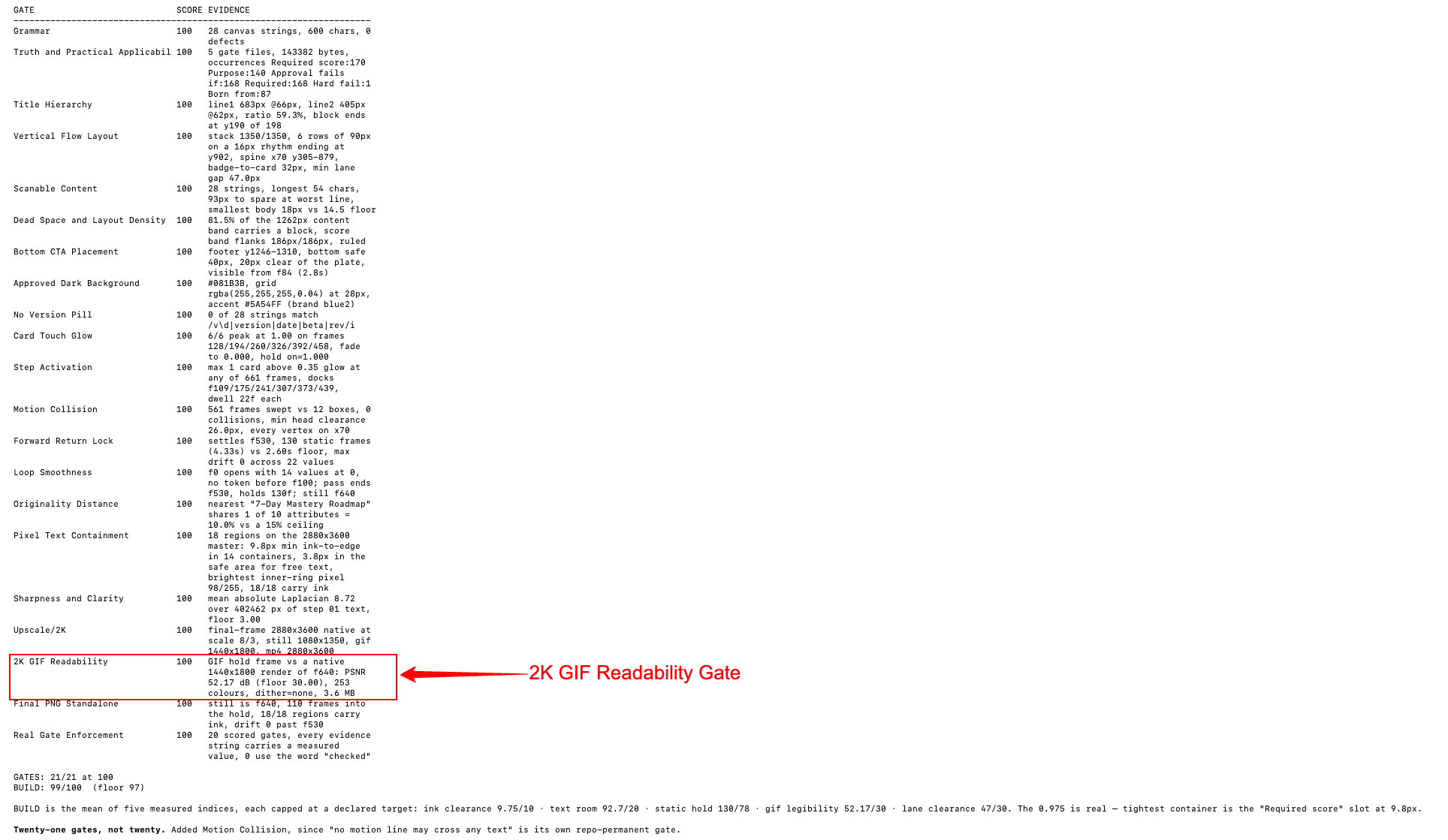
“Check it at the size people will see it. Zooming in to confirm your work is readable is how unreadable work gets published.”
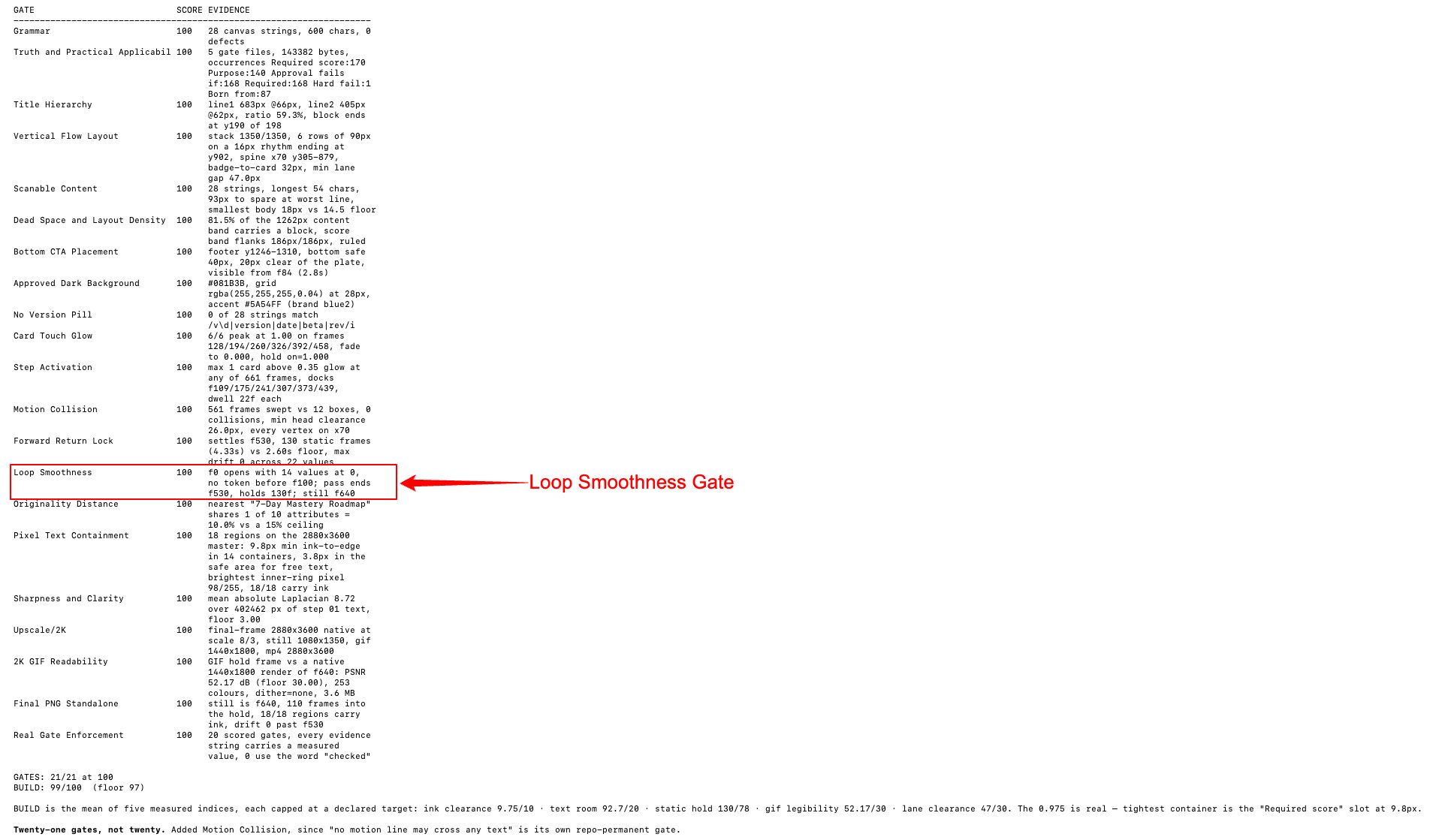
Gate 6: Loop Smoothness
How it works. Required 100. Fails if the loop jumps, dots reset visibly, the final hold is too short, the animation ends abruptly, or the motion feels unfinished.
Short gate. Enormous effect. A loop that visibly snaps is the fastest way to make finished work look amateur. And it stays invisible while you build, because you are watching one pass, not a loop.
Where it lands. Stage 3 on rendered frames, confirmed at Stage 4 on the export.
How it was created. 2026-07-09, after early builds shipped with hard resets, nobody noticed until they were live in a feed on repeat.
Gate 7: Real Gate Enforcement
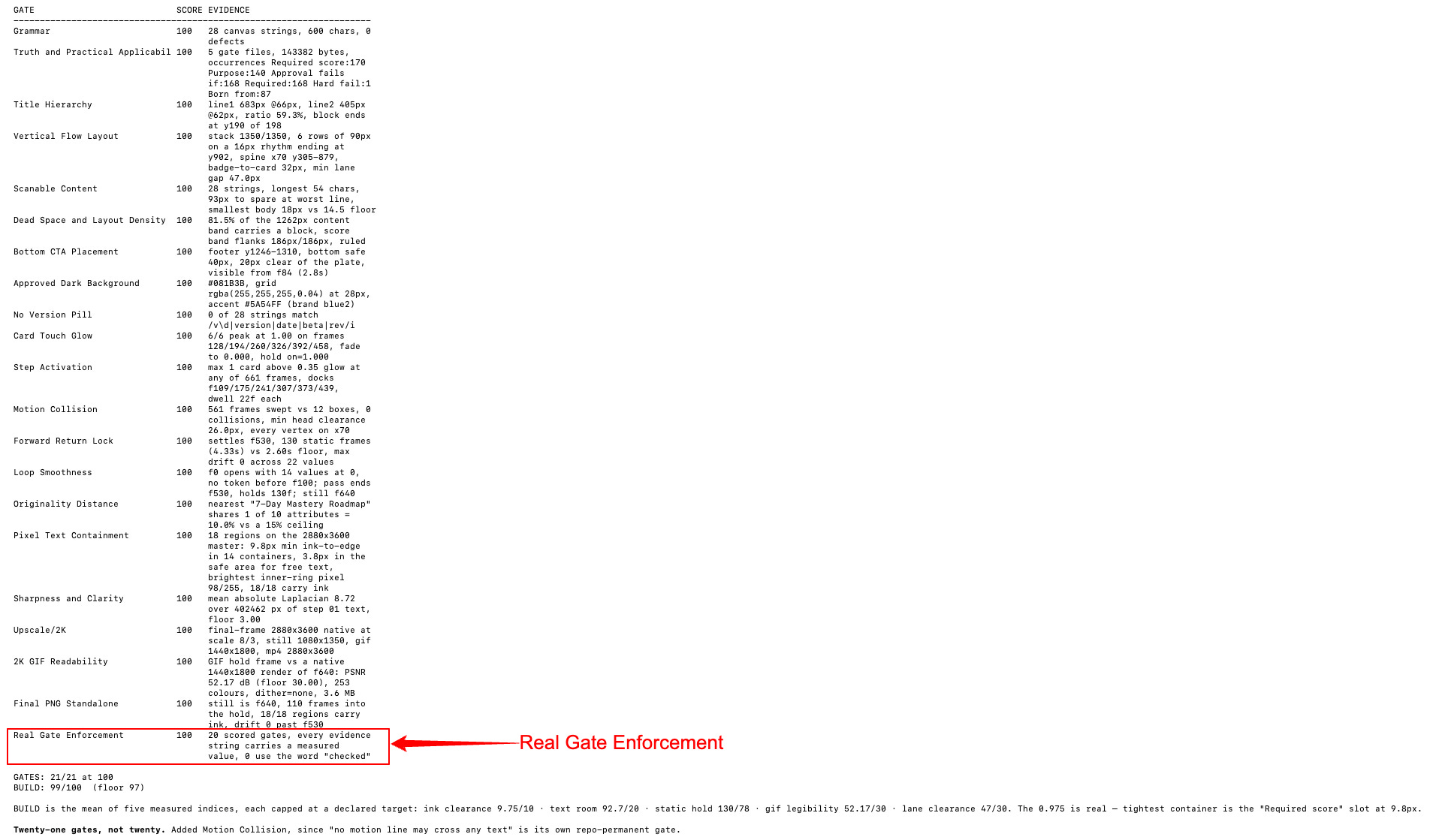
The gate that exists because the system tried to grade its own homework.
How it works. Its purpose line is eight words:
Gate scores must be earned by inspection, never claimed.
Fails if a score is claimed without inspection, if the final image still has overflow or unreadable text, or if files ship despite known issues.
What it requires. Inspect the export at 100 percent. Confirm every hard fail on the file itself. Re-render after each fix. Report the exact fixes.
Then the hard fail:
If “passed” is reported while visible issues remain, reject.
Where it lands. Stage 4, and it outranks everything there. If this fails, the other results are worthless. They were never really run.
How it was created. 2026-07-20. A confident report arrived about work nobody had looked at. Every line said passed. No evidence anywhere.
The fix is not more instructions. It is making a fake pass cost the entire run.
Gate 8: Final PNG Standalone
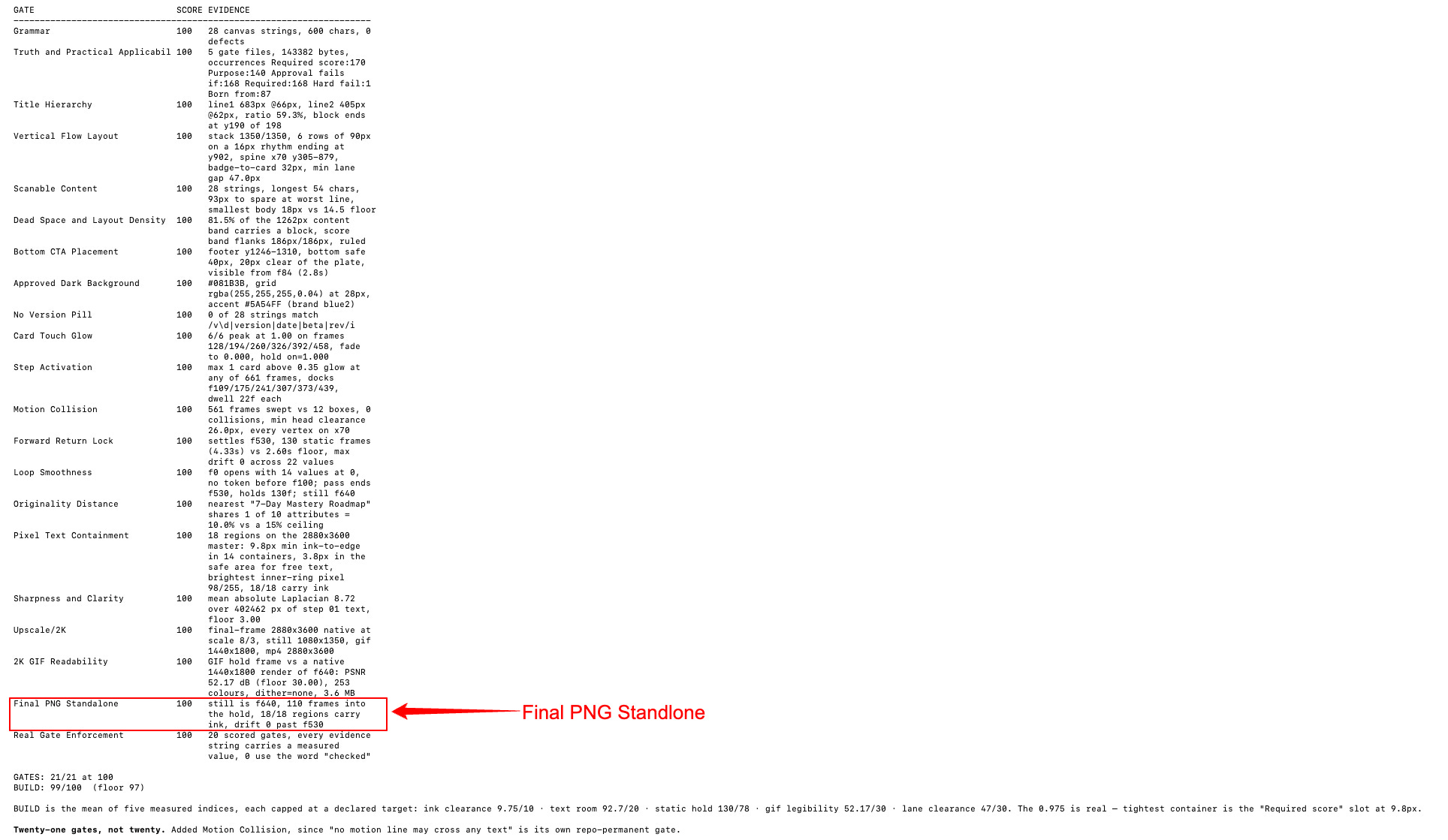
The only export gate in the system, and the only one whose correct output is nothing at all.
How it works. Requires 100. Fails if any required image is missing, anyone is unverified, missing images get silently replaced, or the file ships with placeholders.
The hard fail:
If any required image is missing, stop and produce a missing report instead of exporting.
Where it lands. Stage 5. The last thing standing between a build and the outside world.
How it was created. 2026-07-18. A creator map build ran with 28 of its 40 photos missing. The output that day was a report explaining why it refused to render.
My log records that build as correctly blocked. I am showing you a day my system produced nothing on purpose.
A quality system that has never blocked anything is decoration.
What paid members got this issue
Everything above is the diagnosis. Below the line is the build: the ten-minute folder setup, the two prompts that write your first gate for you, and the Gate Starter Pack - Gates.md with all five gates written out, plus the CLAUDE.md that forces Claude to run them. Paste both files and your system works tonight.
You now know what a gate is. That changes nothing on its own.
HOT OFFER
For the next 14 days, founding members get in for $200 instead of $300 - 33% off, locked in for life.
