

Every time you open Claude Code, it forgets how you work.
Your writing style, your brand colors, your report format. You explain it all again, every session.
Skills end that. You save a job as a small file once, and Claude uses it whenever that job comes up.
Below are the 27 skills worth installing right now, sorted by category, with the exact install line for each.
I made a one-pager of these 27 Claude Code Skills. Save it and use it later:
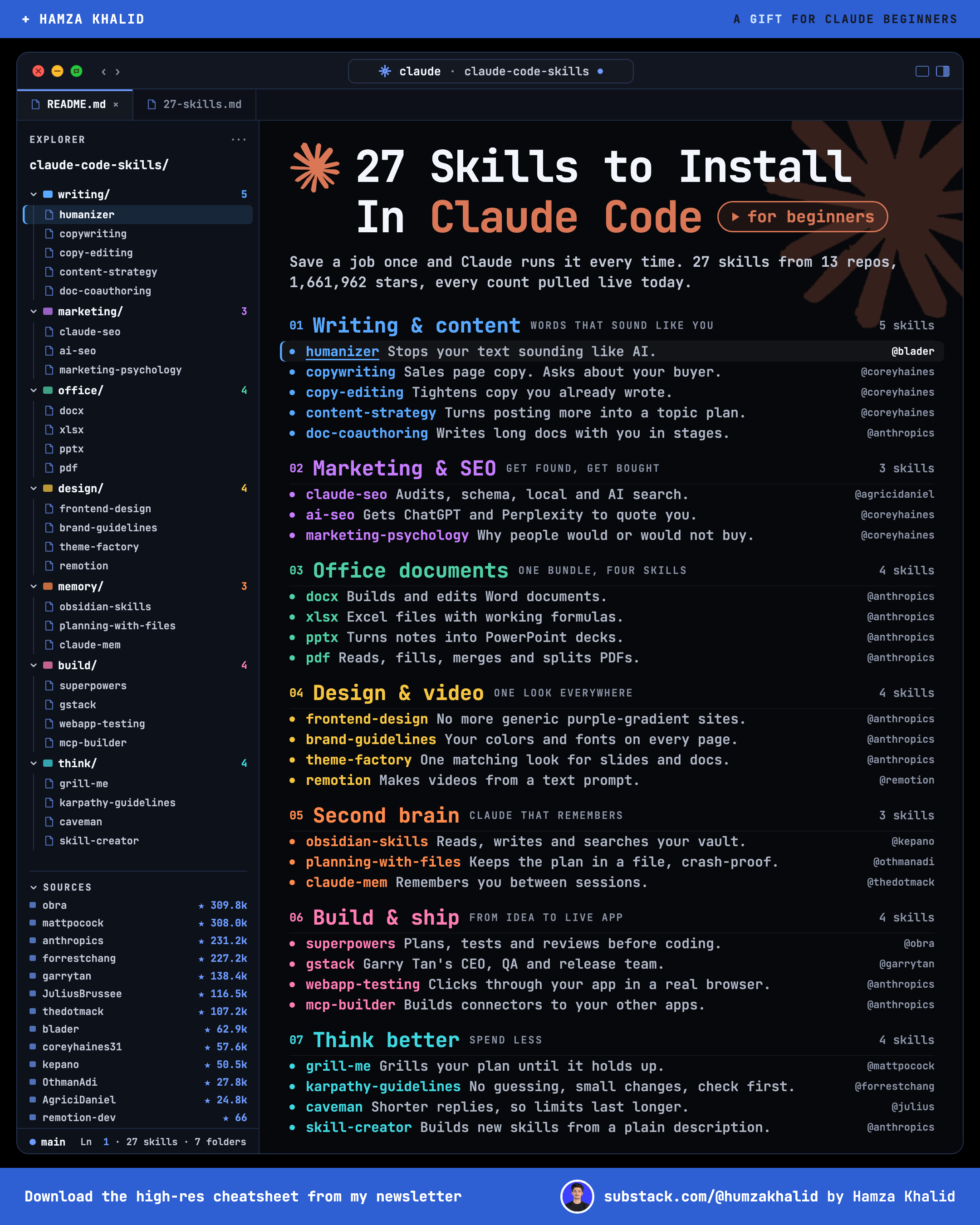
Gift at the end: 12 of these skills packed into one ready-to-install Starter Pack for paid members.
I sat at my desk for 48 hours with my laptop and coffee to test these skills that will save you time. If this helped you, buy me a coffee cup.
Why I Switched
I used to keep a file called paste-this-first.txt on my desktop.
My writing rules, my banned words, my formatting.
I pasted it into every new session.
On the days I forgot, Claude wrote: “Let’s dive in.”
Skills replaced that file.
Now the rules load on their own, every time.
How Skills Work
A skill is a folder with one file inside, called SKILL.md.
The top of that file is a short description of what the skill does and when to use it. The rest is the full instructions.
Claude reads only the short descriptions at the start.
When your request matches one, it opens that skill and follows it.
That’s why 27 installed skills won’t slow Claude down.
You can also run any skill yourself by typing / and its name, like /grill-me.
Skills live in one of three places:
~/.claude/skills/works in every project on your computer.claude/skills/inside a project folder; works only in that projectPlugins bring their own skills and work wherever the plugin is on
I spent 48 hours testing these skills so your friends don’t have to. If you know someone who uses Claude, send this list to them.
How to Install a Skill
These steps are for Mac. Never opened Terminal before? Follow every step below in order. You only do Part 1 once.
Part 1: Get ready (one time only)
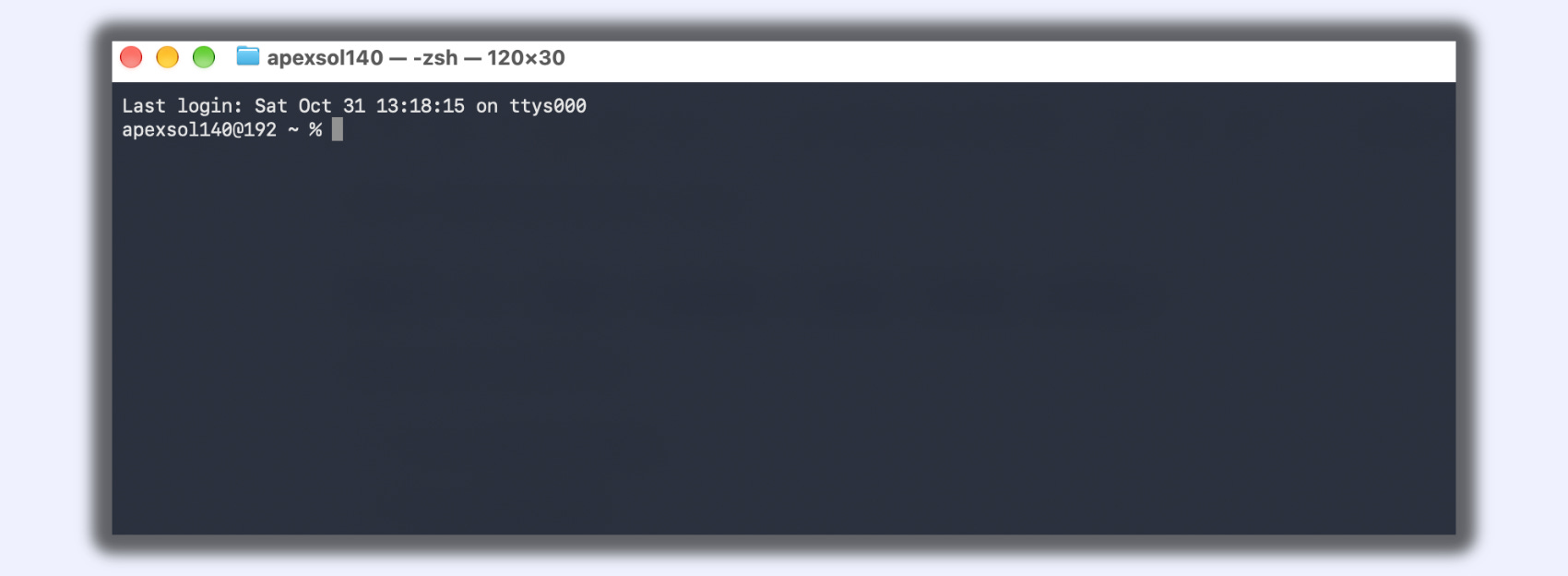
Open your Terminal
Press
Cmd + Space.Type
Terminal.Press Enter.
Install Claude Code
You need a paid Claude plan (Pro, Max, Team, or Enterprise).
Paste this into Terminal and press Enter:
curl -fsSL https://claude.ai/install.sh | bash(I already installed it, so I won’t paste it right now)
Wait until the install finishes. It shows no progress bar, so give it a minute.
Close the terminal window.
Open a new terminal window.
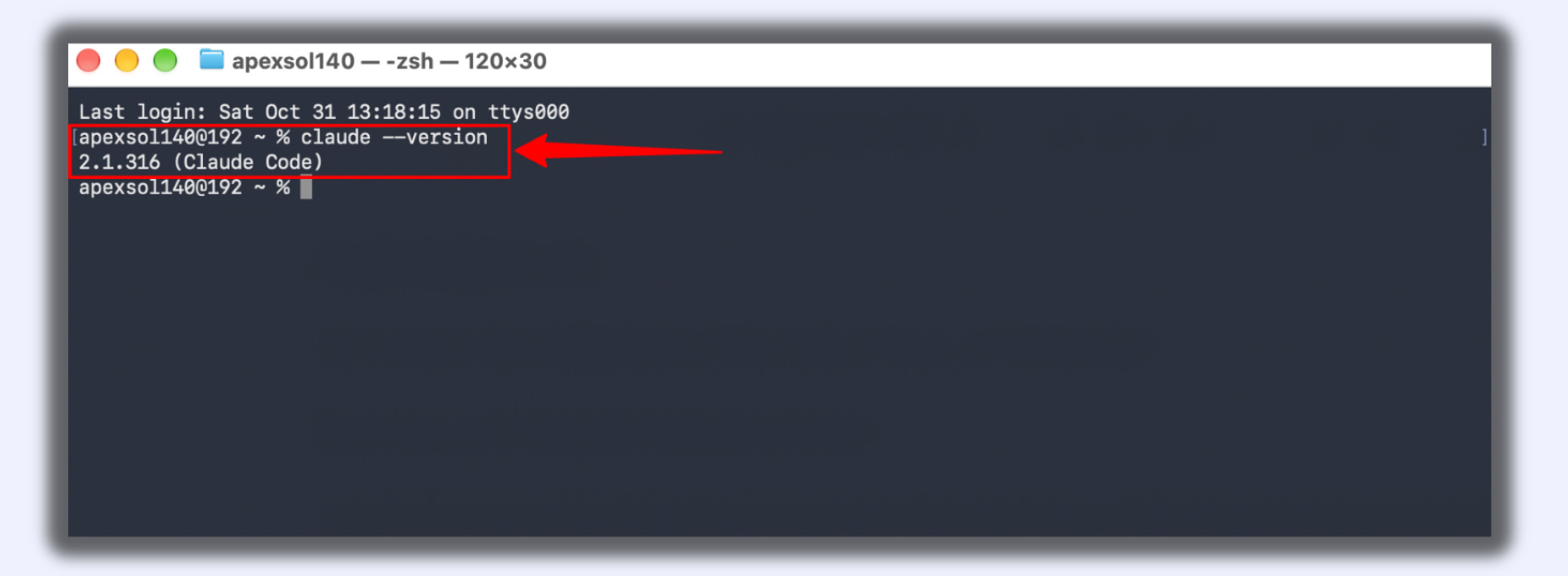
Type
claude --versionand press Enter.If you see a version number, Claude Code is installed.
Log in to Claude Code
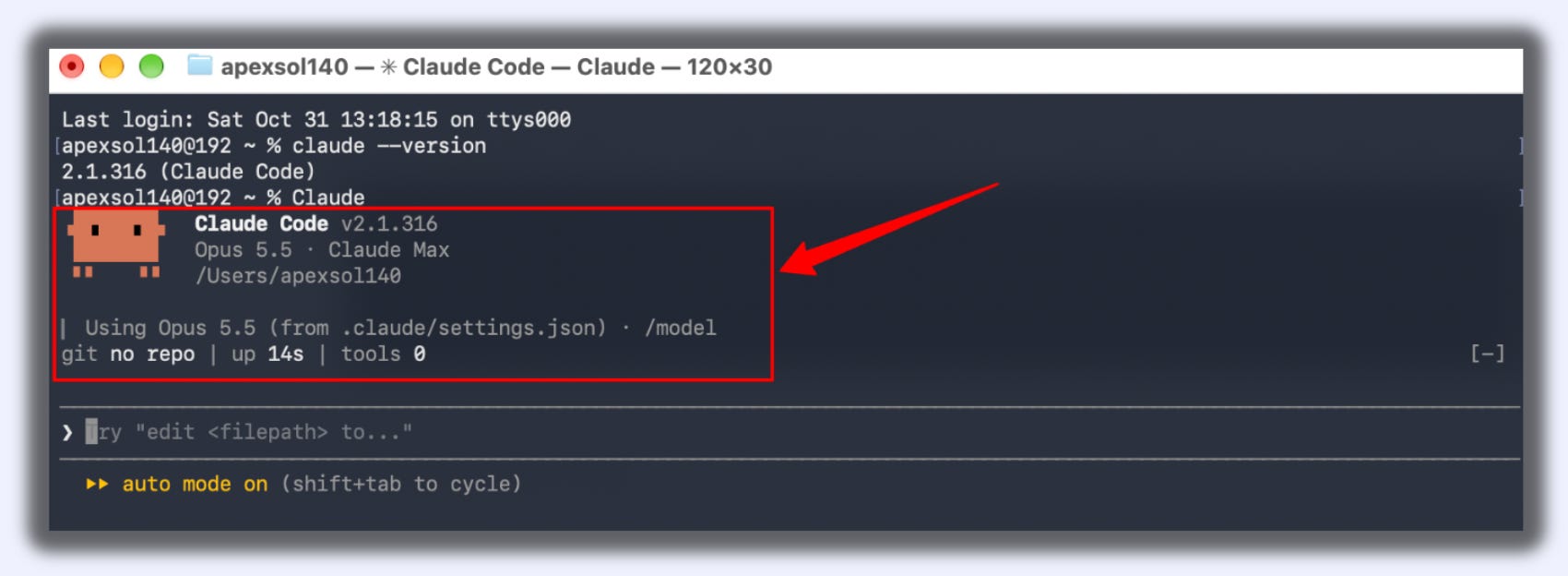
Type
claudeand press Enter.A browser window opens.
Log in with your Claude account
Go back to your terminal.
You’ll see Claude Code waiting for you to type.
Install Node.js (only needed for npx skills add lines)
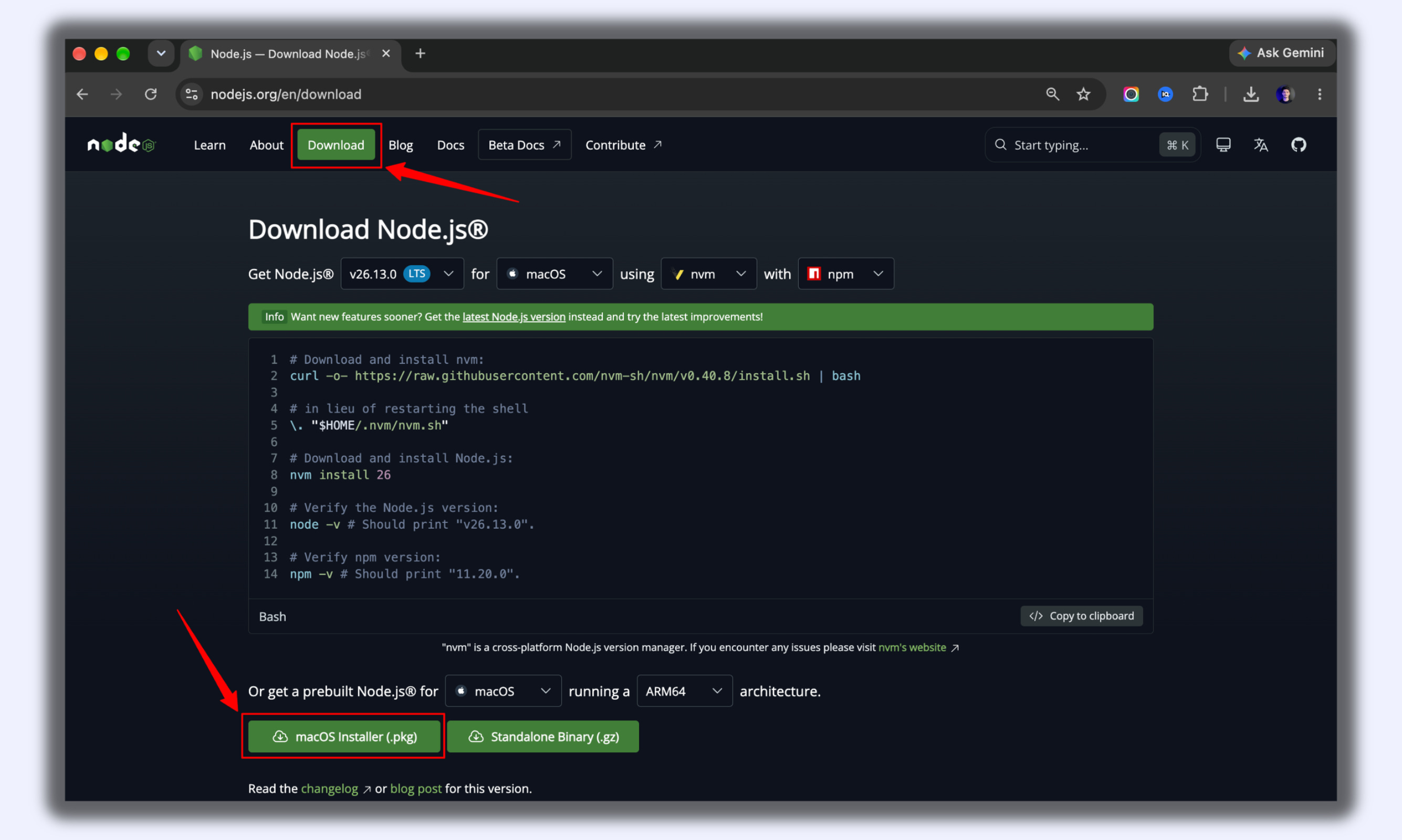
Go to nodejs.org.
Click the big download button for the LTS version.
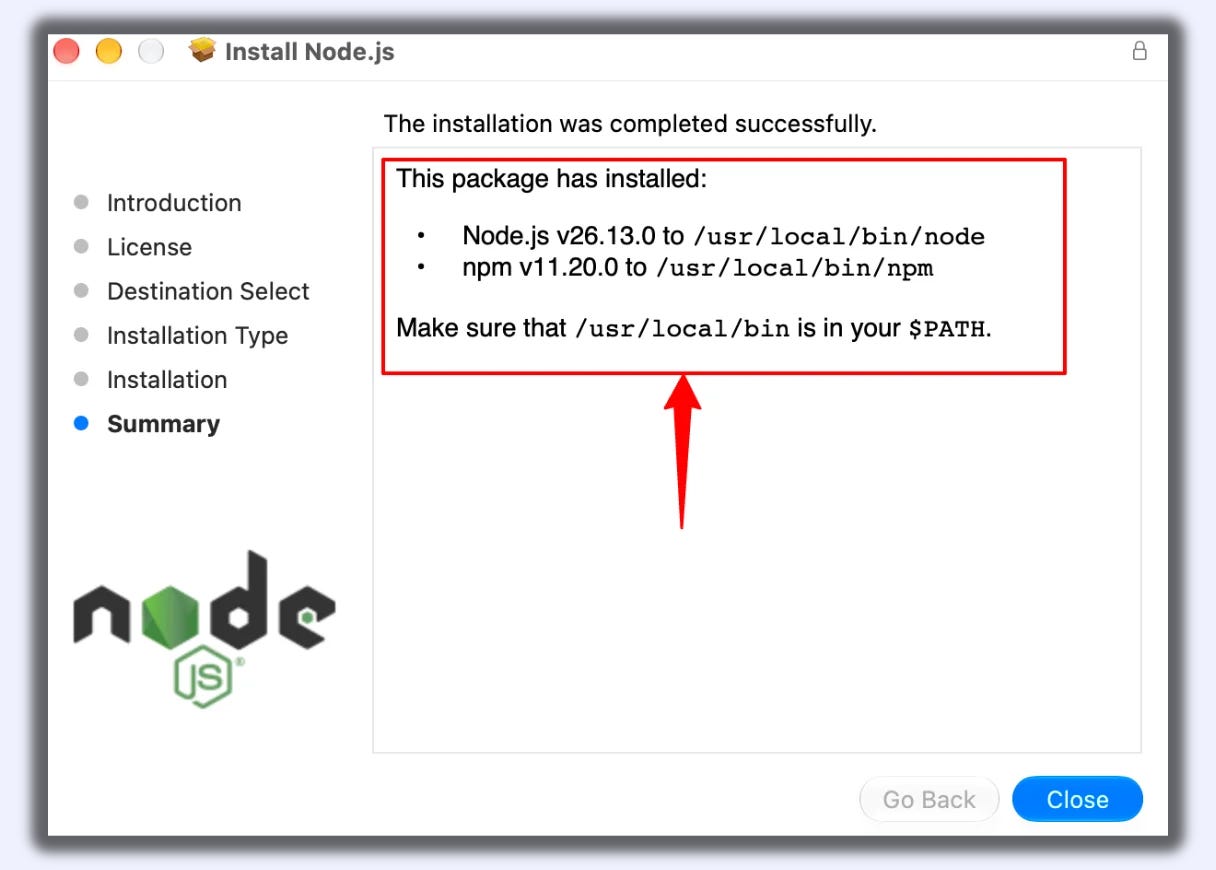
Open the downloaded file.
Click Continue until the install finishes.
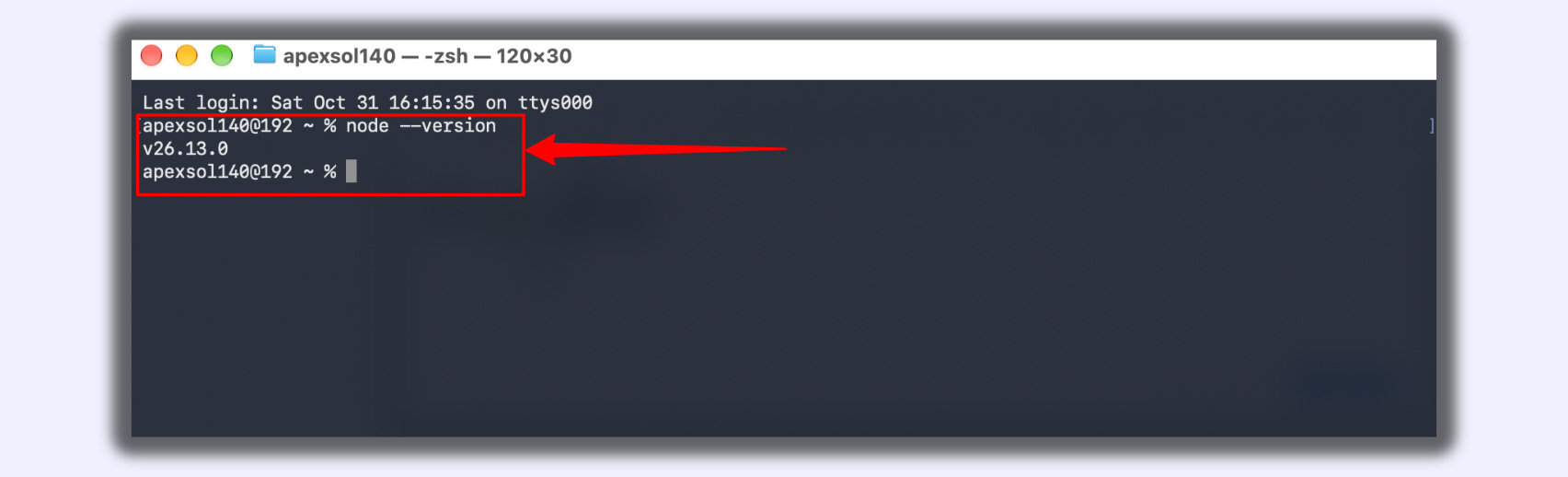
Close and reopen your terminal.
Type
node --versionand press Enter.If you see a version number, Node.js is ready.
Part 2: Install a skill
Every skill in this issue has an install line under it. Look at the first word of that line, then follow the matching steps.
→ If the line starts with /plugin
These lines run inside Claude Code, not in the plain terminal.
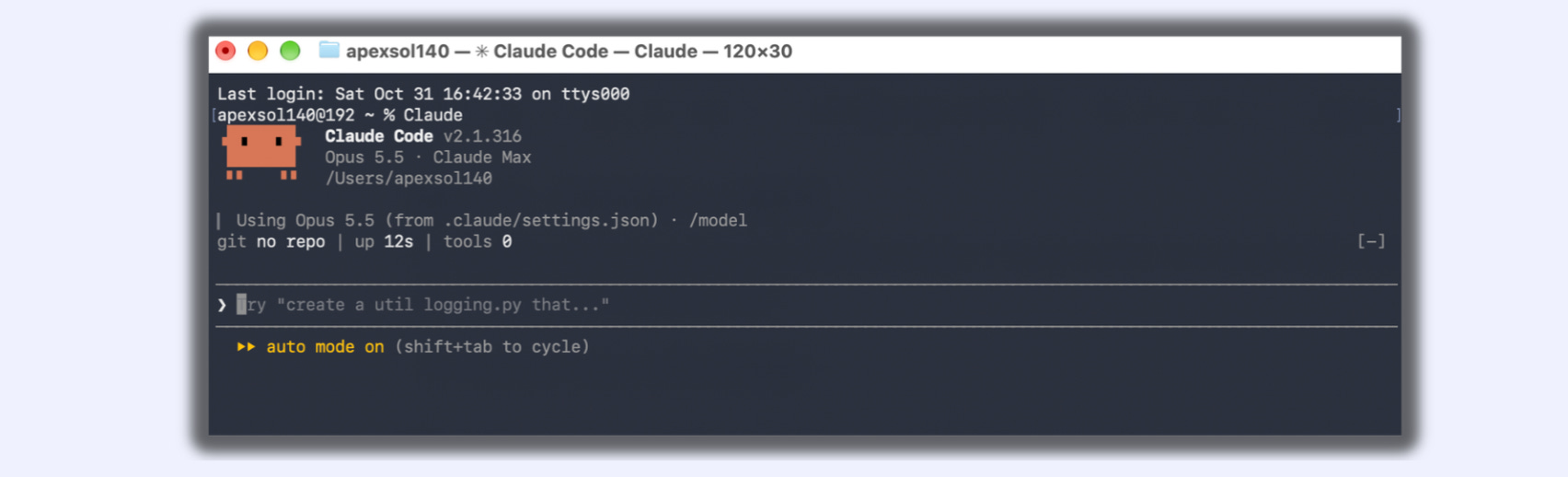
Open your terminal.
Type
claudeand press Enter.Wait for Claude Code to open.
Copy the first line from the skill (it starts with
/plugin marketplace add).Paste it into Claude Code and press Enter.
Wait for the success message.
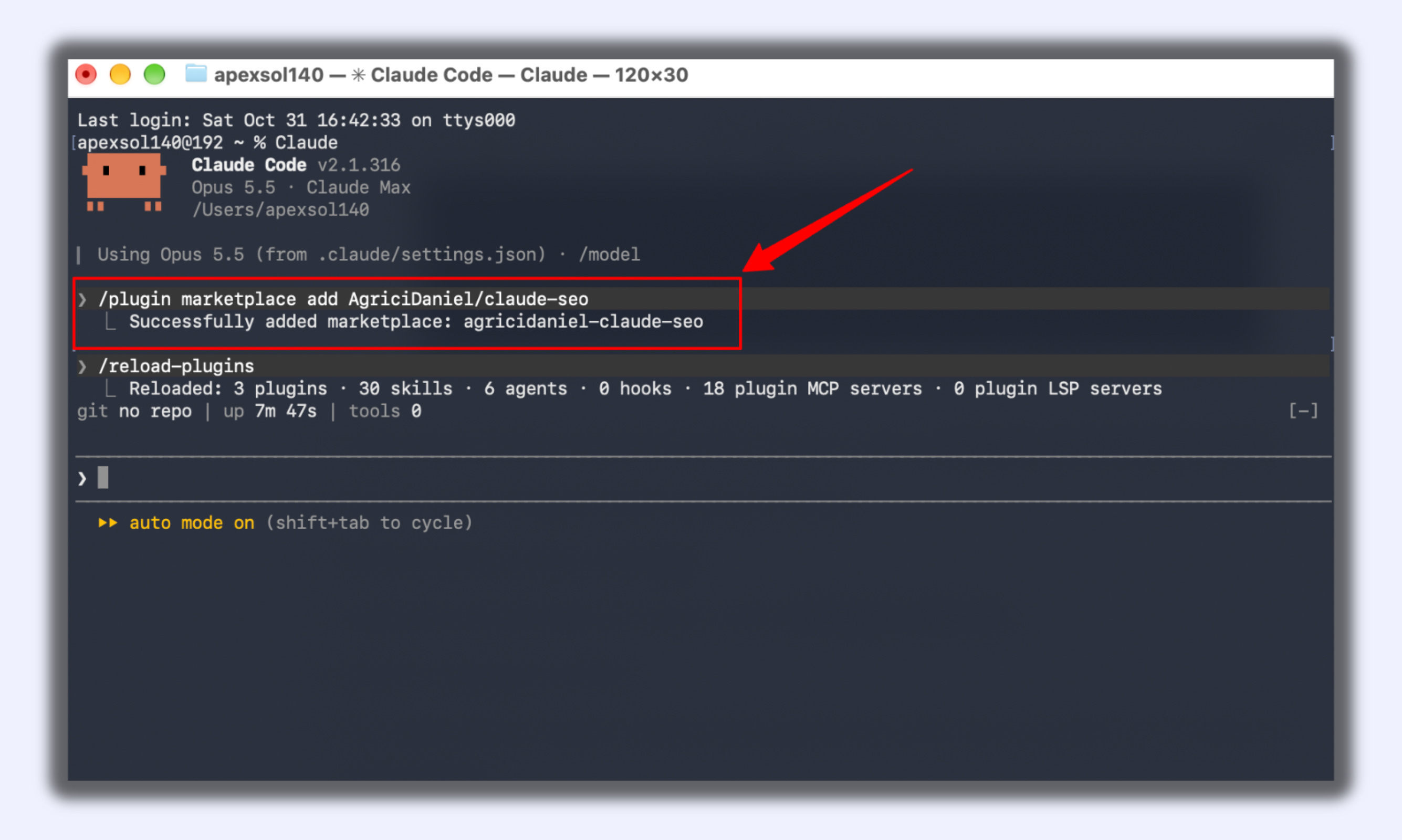
Copy the second line (it starts with
/plugin install).Paste it and press Enter.
If it asks which scope, choose the option for your user account so it works in every project.
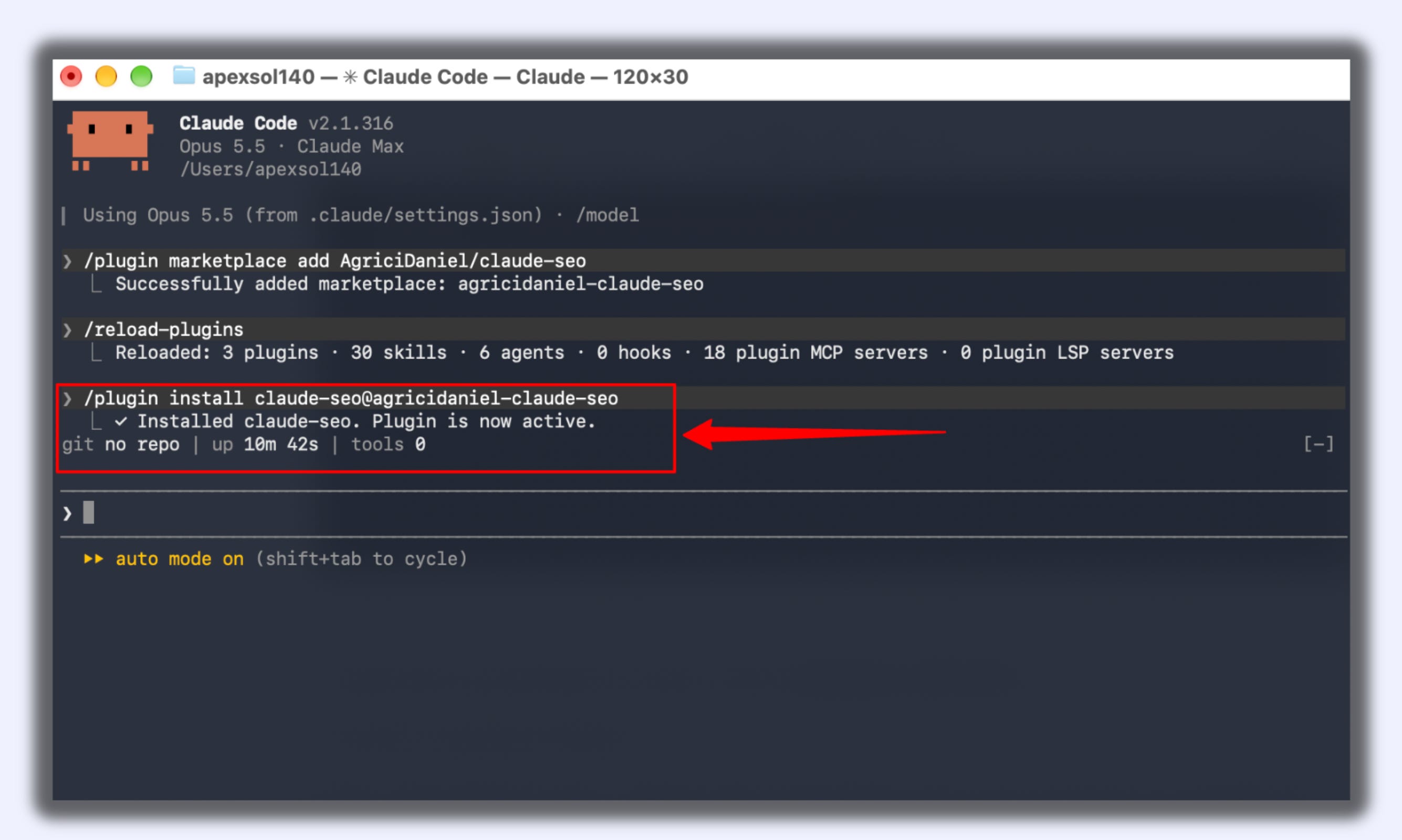
If it asks you to restart, type
/exit, press Enter, then typeclaudeand press Enter again.
→ If the line starts with npx skills add
These lines run in the plain terminal, before you open Claude Code.
Open your terminal.
Copy the full
npx skills add ...line from the skill.Paste it into the terminal and press Enter.
If it asks “Ok to proceed?”, type
yand press Enter.When it asks which agent, use the arrow keys to move to Claude Code.
Press Space to select it, then press Enter.
If it asks where to install, choose global so the skill works in every project.
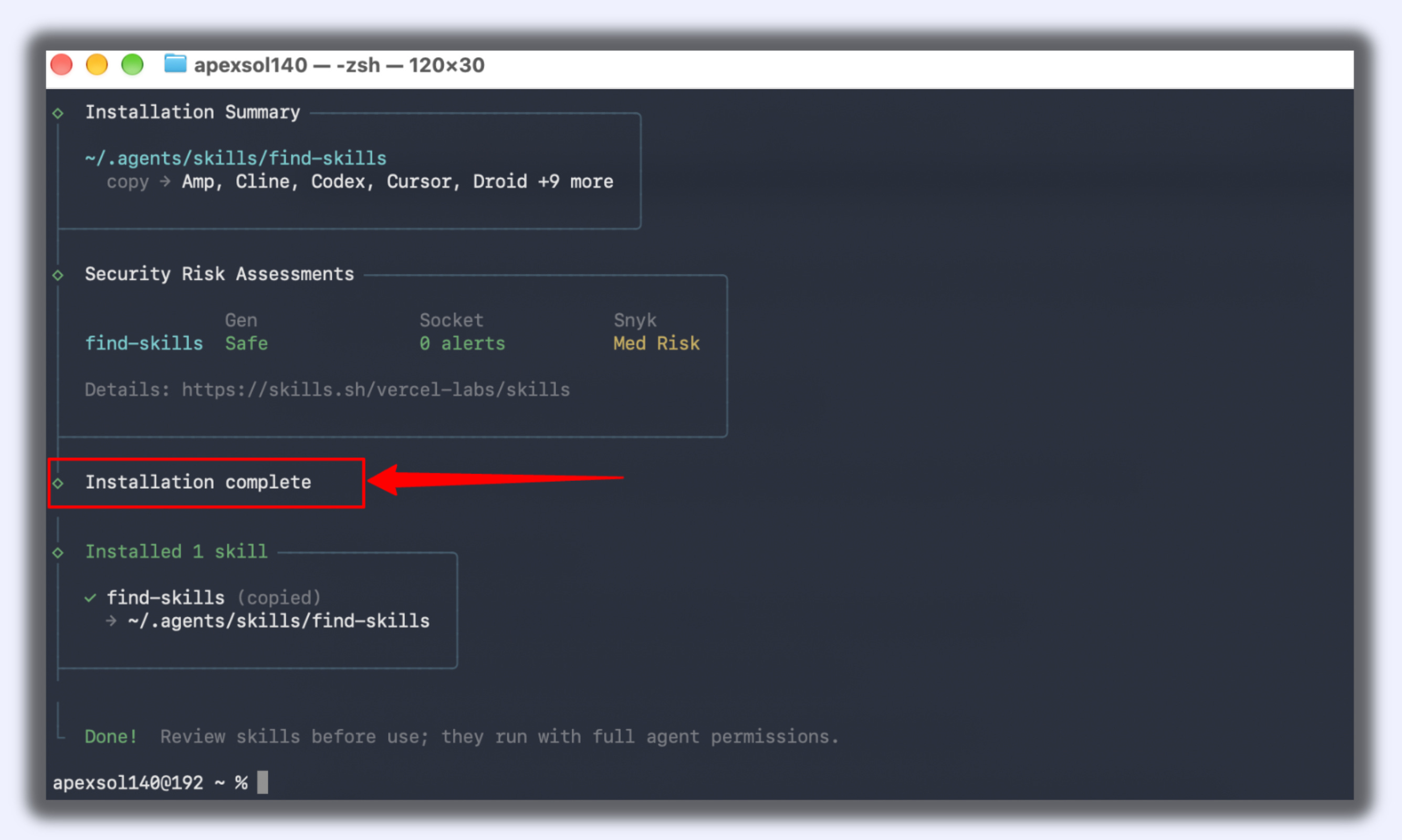
Wait for the “installed” message.
Type
claudeand press Enter to open Claude Code.
→ If the line starts with git clone or if you want to install a skill straight from GitHub
Let’s install the humanizer skill as an example. The same steps work for any skill on GitHub.
Open your browser.
Go to
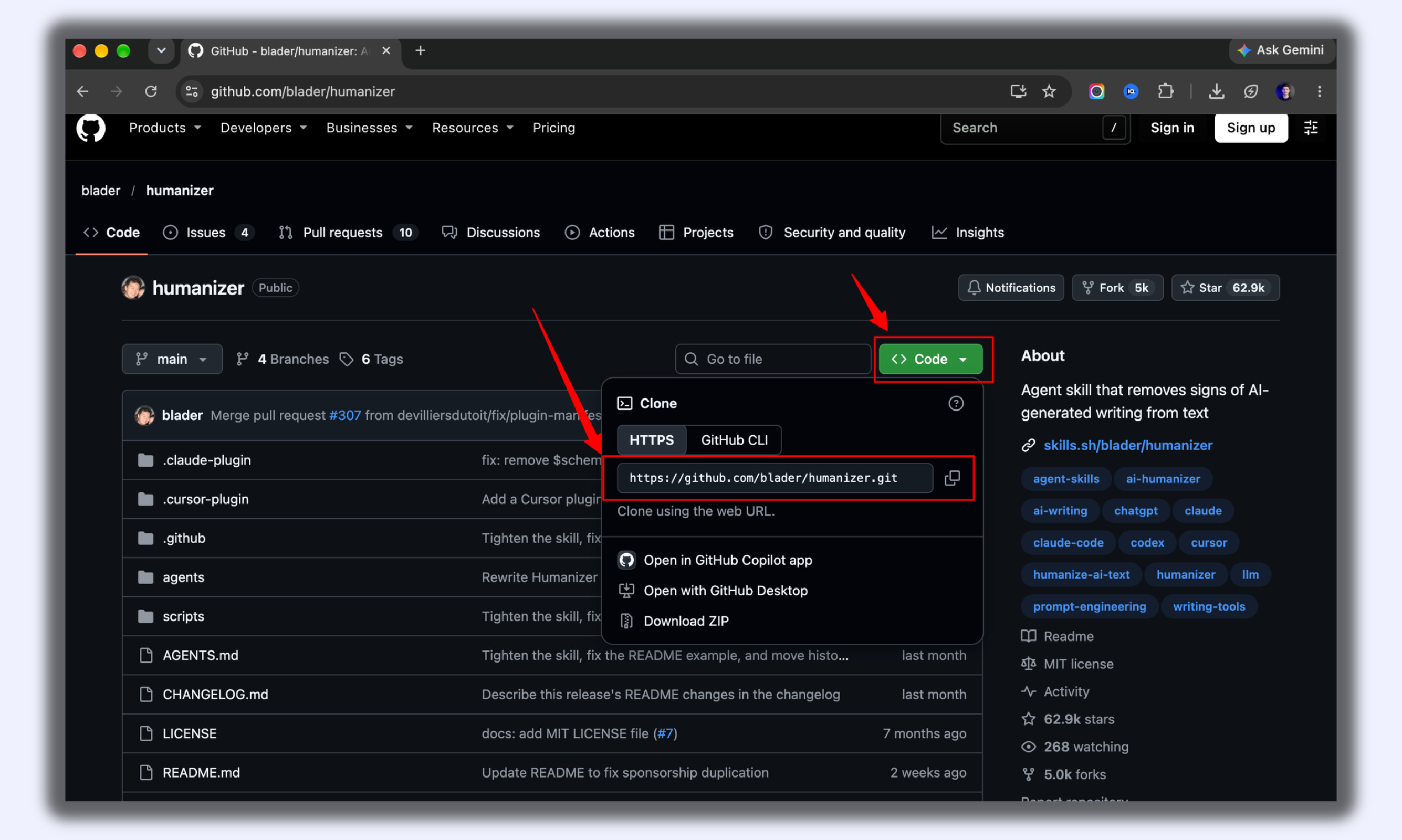
https://github.com/blader/humanizer.Click the green Code button.
Click the copy icon next to the link. You’ve copied
https://github.com/blader/humanizer.git.
Open your terminal.
Type
git clone --depth 1and add a space.Press
Cmd + Vto paste the link.Add a space, then type
~/.claude/skills/humanizer.Your line should now look exactly like this:
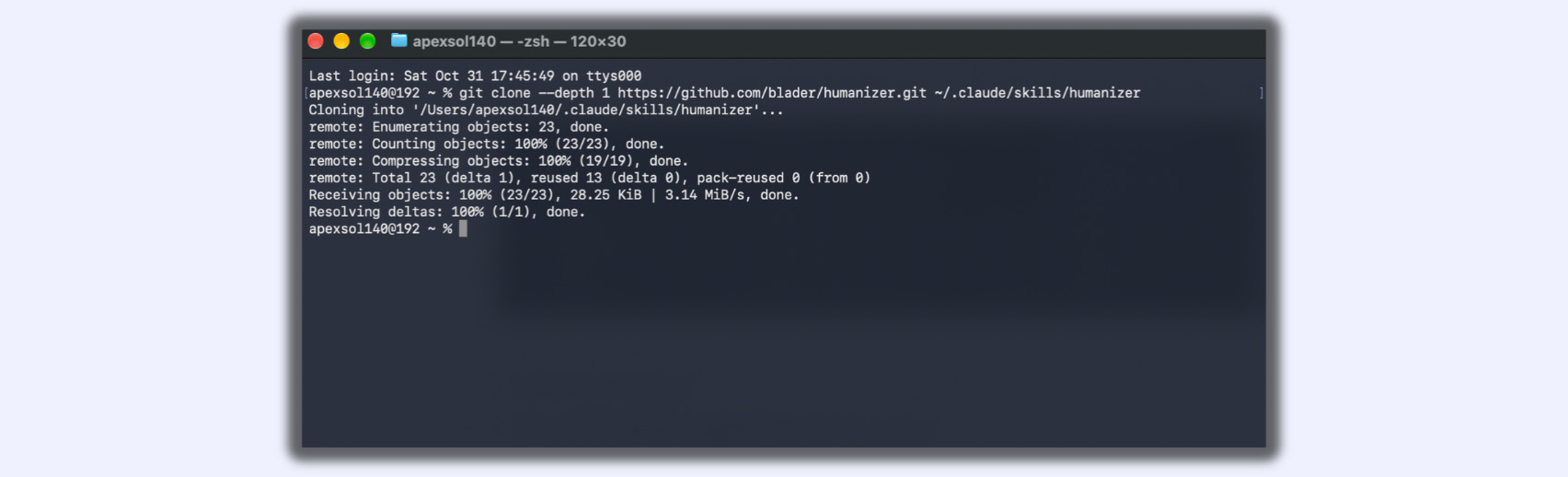
git clone --depth 1 https://github.com/blader/humanizer.git ~/.claude/skills/humanizerPress Enter.
You’ll see “Cloning into...” and then the prompt comes back. That means it’s installed.
Type
claudeand press Enter.
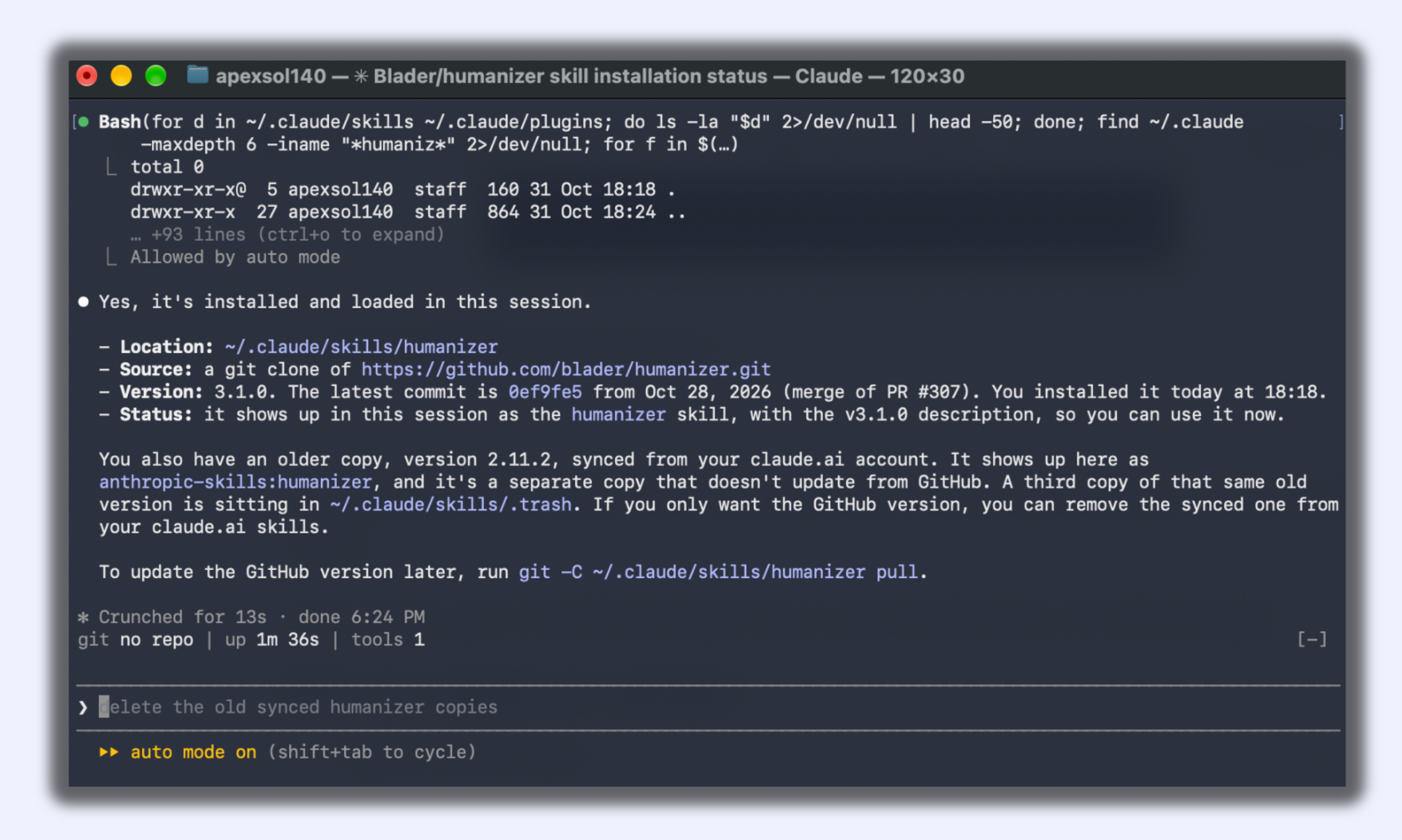
To install a different skill, swap the GitHub link in step 2 and the name at the end of step 8.
If your Mac asks to install developer tools, click Install, then run the line again.
You’re halfway through the issue, and my coffee cup is empty again. If these skills look useful, refill my coffee cup.
The 27 Skills
Writing and Content
1. humanizer: Rewrites text so it stops sounding like AI.
npx skills add blader/humanizer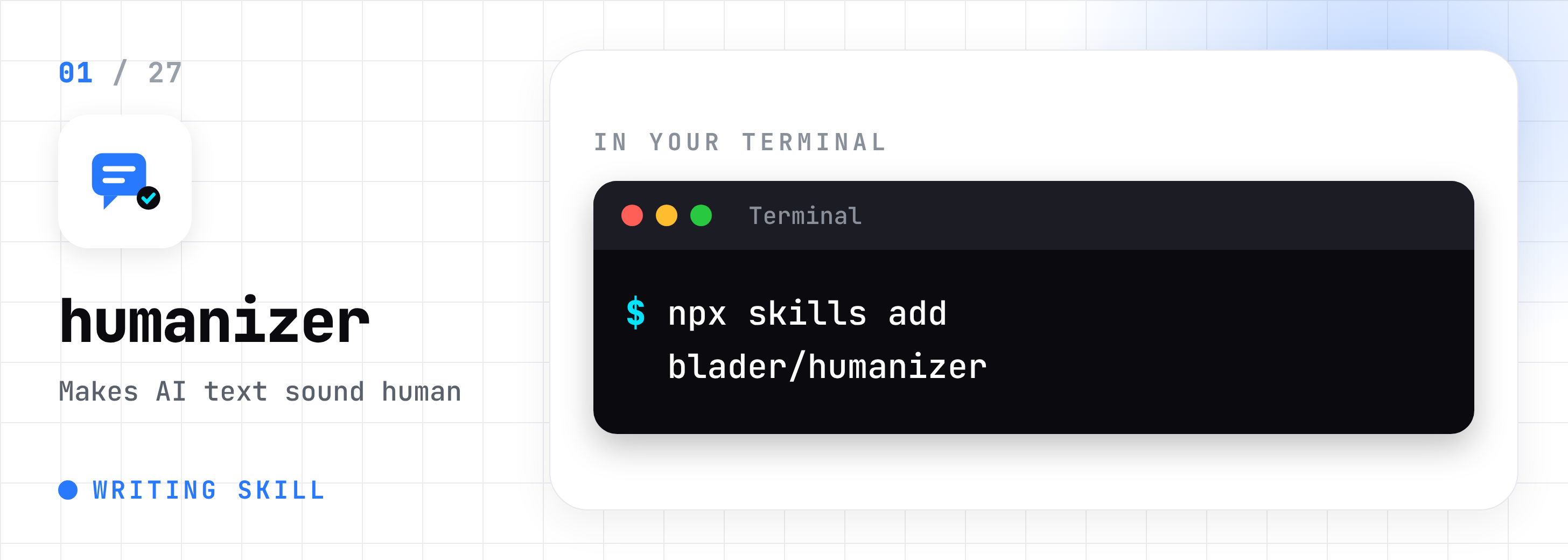
2. copywriting: Writes landing and sales page copy. Asks about your buyer first.
npx skills add coreyhaines31/marketingskills --skill copywriting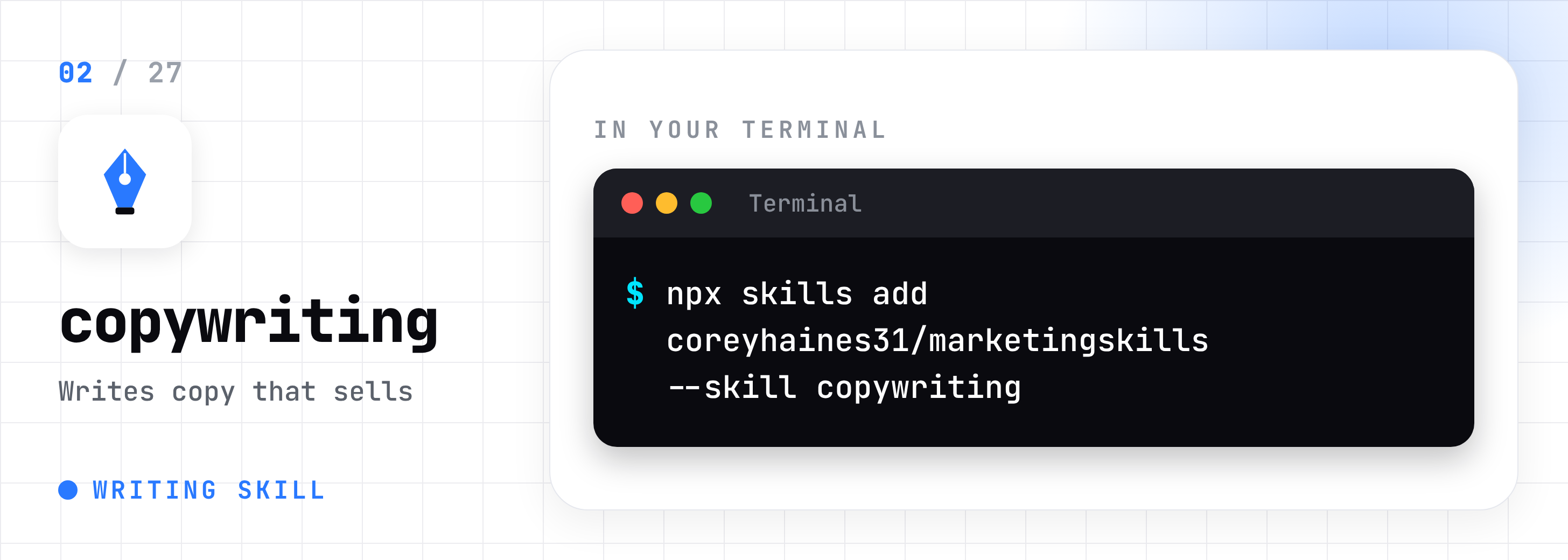
3. copy-editing: Tightens copy you already wrote.
npx skills add coreyhaines31/marketingskills --skill copy-editing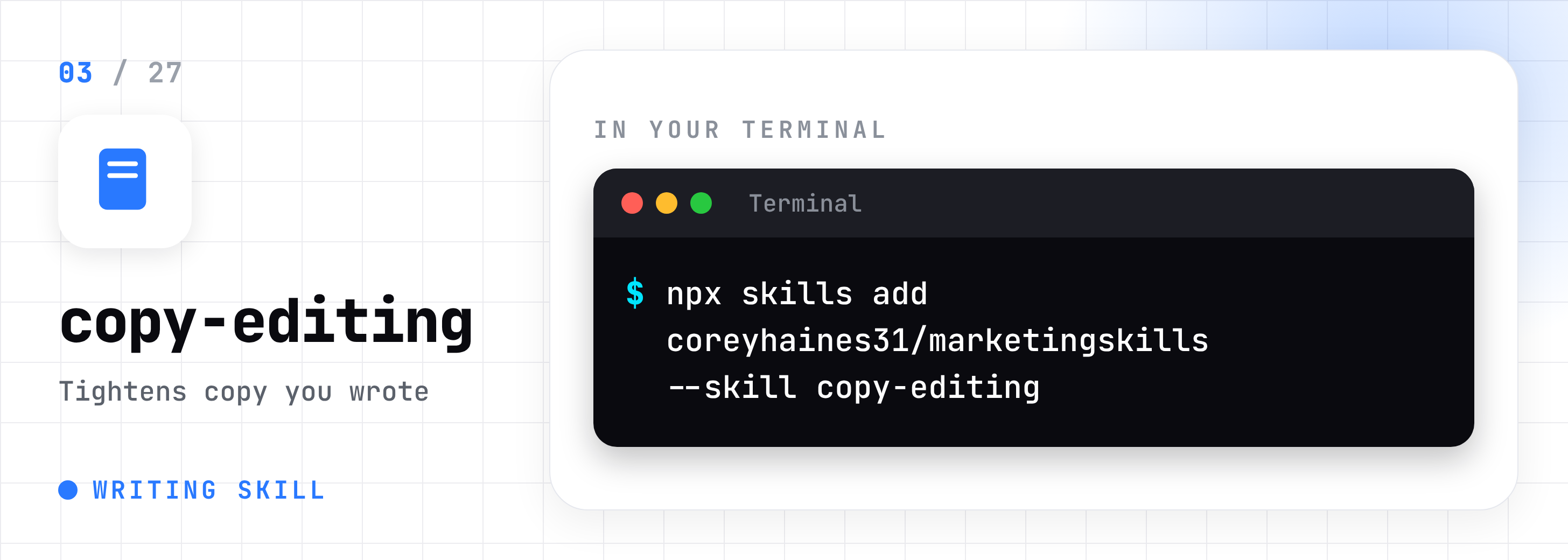
4. content-strategy: Turns “I should post more” into a plan with topics in order.
npx skills add coreyhaines31/marketingskills --skill content-strategy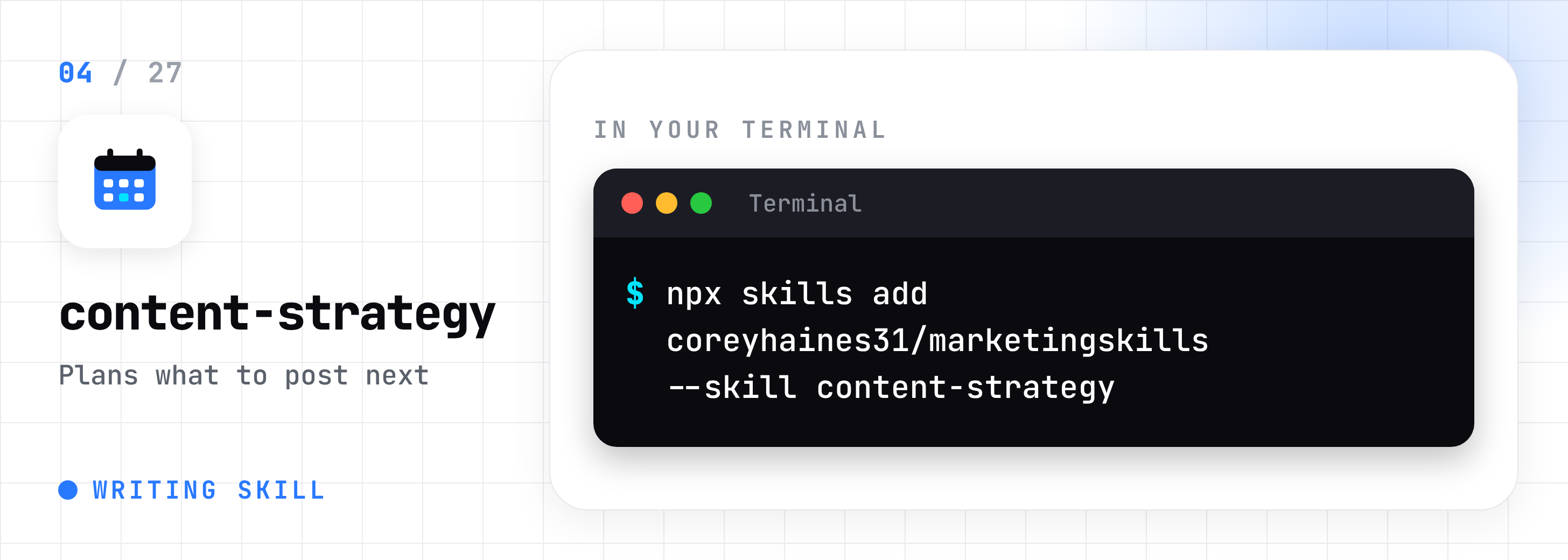
5. doc-coauthoring: Writes long documents with you in stages. Official from Anthropic.
npx skills add anthropics/skills --skill doc-coauthoring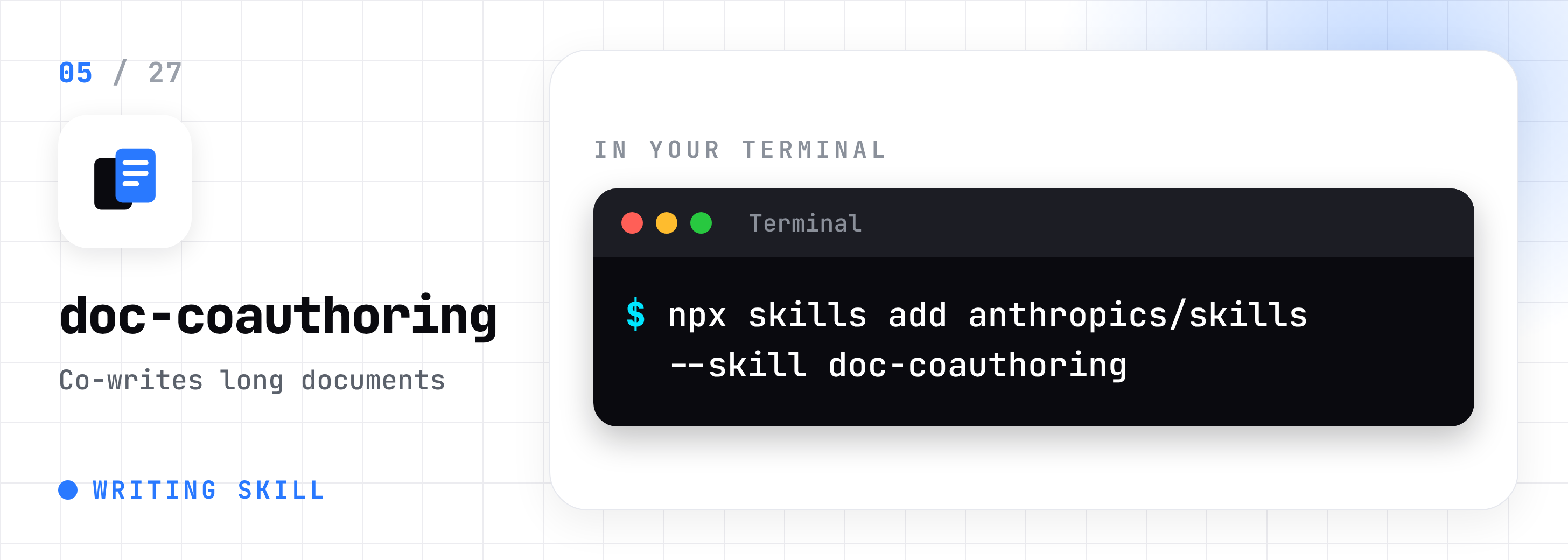
Marketing and SEO
6. claude-seo: A full SEO toolkit: audits, schema, local SEO, and AI search checks.
/plugin marketplace add AgriciDaniel/claude-seo
/plugin install claude-seo@agricidaniel-claude-seo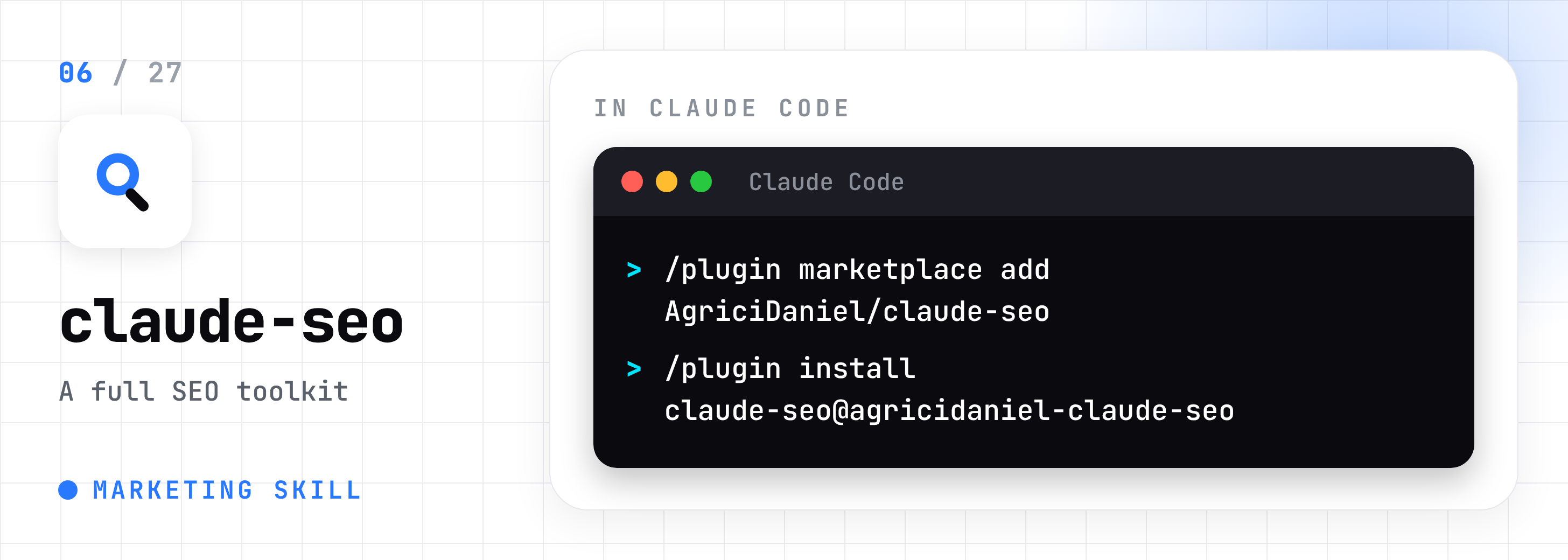
7. ai-seo: Shapes your content so ChatGPT and Perplexity quote it.
npx skills add coreyhaines31/marketingskills --skill ai-seo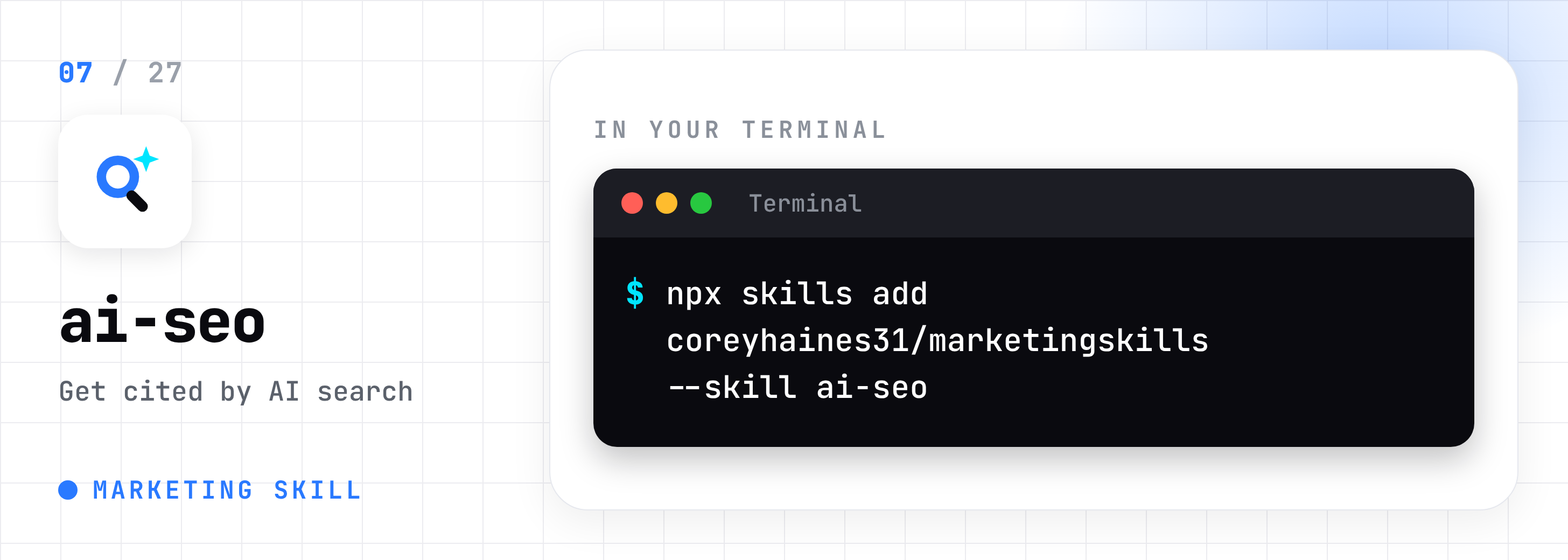
8. marketing-psychology: Tells you why people would or wouldn’t buy your offer.
npx skills add coreyhaines31/marketingskills --skill marketing-psychology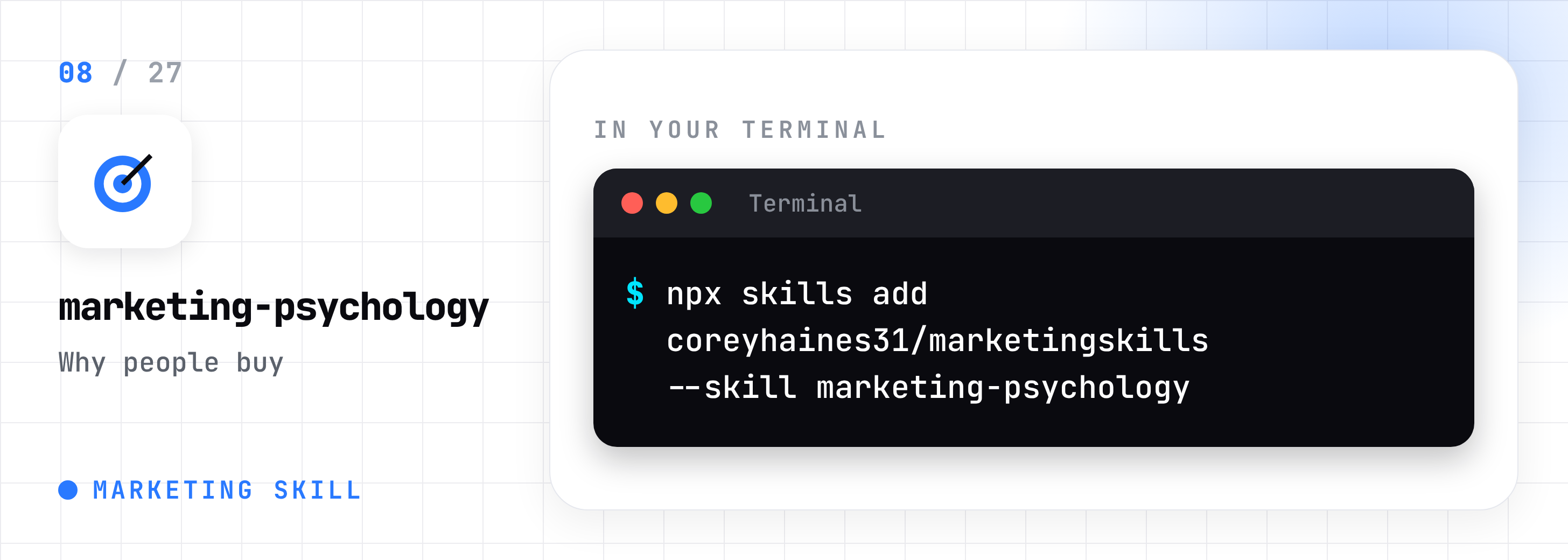
This guide took me two days and a lot of coffee to put together. If it helped you, share it with one friend who uses Claude Code.
Office Documents
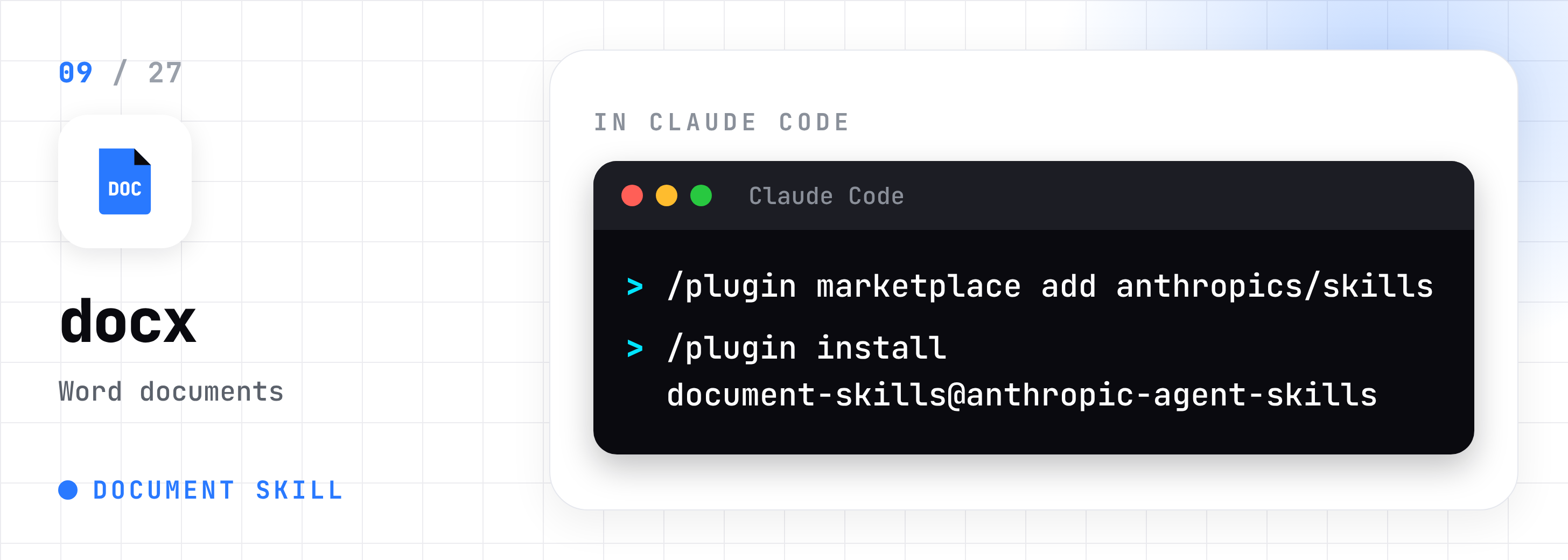
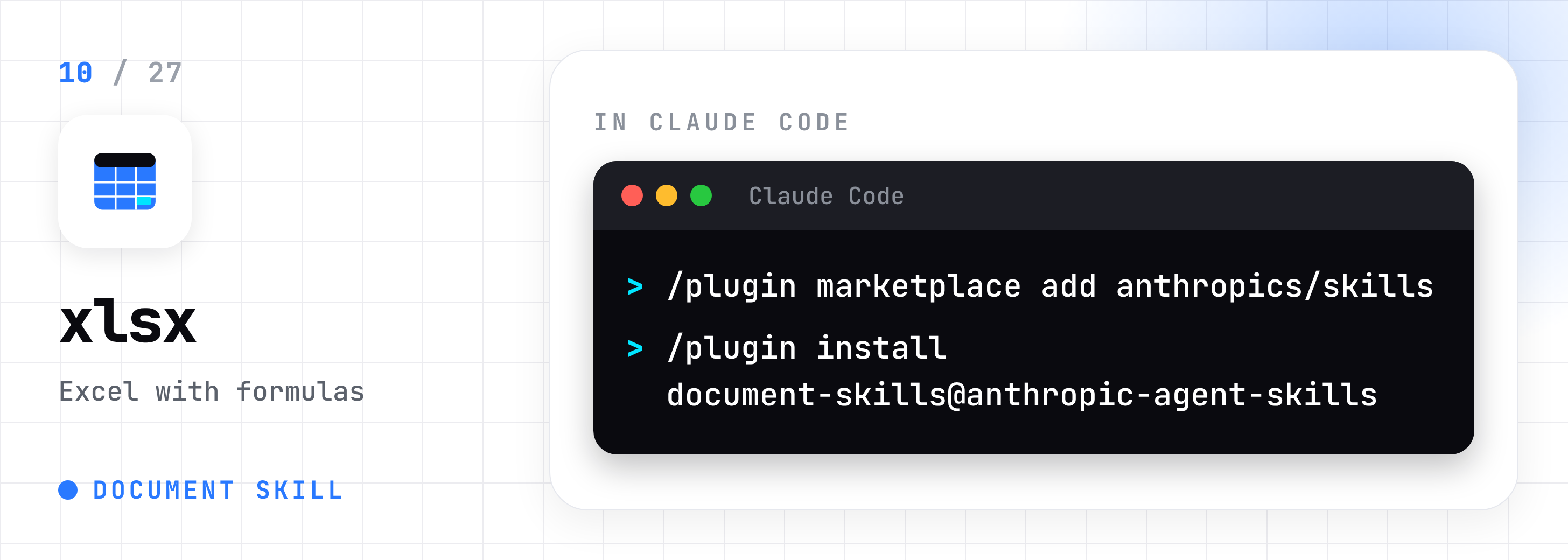
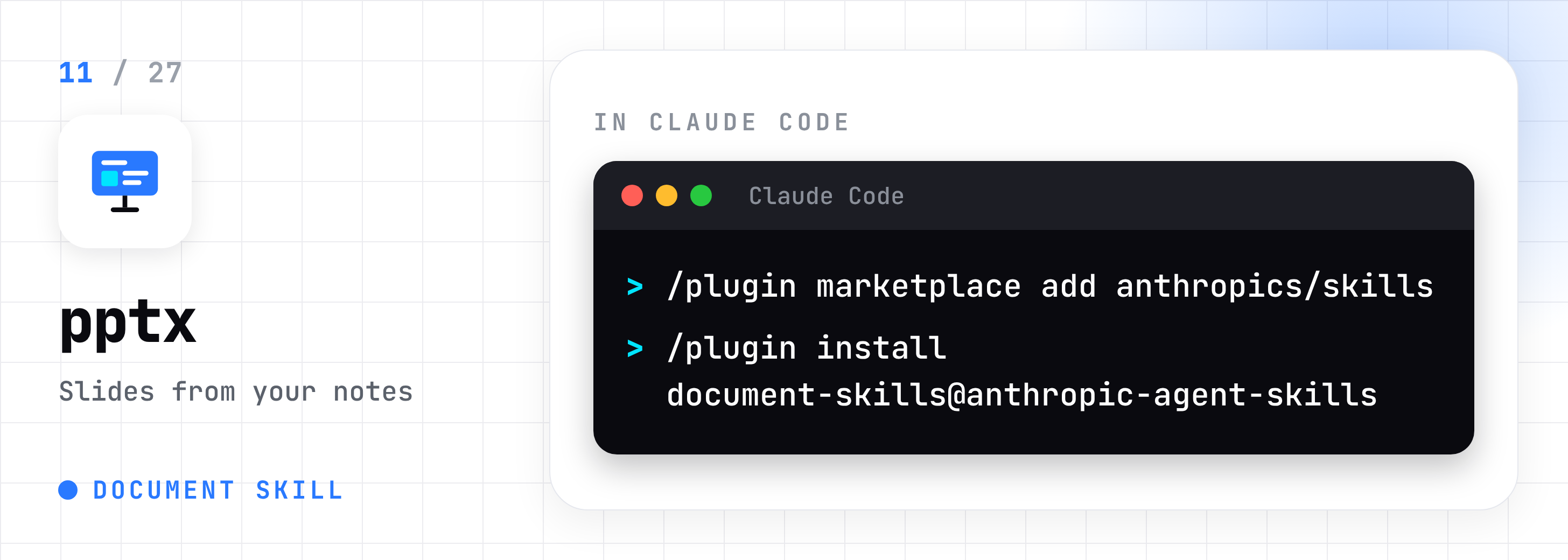
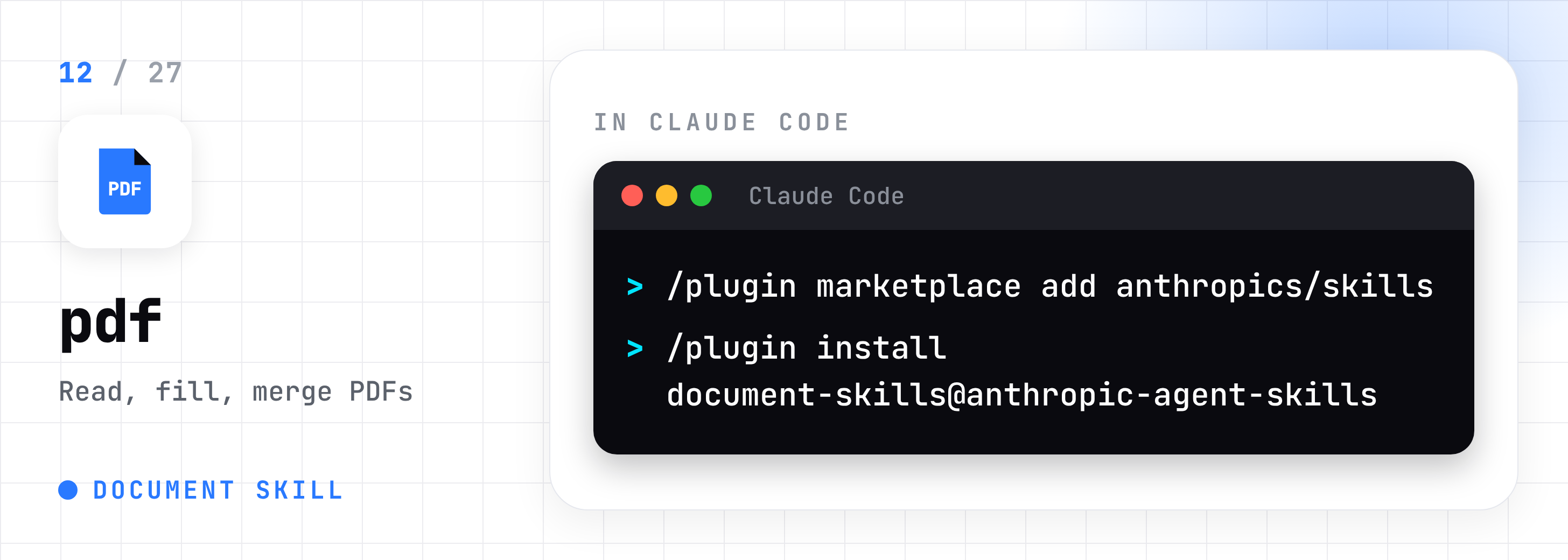
Skills 9 to 12 install together as one Anthropic bundle:
/plugin marketplace add anthropics/skills
/plugin install document-skills@anthropic-agent-skills
9. docx: builds and edits Word documents.
10. xlsx: builds Excel files with working formulas.
11. pptx: turns notes into PowerPoint decks.
12. pdf: reads, fills, merges, and splits PDFs.
Design and Video
13. frontend-design: Stops Claude building generic purple-gradient websites.
/plugin install frontend-design@claude-plugins-official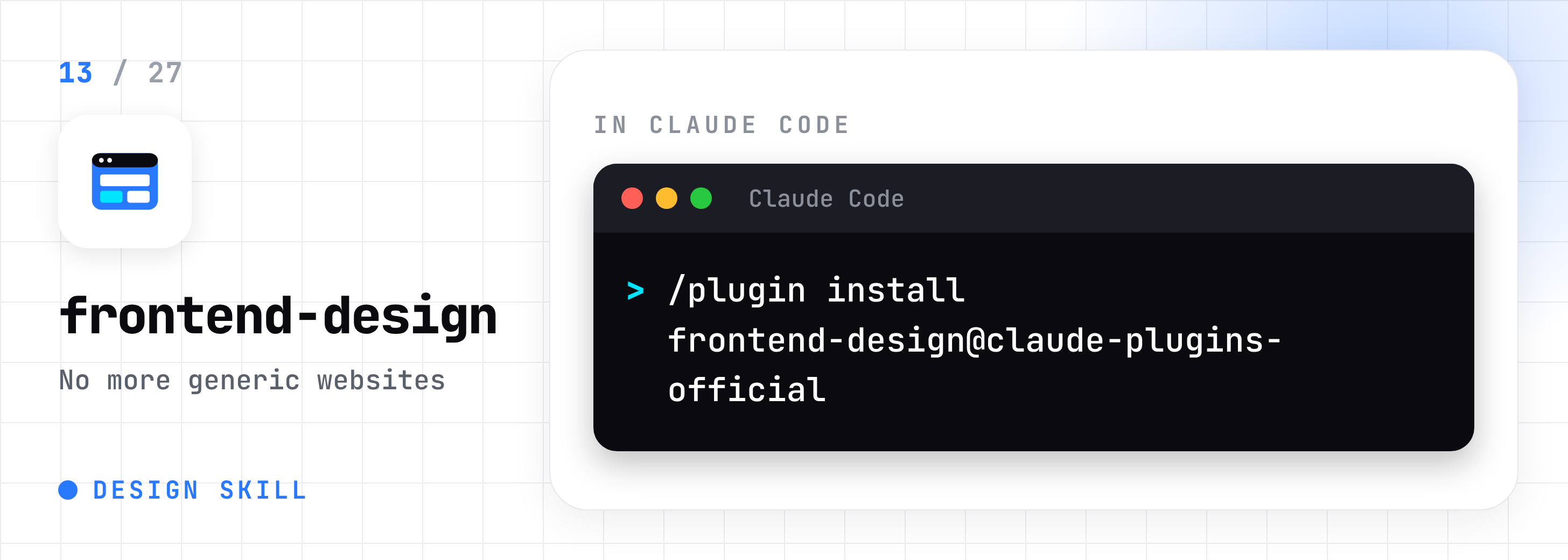
14. brand-guidelines: A brand template. Swap in your colors and fonts, and every page matches.
npx skills add anthropics/skills --skill brand-guidelines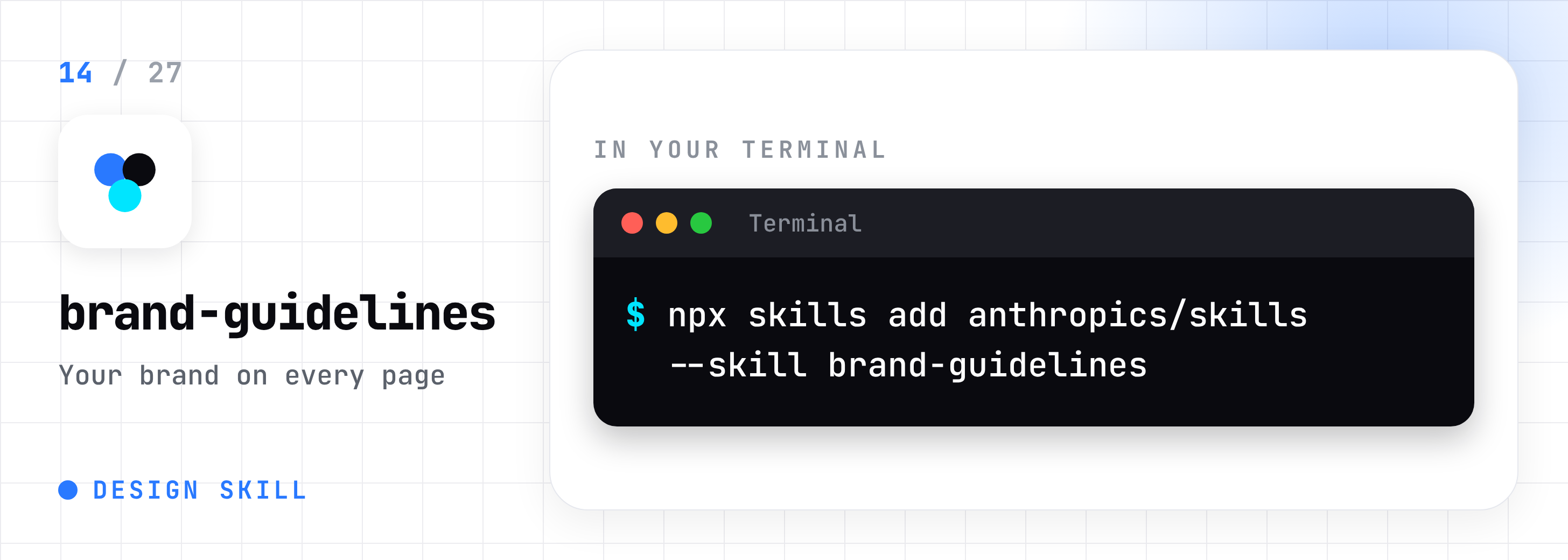
15. theme-factory: Gives slides, docs, and pages one matching look.
npx skills add anthropics/skills --skill theme-factory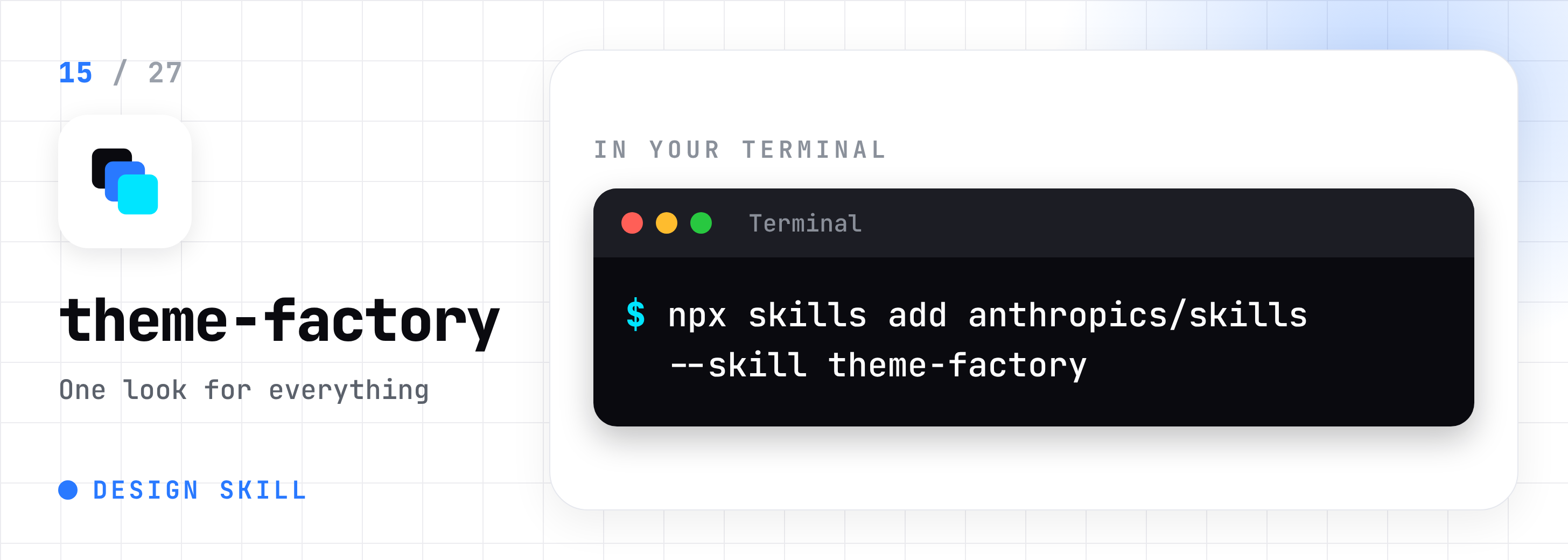
16. remotion: Makes videos from a text prompt.
/plugin marketplace add remotion-dev/claude-code-plugin
/plugin install remotion@remotion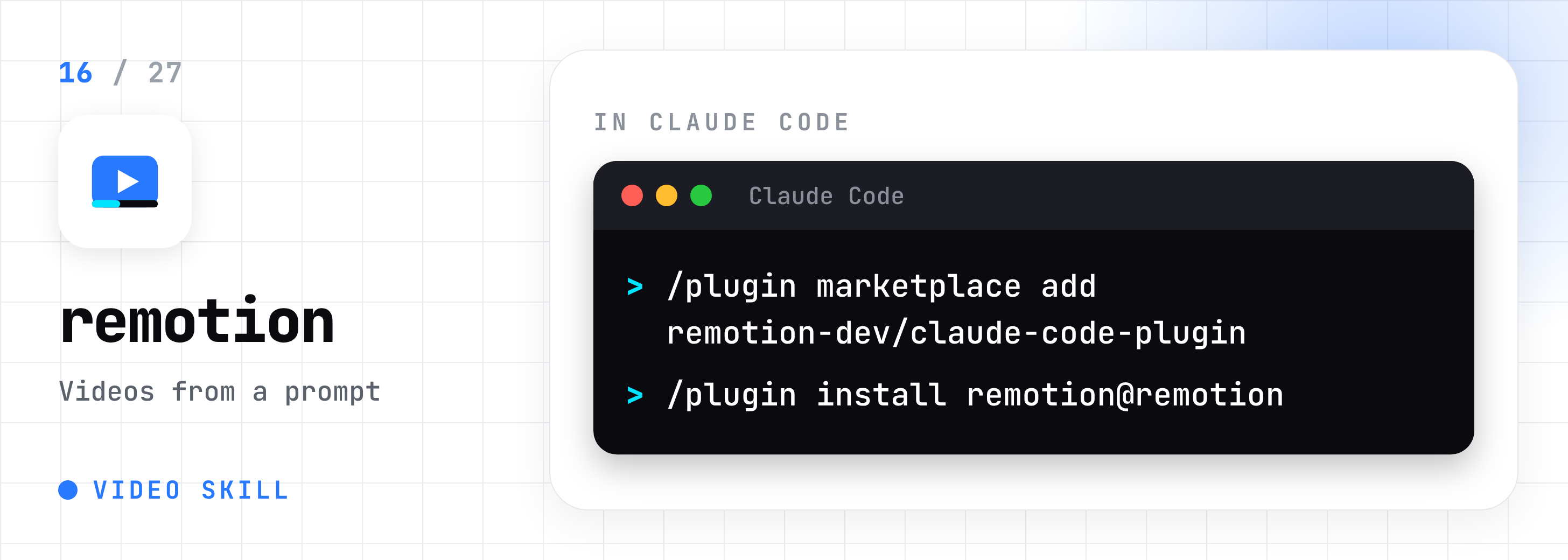
Second Brain and Memory
17. obsidian-skills: Lets Claude read, write, and search your Obsidian vault. Built by Obsidian’s CEO.
npx skills add kepano/obsidian-skills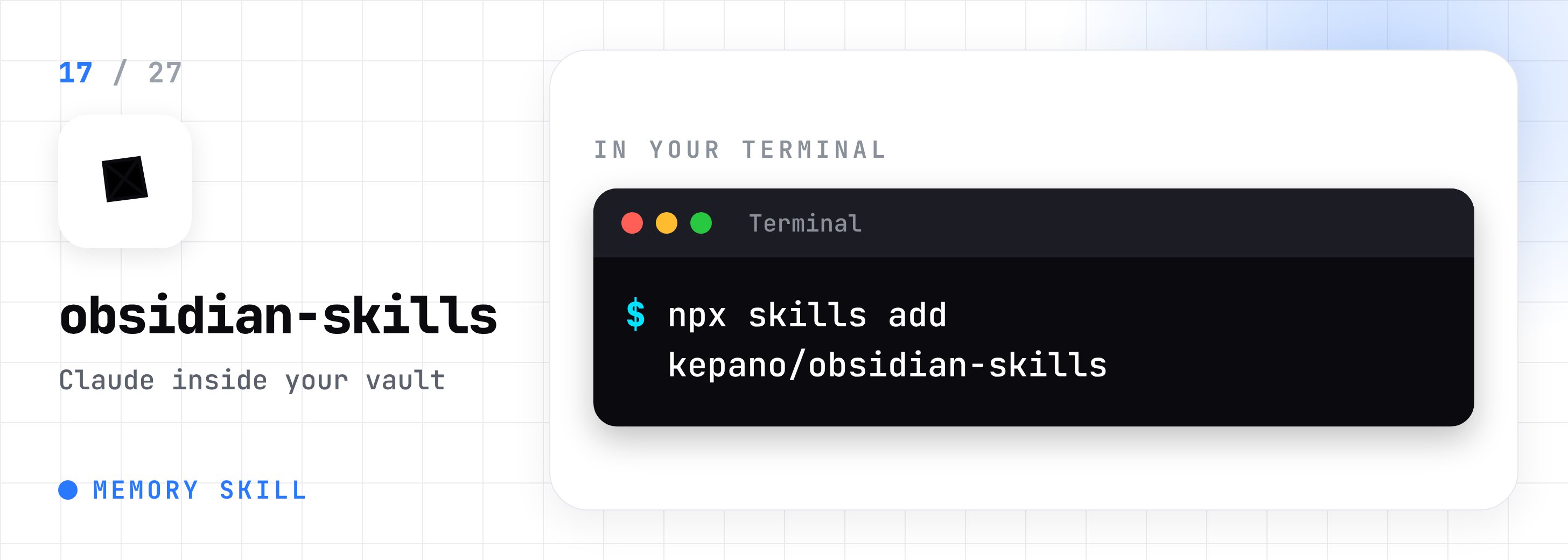
18. planning-with-files: Saves Claude’s plan to a file, so work survives a crash.
/plugin marketplace add OthmanAdi/planning-with-files
/plugin install planning-with-files@planning-with-files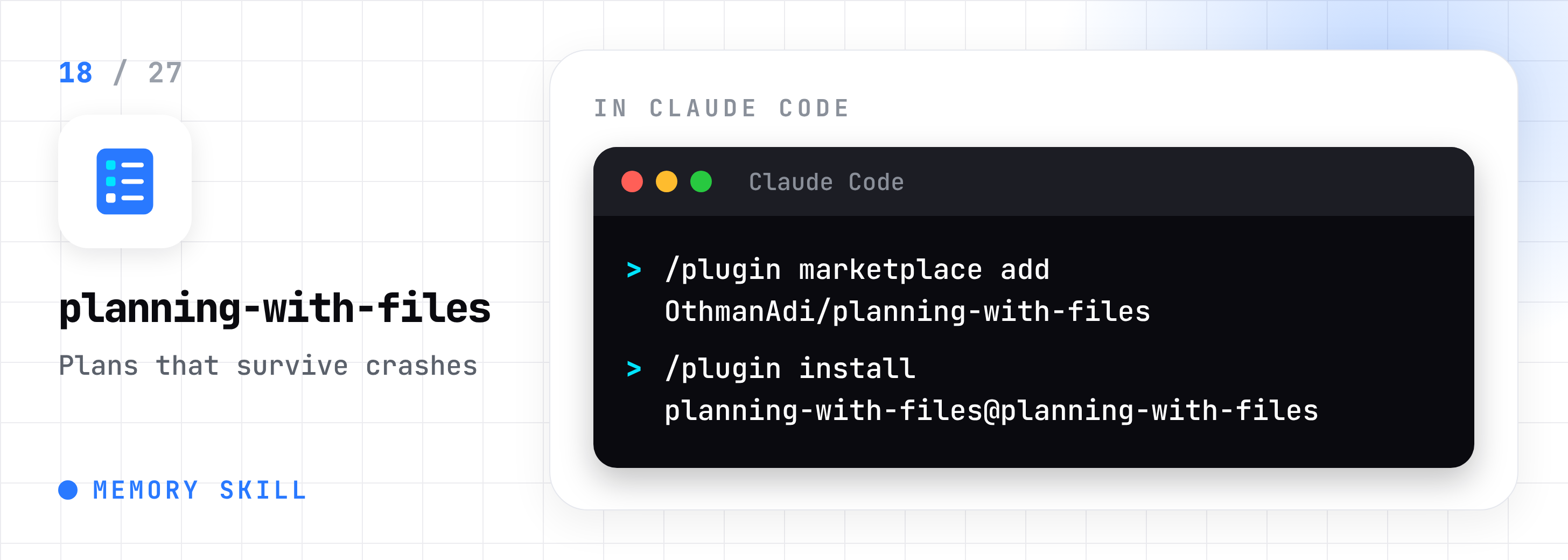
19. claude-mem: Gives Claude memory between sessions.
npx claude-mem install
Build and Ship
20. superpowers: Makes Claude plan, test, and review before it codes.
/plugin marketplace add obra/superpowers-marketplace
/plugin install superpowers@superpowers-marketplace
21. gstack: Garry Tan’s setup. Skills act as a CEO, reviewer, QA tester, and release manager.
git clone --single-branch --depth 1 https://github.com/garrytan/gstack.git ~/.claude/skills/gstack
cd ~/.claude/skills/gstack && ./setup
22. webapp-testing: Opens a real browser and clicks through your app to test it.
npx skills add anthropics/skills --skill webapp-testing
23. mcp-builder: Helps you build connectors so Claude can talk to other apps.
npx skills add anthropics/skills --skill mcp-builder
Think Better, Spend Less
24. grill-me: Questions your plan one step at a time until it holds up.
npx skills add mattpocock/skills --skill grill-me
25. karpathy-guidelines: Four rules that keep Claude careful: no guessing, small changes, check first.
npx skills add forrestchang/andrej-karpathy-skills --skill karpathy-guidelines
26. caveman: Makes Claude reply in fewer words, so you hit usage limits later.
/plugin marketplace add JuliusBrussee/caveman
/plugin install caveman@caveman
27. skill-creator: Builds new skills for you from a plain description.
/plugin install skill-creator@claude-plugins-official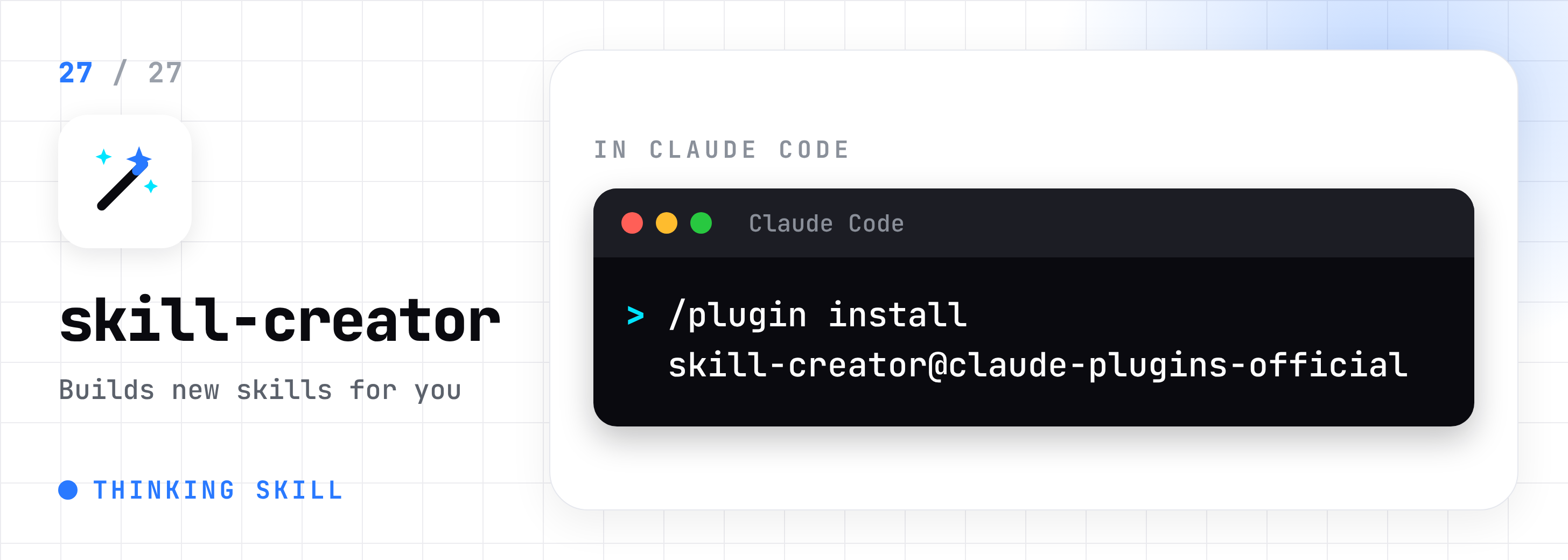
Where to Start
Writers: humanizer, copywriting, copy-editing, content-strategy.
Business owners: document-skills, marketing-psychology, claude-seo.
Builders: superpowers, frontend-design, karpathy-guidelines.
Hitting limits: caveman, planning-with-files.
For Paid Members: The Skills Starter Pack
Paid members get 12 of these skills as ready-to-install zip files. Download, unzip, drop the folder in, done.
Writing: humanizer, copywriting, copy-editing, content-strategy
Marketing: ai-seo, marketing-psychology
Design: frontend-design, theme-factory
Thinking and planning: planning-with-files, grill-me, karpathy-guidelines, skill-creator
Every skill comes straight from its original creator, checked to work on its own, so you skip the GitHub hunt.
