

After my last issue on Obsidian, my inbox blew up.
Same question, again and again:
“Okay, I have the vault. I have the notes. Now what?”
Fair question.

A vault with no plugins is just a filing cabinet that links to itself. The real second brain starts when plugins do the boring work: finding old notes, surfacing tasks, making your graph useful instead of just pretty.
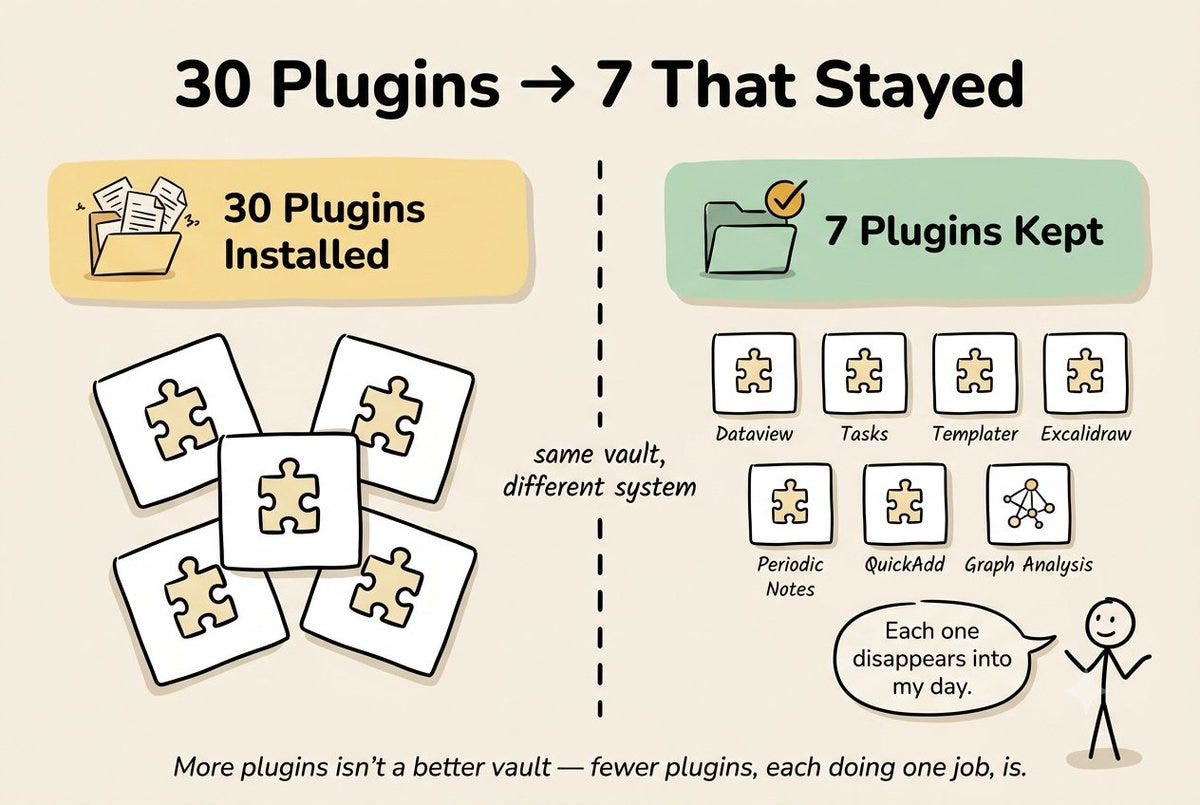
So I installed 30 plugins. All at once.
I deleted 23 of them within 48 hours. They slowed down the app, broke my templates, or just sat there doing nothing.
Seven changed how I work.
This issue is those seven. Real settings. Real screenshots. What broke, what worked, what I’m still using today.
By the end, you’ll get the Plugin Stack Cheat Sheet - one page, all 7 plugins, every setting, so you skip my mistakes.
THE AI VAULT IS OPEN
Every guide, kit, template, and prompt library I’ve built - in one place. Organized. Searchable. Growing every week. Here’s how access works:
Paid Members: Get one specific guide related to the newsletter from the Vault every issue. Yours for a week.
Founding Members: Full access to everything inside the Vault. Every guide. Every kit. Every drop. Forever.
We’re 2-3 months away from 10K+ subscribers. The moment we hit that number, we’re launching a private free community - exclusively for AI In Public readers.
By the end of this issue, you won’t just have a list of plugins.
You’ll have a vault that finds your notes for you, surfaces your tasks without hunting, and stays fast because you never added the wrong things in the first place.
That’s the difference between a vault you check and a vault you actually use.
Why Core Plugins Aren’t Enough
In the last issue, I told you to learn the core plugins first. Still true. Don’t skip that step.
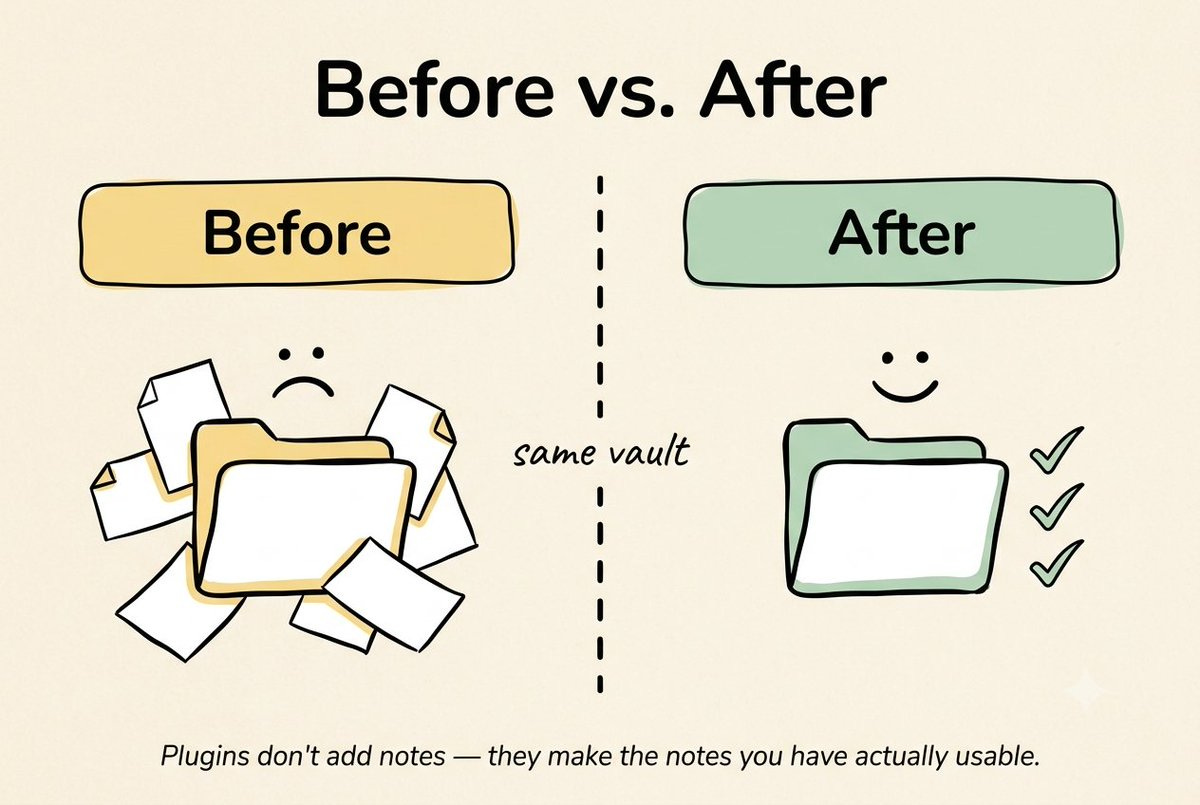
But core plugins only store notes and link them. They don’t do the work for you.
Old way: you search for old notes by hand. You build your own task list by hand. You check which notes you forgot about by hand.
New way: plugins do all of that for you, every time you open the vault.
The 7 Plugins I Still Use
1. Dataview
What it does: shows you a live list of notes, built from a simple query.
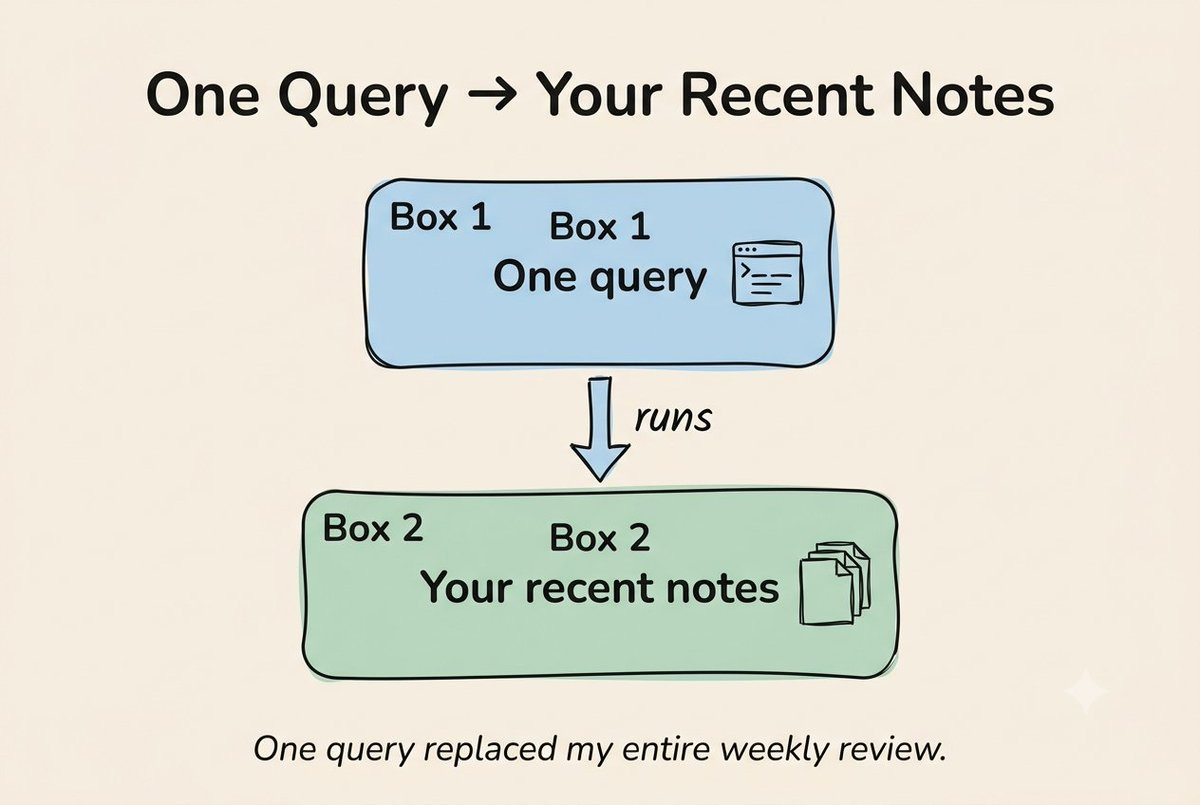
I use this every day. Here’s the exact one sitting on my Home note right now:
table file. mtime as “Last edited”
from “Notes”
where file.mtime >= date(today) - dur(7 days)
sort file.mtime desc
This shows every note I touched in the last 7 days. No more “did I already write about this” moments.
2. Tasks
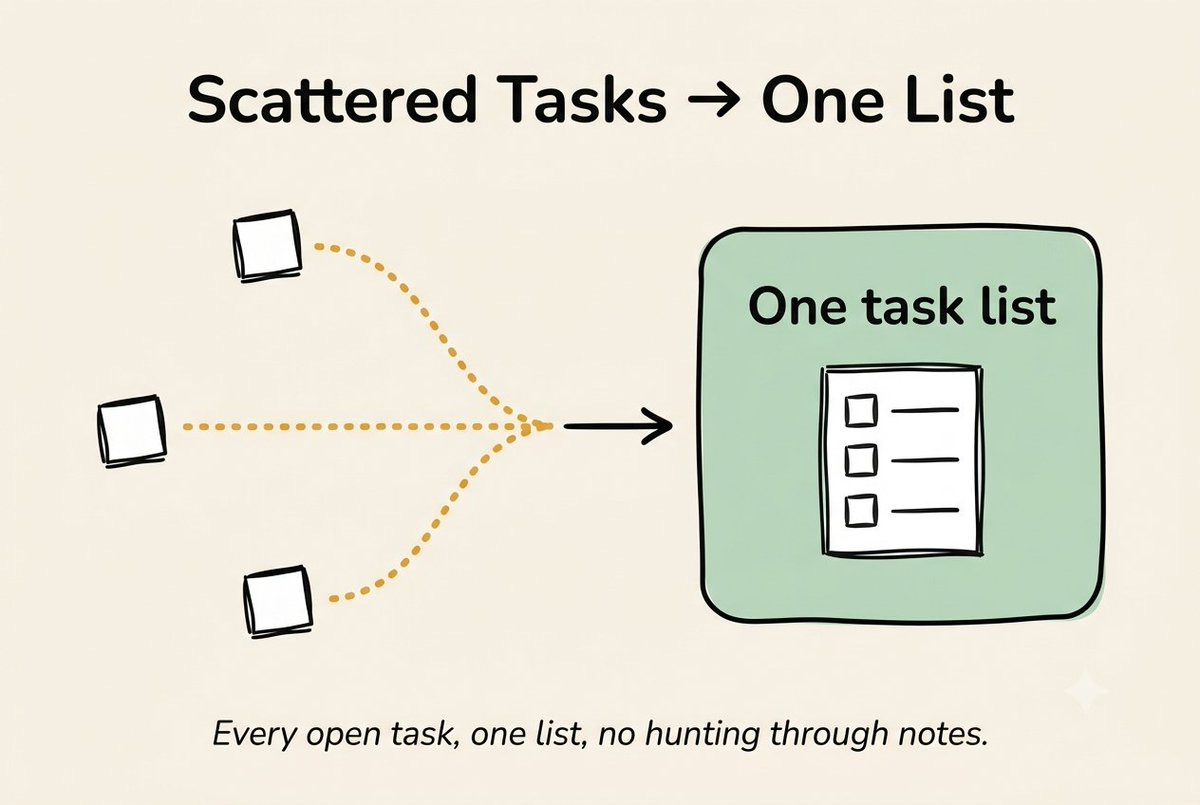
What it does: pulls every checkbox from your whole vault into one list.
Old way: open 20 notes, hunt for open tasks, new way: one list, every task, sorted by date.
TASK
FROM “Projects”
WHERE ! completed
SORT due asc
Add a due date to any task like this: 📅 2026-06-30. Now it’s a real task manager, inside your notes.
3. Templater
The core Templates plugin only inserts plain text. Templater adds today’s date, your name, and even small auto-fill rules.
Here’s my real daily note template, the one that fills in every morning:
---
date: {{date:YYYY-MM-DD}}
tags: daily
---
# 🗓 <%
(”dddd, MMMM Do”) %>
## Yesterday’s carryover
<% tp.file.include(”[[Inbox]]”) %>
## Today’s focus
## Notes
## End of day reflection
That one date line does something the core plugin can’t: it writes the date the way I want to read it, not just a plain number.
Didn’t work: I tried to have Templater automatically build my meeting notes from my calendar. Three hours in, I gave up. Too many things broke. Sometimes the simple template wins.
4. Excalidraw
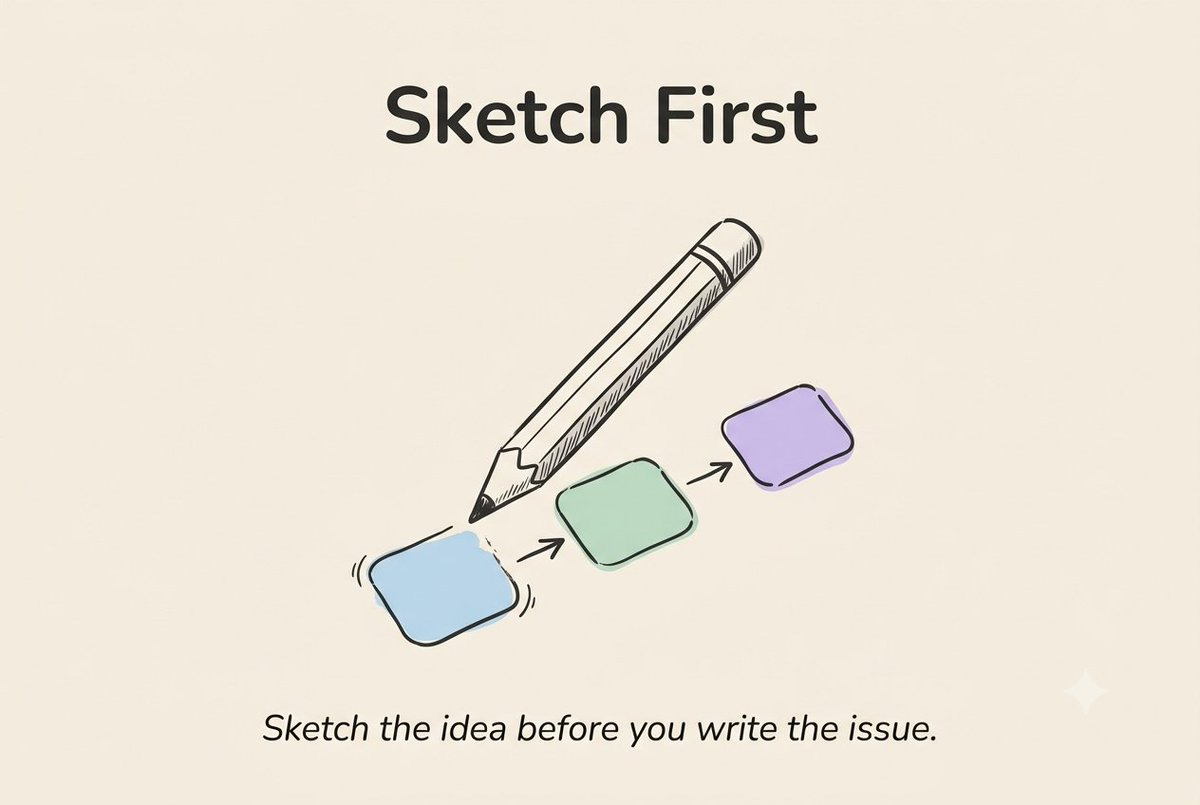
What it does: a drawing canvas inside any note.
I use it for one thing: sketching out newsletter ideas before I write them. The Part 1 outline for the Obsidian issue started here.
5. Periodic Notes
The core Daily Notes plugin only makes daily notes. This one adds weekly and monthly notes too, and links them to your daily notes automatically.
My weekly note pulls in every daily note from that week on its own. I open it on Friday, and everything’s already there.
6. QuickAdd
What it does: one shortcut, and a new note is created, filed, and tagged. No clicks needed.
My setup: I press Cmd+Shift+N, type my idea, and it lands in my Inbox folder, already tagged.
This is the plugin that finally made the “2-minute note rule” from Part 1 actually take 2 minutes. Before this, filing the note took longer than writing it.
7. Graph Analysis
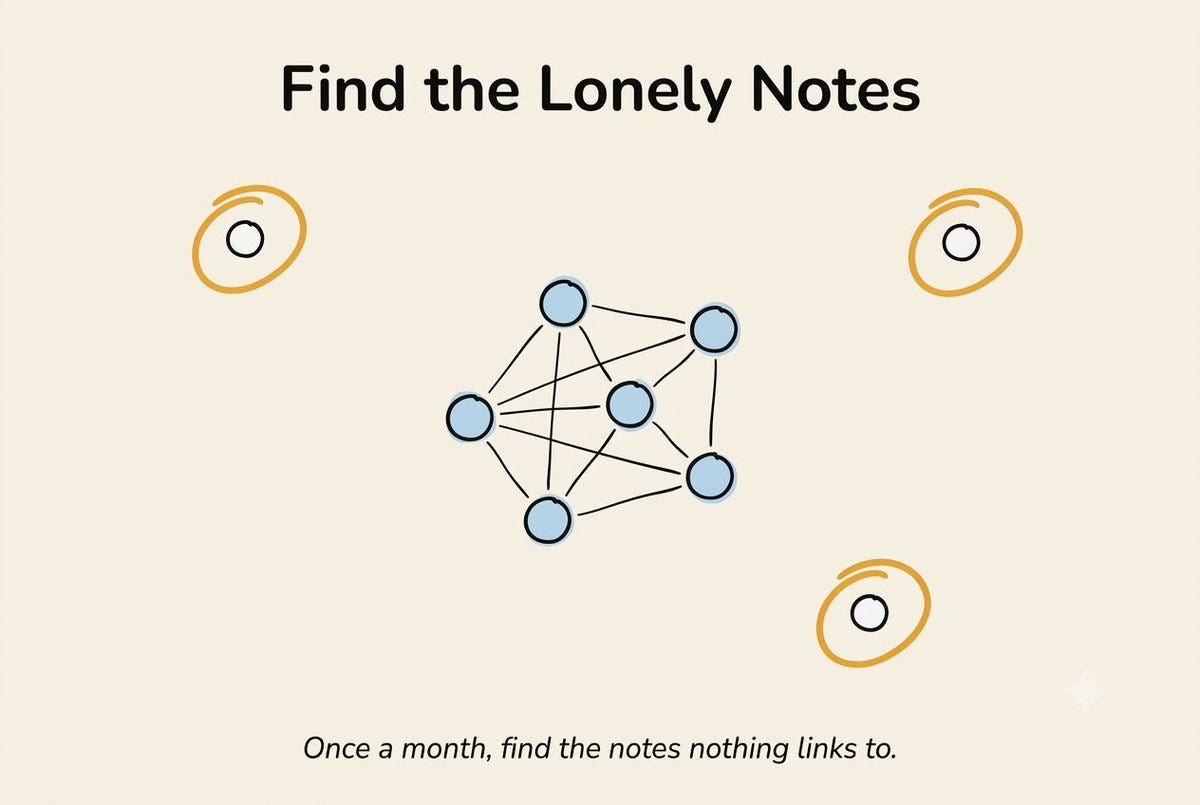
What it does: shows you a simple list of which notes connect to the most other notes, and which notes connect to nothing at all.
Once a month, I run this and clean up. Last month: 14 notes with no links. Two became real notes. Twelve got deleted.
The 23 That Didn’t Make It
I won’t list all 23. Here’s what they had in common:
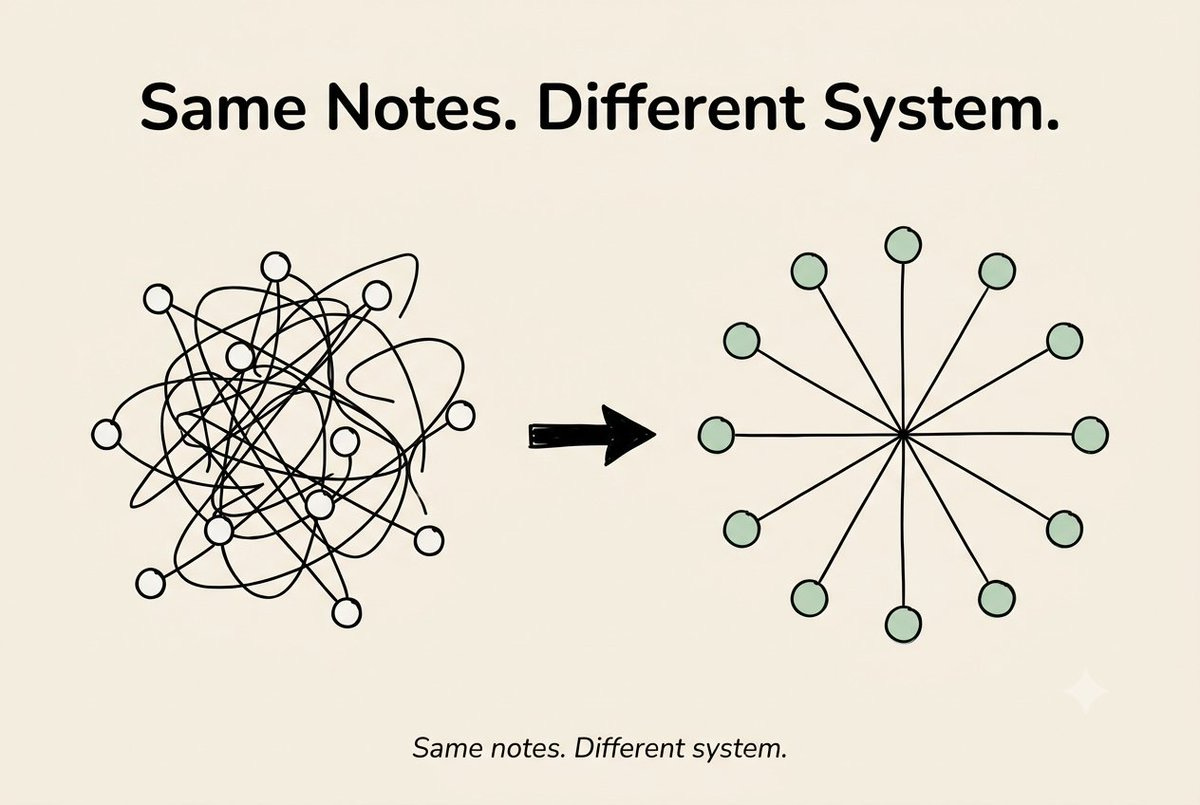
Plugins that tried to replace something Obsidian already does well (a second graph, a second task list, a second template tool) caused problems. Two plugins doing the same job will slow your vault down, and sometimes break your notes. I lost the formatting on four notes this way. Lesson learned.
Plugins that copied something a simple Dataview query already does were just extra weight. If five lines of Dataview can do it, you don’t need a separate plugin.
The point: more plugins don’t mean a better vault. Fewer plugins, each doing one clear job, actually work.
Mentor Moment
Quick pause here.
If you want to install all 7 tonight, don’t.
Add one. Use it for a week. Then add the next.
I added 30 in three days, and spent the next two weeks fixing problems instead of writing notes. A good plugin should disappear into your day. If you’re thinking about the plugin more than your idea, it’s slowing you down, not helping you.
Share this and get rewarded
Go to AI In Public → scroll to the Leaderboard section → copy your referral link → share it with anyone.
Every signup through your link moves you up the board and unlocks real rewards.
At the end of every month, we check the leaderboard.
The top 3 get our best guide - DMed directly, no opt-in required.
One more thing: we will launch a FREE private community at 10K subscribers. We're aiming to reach there with this pace in the next 1–2 months. Every referral gets us there faster. You'll be one of the members of that private community when we do.
Your Setup Checklist
[ ] Dataview installed, one query on your Home note
[ ] Tasks plugin installed, due dates on at least 3 tasks
[ ] Templater set up for your daily note
[ ] QuickAdd shortcut set up and tested
[ ] Graph Analysis run once, unlinked notes found
[ ] Excalidraw only if you think in pictures
[ ] Periodic Notes only if you do a weekly review
Quick Poll
Reply and tell me. I read everyone.
Your Gift
The Plugin Stack Cheat Sheet - all 7 plugins, exact settings, the 3 queries from this issue, ready to paste into your vault. Grab it here:
The Obsidian Plugin Stack Cheat Sheet
Here are a few issues that you might have missed (go check them out):
We tested it in public. Now go use it in private.
If this issue gave you something real, a framework, a starting point, a moment where something clicked, share it.
And for shorter takes between issues, follow me on X → Hamza Khalid
P.S. Which of these 7 plugins are you adding first?
Reply and tell me. I read everyone.
See you in the next newsletter.
- Hamza 💙
interesting