

I tested it end-to-end. Here’s the complete playbook, with every limit, every condition, and every mistake included.
But here’s the thing nobody tells you before you open it.
As of May 27, 2026, Claude Design now shares usage limits with Claude.ai and Claude Code.

So a heavy Design session in the morning means less capacity for Code in the afternoon.
This will change everything about how you should plan your workflow.
I’m going to show you exactly how to run it without burning your week in a single afternoon.
By the end of this issue, you’ll get my tailorable Design Brief Template. The exact prompt I drop into every session before touching anything. It saves at least 2 changes per project.
Stick around :)
First, send this to one person still stuck on “I’m not a designer.” It takes 10 seconds.
Here’s what I did wrong the first time I opened it.
I skipped the Design System setup.
I thought: I’ll just describe my brand in the chat. How hard can it be?
Claude built me a landing page in 8 minutes.
It was genuinely impressive.
Wrong colors. Wrong font weight. Buttons that looked like they belonged to a fintech app I’d never heard of.
I spent the next 45 minutes iterating through chat — burning credits fixing a problem I created in the first 30 seconds.
The fix was a 5-minute setup I’d skipped.
This issue is what I wish someone had handed me before I opened that first tab.
What Claude Design actually is
Released April 17, 2026.
Lives at claude.ai/design (browser only)
Before we start, this is what everyone was talking about when it dropped:

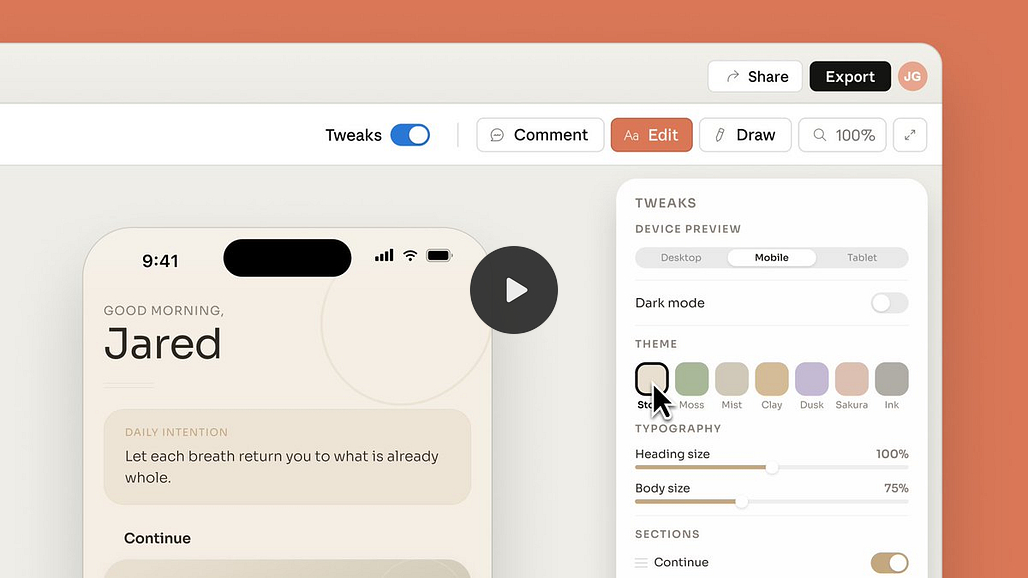
And here’s what the community started building immediately:

Send this to one person still using Figma as their default. It takes 10 seconds.
It runs on Opus 4.7 - Anthropic’s strongest vision model
The same model that powers the heaviest Claude Code sessions.
Which is exactly why it burns through your limits so fast.
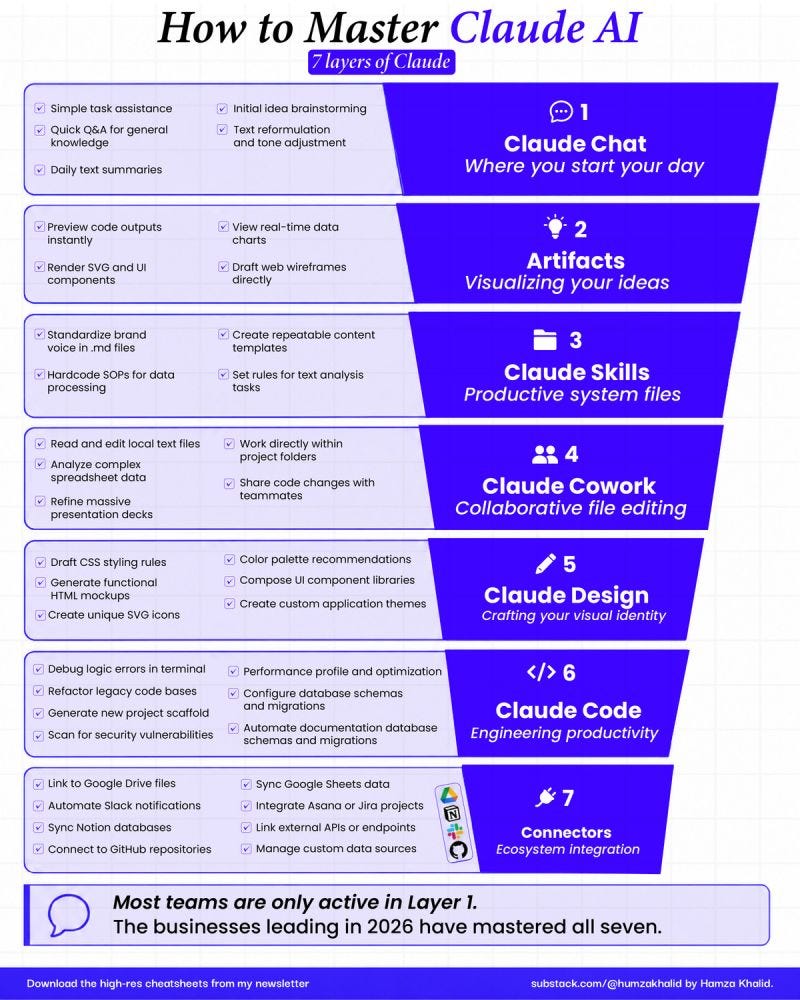
By the way, if you’re new to Claude and you want to master all 7 layers, you can refer to this guide of mine, too.
The limit situation:
Read this before you touch anything!
It’s available as a research preview on Pro, Max, Team, and Enterprise plans.
I didn't realize I'd burned 60% of my weekly Design credits by 11 a.m.
All on iterations I didn't need. Because I didn't read what I'm about to show you.
One important thing: if you’re on Enterprise, Design is turned off by default. Your org admin needs to enable it first. Check before you spend an hour wondering why you can’t see it.
The typical flow inside Design:
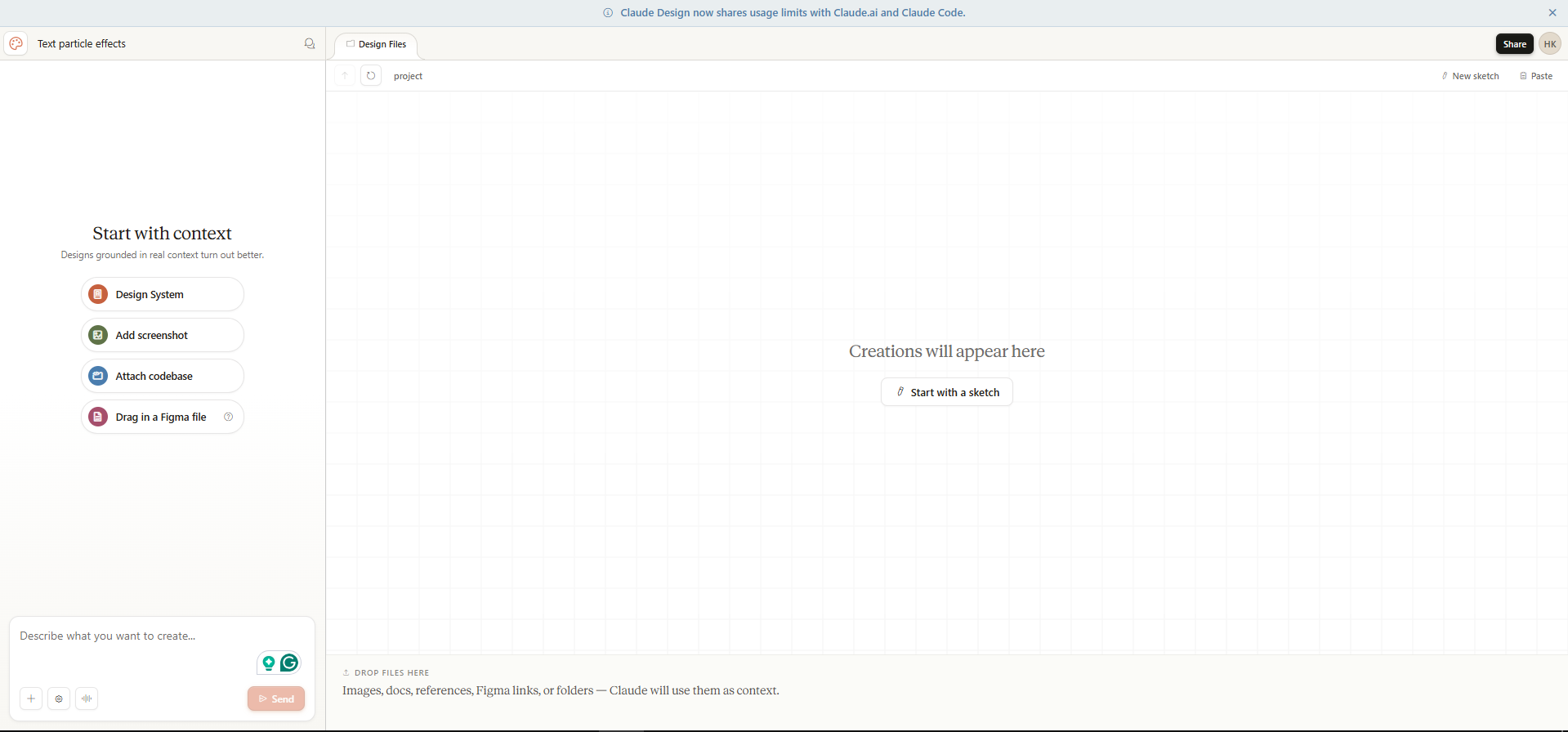
You describe what you want, and Claude builds it on the canvas. Then you iterate using chat and inline comments until it’s right.
The pipeline we’re going to run:
Plan in chat (free) → Design System → First Build → Iterate in canvas → Hand off to Code → Live.
Build your Design Brief in regular Claude chat before you open Design at all.
In my testing, it will save you 20-30% of your Design credits.
When you open Claude Design and just type “make me a landing page,” Claude Design has to figure out what you want first.
It asks questions, and you answer. Then it generates a wireframe. You react, and it adjusts.
Every single one of those back-and-forth messages burns credits.
There’s a smarter way.
Before you open Design, open a regular Claude chat.
It costs you nothing from your Design budget.
Here’s what you do:
Step 1: Get a design brief yourself
Just use my prompt given at the end as a free gift and fill in the brackets below with your details:
Your product name.
Your colors.
Your fonts.
What sections do you want on the page?
What it should NOT look like.
You know all of this. You just need to write it down.
