

You open a new chat.
You paste your brand guide in again.
You explain who you are, who you write for, and what you do not want it to sound like.
You get one good answer.
Then the chat gets long, Claude starts drifting, you open a fresh one, and you do the whole briefing again from zero.
I did that for months. Every single day.
The fix was sitting in my sidebar the entire time, under a word so boring I never clicked it.
Projects.
Your gift this issue
By the end of this issue, you get The Project Instructions Vault.
Six full project instruction blocks, ready to paste. Writers, consultants, founders, developers, students, job hunters. Plus the knowledge base checklist, the audit prompt that proves your setup worked, and the interview that turns my neutral version into yours.
How I found out I was using it wrong
I want to be honest about the order this happened in, because I did not discover Projects. I discovered that I had been using Projects badly.
I made a project called “Newsletter, AI in Public, practical AI for non-technical founders” in about four seconds. Typed the name. Typed a description. Closed the modal. Started chatting.
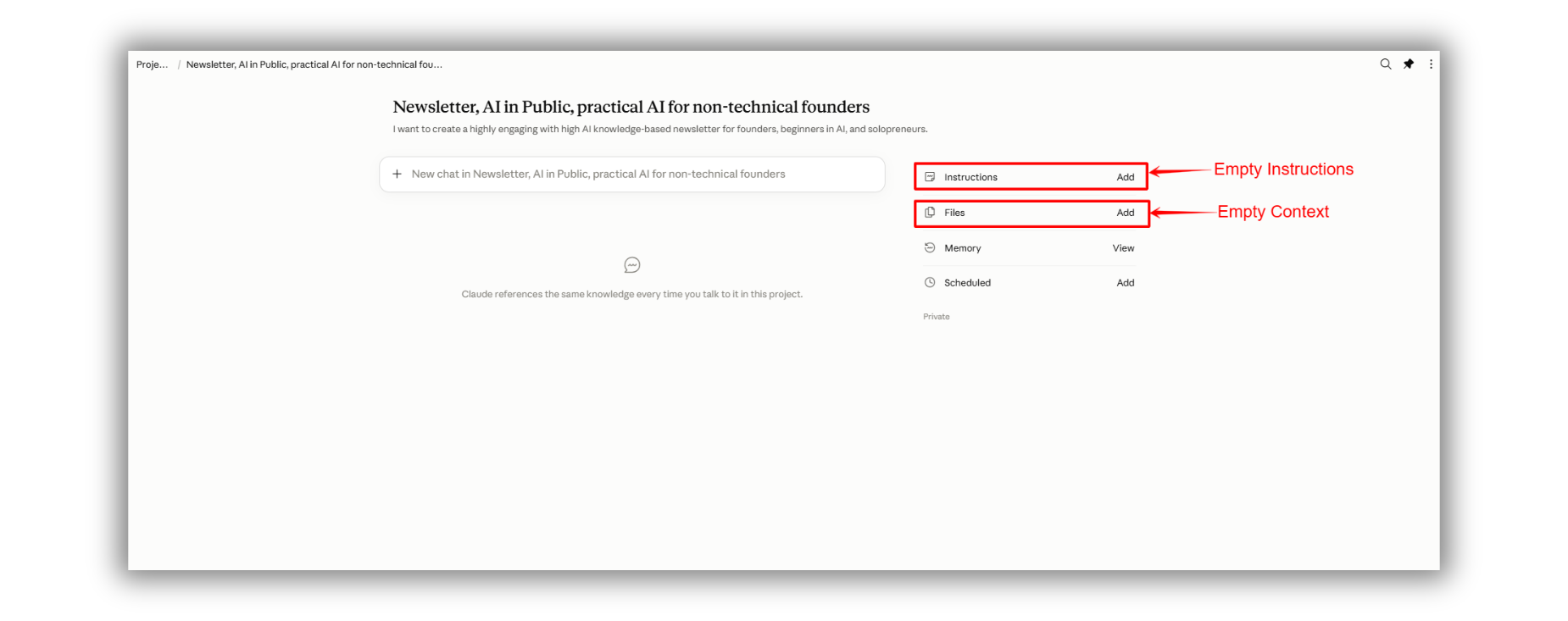
And for weeks I could not work out why the answers were no better than a normal chat.
Then I read the help docs properly and hit the sentence that fixed everything.
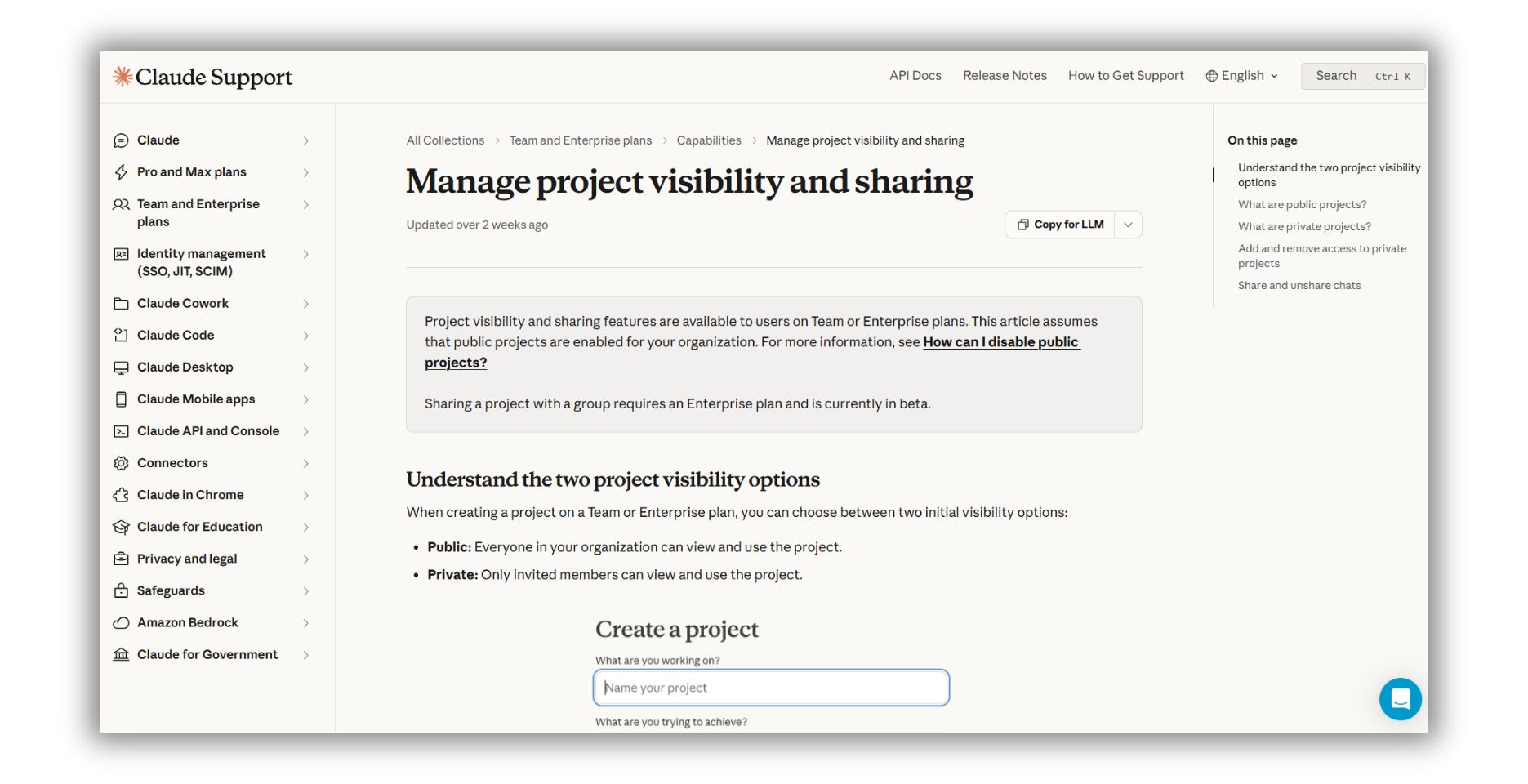
Claude does not have access to the project name or description.
They are labels for you. For your sidebar. Claude never sees them.
I had named my project “Newsletter, AI in Public, practical AI for non-technical founders” and assumed that was the briefing. It was decoration.
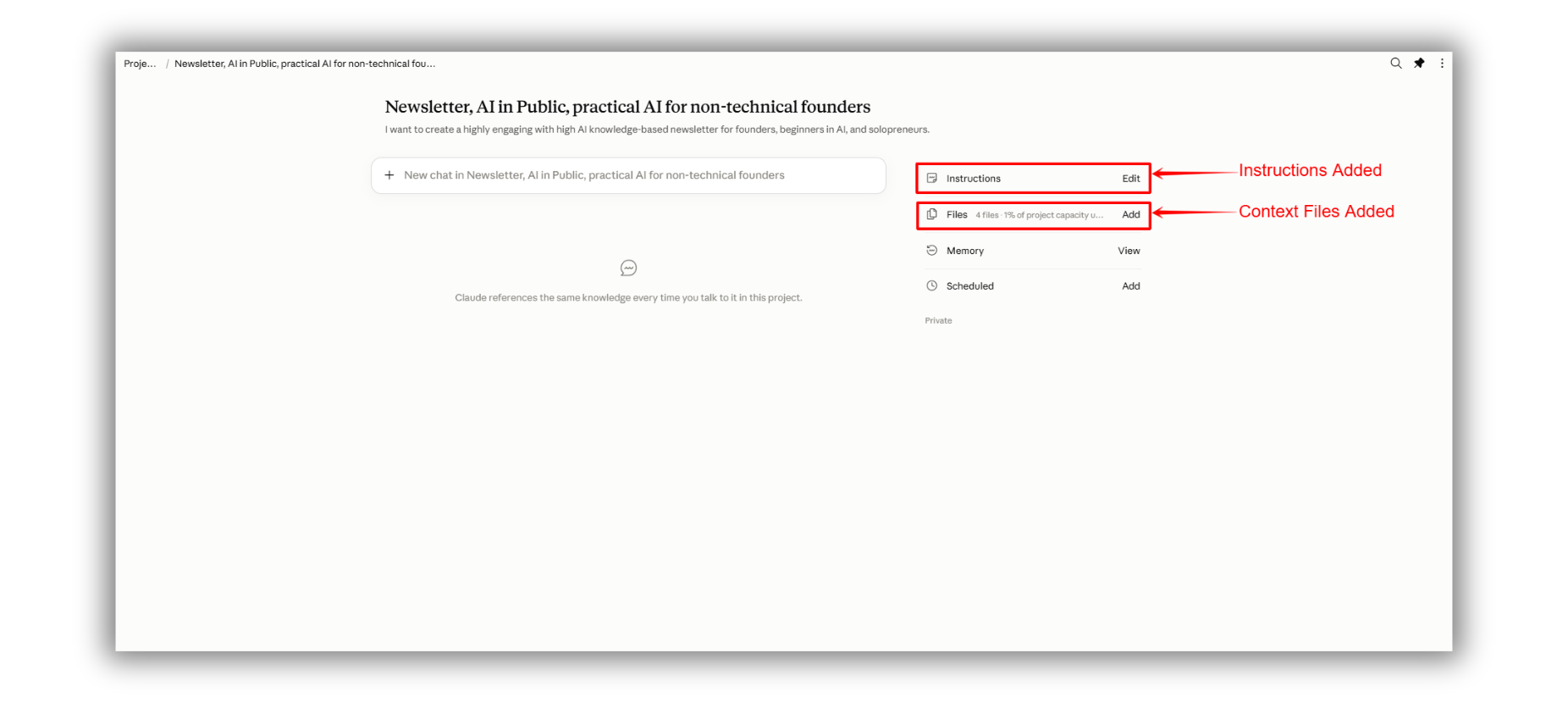
The actual briefing lives in two places I had left empty. Project instructions and project knowledge.
I filled both in. The next chat opened knowing my audience, my sentence length, my banned words, my sign-off.
Same model. Same subscription. Twenty minutes of setup.
If this is useful so far, send it to one person who is still pasting the same brief every morning. Takes ten seconds.
Claude Projects in 30 seconds
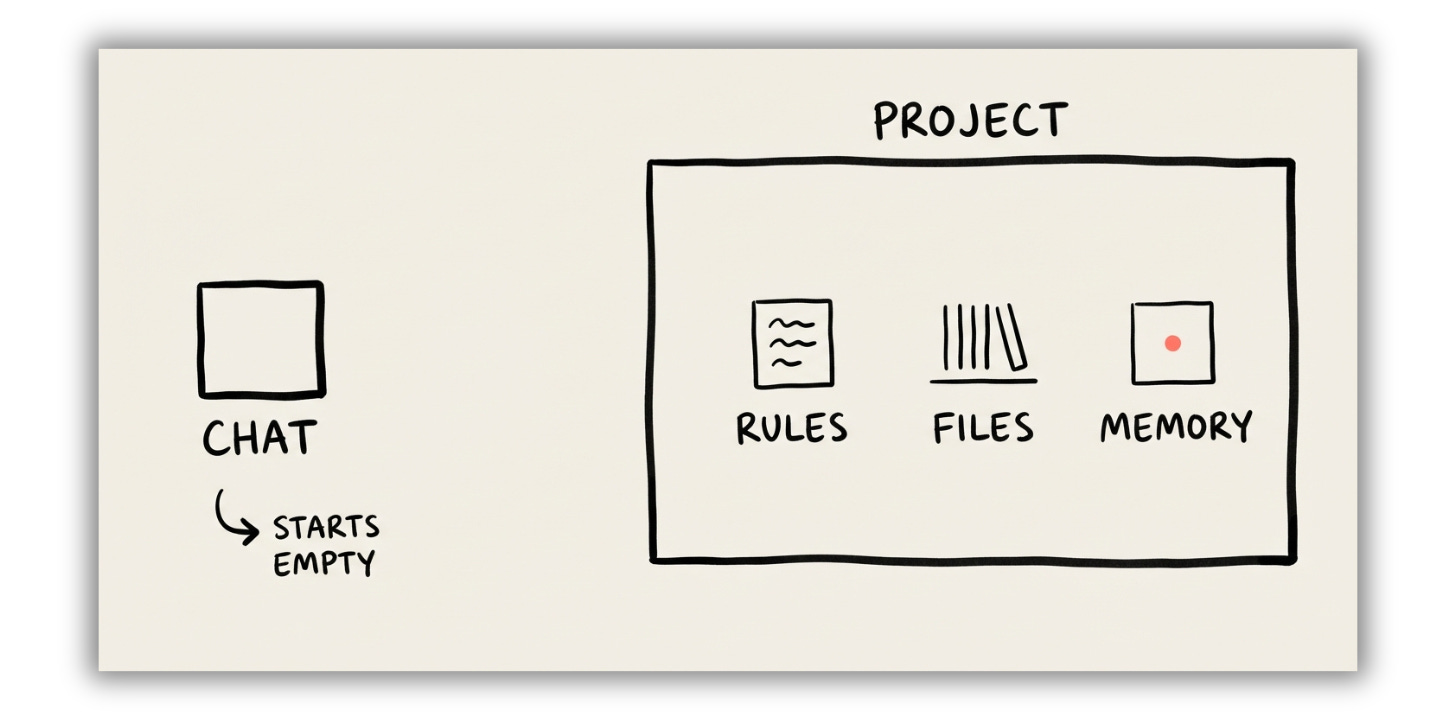
A normal chat is a stranger who forgets you the second you close the tab.
A project is a room you built. The briefing is on the wall, your reference documents are on the shelf, and every conversation you start inside it is already standing in front of both.
Three things live in each one.
Instructions, your standing orders for how Claude behaves in that room.
Knowledge, the reference material it reads before answering.
Memory, separate for every project and kept apart from your other chats.
That third one is the part almost nobody knows about.
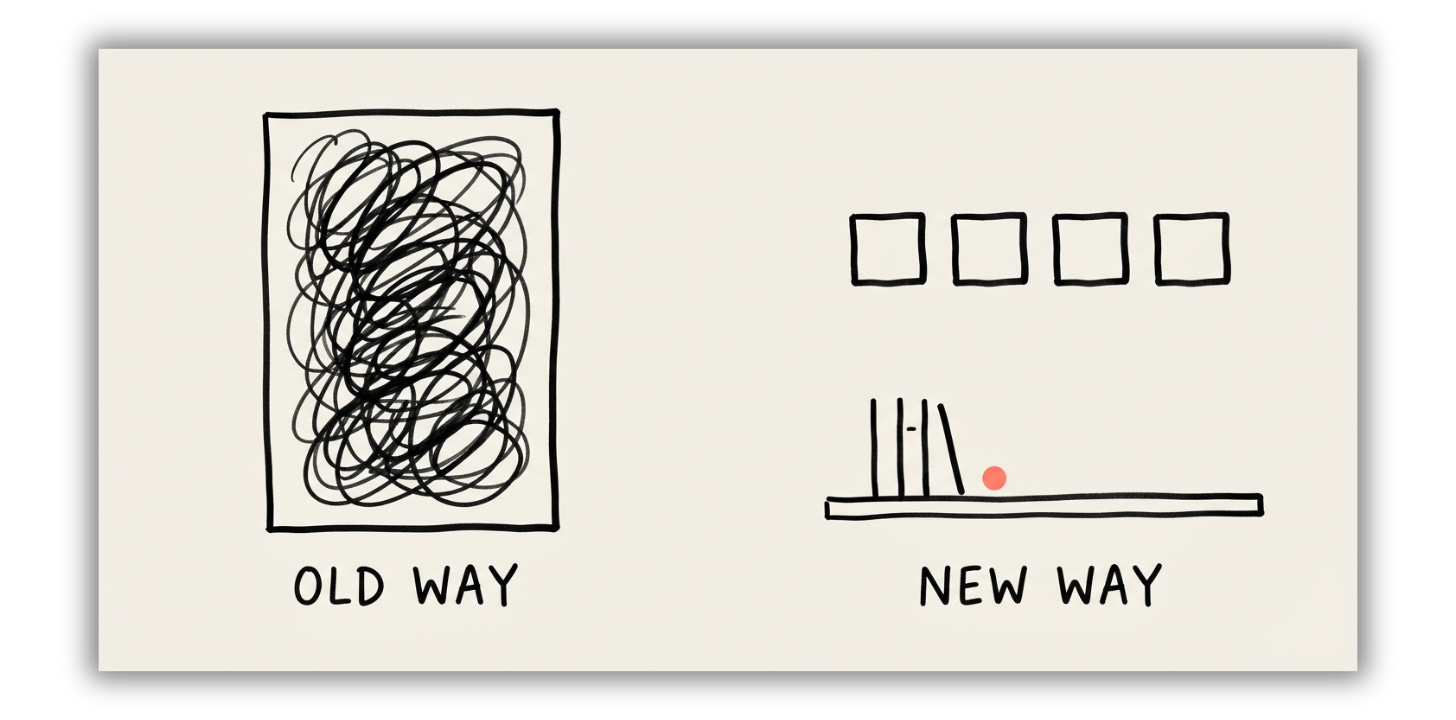
Old way, new way
Old way: One enormous chat that holds everything until it gets slow and confused, and then dies.
New way: One project that holds the standing context, and as many short, clean chats inside it as you want.
Old way: Paste the brand guide, paste the audience, paste the format rules, then ask the question.
New way: Ask the question.
Old way: Your work sits in a pile of 300 chats named “Untitled” that you will never find again.
New way: Client work in one room, writing in another, job search in a third, and memory that does not leak between them.
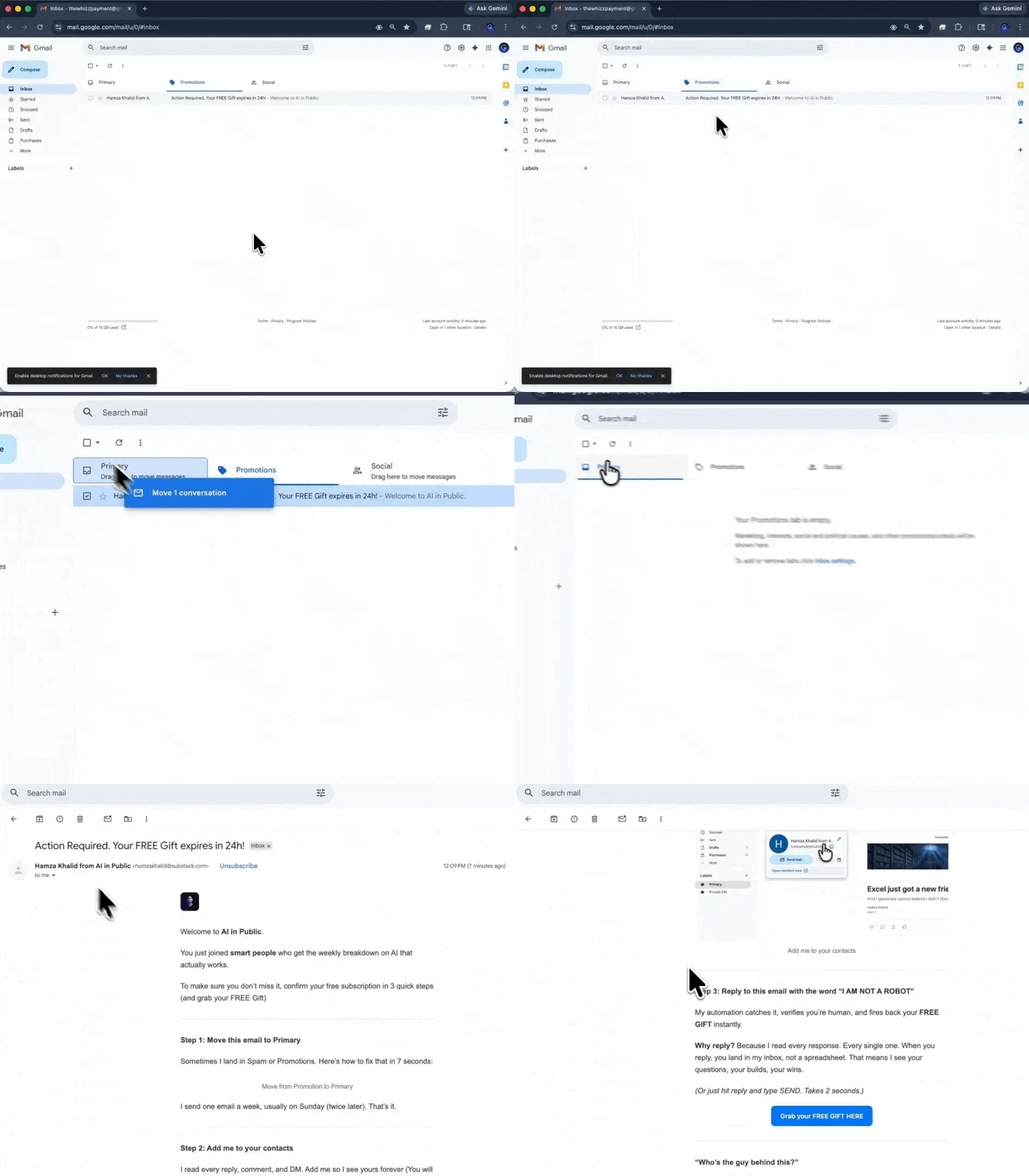
Not getting our issues in your inbox?
Gmail is probably filing them under Promotions.
Two seconds fixes it.
→ Open this email in Gmail
→ Drag it into your Primary tab
→ Click Yes when Gmail asks if you want to do that every time
If it landed in Spam, hit Not Spam first, then drag.
Everything above is the part everyone gets right.
Every guide stops at create a project, upload files, done. None of them mention that Claude cannot see the project name, or that chats inside a project do not share context, which is why most people quietly give up on it.
Behind this line: The nine-step setup with screenshots, my exact instructions block, the audit prompt that proves it landed, and the Project Instructions Vault.
Free readers get the diagnosis. Paid readers get the room built.
