

A new kind of AI has taken over my timeline this week.
It’s called Jev.
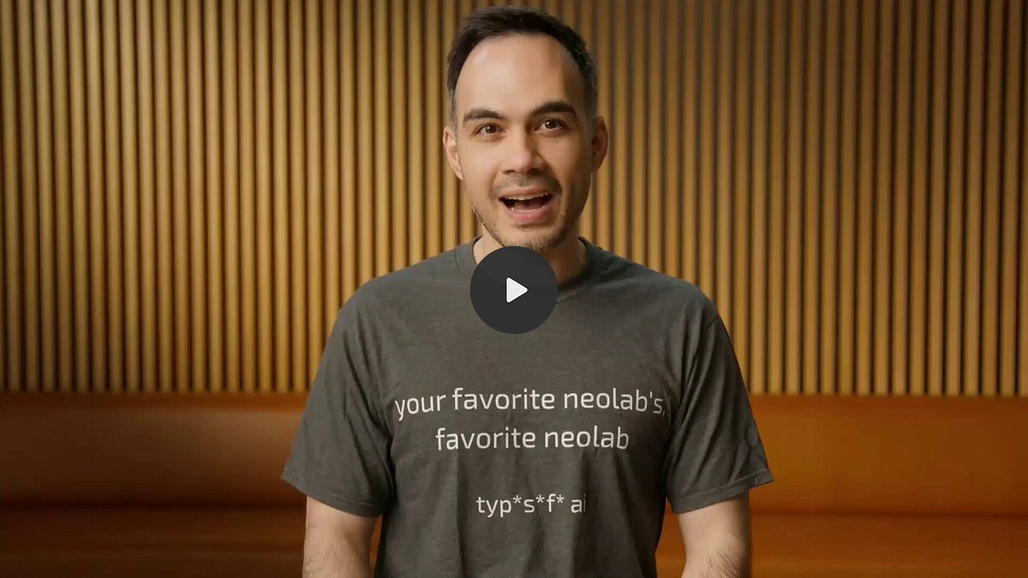
It was built by Diogo Almeida, one of the researchers behind ChatGPT.
It can’t write an email.
It can’t write a blog post.
It can’t build you an app.
Its launch post still passed 38 million views in a week.

In simple words:
→ ChatGPT and Claude write out every answer word by word, even for a yes or no.
→ Jev skips the writing. You give it a question with options, like a multiple-choice test, and it picks one and tells you how sure it is.
→ Up to 200x faster, up to 400x cheaper, and $5 of free credit to start.
→ Claude writes. Jev decides.
“Hi, I’ve been trying to connect my Stripe account for 3 days, and it keeps failing. I’m losing sales. Please help ASAP.”
You ask: Is this urgent?
ChatGPT or Claude: “Based on the content of this message, the sender appears to be experiencing a time-sensitive issue with their Stripe integration, which...” Several seconds, and you pay for every word.
Jev: Urgent: 99.9% yes. Under half a second, for a tiny fraction of a cent.
I kept the chatbot’s answer mid-sentence on purpose. The cut-off is what makes the contrast land.
Know someone still paying ChatGPT to answer yes-or-no questions? Send them this.
Everything Jev can do is here on one page. Save it now, because you’ll want it when you build.
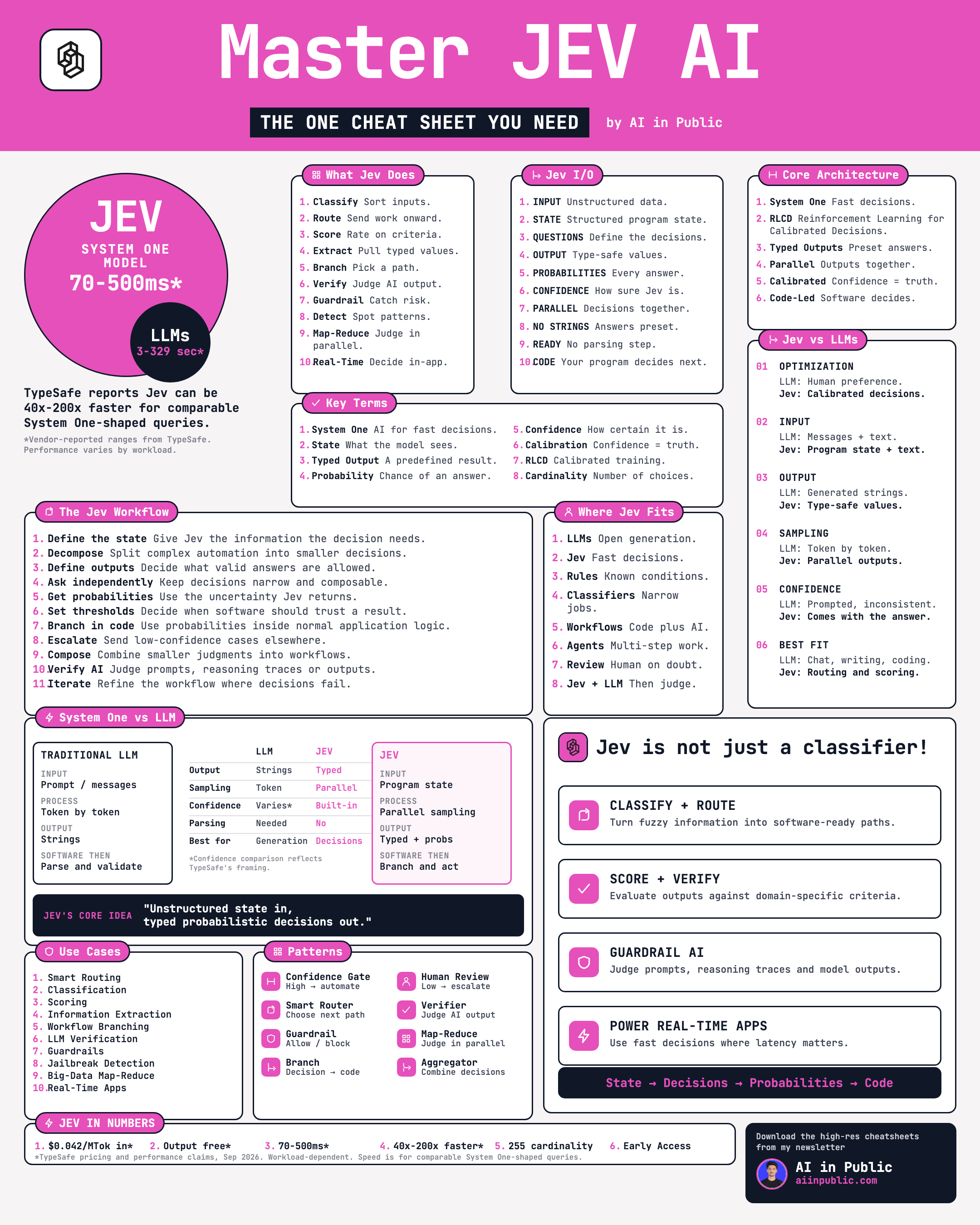
So how do you actually use it?
This issue shows you:
How to set up Jev in 15 minutes, with no code
How to test it on your own emails, right in your browser
How to get Claude to build you a sorting tool with one prompt
How to read Jev’s answers so it never embarrasses you
Five ways to use Jev in a one-person business
The catch behind the “no hallucinations” claim that you need to know before you automate anything
One prompt that will give you 100x better results with Jev
Plus the Jev Decision Playbook: 12 ready-made question sets and 6 copy-paste prompts for Claude.
Upgrade to read the full guide and get the Playbook, plus every guide in Claude OS and the AI Vault.
