Name three specific ideas from everything you read last month.
Most people can’t.
In the 1880s, psychologist Hermann Ebbinghaus tested his own memory and found that more than half of new material was gone within an hour.
We save more bookmarks to make up for it, and then never open them.
This issue shows you how to set up NotebookLM, so it stores what you read and answers your questions from it.
It takes about 20 minutes.
Who You’ll Be After Reading This
→ Someone who can find any idea they’ve saved in seconds
→ Someone who remembers what they read a month ago
→ Someone who learns a new skill from their own sources
→ Someone who walks into every call already prepared
→ Someone who turns saved content into their next idea
What You’ll Get at the End
The Second Brain Starter Kit
5 ready-made notebook blueprints
36 copy-paste prompts
Customize prompts for every Studio output
A 10-minute weekly routine
New here? I send hands-on AI guides like this three times a week. Subscribe to get every guide in your inbox
What Is NotebookLM?
NotebookLM is a free AI research assistant from Google.
You upload your own material, and it answers questions using only that material.
Every answer comes with numbered citations.
Click one, and it jumps to the exact passage it used.
ChatGPT answers from everything it was trained on.
NotebookLM answers from your shelf.
You can upload PDFs, Google Docs, Slides, Sheets, Word files, website links, YouTube videos, audio, images, pasted text, and EPUB ebooks.
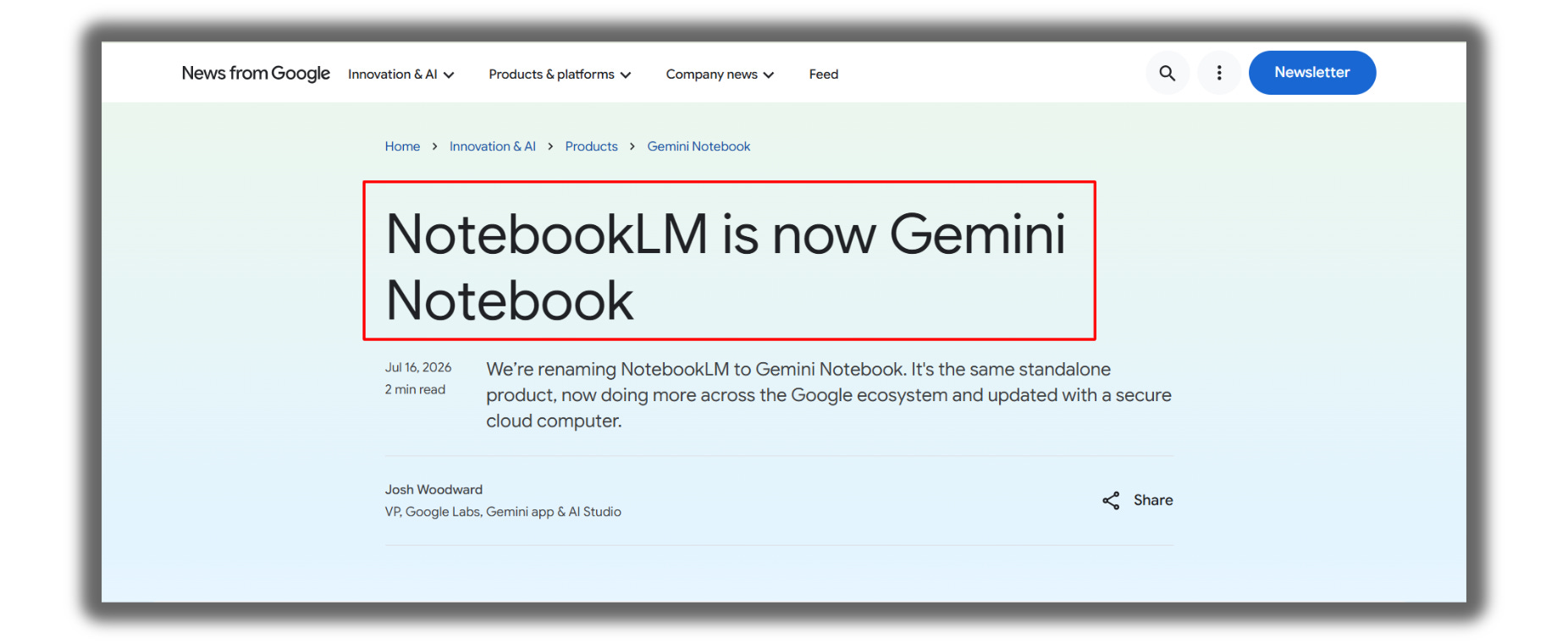
One update: Google renamed NotebookLM to Gemini Notebook on July 16, 2026. It’s the same product with the same notebooks. I’ll use the old name here because most people still search for it.
It can still misread a source.
If an answer is going into your work, click the citation and check it.