

You've scrolled past my infographics before.
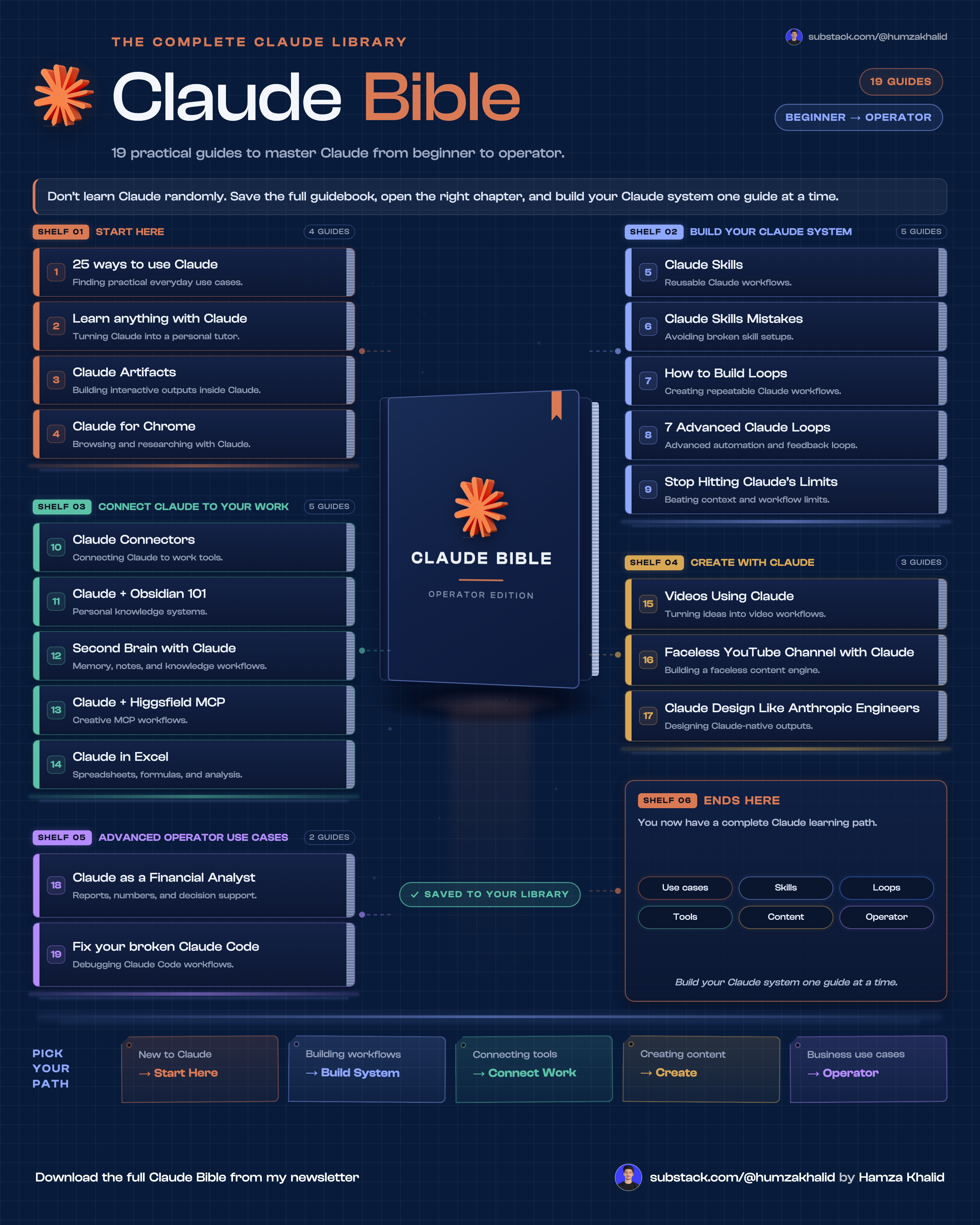
Maybe you stopped on one, the kind with the dotted grid and the blue glow, something on it always moving.
This one:
Also this one:
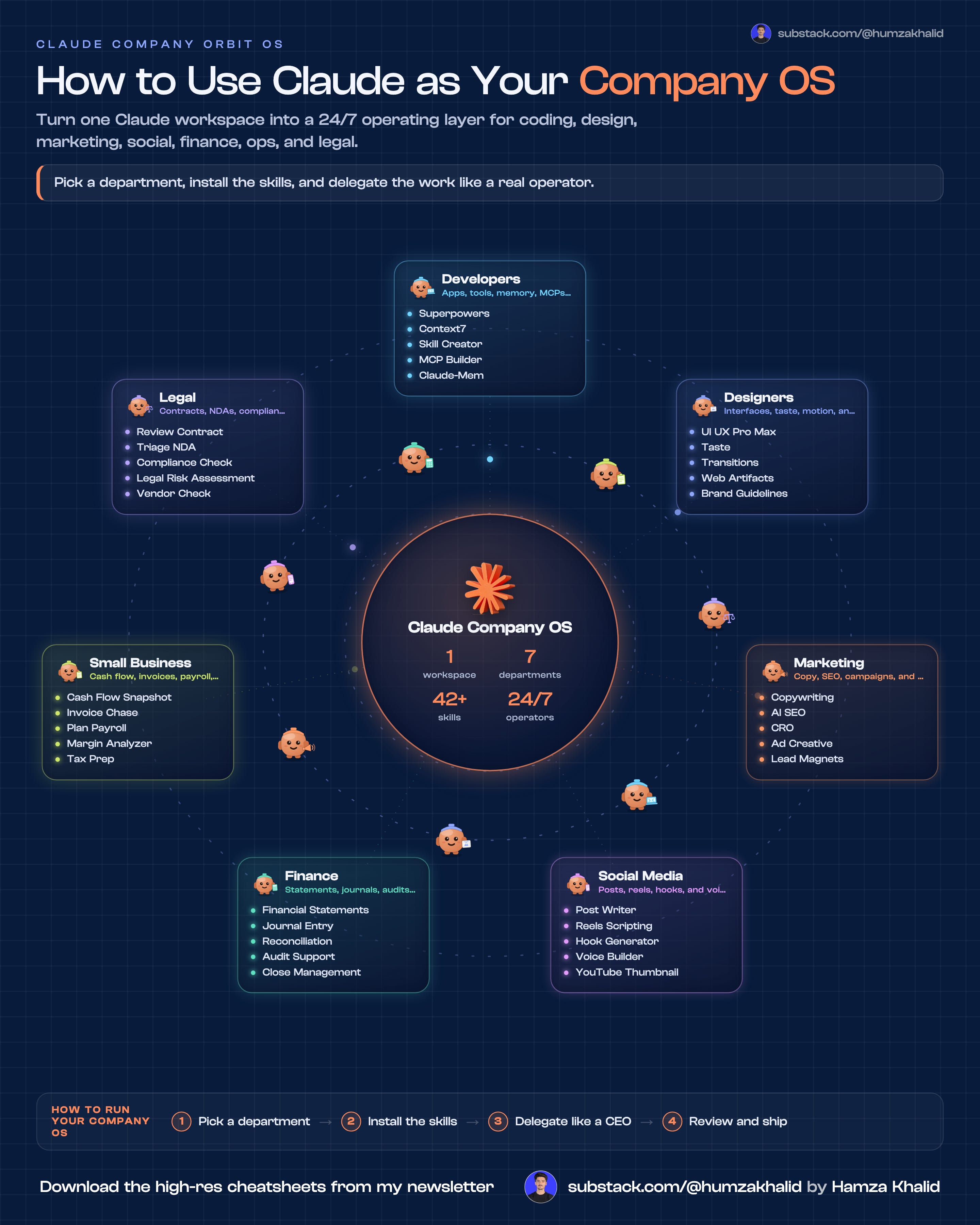
(GIFs don't play in email, so I skipped that one here.)
We're going to pull this whole system apart, piece by piece.
You probably assumed a designer made them.
For a long time, you were right. Not anymore (I'll show the examples as well).
Here's what the old work looked like:
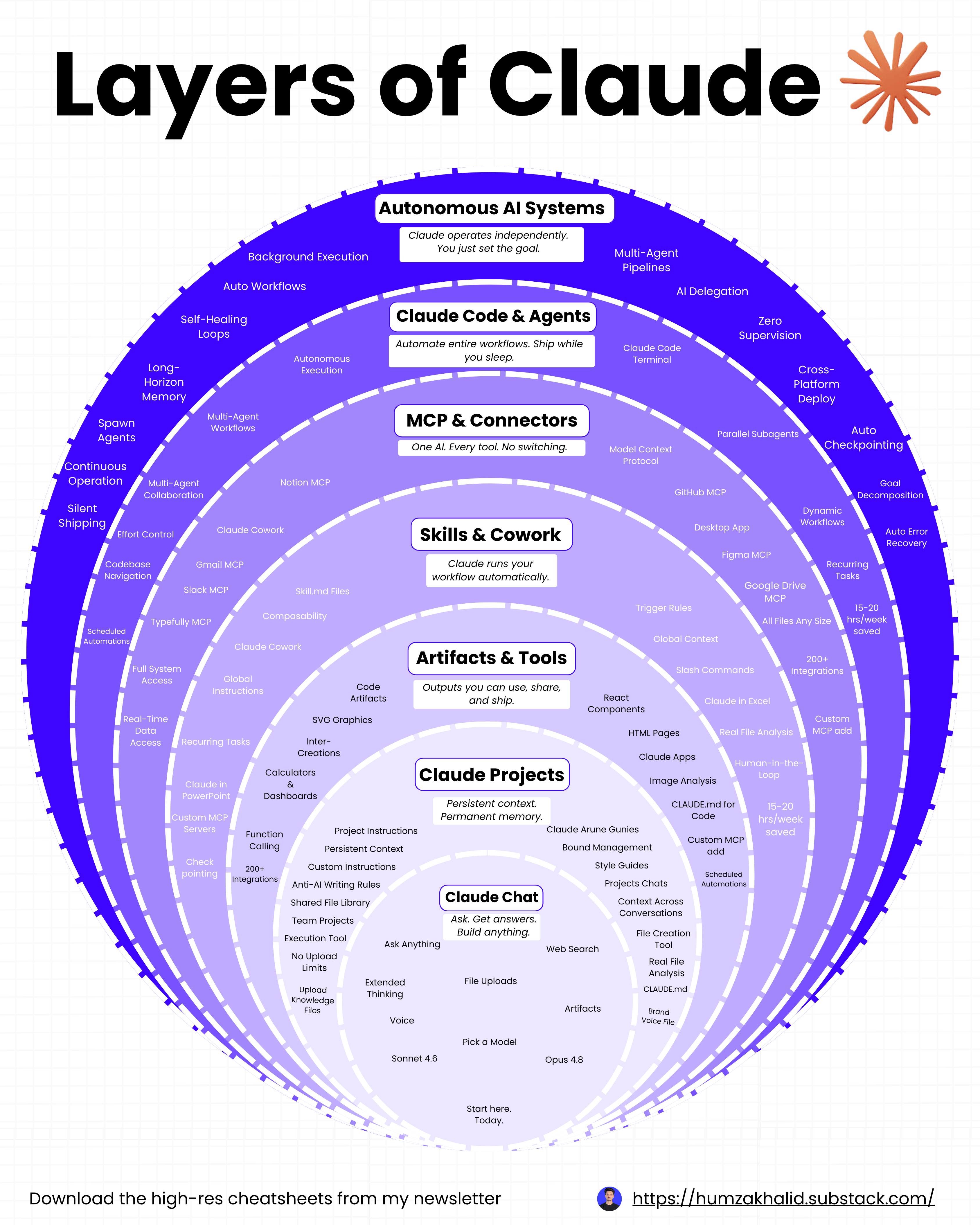
It wasn't bad. It just sat there. Nothing moved, so nothing held you.
Now I paste one prompt and walk away.
Ten minutes later, there's a 4K PNG, a looping GIF, and an MP4 waiting in a folder on my desktop.
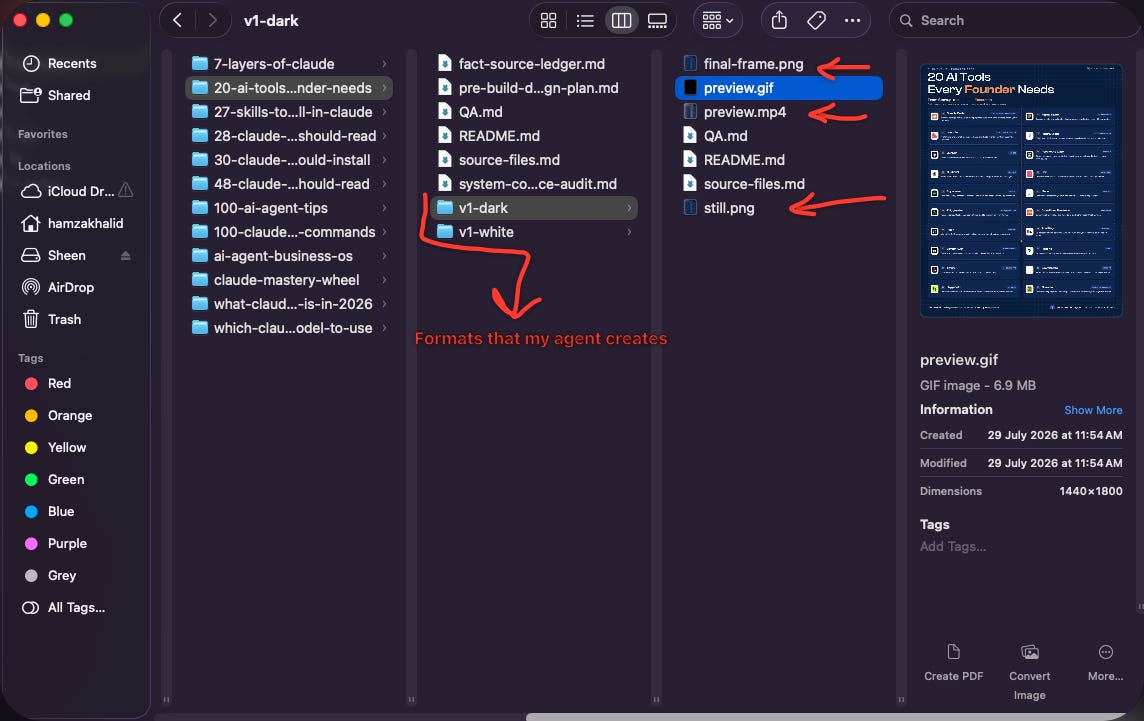
I never open Canva. I never open Figma. I never design a single frame.
FREE GIFT
By the end of this issue, you get CLAUDE.md, Design.md, and AntiDesign.md, written out in full. Three files that hold your entire design system, so every motion graphic lands on brand without you asking.
Let me show you how it works.
Go check my work first
Stop for a second and go check.
Open my LinkedIn. Scroll back through the last twenty posts.
Same dotted grid. Same blue glow. Same rounded corners on every card. Same footer, same spot, every single time.

That's not discipline. I don't have that much discipline.
It's one file called Design.md, doing its job while I sleep.
None of this is hidden. The posts are up. Go and check.
Before we start
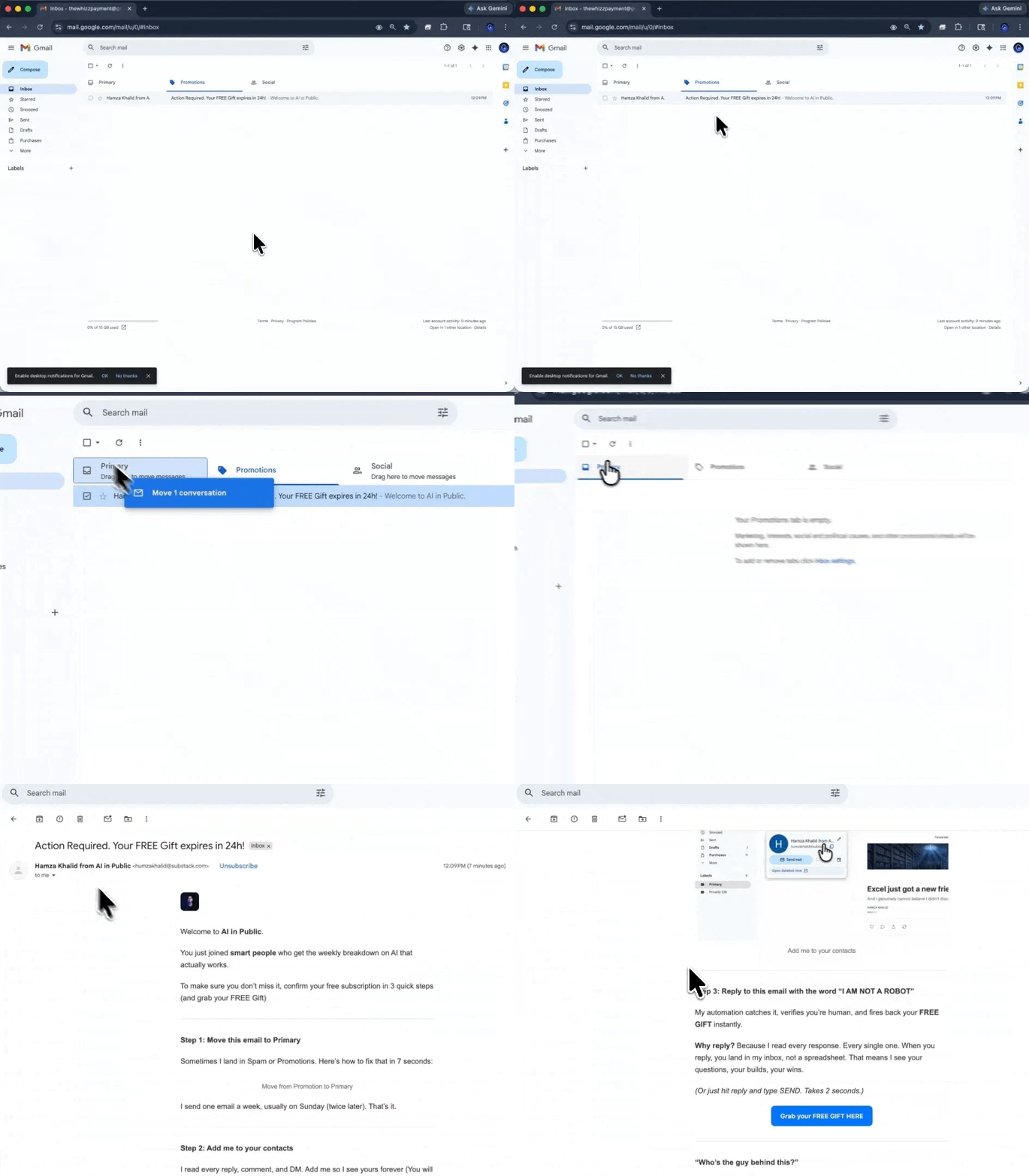
Not getting our issues in your inbox? Gmail is probably filing them under Promotions or Sp*m.
Two seconds fixes it forever:
→ Open this email in Gmail
→ Drag it into your Primary tab
→ Click Yes when Gmail asks if you want to do this every time.
If it landed in Spam, hit Not spam first, then drag.
Every future issue goes straight to Primary.
The part I never talked about
Here's the part I never said out loud.
For months, a designer built my infographics. He was good. He still is.
But the loop was slow. I sent a topic. He sent a draft. I sent notes. He sent v2. Two days gone. Sometimes three.
And every piece started from nothing. What we fixed last week never carried into this week.
That was the real problem. Not the waiting. The forgetting.
So I stopped trying to speed up the designer. I built something that remembers instead.
The numbers, plainly
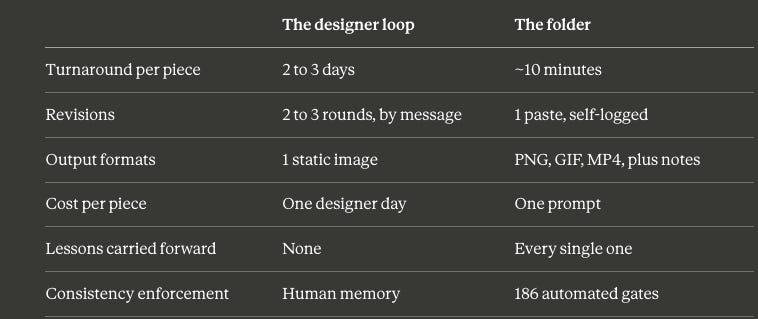
Look at the last two rows. Those are the ones that matter.
Speed helps. What actually compounds is that it remembers.
Old way. New way.
Old way: topic, brief the designer, wait, review, notes, wait, post, forget everything you learned.
New way: topic, one paste, wait ten minutes, approve; the system keeps the lesson forever.
Most people use AI to make one thing faster.
That's the small version.
The bigger version is building a thing that makes every future thing for you and gets sharper every time you run it.
The infographic is what you post.
The folder full of prompts and files is what actually gets more valuable over time.
If this is useful, send it to one person who still designs their own graphics. Takes ten seconds.
Everything above is the what. Below the line is the how.
The full 15-file folder. Every file explained. The four steps. The 186 gates. The mega prompt that turns one paste into a 4K PNG, a GIF, and an MP4.
Free readers stop here with a nice idea. Paid readers close this tab with a system. Upgrade to keep reading.
