

You ask Claude a question.
You wait.
You copy the answer out.
Then you open five tabs to actually go build the thing yourself.
The second you close your laptop mid-task, whatever it was doing is gone.
You start over tomorrow from scratch as if nothing happened.
That’s not an annoyance.
That’s hours of your week every week spent being the middleman between an AI that can think and the work that still needs a human to finish it.
I lived in that loop for over a year.
Then one task I gave up on for dead finished itself anyway.
Your gift this issue
By the end of this issue, you will receive The Cowork Context Kit. It includes three.md files that make Claude sound different from others. One file tells who you are. Another file explains how you write. The third file lists 40 things that are not allowed on the page.
How I found out this even existed
I want to be honest with you. I almost missed this completely because I was busy with things.
I had been using Claude this way for over a year.
Ask a question, get an answer, copy Claude’s answer out, and go do the work myself.
That is how chatbots work. So I thought.
Then a friend sent me a screenshot.
Not of a chat message.
Of a spreadsheet sitting in his downloads folder that Claude built on its own while he was at lunch.
I did not believe Claude at first.
So I opened Claude that afternoon and looked for the setting he mentioned.
It was there, in the message box.
A small toggle I had scrolled past a hundred times without noticing.
It said Co-work.
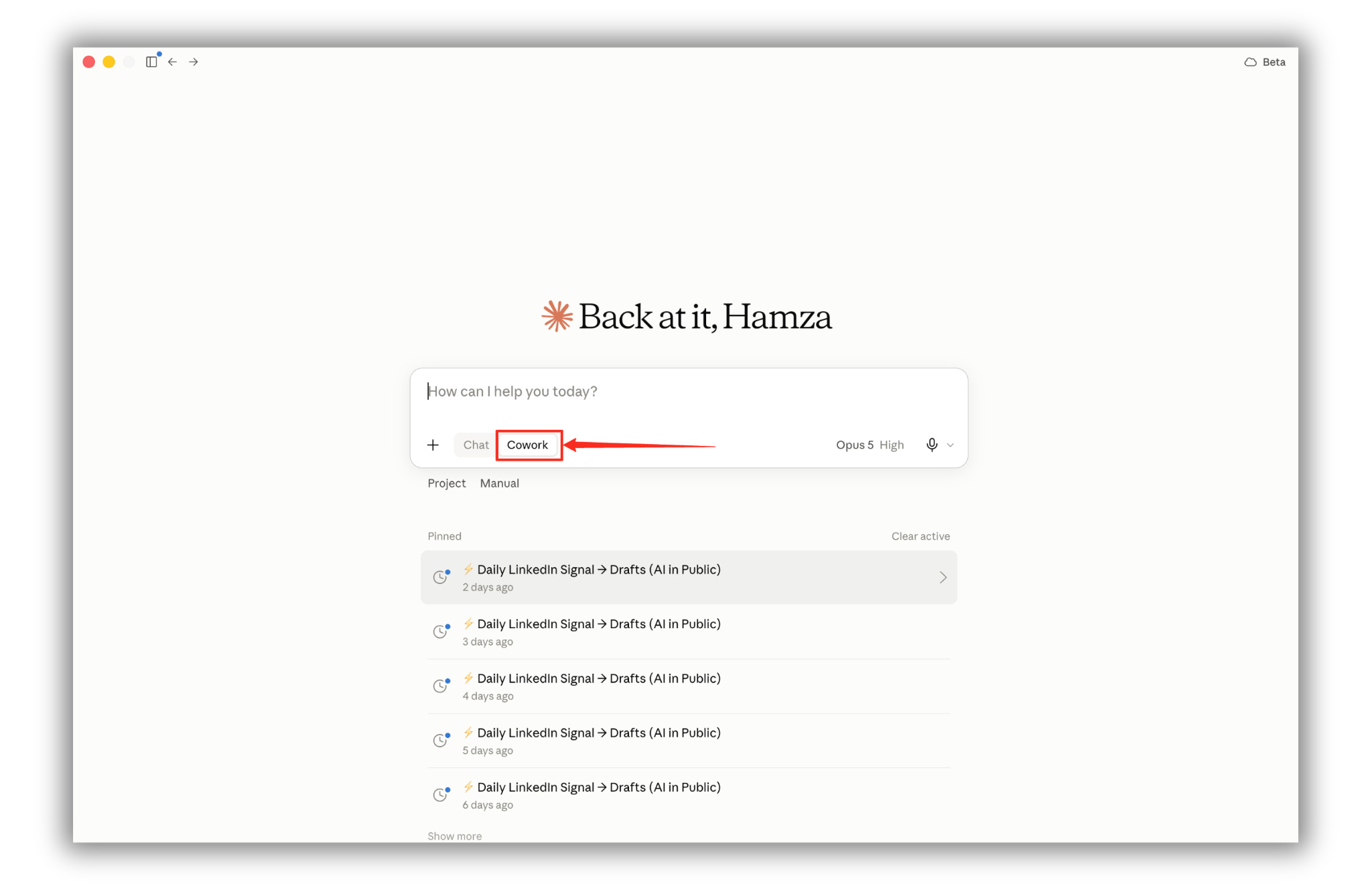
I clicked it.
I wrote one sentence.
Claude didn’t just respond to me.
It did the work, saved real files, and came back when it was done.
That’s the difference, in one sentence.
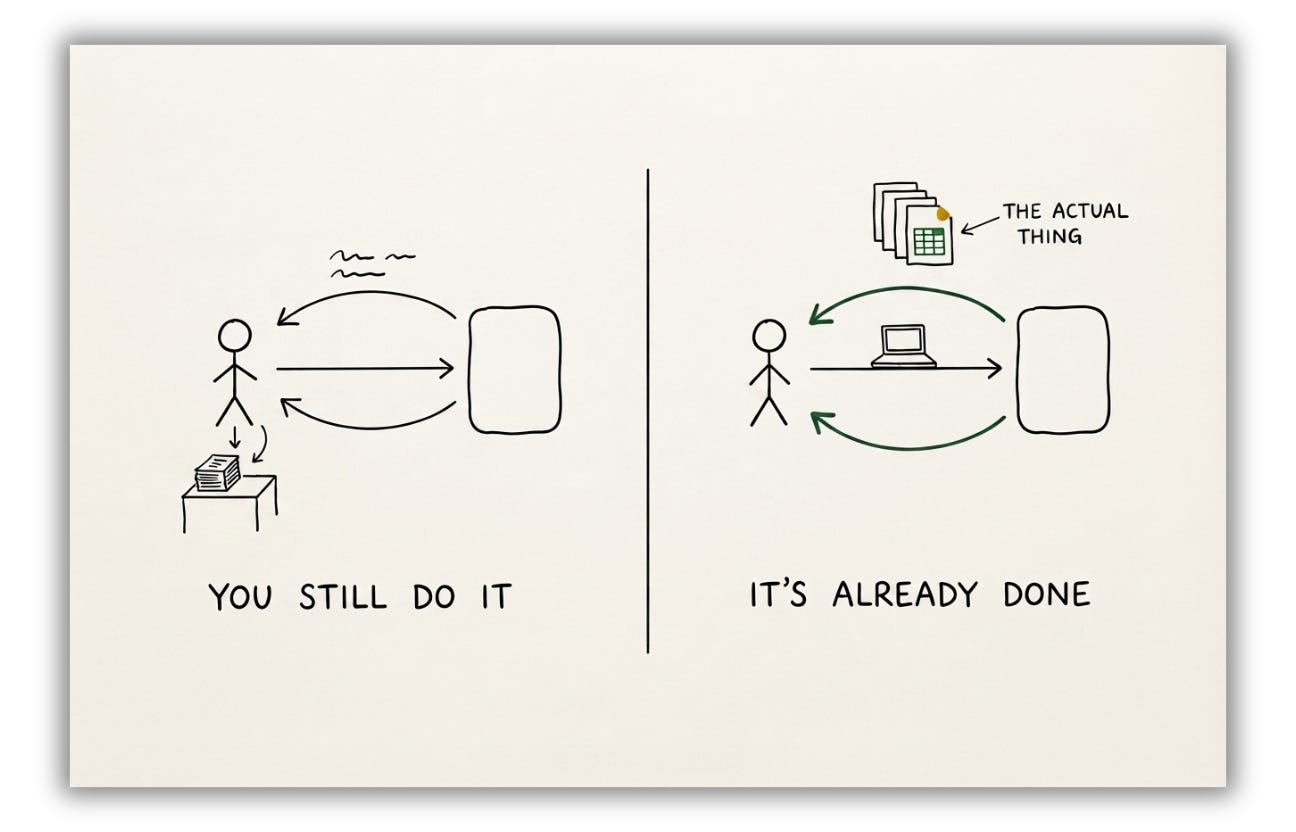
Chat gives you words. Cowork gives you finished work.
If this is useful so far, share it with one person who’s still doing everything by hand. Takes ten seconds.
Claude Cowork in 30 seconds
Before we set anything up keep this one idea in mind.
Claude chat is like texting a smart friend.
You ask, it replies; you finish the rest yourself.
Co-work is like giving that friend a laptop and saying, “Here, just build it.”
It can open your files, search the web, build spreadsheets, write documents, and store everything for you.
Not advice. The finished product.
Anthropic did not hide this either.
The day this shipped, investors felt so nervous that a major software stock index fell 5% the day before, wary of what it could mean for competing tools.
That is the market saying this was not an update.
Before we start
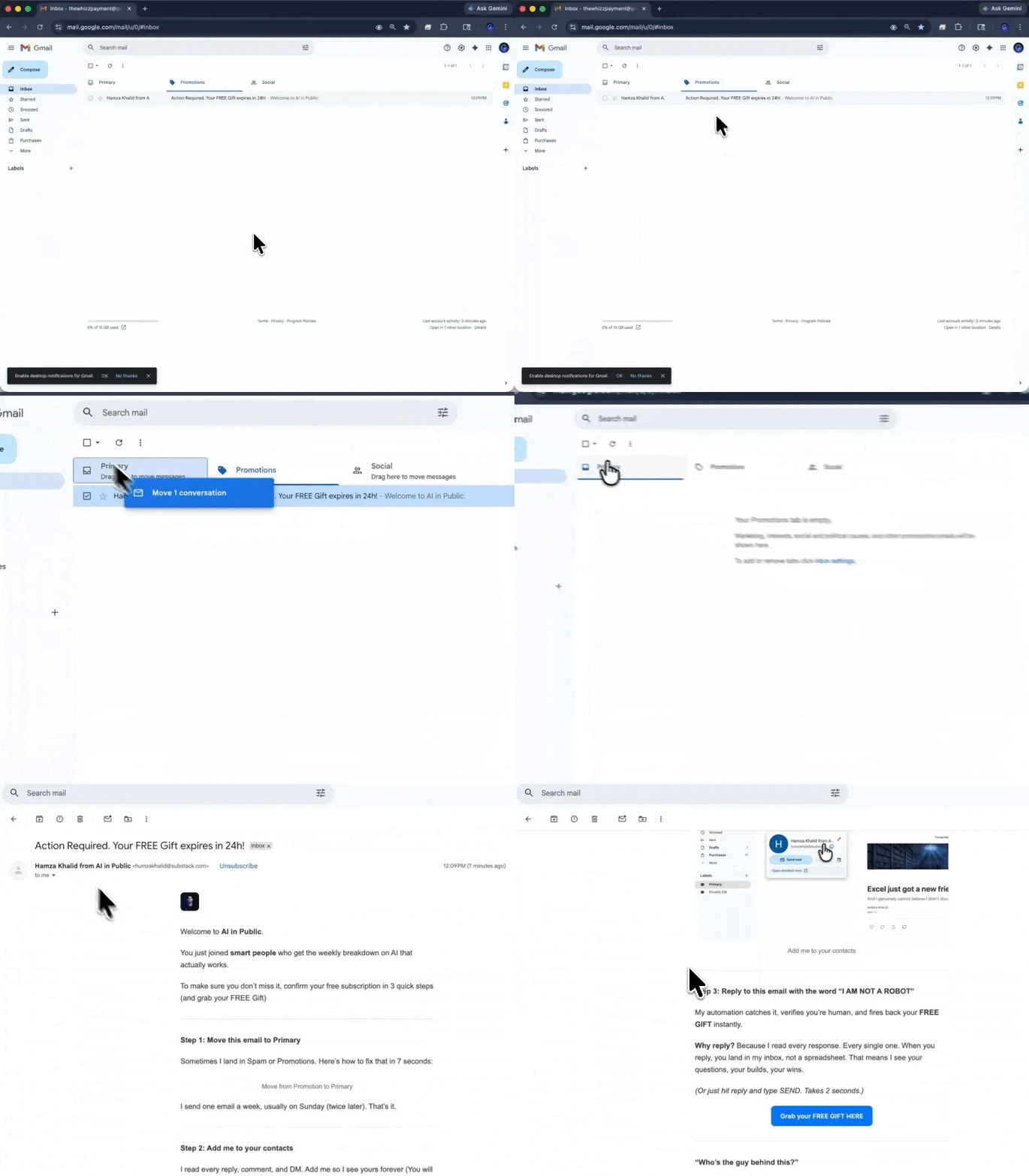
Not getting our issues in your inbox? Gmail is probably putting them in Promotions or Spam.
Two seconds fixes issues
→ Open this email in Gmail
→ Drag issues into your Primary tab
→ Click Yes when Gmail asks if you want to do this every time.
If issues landed in Spam, hit Not Spam, then drag.
Every future issue goes to Primary.
Everything above is the what. Below the line is the how.
I see seven setup steps, each with screenshots. I have a Context folder that holds three files. The LinkedIn Signal project gives me three drafts before I even open my laptop. The Context Kit is ready for me to paste.
Free readers stop here simply knowing that Cowork exists.
Paid readers close this tab while Cowork keeps running.
Upgrade to continue reading.
