

99% of people are using Claude Cowork like a chatbot.
Type the task. Paste the context. Fix the output.
Then do it all again tomorrow.
Meanwhile, Anthropic shipped the fix on January 30:


Plugins.
One install, and Claude already knows how your job works.
Wall Street noticed fast.
Software stocks sold off as investors asked who still pays for 10 business apps if Claude can do the work.
Slack, LSEG and S&P Global rushed to build their own.
Most Cowork users still haven’t installed one.
Today I’m giving you all 27, with what to type for each. By the end, you’ll also get a free plugin I built that writes your week of content from one topic.
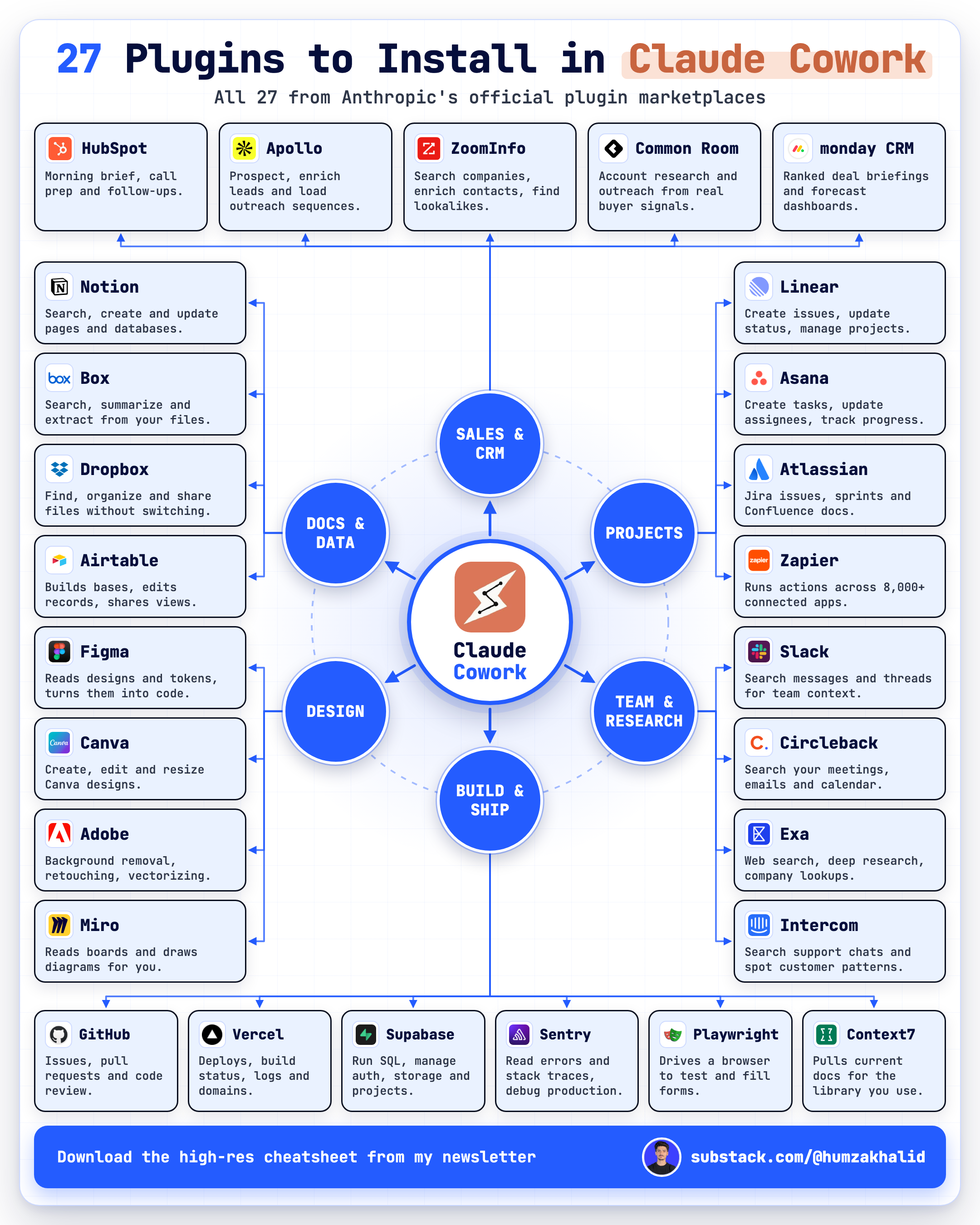
Let’s fix your Cowork in 10 minutes.
I spent two days in this chair along with my laptop and too many cups of coffee, and tested every plugin so you don’t have to. If this saved you even one hour, refill my Coffee cup.
How to install a plugin in Claude
Do this once, and the other 26 take seconds.
You need a paid Claude plan.
Quick note: Cowork no longer has its own tab. It’s now built into the main Claude app, so everything below starts from the sidebar.
Quick setup:
Open the Claude desktop app.
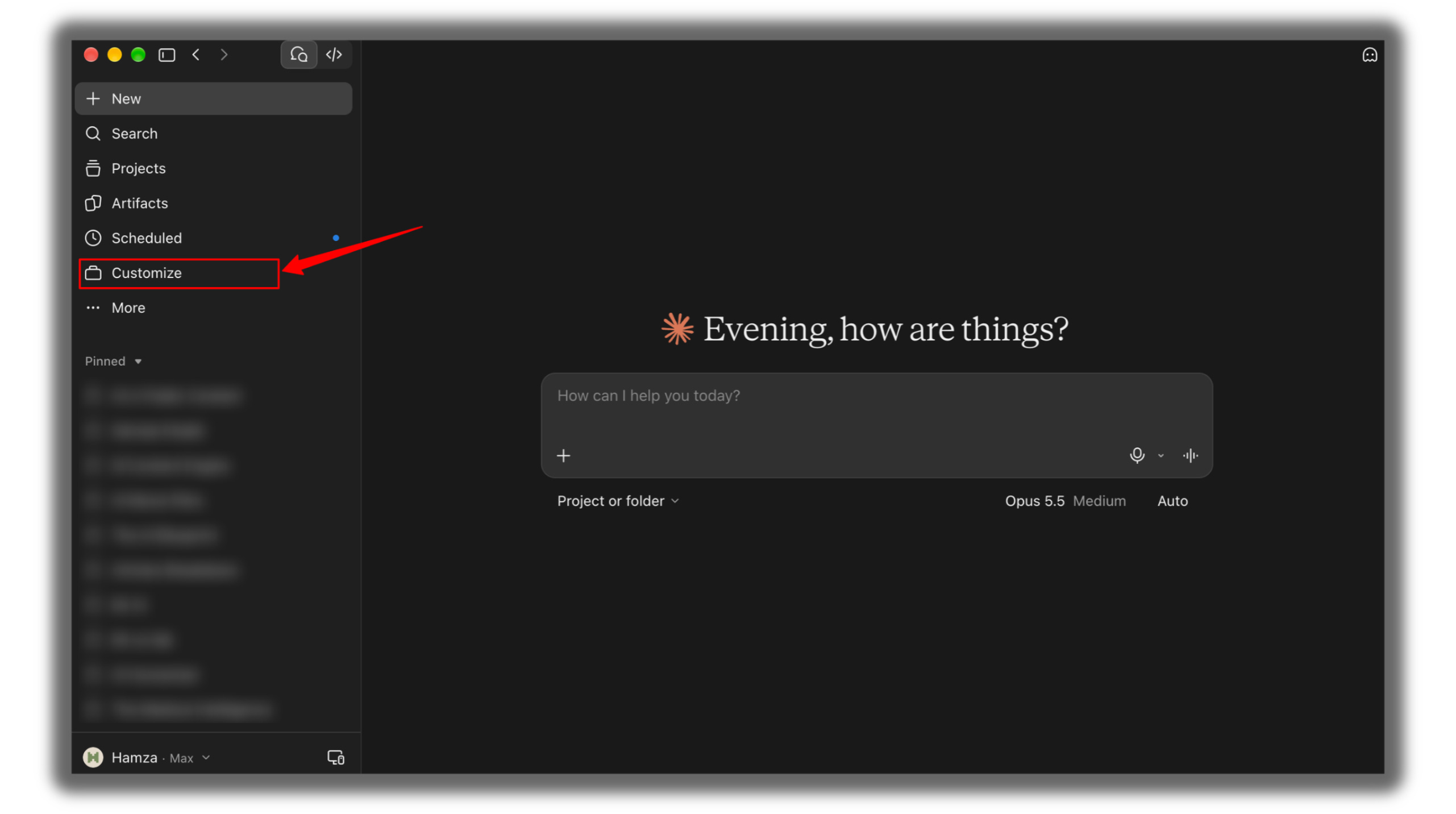
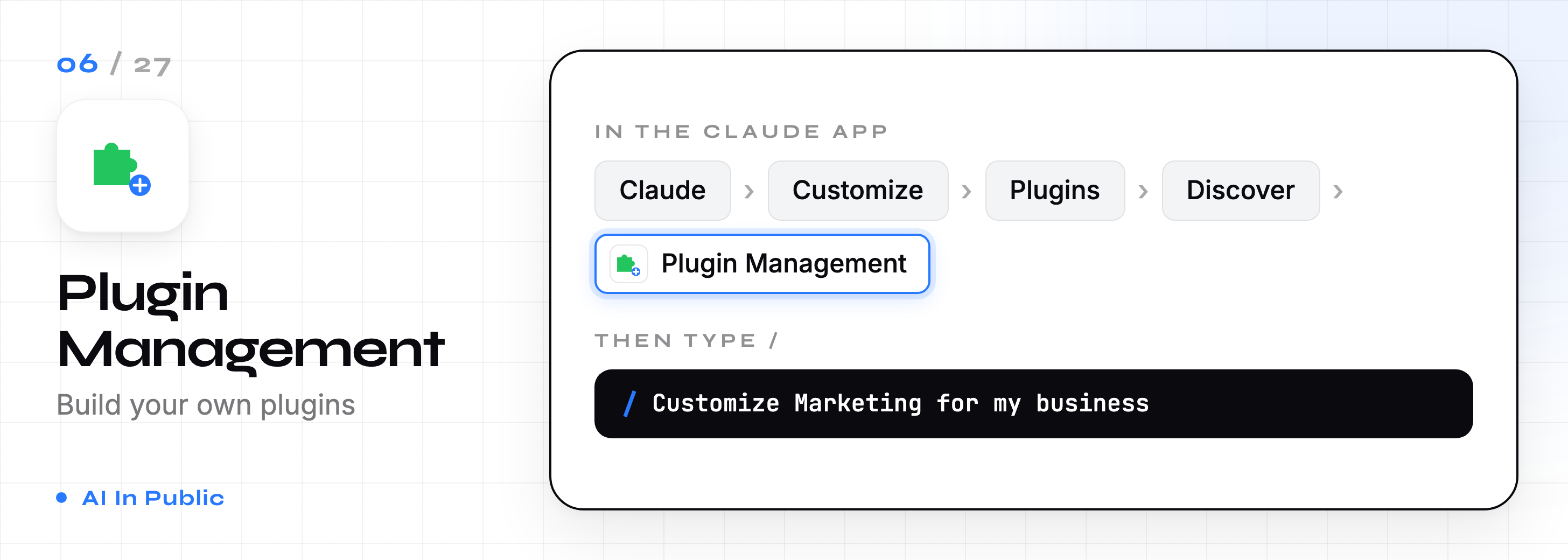
Click Customize in the left sidebar.
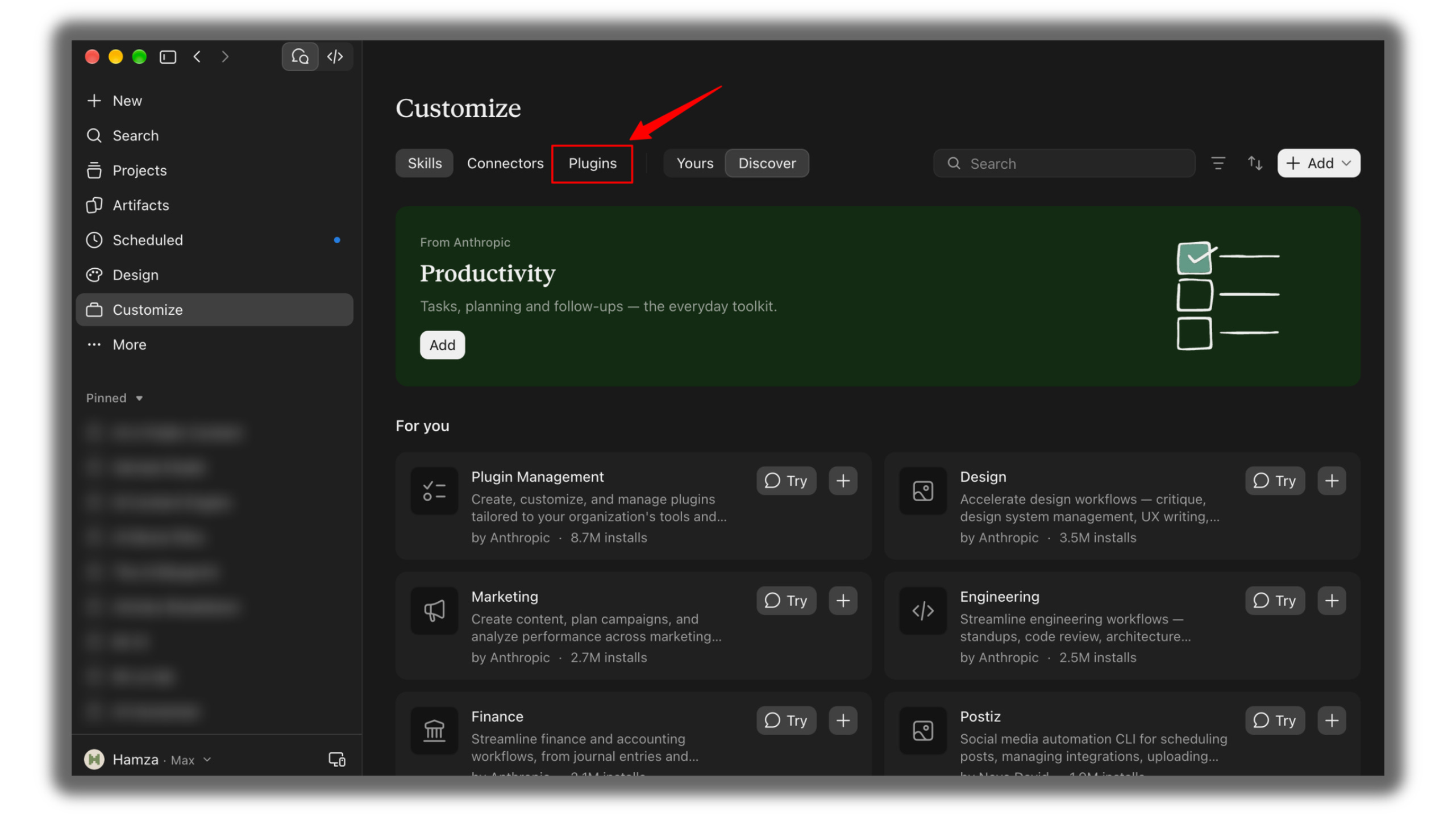
Open the Plugins tab, then Discover.
Pick a plugin and click Add.
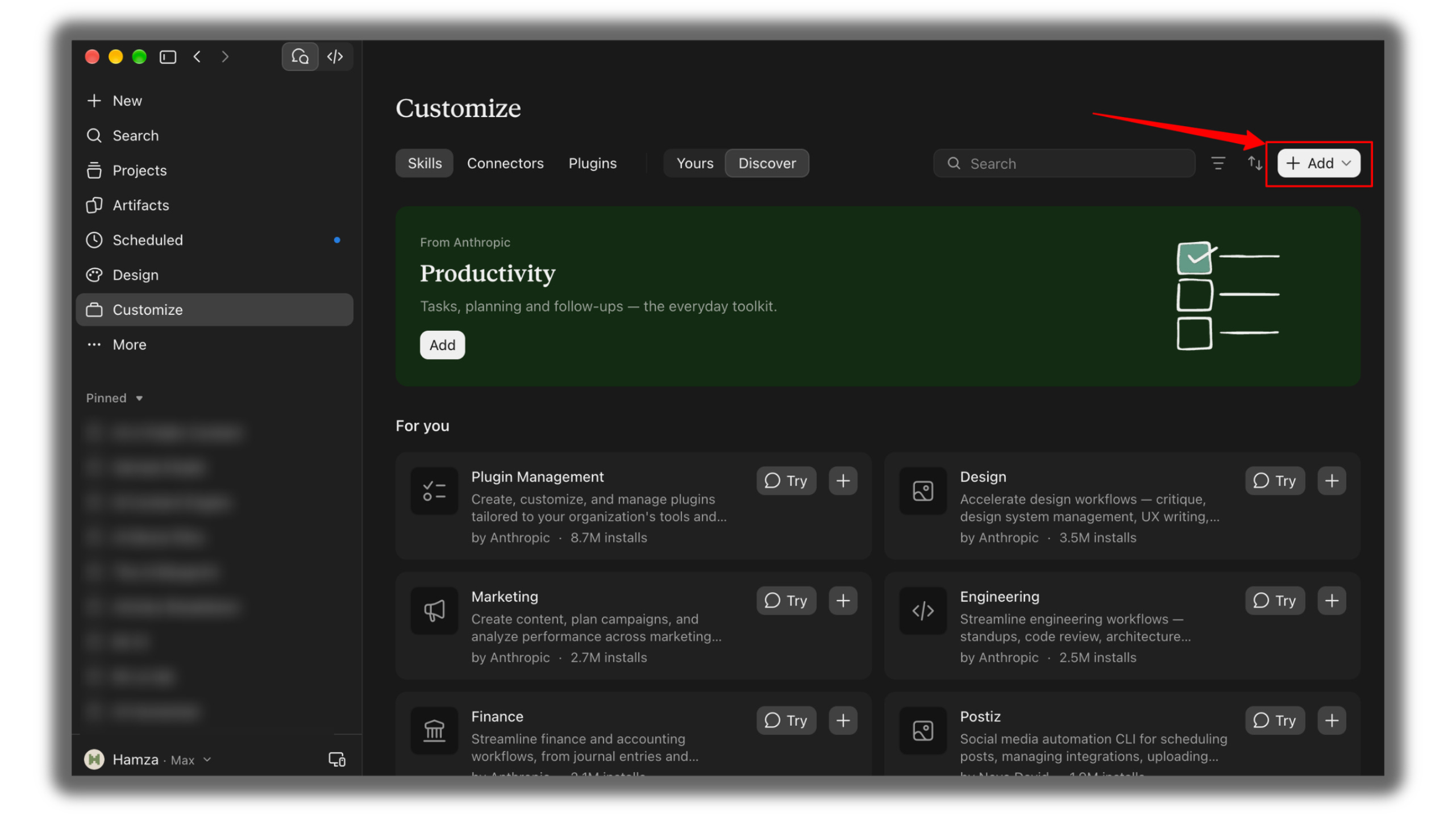
Click on Add marketplace
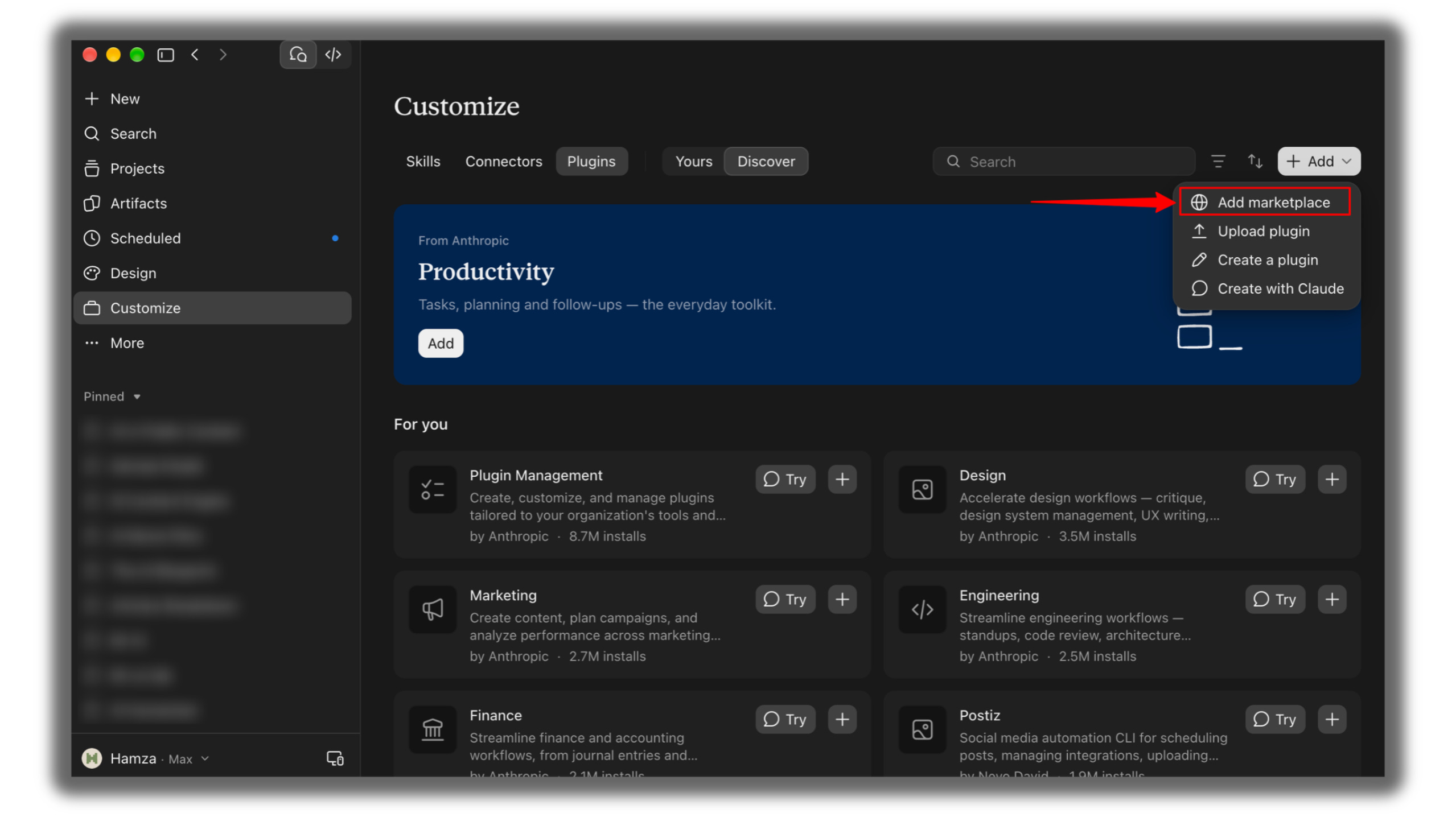
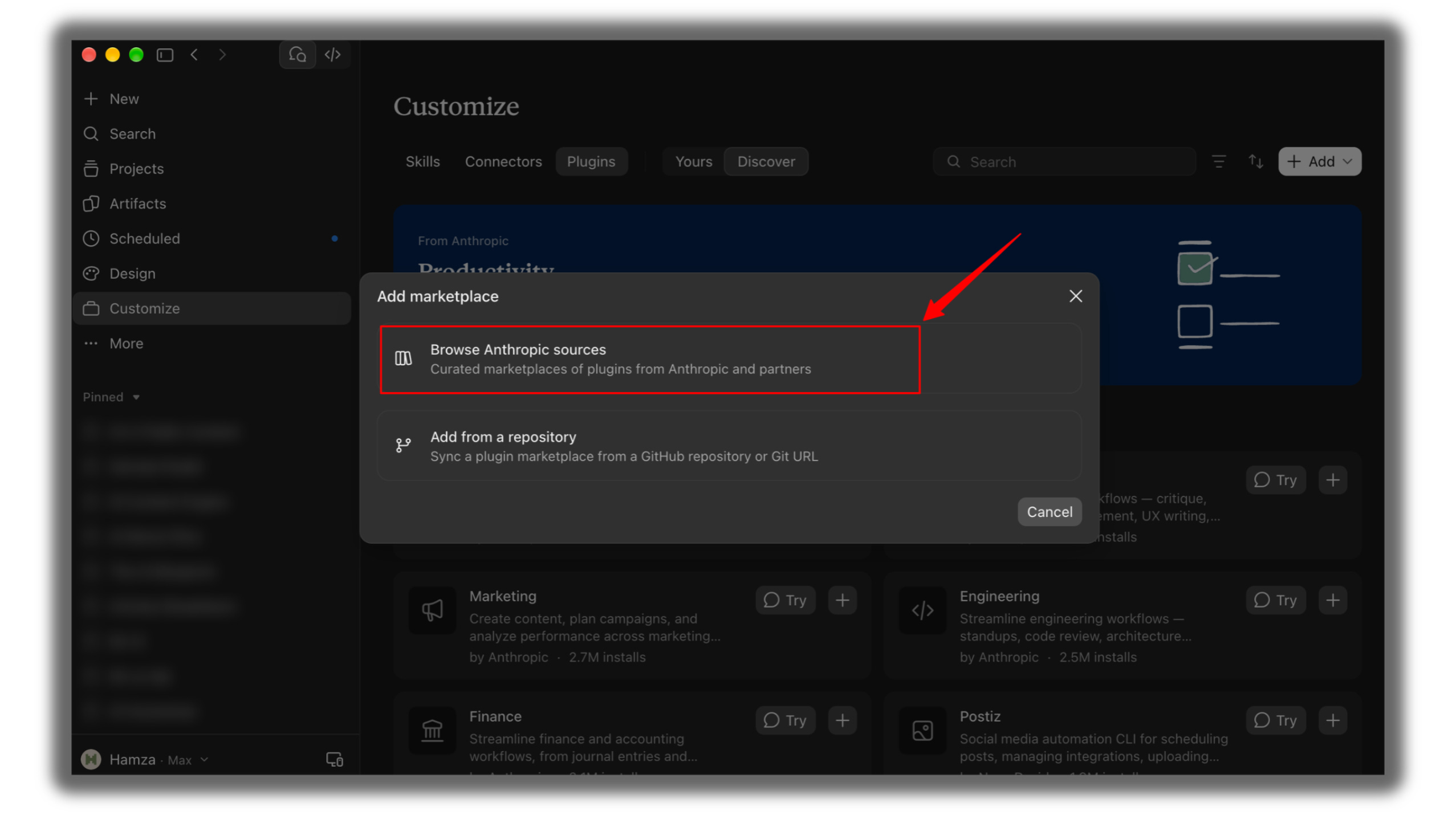
Click Browse Anthropic sources.
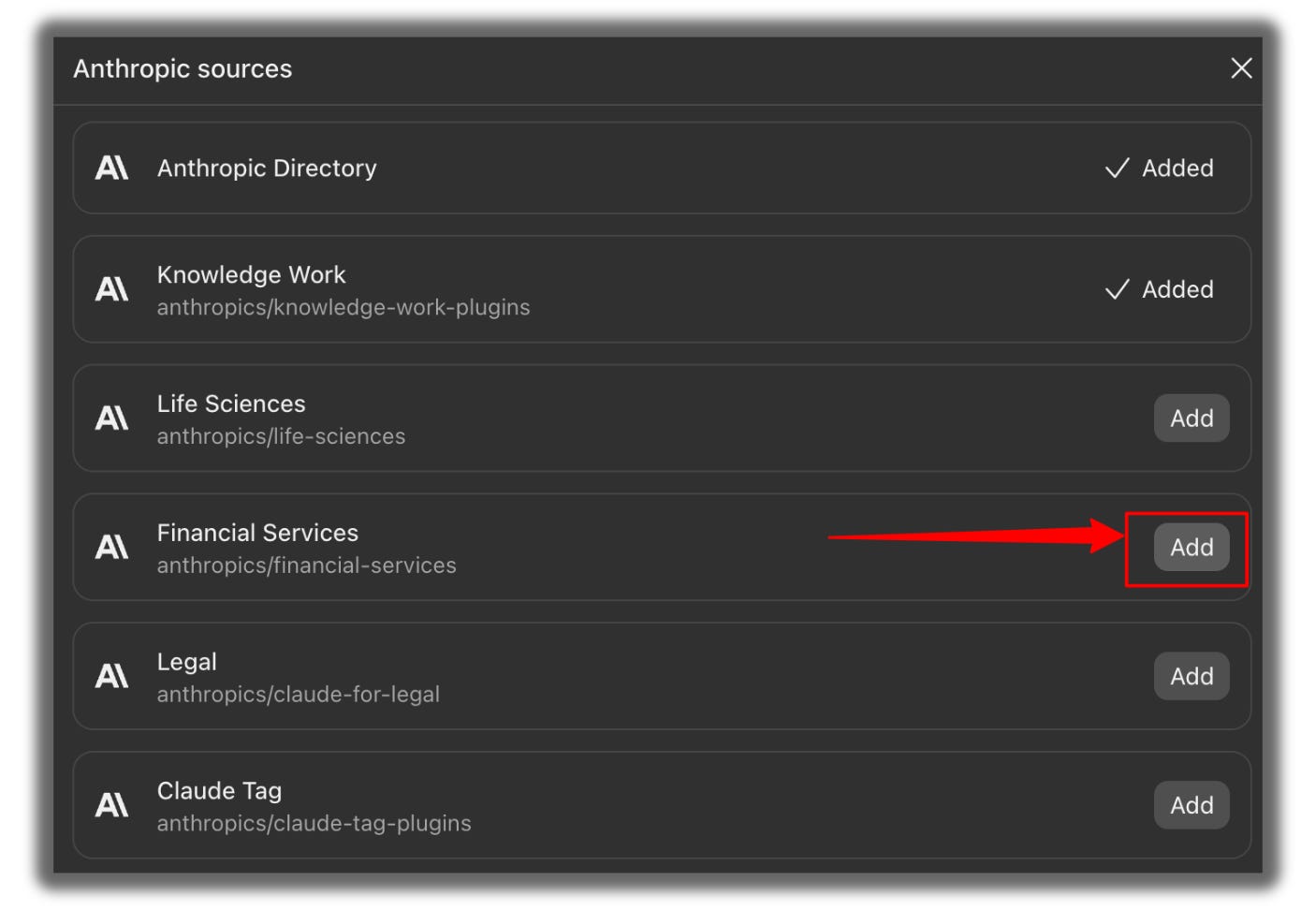
Find the plugin from the list and click Add next to it.
Click Discover. Type “Financial Analysis” in the search bar.

Click on Add on the Financial Analysis card.
Our first plugin is installed

Start a New Chat
Type this in the message box to check the financial analysis:
/financial-analysis:dcf Nvidia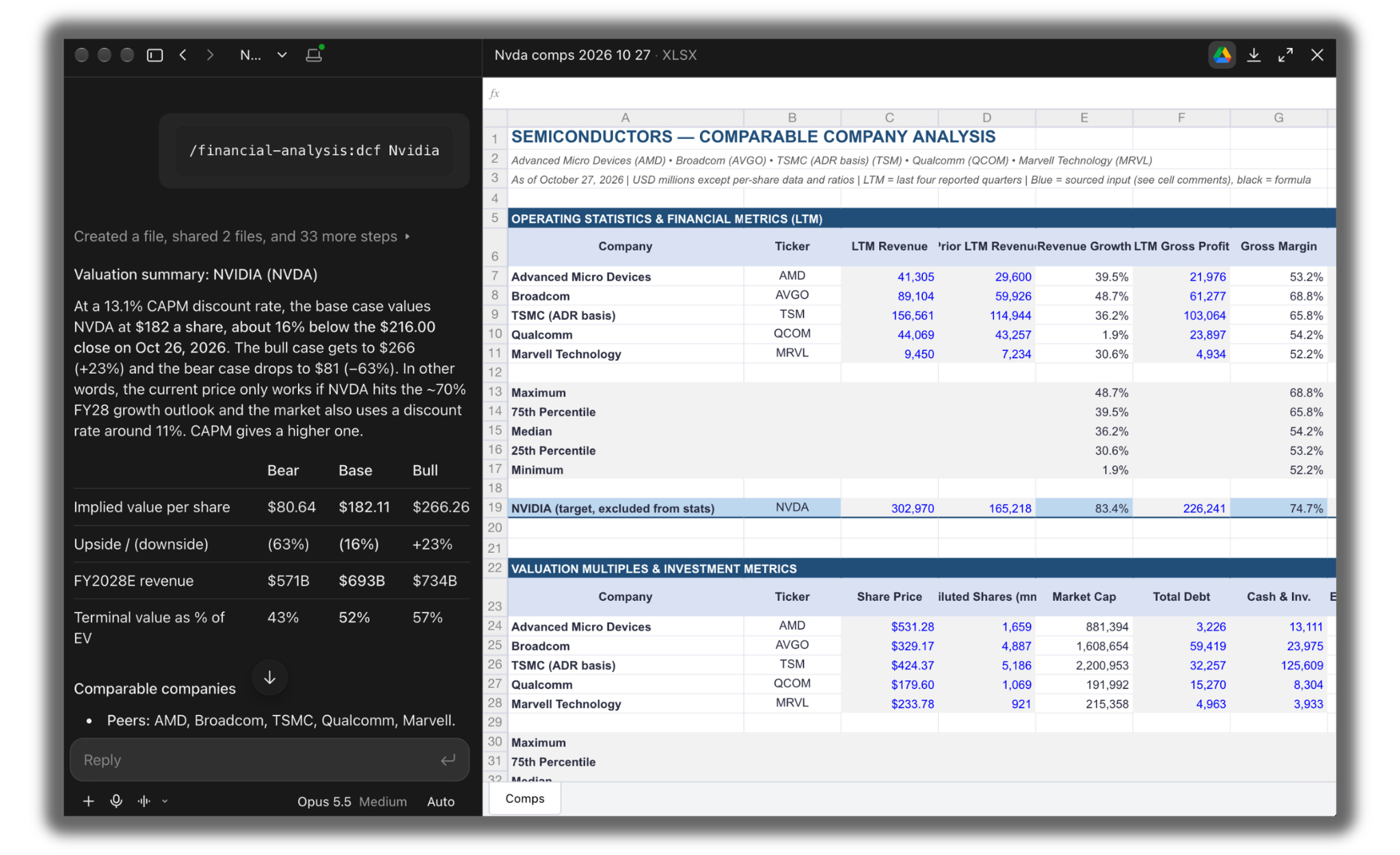
Done.
You only add a marketplace once.
After that, every plugin inside it shows up in Discover, ready to install with one click.
This issue took me 2 days. It took you 10 minutes to read. That trade is the whole point of this newsletter. Subscribe, and I keep doing the slow part for you every week.
The real problem plugins fix
Here’s what I hear from readers every week.
“Claude is smart, but I have to explain everything every time.”
That’s the actual cost.
You re-type your process.
You re-paste your files.
You re-explain your format.
Claude starts every chat knowing nothing about how your job works.
A plugin packs that knowledge in ahead of time.
It bundles three things:
→ Skills: the know-how for a job, like how to reconcile accounts or prep a sales call
→ Connectors: access to your tools, like Slack, Gmail, or HubSpot
→ Commands: one slash command that runs the whole workflow
Old way: explain → paste → correct → repeat.
New way: type one command → review the output.
If this is useful, share it with one person who uses Claude for work. It takes 10 seconds.
The 27 plugins, grouped by job
I sorted them into four stacks. Install the stack that matches your work and skip the rest.
Stack 1: Your daily work (6)
1. Productivity
Manages your tasks, calendar, and daily workflow, and keeps your personal context between sessions.
Best for: anyone who starts the day with “what do I do first?”
Look at my calendar for this week. List the 3 meetings I need to prep for first and what I should bring to each one.
2. Enterprise Search
One question searches your email, chat, docs, and wikis together.
Best for: people who lose 15 minutes hunting for “that one doc.”
Find every message and document from the last 2 weeks that mentions the Q4 launch. Give me the dates, owners and open questions in a table.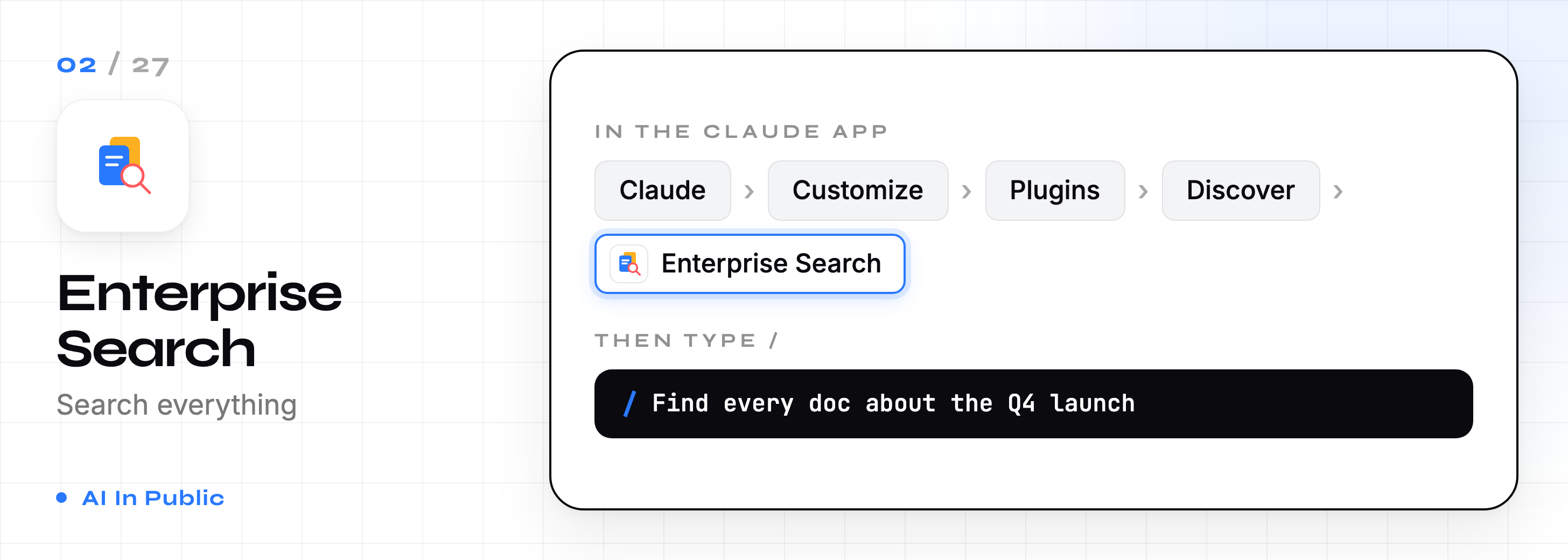
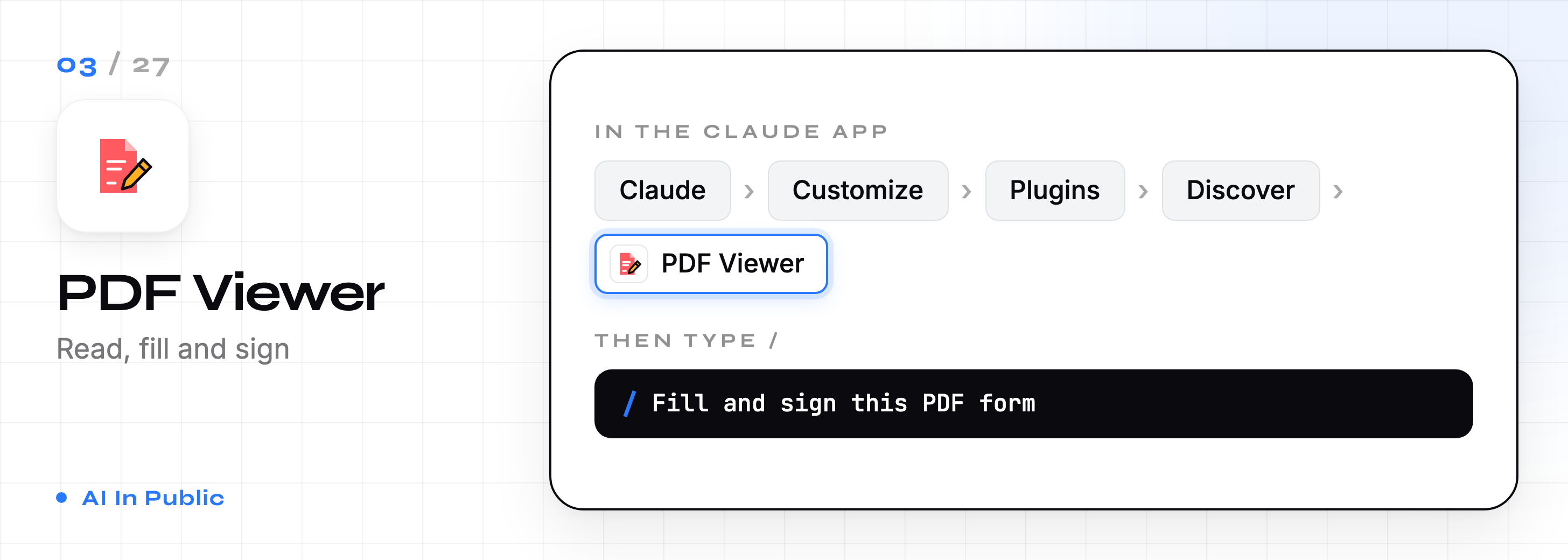
3. PDF Viewer
Open, annotate, fill forms, add stamps, and sign PDFs inside Claude.
Best for: anyone buried in contracts, forms, and invoices.
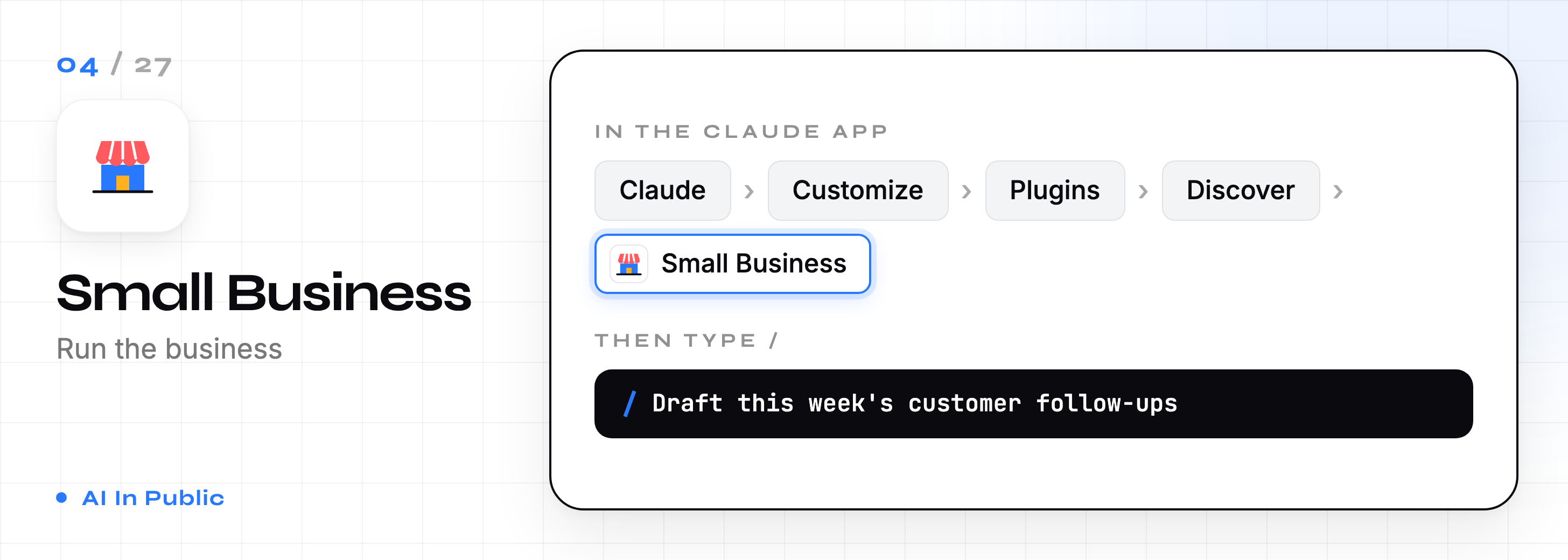
4. Small Business
Ready-made workflows for small business owners.
Honest note: it asks your approval before any step that touches money or customers. That’s slower. I’d keep it that way.
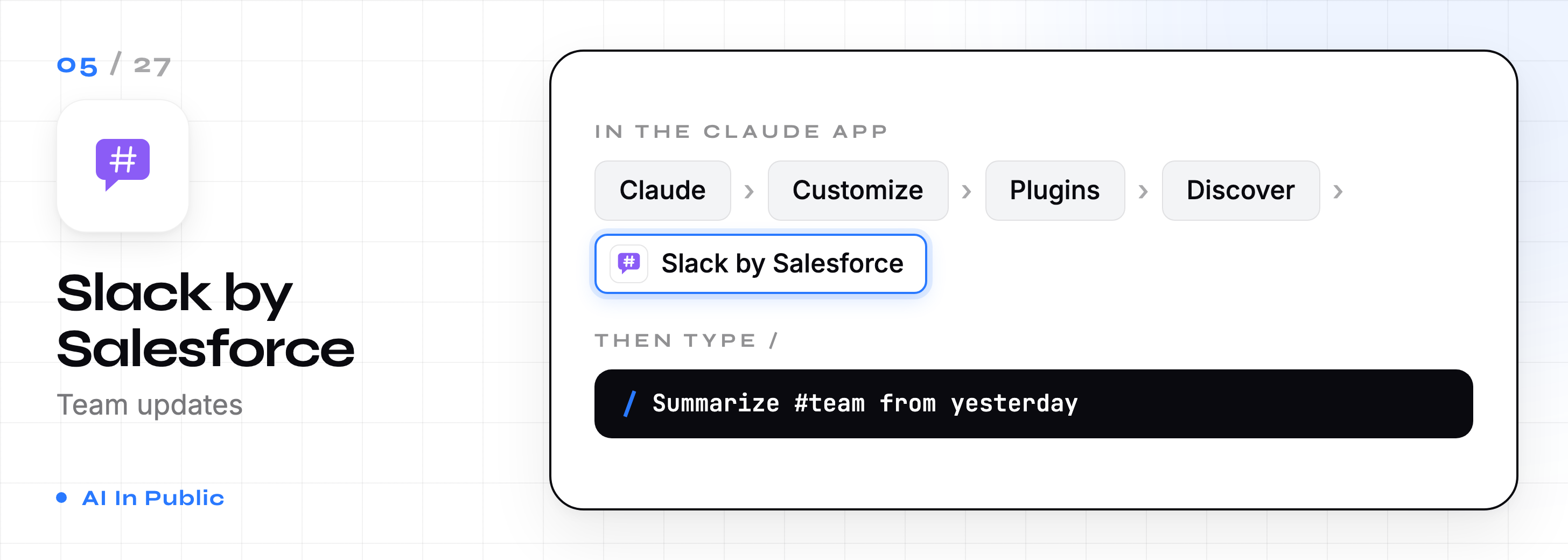
5. Slack by Salesforce
Claude reads and posts in your Slack channels, built by Slack itself.
Best for: team leads who want a morning summary instead of 200 unread messages.
6. Plugin Create
The plugin that builds plugins. You describe your workflow, and it builds the files for you.
Best for: anyone whose job doesn’t fit the other 26.
Stack 2: Growth and revenue (6)
7. Marketing
Drafts content, plans campaigns, writes competitor briefs, and reports on performance.
Best for: solo marketers and creators.
Plan a 4-week launch campaign for a $49 Notion template for freelance designers. One post per day across LinkedIn and X, with the hook for each.
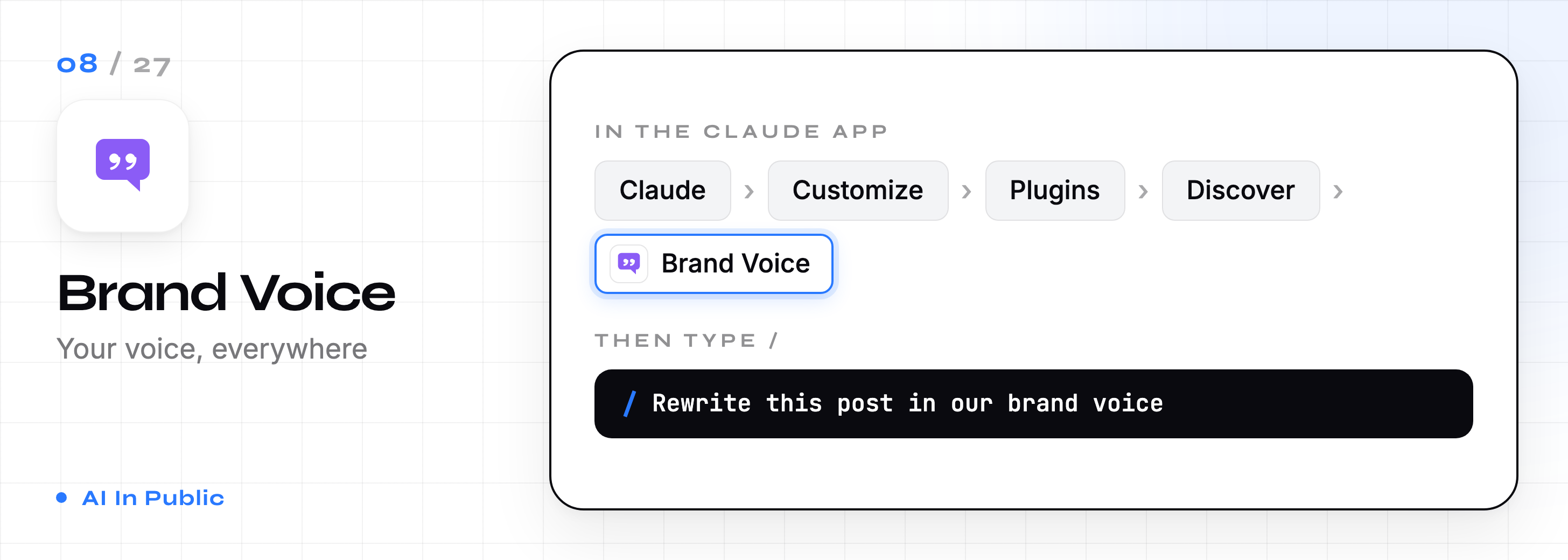
8. Brand Voice
Built by Tribe AI. Keeps everything Claude writes in your brand’s voice.
Best for: teams where five people write and nobody sounds the same.
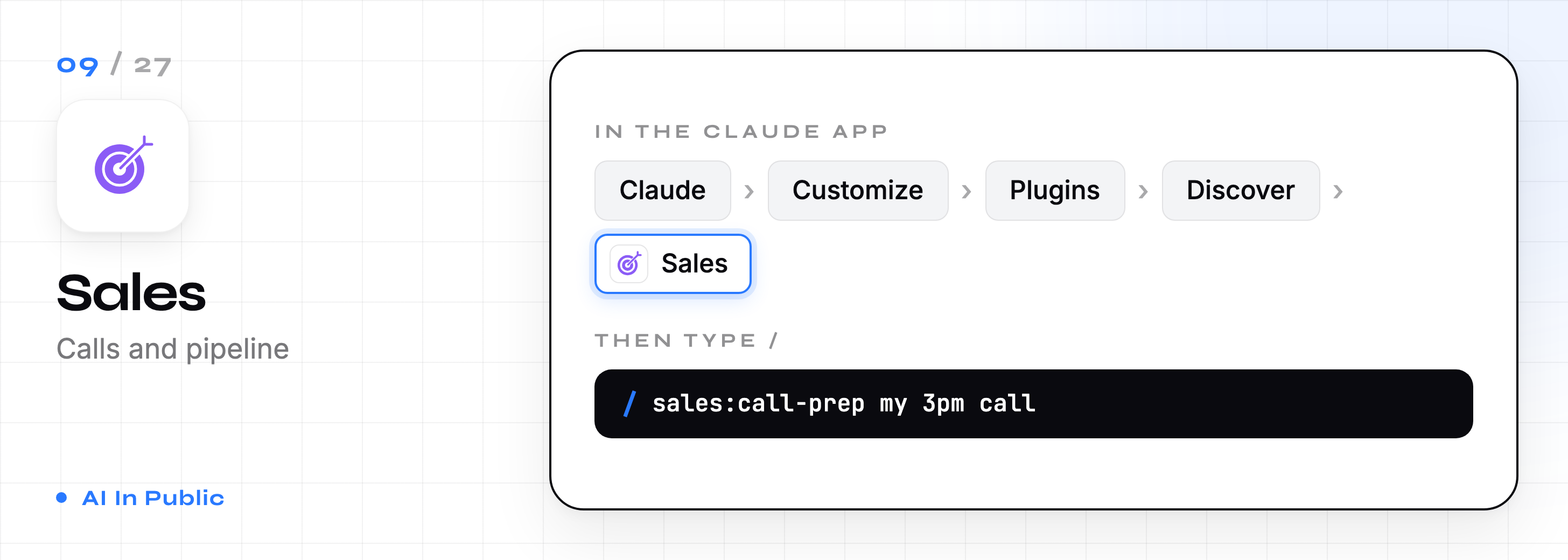
9. Sales
Researches prospects, preps calls, reviews pipeline, drafts outreach, and builds battlecards.
/sales:call-prepBest for: anyone with 3+ sales calls a week.
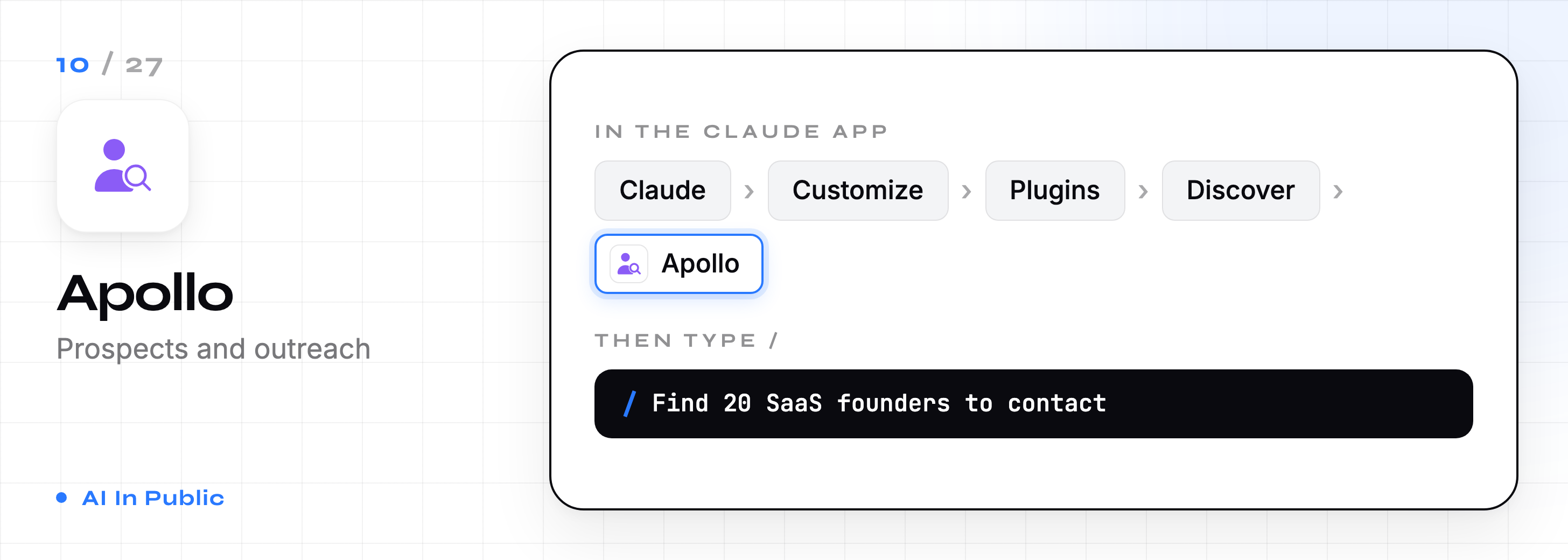
10. Apollo
Partner plugin from Apollo for prospecting and contact data.
Honest note: you need an Apollo account for it to do anything.
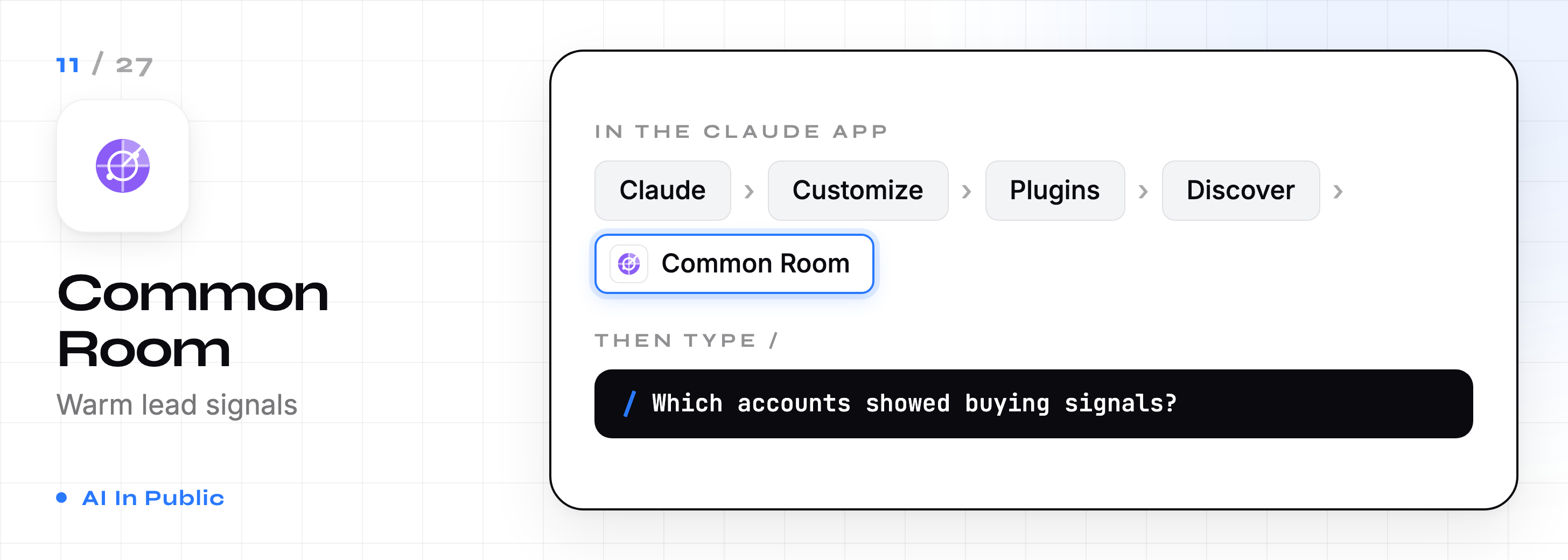
11. Common Room
Partner plugin that pulls signals about who’s engaging with your company.
Best for: founders and growth teams tracking warm leads.
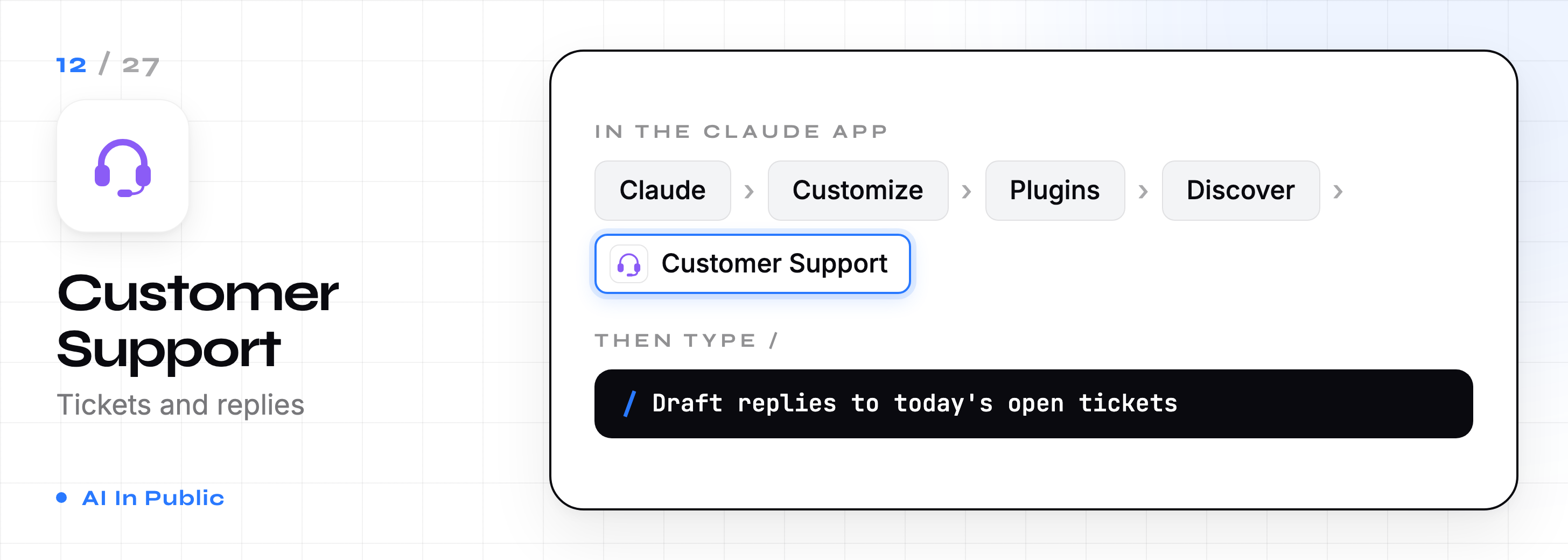
12. Customer Support
Triages tickets, drafts replies, packages escalations, and turns solved tickets into help articles.
Best for: support teams answering the same 20 questions daily.
Stack 3: Build and run the business (7)
13. Product Management
Writes specs, plans roadmaps, synthesizes user research and tracks competitors.
/product-management:write-spec
14. Design
Leads design critiques, writes UX copy, and runs accessibility audits.
Best for: designers who want a second pair of eyes before handoff.

15. Engineering
Code review, architecture decisions, incident response, and technical docs.
Best for: engineering leads, not just developers.

16. Data
Writes SQL, explores datasets, builds charts and dashboards, and checks your analysis.
/data:write-queryHonest note: it ships with empty Snowflake and Databricks addresses. Fill those in, or it can’t reach your warehouse.

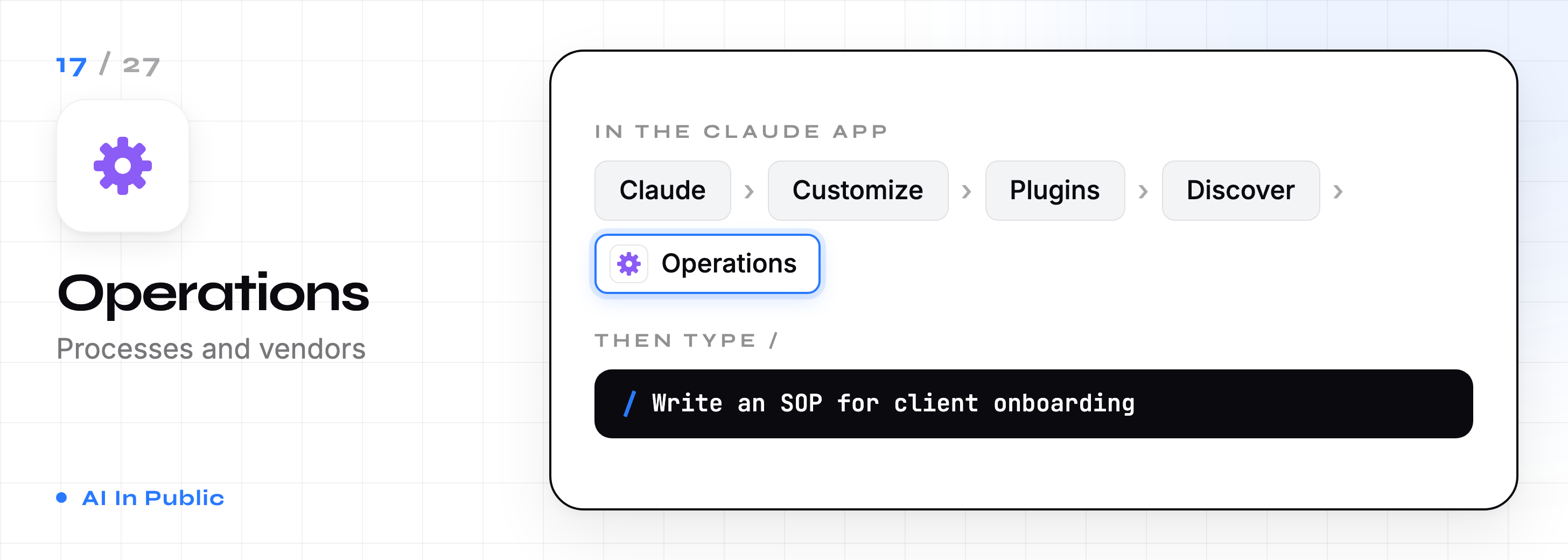
17. Operations
Manages vendor relationships, process docs, change management, capacity planning, and compliance.
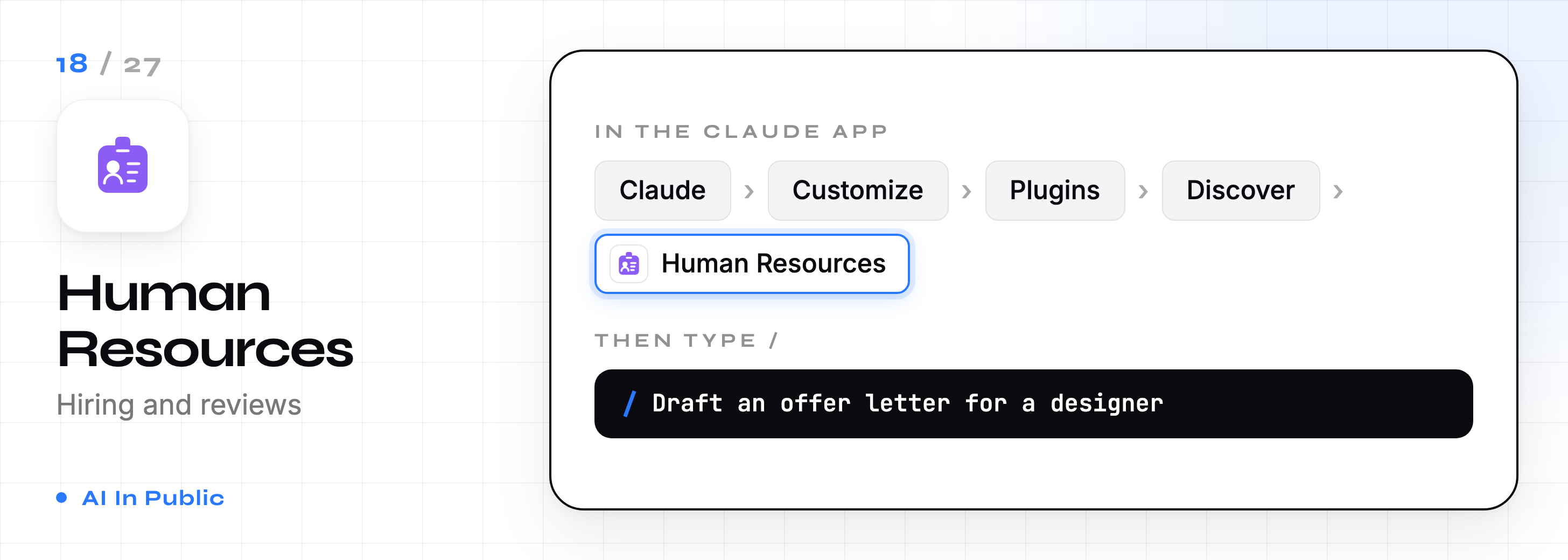
18. Human Resources
Drafts offer letters, onboarding plans, and performance reviews.
Best for: founders doing HR on top of everything else.
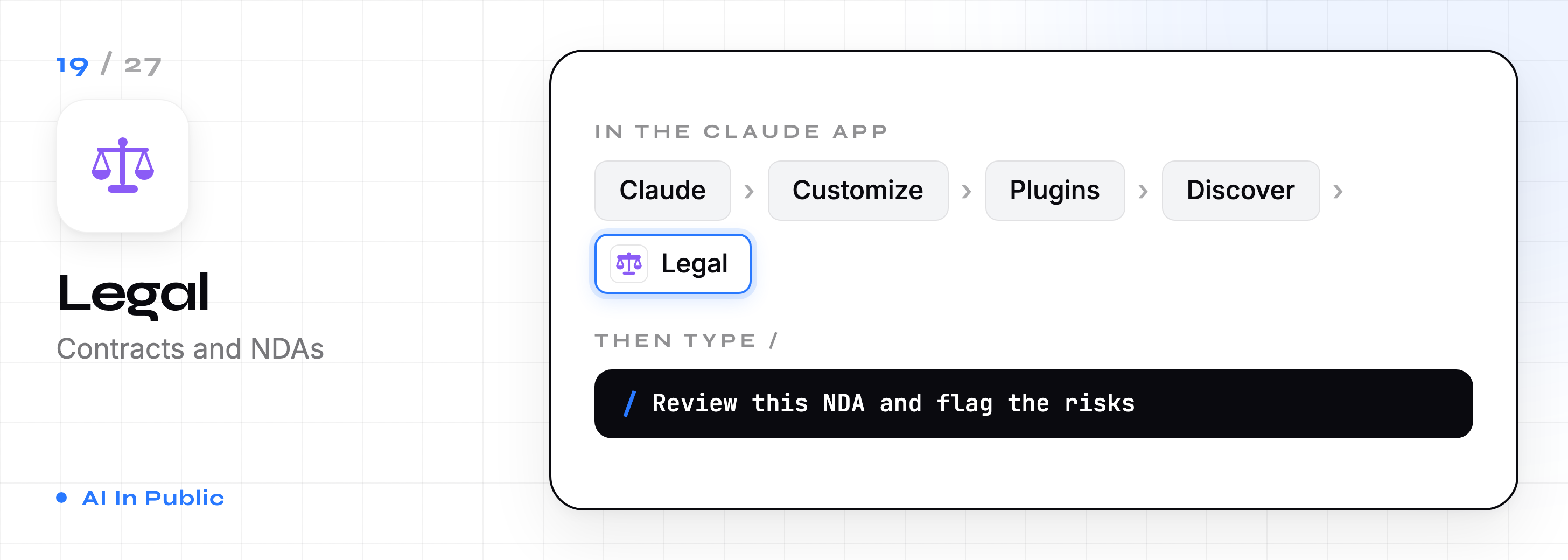
19. Legal
Reviews contracts, triages NDAs, checks compliance, and drafts standard responses.
Honest note: it flags risk. It doesn’t replace your lawyer. Read every redline yourself.
Stack 4: Money and finance (8)
Most of these live in Anthropic’s separate financial services marketplace. Add it first (Customize → Plugins → Add → Add marketplace → Financial Services), then install Financial Analysis before the others. They depend on it.
20. Finance
Journal entries, account reconciliations, financial statements, variance analysis, and audit support.
/finance:reconciliation
21. Financial Analysis (core)
Builds comps, DCF models, LBO models, and 3-statement financials. Holds the shared data connectors.
/dcf Nvidia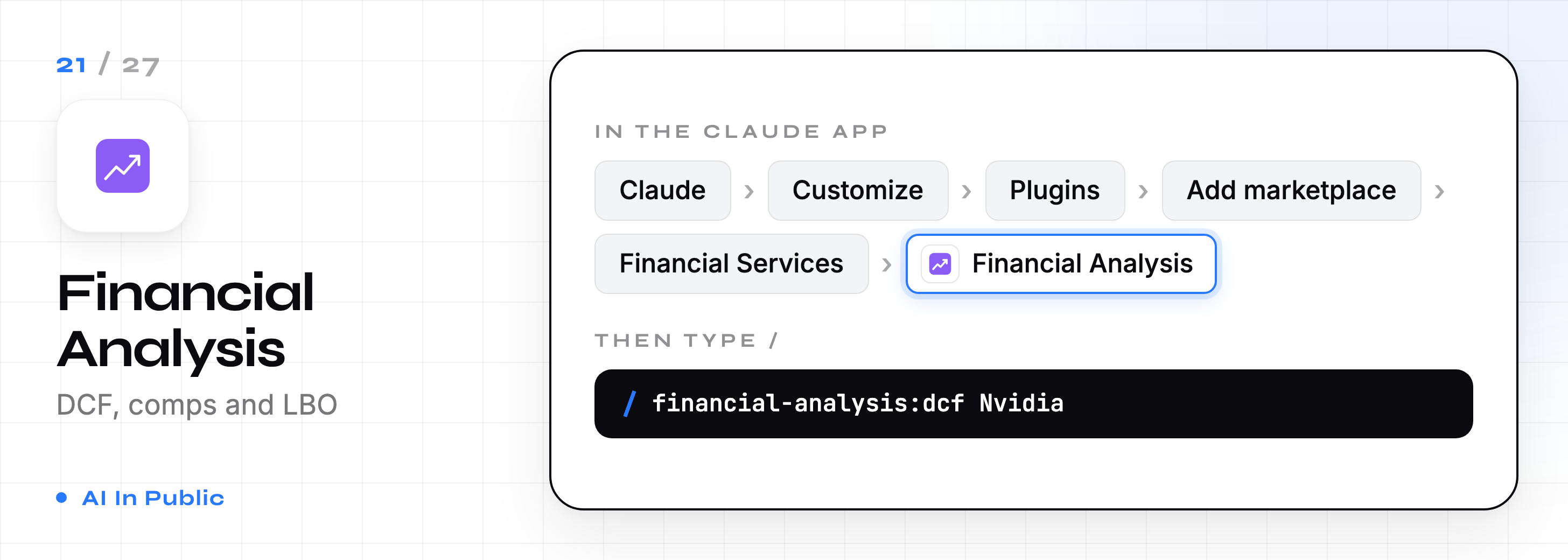
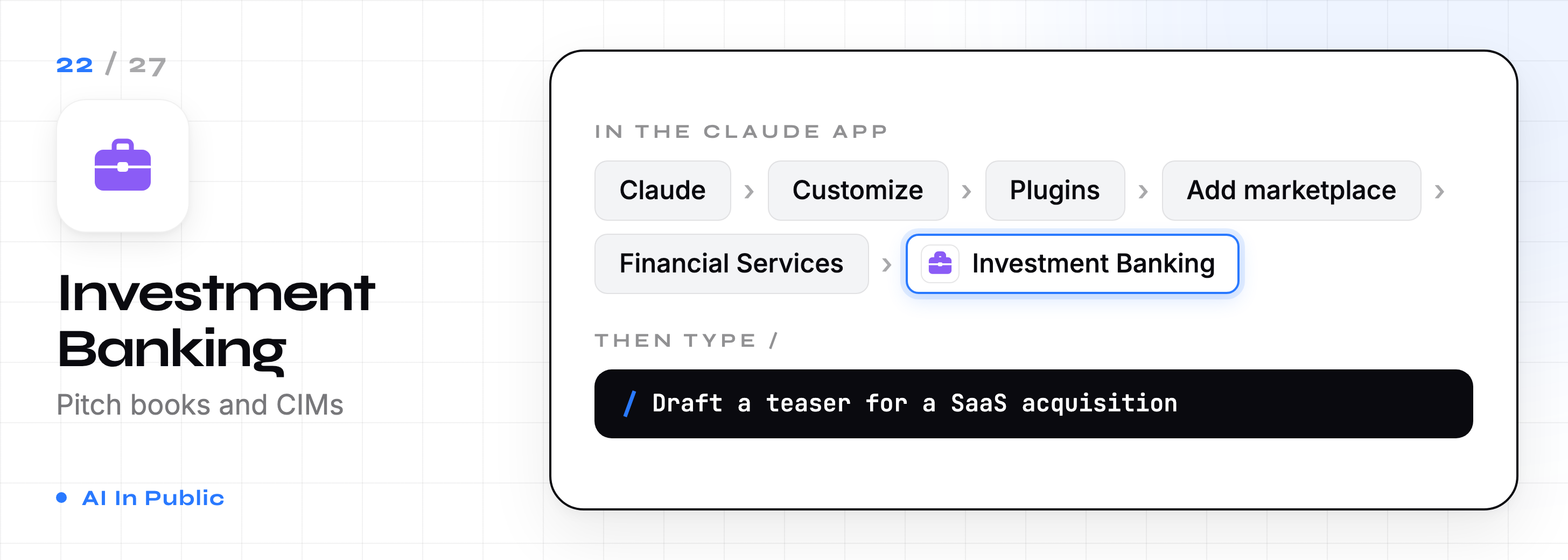
22. Investment Banking
Drafts CIMs, teasers, and process letters. Builds buyer lists and runs merger models.
23. Equity Research
Writes earnings updates and initiating coverage reports. Tracks catalysts.
/earnings Microsoft Q3 2026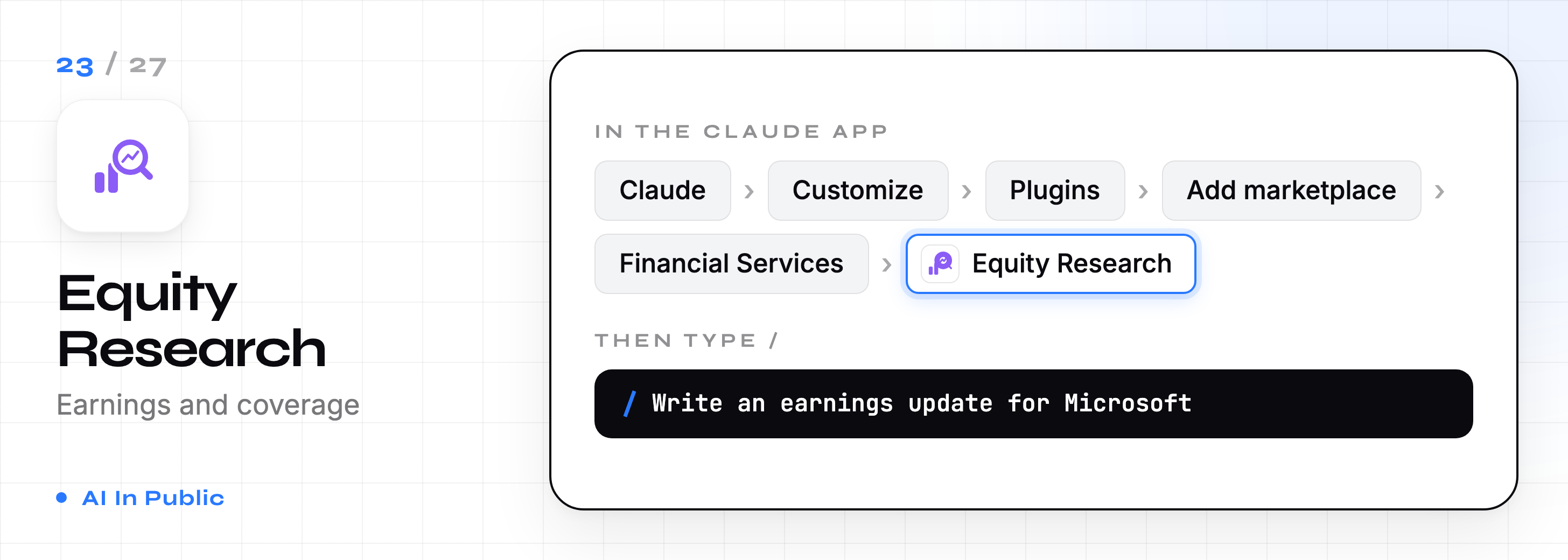
24. Private Equity
Sources and screens deals, runs due diligence checklists and drafts IC memos.
/source B2B SaaS companies, $5M to $20M ARR, based in Europe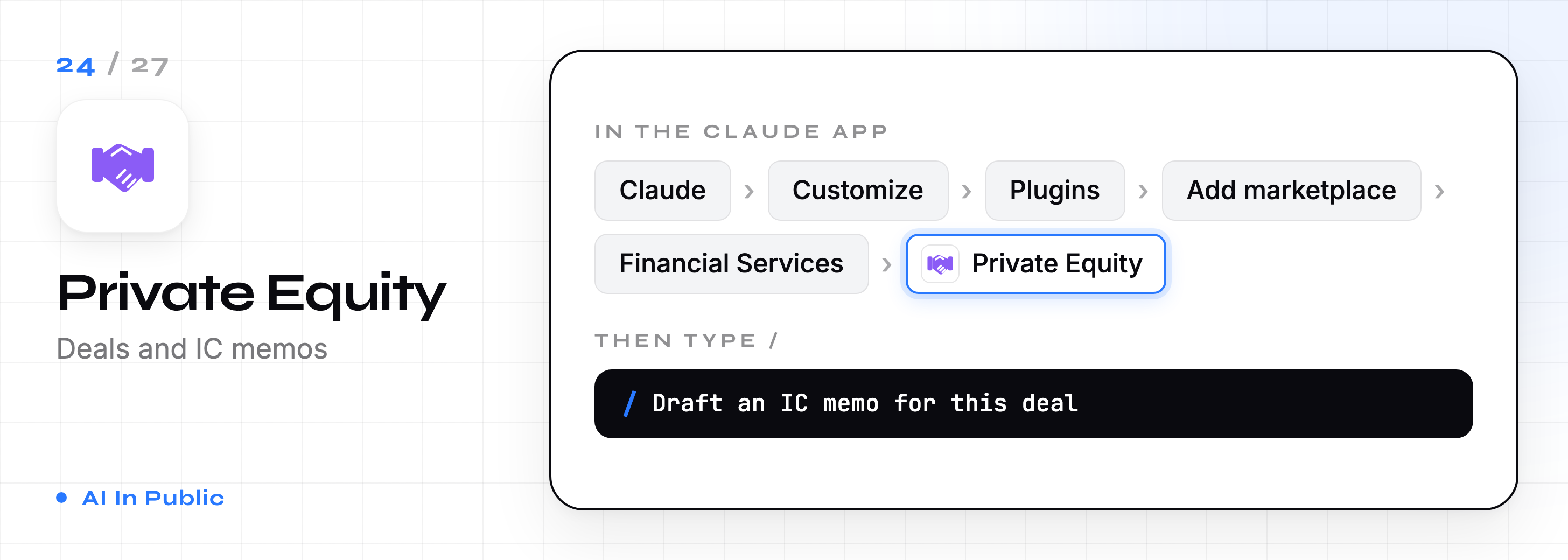
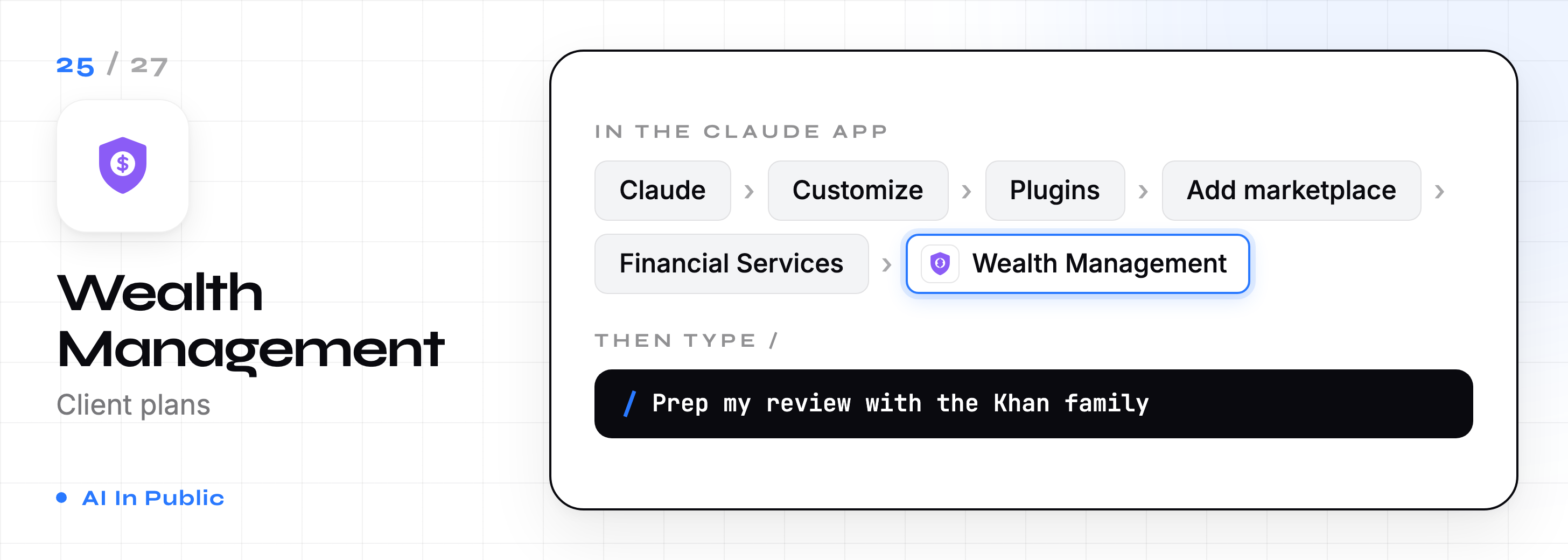
25. Wealth Management
Preps client meetings, builds financial plans, rebalances portfolios, and finds tax-loss harvesting opportunities.
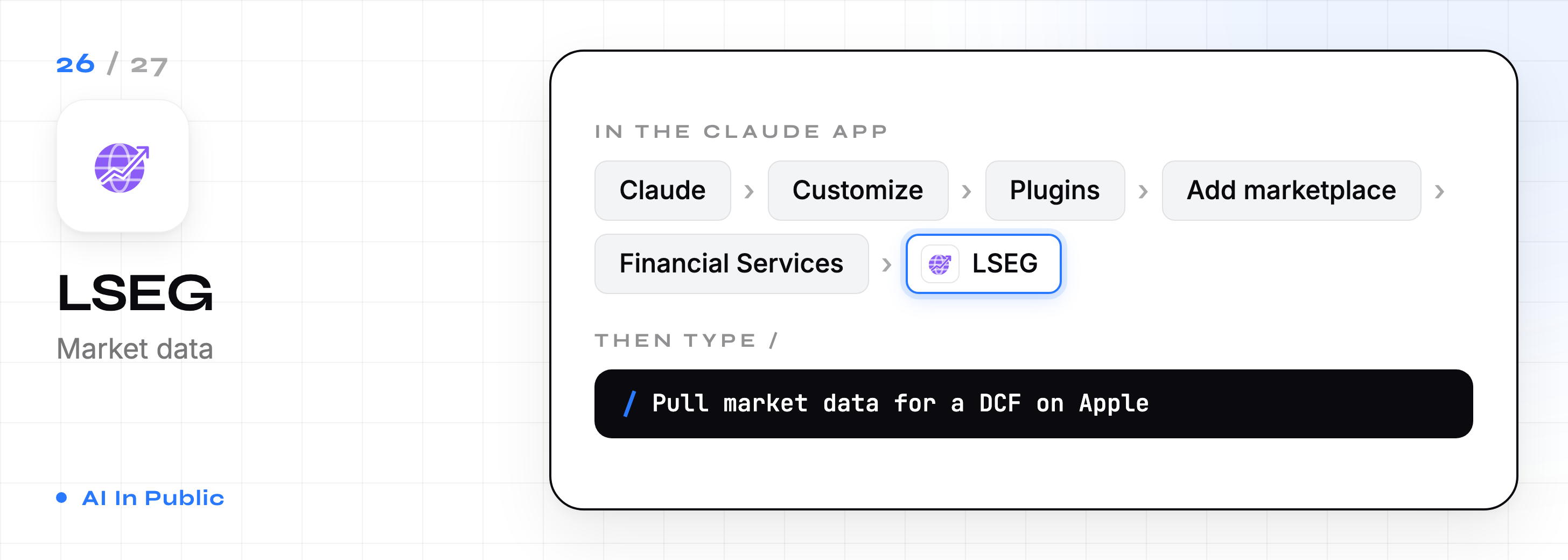
26. LSEG
Partner plugin that brings LSEG market data into Claude for things like DCF inputs and morning notes.
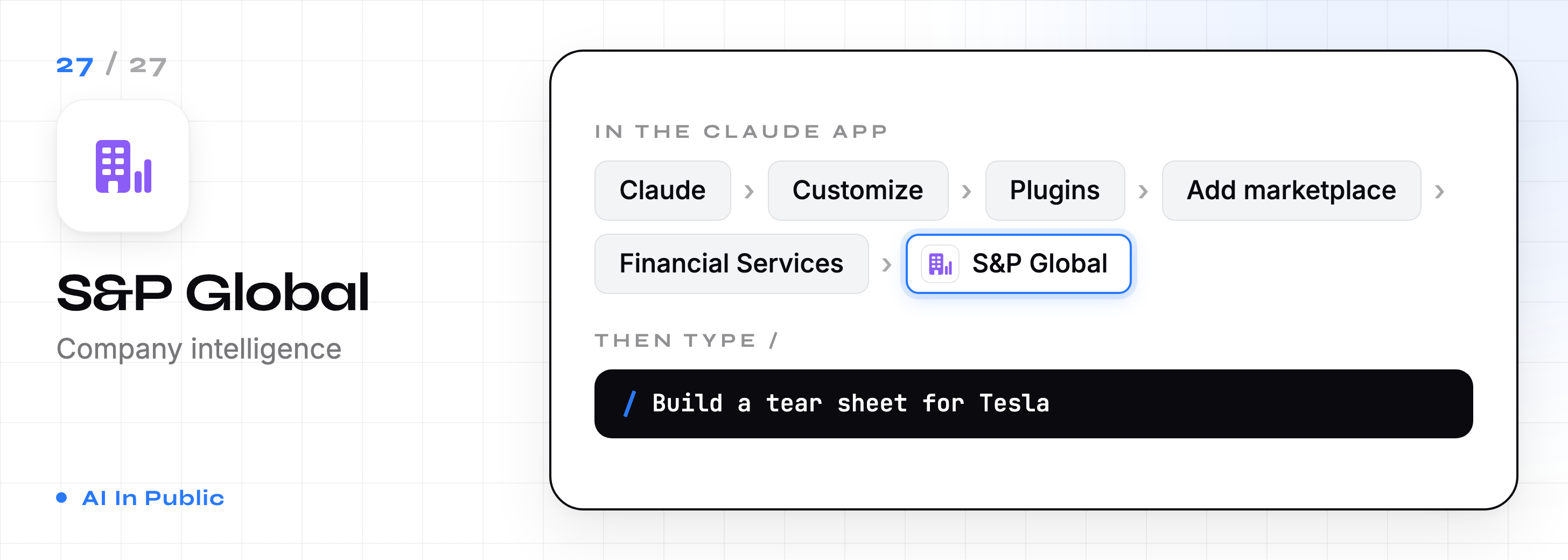
27. S&P Global
Partner plugin that brings Capital IQ Pro data in for tear sheets and earnings call previews.
Next week I’m testing the next thing people are using wrong. If you’re not subscribed, you’ll find out from someone who read it first. Subscribe so you’re that someone.
Slow down here
You don’t need 27 plugins.
You need two.
Pick the one stack that matches your job.
Install two plugins from it.
Give each one real work this week. If you never reach for one, remove it.
A crowded / menu is just more noise.
And here’s the honest part.
Every plugin above was built for a company.
None of them know your offers, your voice, or your weekly routine.
So I built some that do.
Your free plugin, as promised
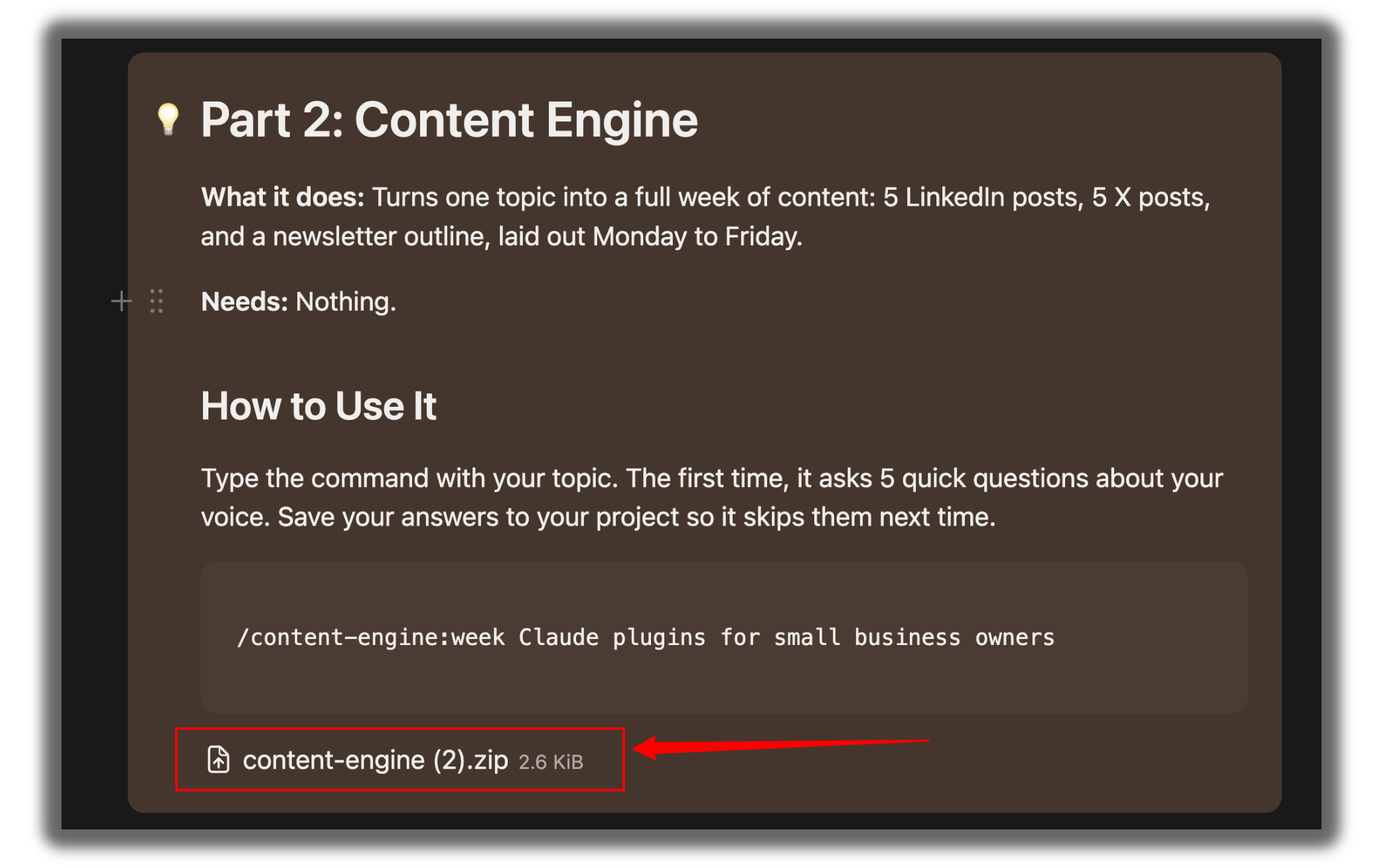
This is Content Engine. Give it one topic, and it writes your week.
Install it in 60 seconds:
Download the .zip file. Don’t unzip it.
In Claude, go to Customize → Plugins → + Add → Upload plugin.
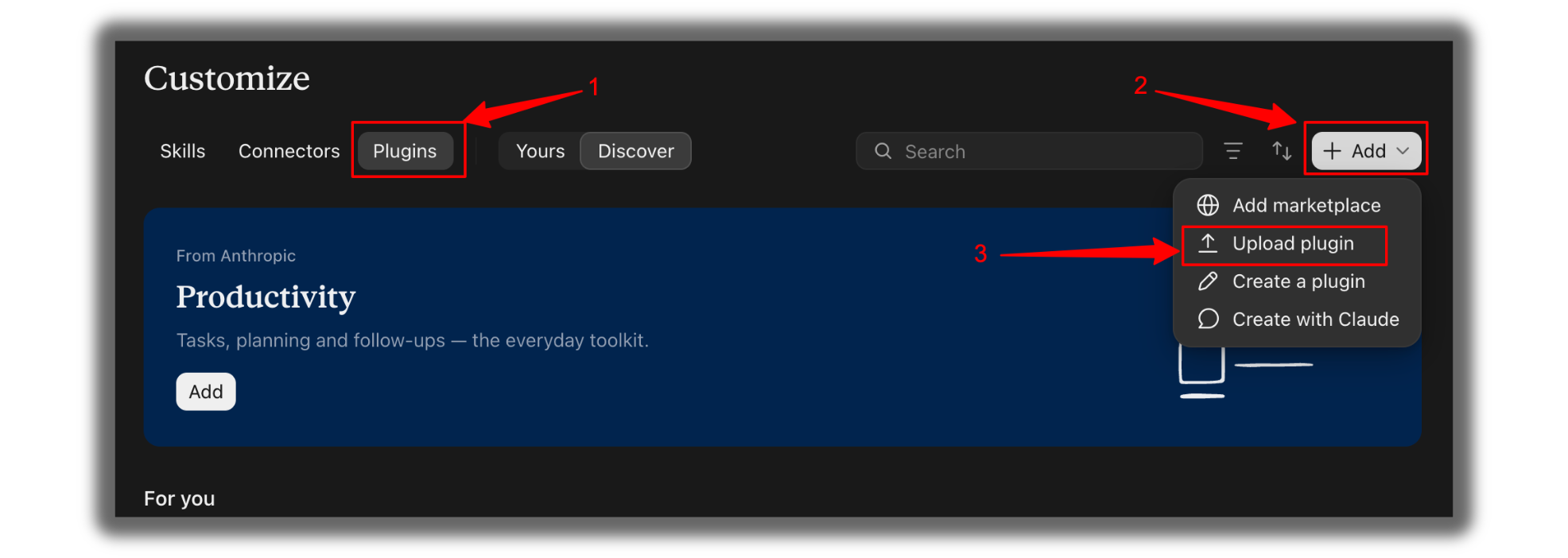
Select the .zip file.
Click New and type:
/content-engine:week Claude plugins for small business ownersYou get 5 LinkedIn posts, 5 X posts, and a newsletter outline, each with a hook and a call to action.
The first time you run it, it asks you 5 quick questions about your voice.
Save the answers to your project, and every post after that sounds like you.
Content Engine is 1 of 10. Inside the paywall, you get the other 9 as ready-to-use plugin files. Download, upload, type one command, done.
