

I almost gave up on understanding “agentic AI” altogether.
Every time I went looking for a real explanation, I found the same wall: a glossary of 20+ terms.
Agent loops.
Orchestration.
Guardrails.
Reflection.
Multi-agent systems.
Observability.

I almost gave up on understanding “agentic AI.”
Every explanation hit the same wall: 20+ terms - orchestration, guardrails, reflection - when all I needed was to ship one deliverable by Friday.
So I built three real agents in Claude Code this week and kept only the 15 ideas that actually changed how I prompt.
By the end of this issue, you’ll have the Build Your First Agent - Step-by-Step Guide: a full walkthrough with copy-paste templates for each of the 15 concepts below, so you’re not just reading definitions; you’re building something the moment you finish this email.
I’ll show you exactly where it lives.
Referral Winners - June 2026
Two readers pulled away from the pack this month: João O. Crespo and Steve Dubois. You both brought in more new subscribers than anyone else in June - thank you.
Your reward: one free month of AI In Public Membership, on me.
To get it set up, DM us your email address tied to your subscription, and I’ll have it added within 24 hours.
Congrats to both of you.
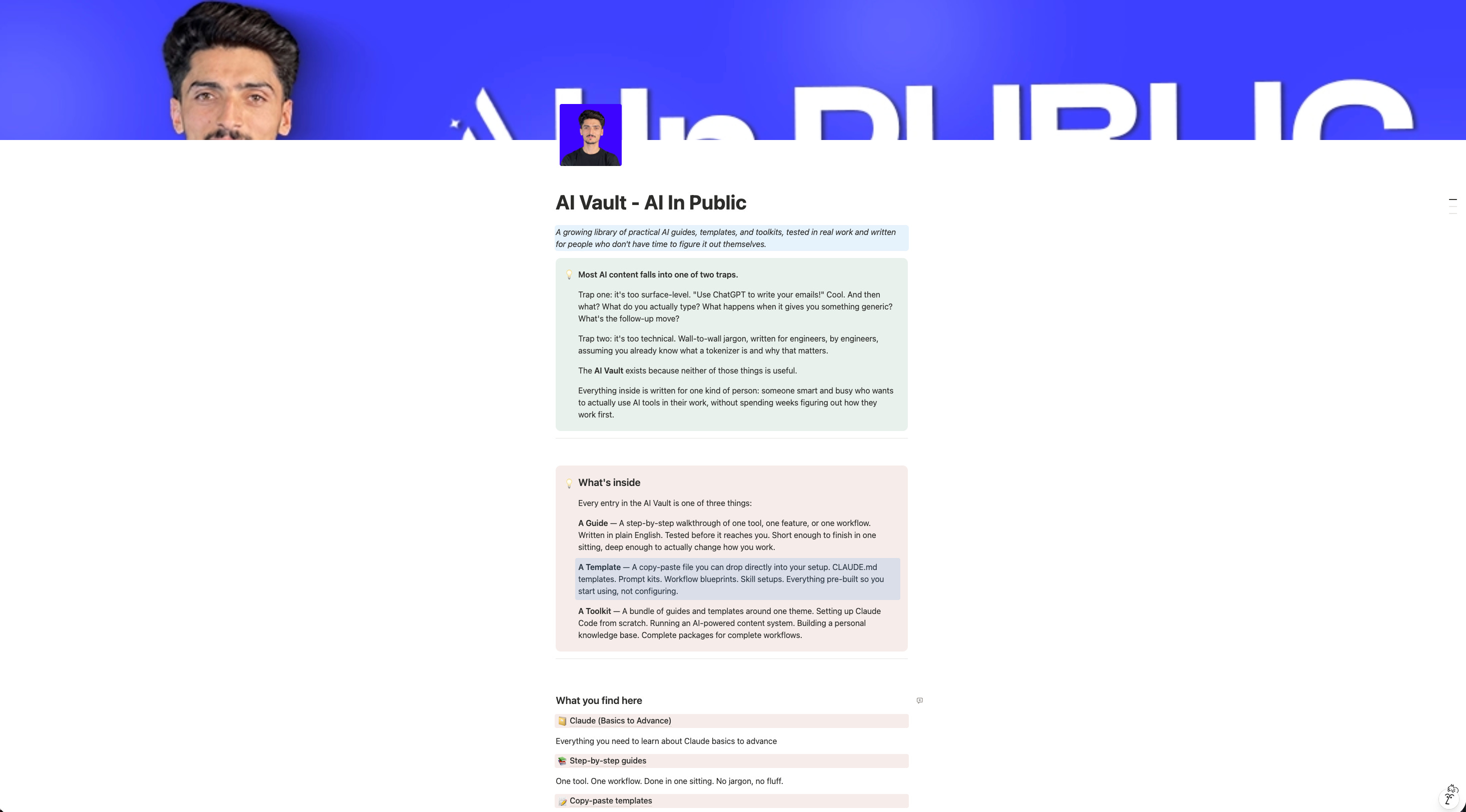
THE AI VAULT IS OPEN
Every guide, kit, template, and prompt library I’ve built - in one place. Organized. Searchable. Growing every week. Here’s how access works:
Paid Members: Get one specific guide related to the newsletter from the Vault every issue. Yours for a week.
Founding Members: Full access to everything inside the Vault. Every guide. Every kit. Every drop. Forever.
We’re 2-3 months away from 10K+ subscribers. The moment we hit that number, we’re launching a private free community - exclusively for AI In Public readers.
Introduction to Agentic AI Concepts
Here’s the shift: AI is moving from answering questions to doing the work behind them.
A chatbot replies once and waits.
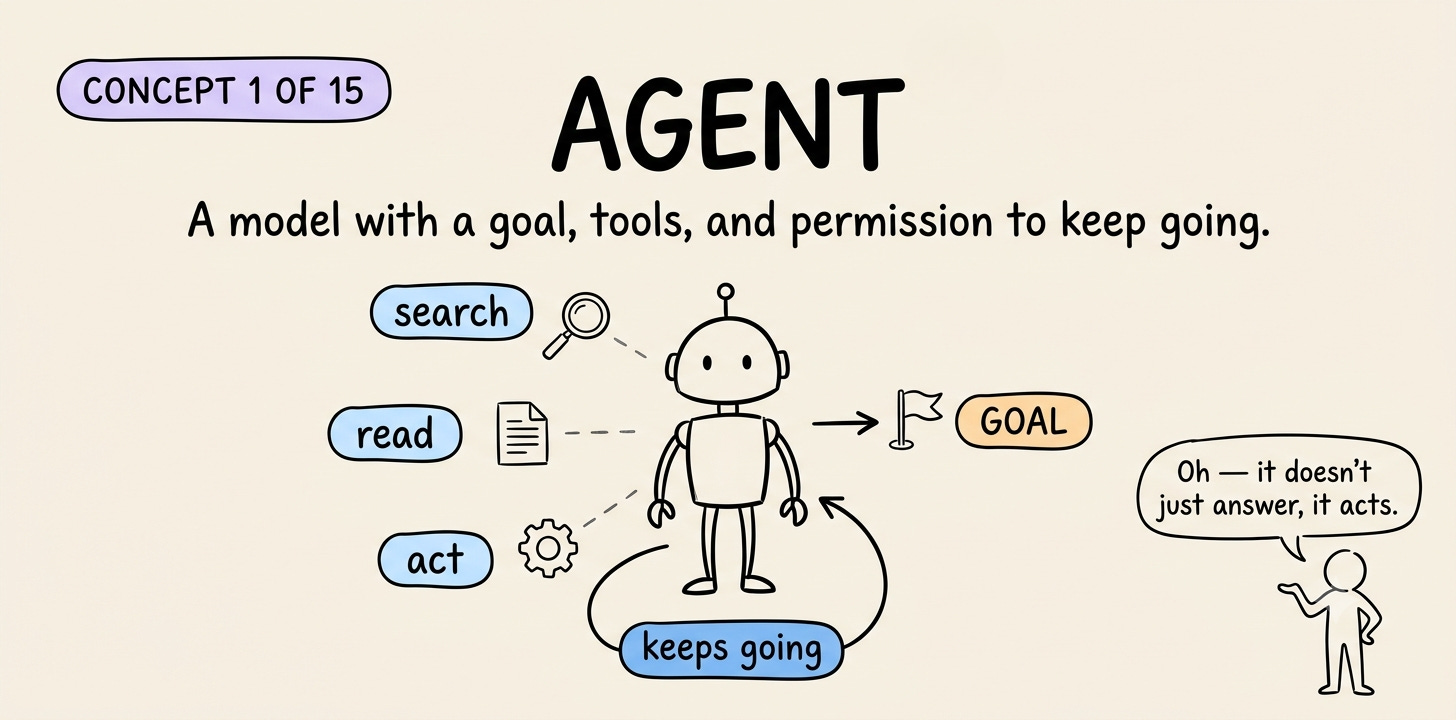
An agent keeps going - checking its own work, deciding what’s next, remembering what happened last time, stopping only when the job’s done.
That shift is why the jargon exploded.
Underneath it, though, there are just 15 ideas worth knowing - most map to something you already do instinctively when managing a real employee.
After this issue, you’ll know all 15 concepts that actually matter in agentic AI - not as trivia, but as decisions you make before you build anything.
You’ll stop writing one giant prompt and hoping for the best.
You’ll sound like you know what “agentic AI” means in a client call, because you’ll be using it, not reciting it.
Old Way vs New Way
Old way: One prompt. One shot. Hope it’s right. Re-prompt when it isn’t.
New way: Break the task into a loop, give it tools, let it check its own work, and only step in when a guardrail says it should.
Old way: Memorize 21 pieces of AI jargon to sound credible in a pitch deck.
New way: Know the 15 ideas that actually change your prompts, and let the jargon take care of itself.
Step-by-Step Walkthrough
Here’s each concept, defined in one line, with where I actually used it this week.
1. Agent - a goal, not a task: A task ends. A goal persists. I gave Claude a standing goal: “Flag any newsletter issue under 40% open rate and explain the likely reason,” instead of a one-time ask.
2. Agent Loop - observe, decide, act, check.
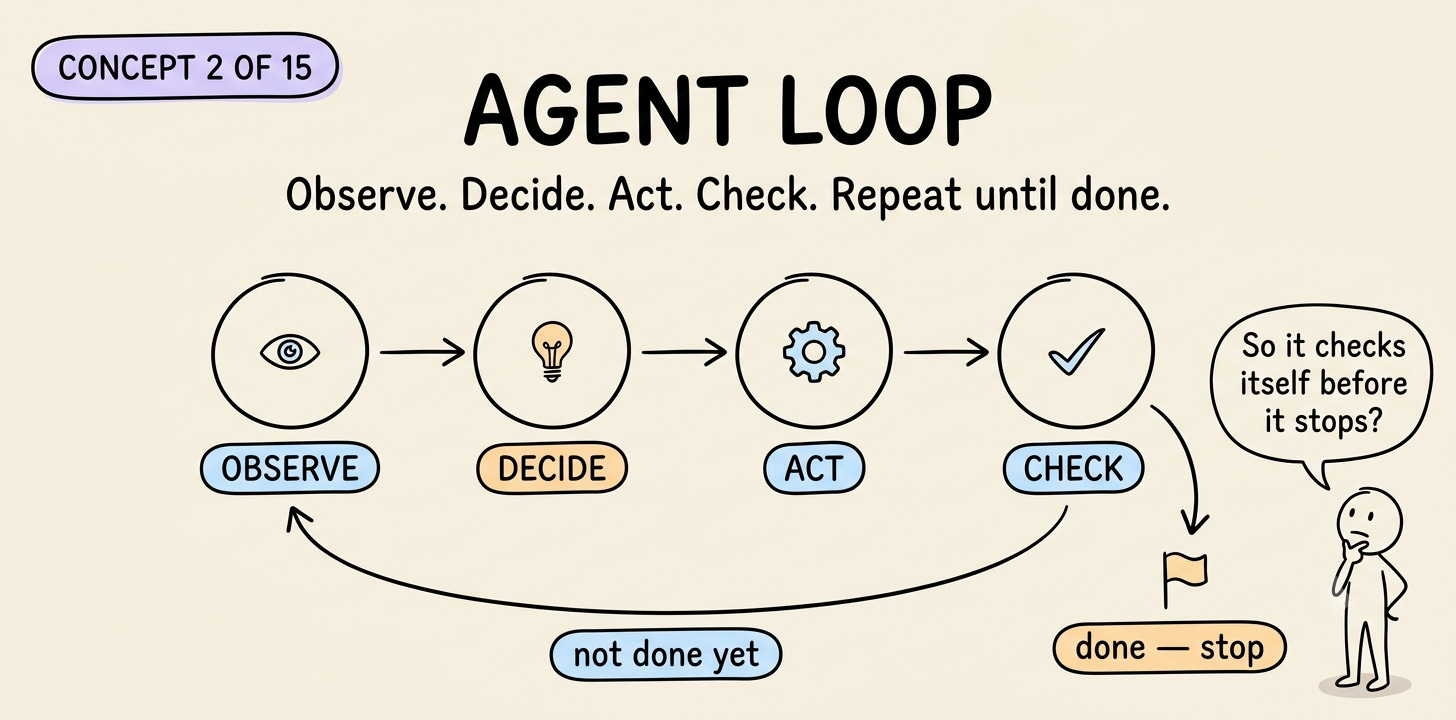
You are reviewing newsletter performance data.

Step 1 (Observe): Pull open rates for the last 8 issues from the attached CSV.
Step 2 (Decide): Identify any issue with an open rate below 40%.
Step 3 (Act): For each flagged issue, write a one-sentence hypothesis
for why it underperformed, using only evidence in the data.
Step 4 (Check): Confirm every hypothesis ties to a specific data point.
If you can't point to the evidence, remove the claim.

Show your work for each step separately. Do not skip to the final answer.
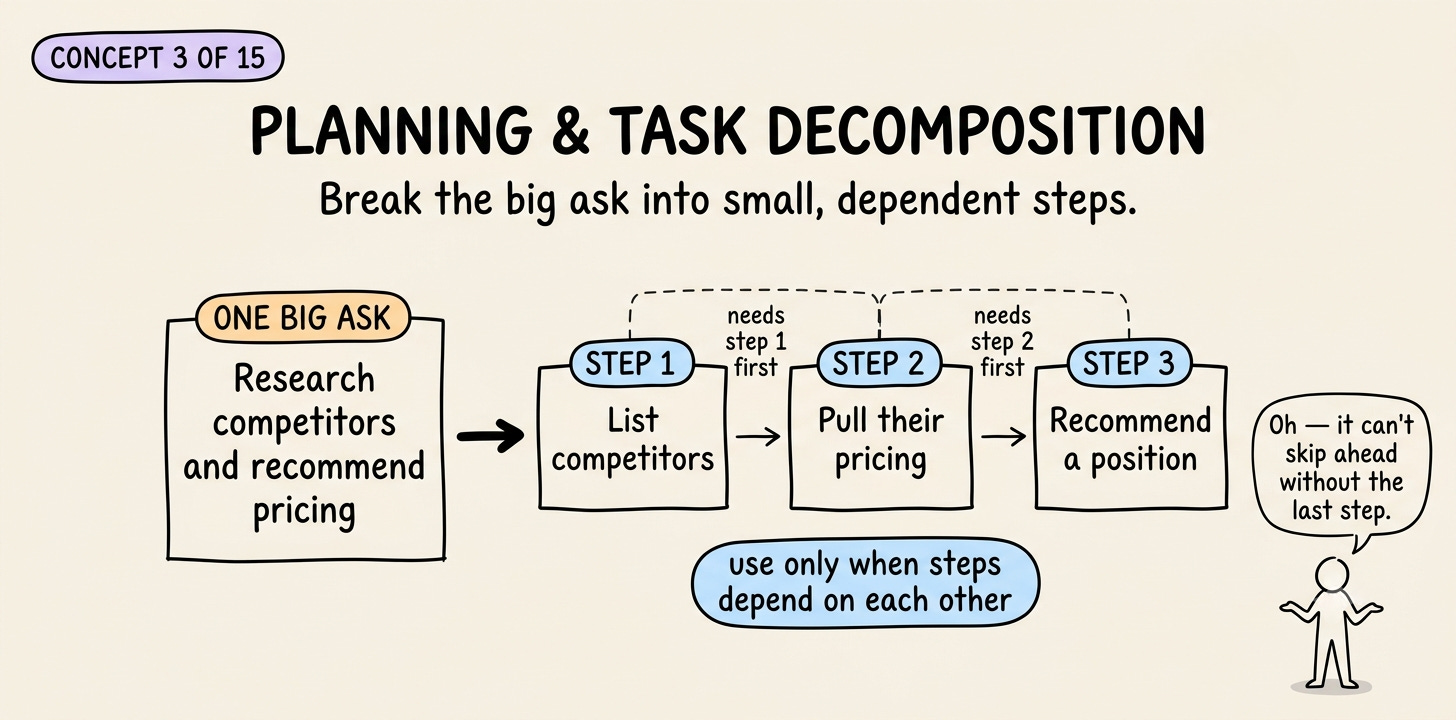
3. Planning and Task Decomposition - only for real dependencies: My analytics task didn’t need a separate plan - four steps, no branching. My competitor research agent had to decide which competitors to check and what to pull from each one. Planning earns its place when steps depend on each other. Skip it otherwise.
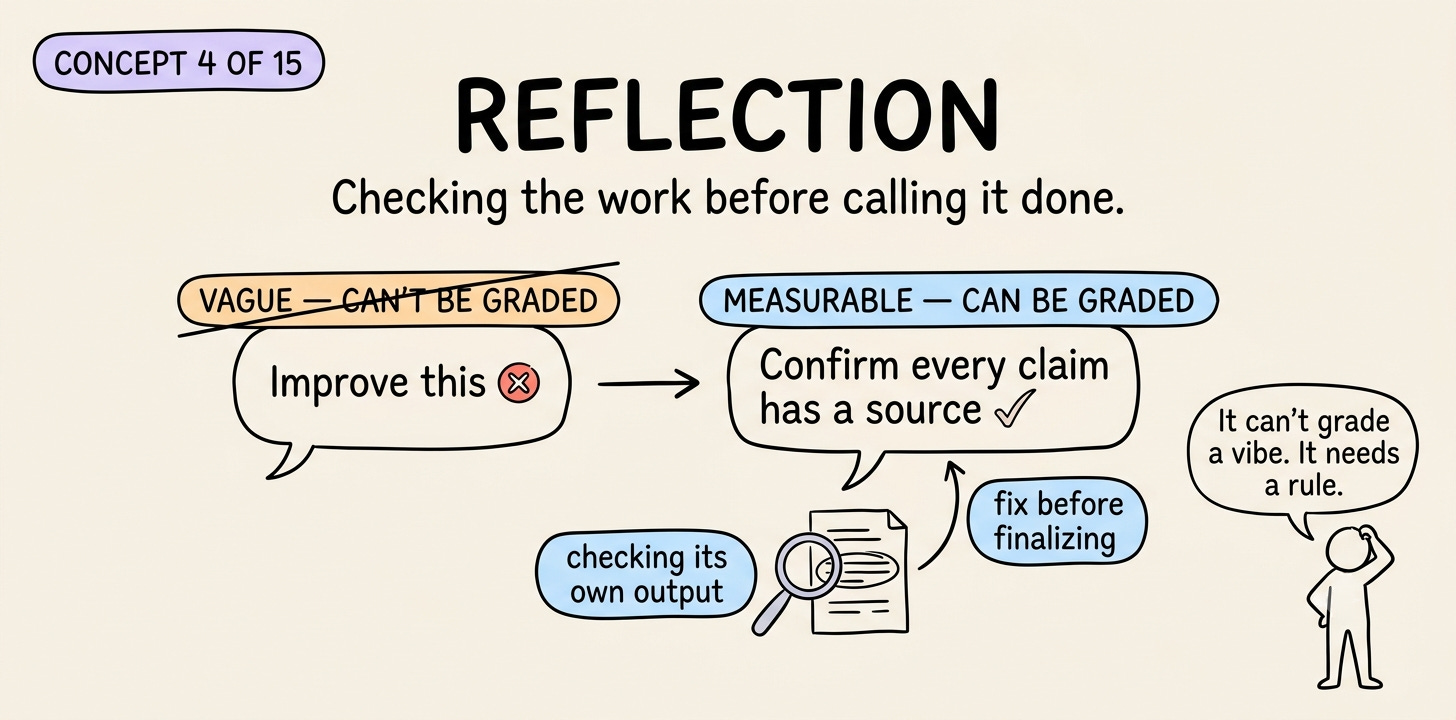
4. Reflection - a measurable rule, not a vibe: The line that fixed everything: “If you can’t point to the evidence, remove the claim instead of guessing.” Claude can’t grade a vibe. It can grade a rule.
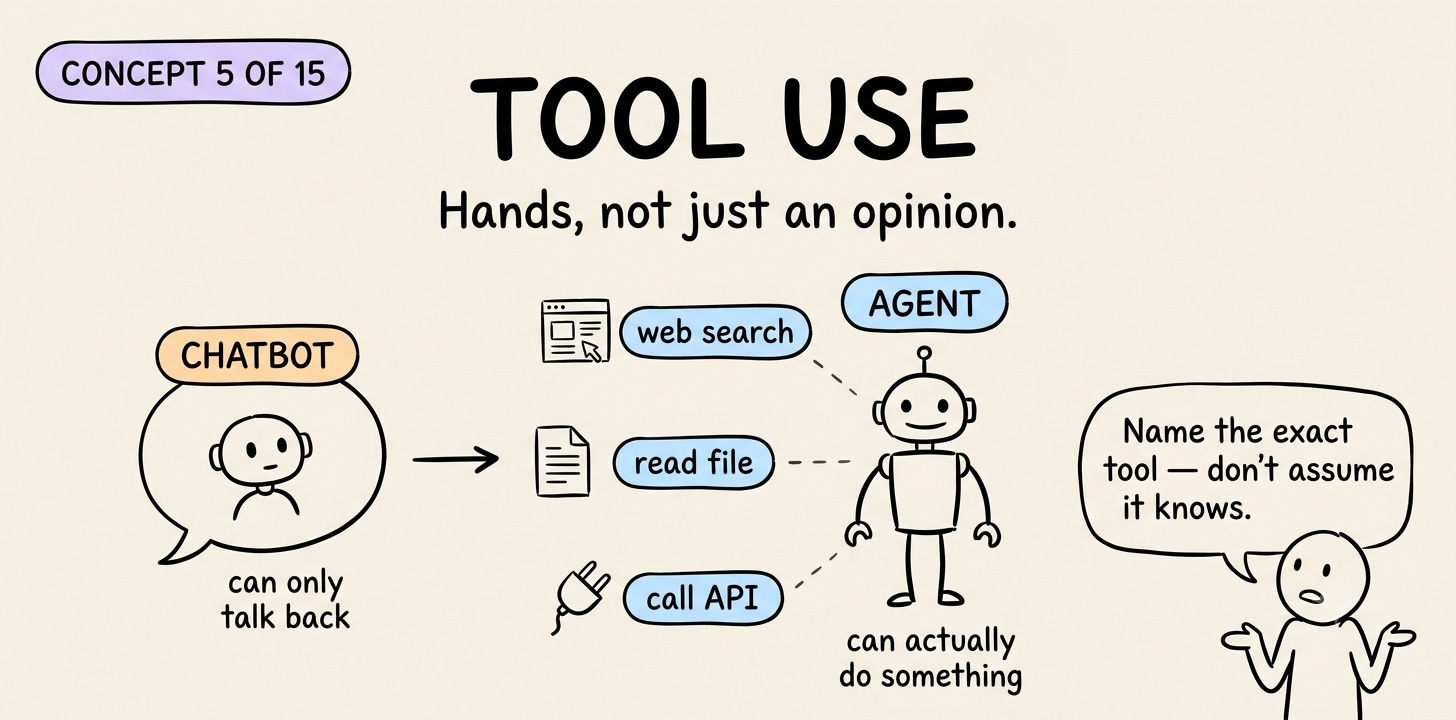
5. Tool Use - give it hands, not just an opinion: A model that can only talk back is a chatbot. An agent can read a file, search the web, or call an API. My research agent uses web search as a tool; my analytics agent reads a CSV as a tool. Name the exact tool in your prompt - don’t assume Claude knows what’s available.
6. Memory - decide what carries forward: For the analytics task, no memory is needed - it’s one-and-done weekly. For the competitor research agent, I told Claude to save confirmed pricing data to a file between sessions, so it stops re-researching the same competitor every week.
Before finishing, save the confirmed pricing for each competitor to
competitor-pricing-log.md, with today's date. Next time you run this
task, read that file first and only update what's changed.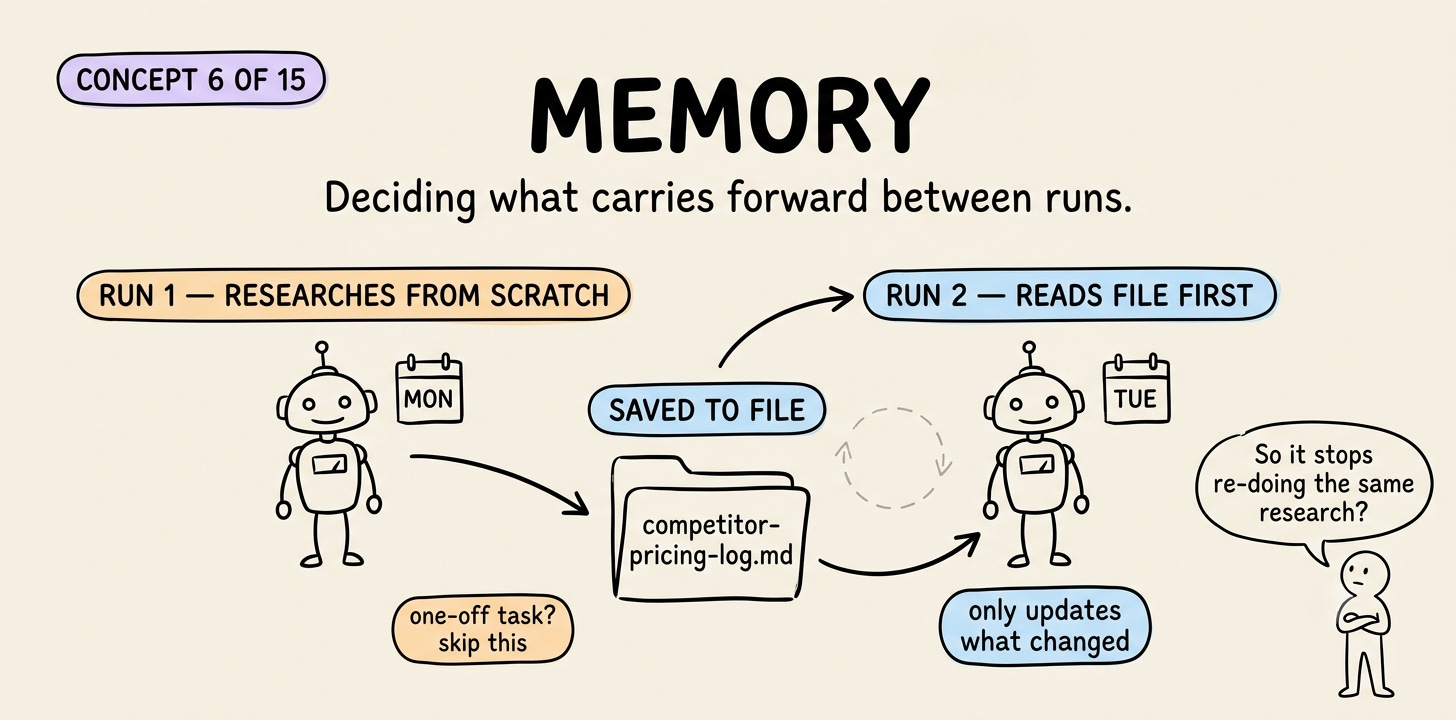
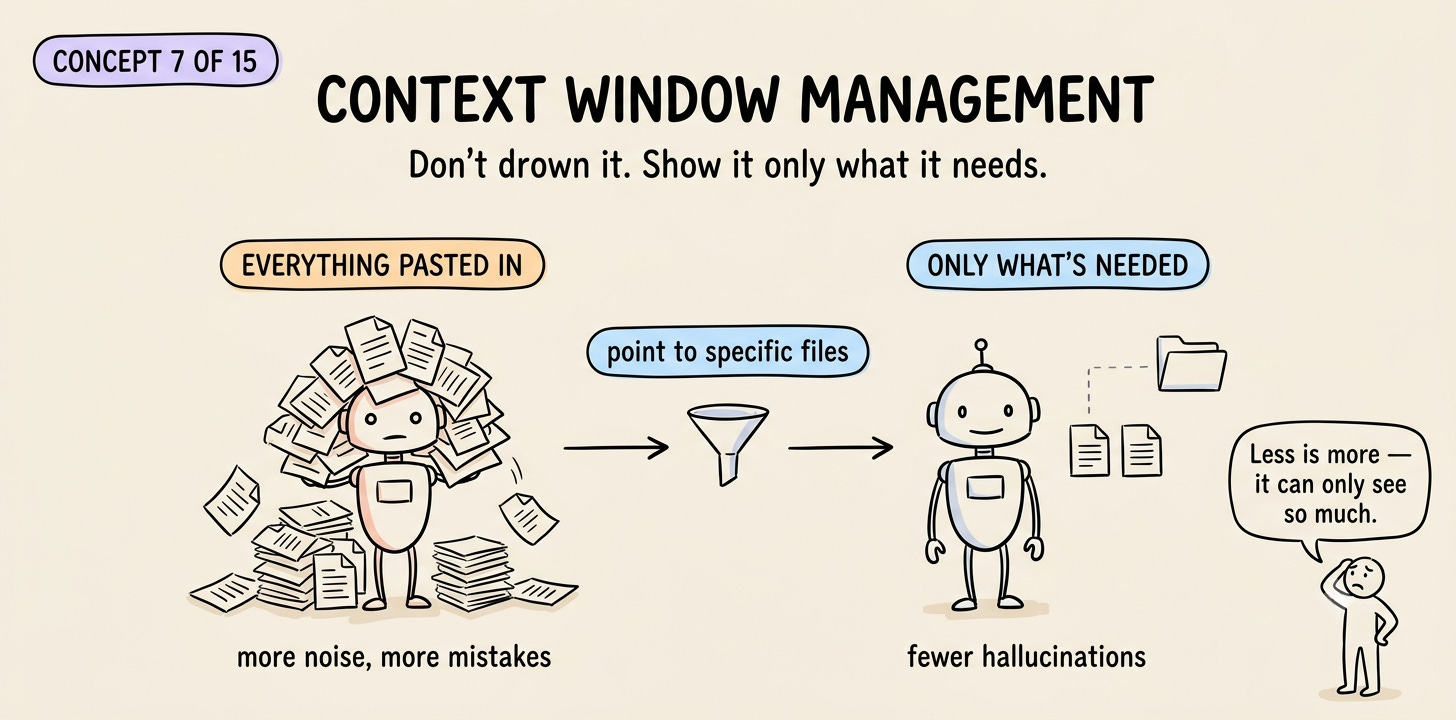
7. Context Window Management - don’t drown it: Every agent has a limit on how much it can “see” at once. I stopped pasting my entire eight-issue archive into one prompt and instead pointed Claude to specific files only when needed. Less noise, fewer hallucinations.
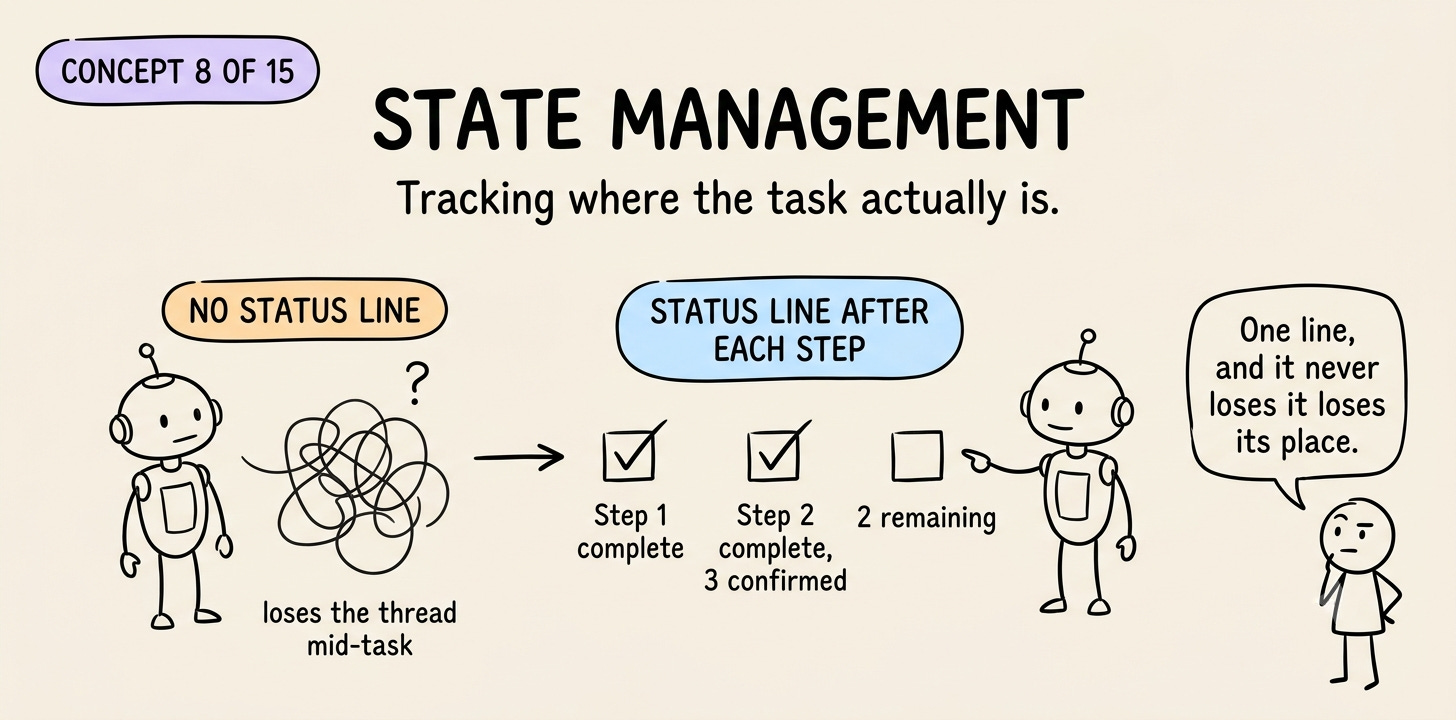
8. State Management - track where the task actually is: For multi-step work, I now have Claude write a short status line after each step: “Step 2 complete, 3 competitors confirmed, 2 remaining.” That one line stops it from losing the thread mid-task.
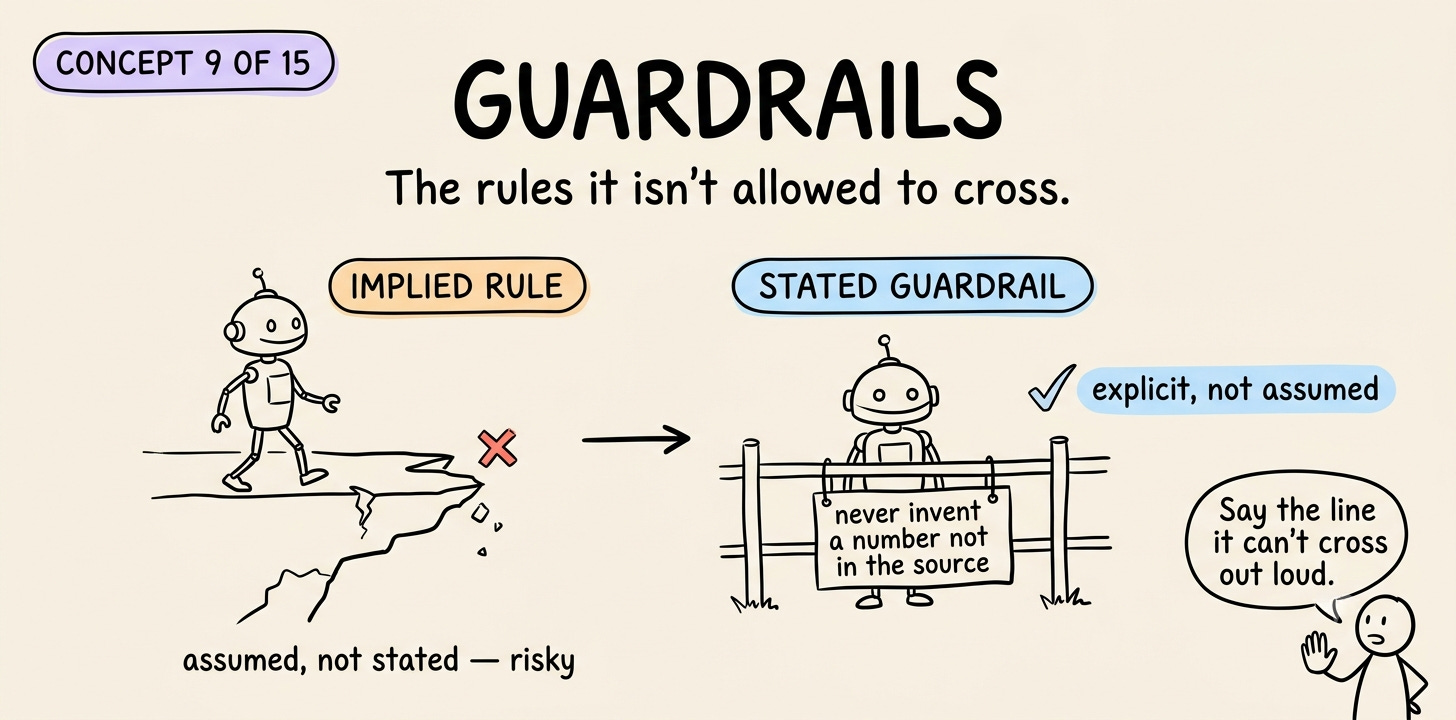
9. Guardrails - the rules it can’t cross: For the analytics agent, the guardrail is simple: never invent a number that isn’t in the CSV. For the research agent: never publish a price without a source link. State the guardrail explicitly. Don’t assume it’s implied.
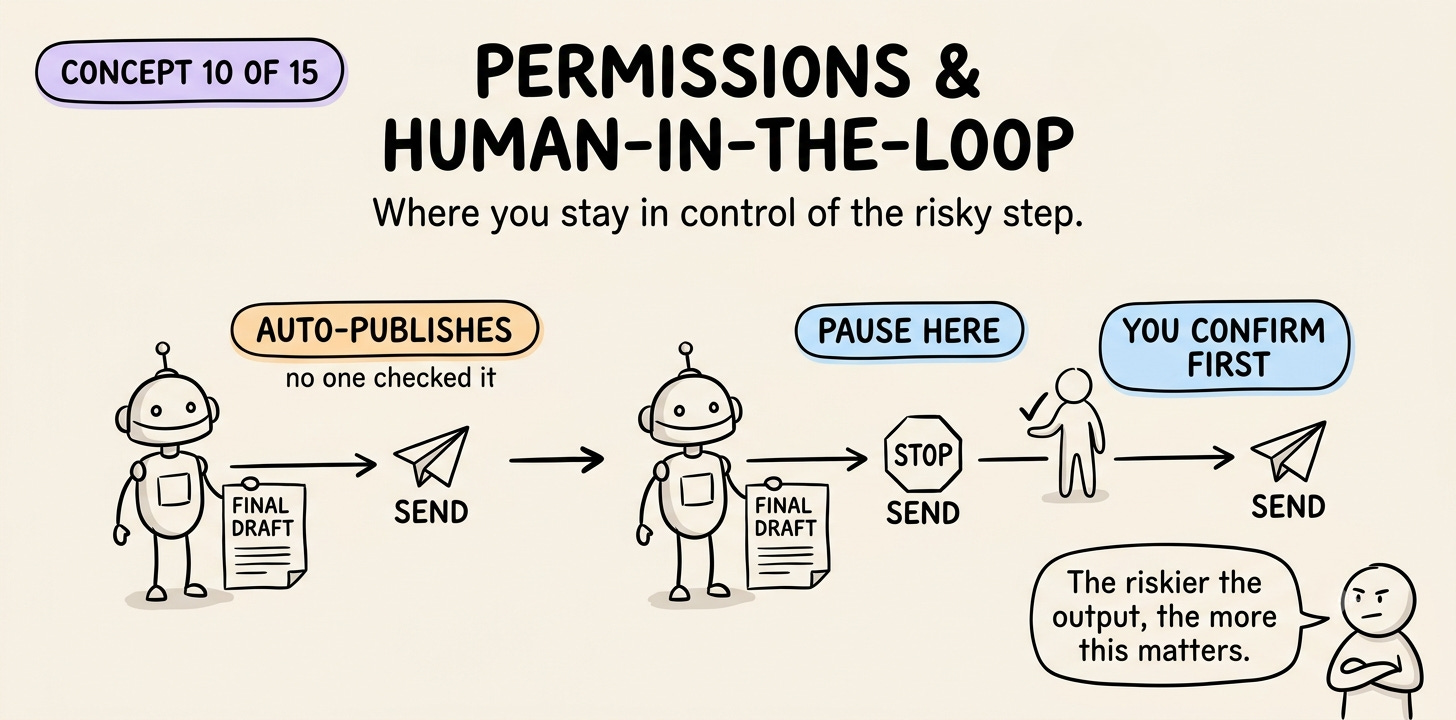
10. Permissions and Human-in-the-Loop - where you stay in control: My reviewer agent flags unsupported claims. It does not rewrite my draft. I kept the “decide what to publish” step for myself, on purpose. The riskier the output, the more this matters.
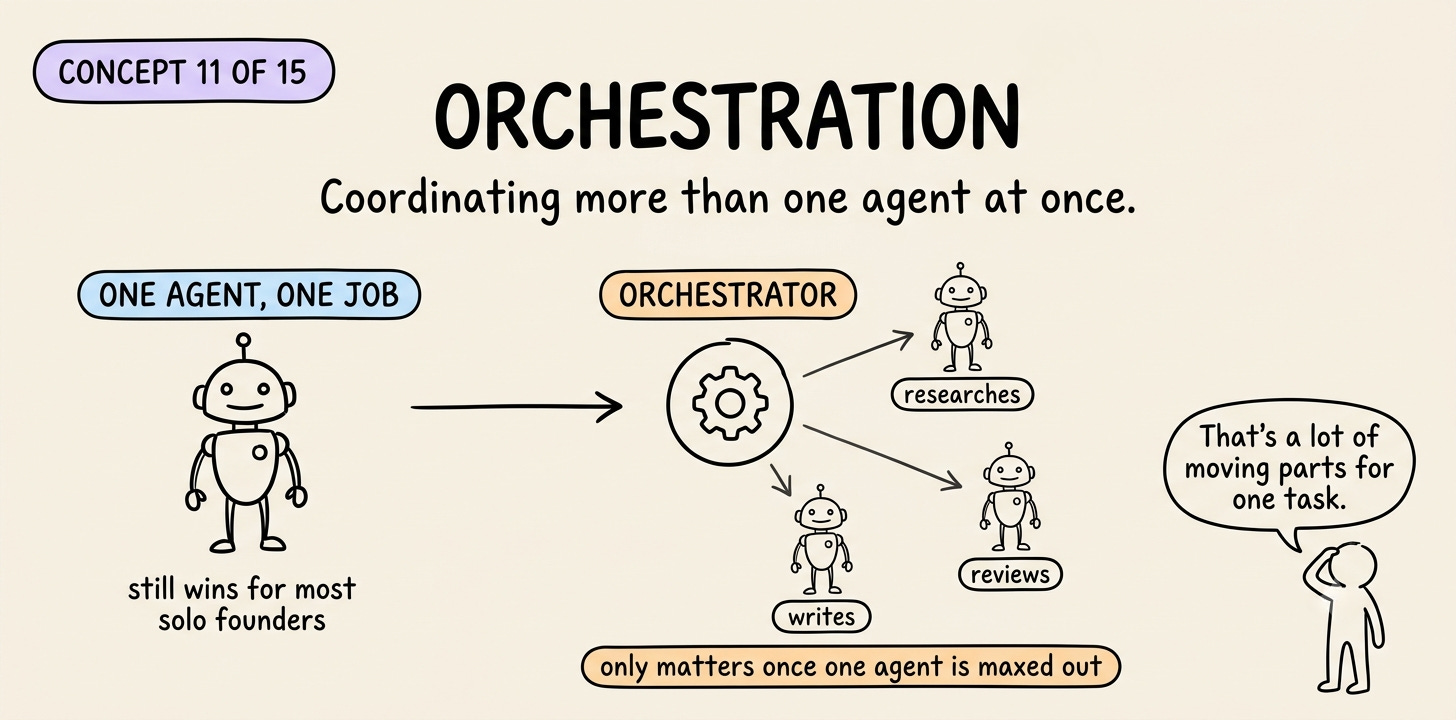
11. Orchestration - coordinating more than one agent: This only matters once you’re running multiple agents that hand work to each other. I’m not there yet for the newsletter - one agent, one job- still wins for most solo founders.
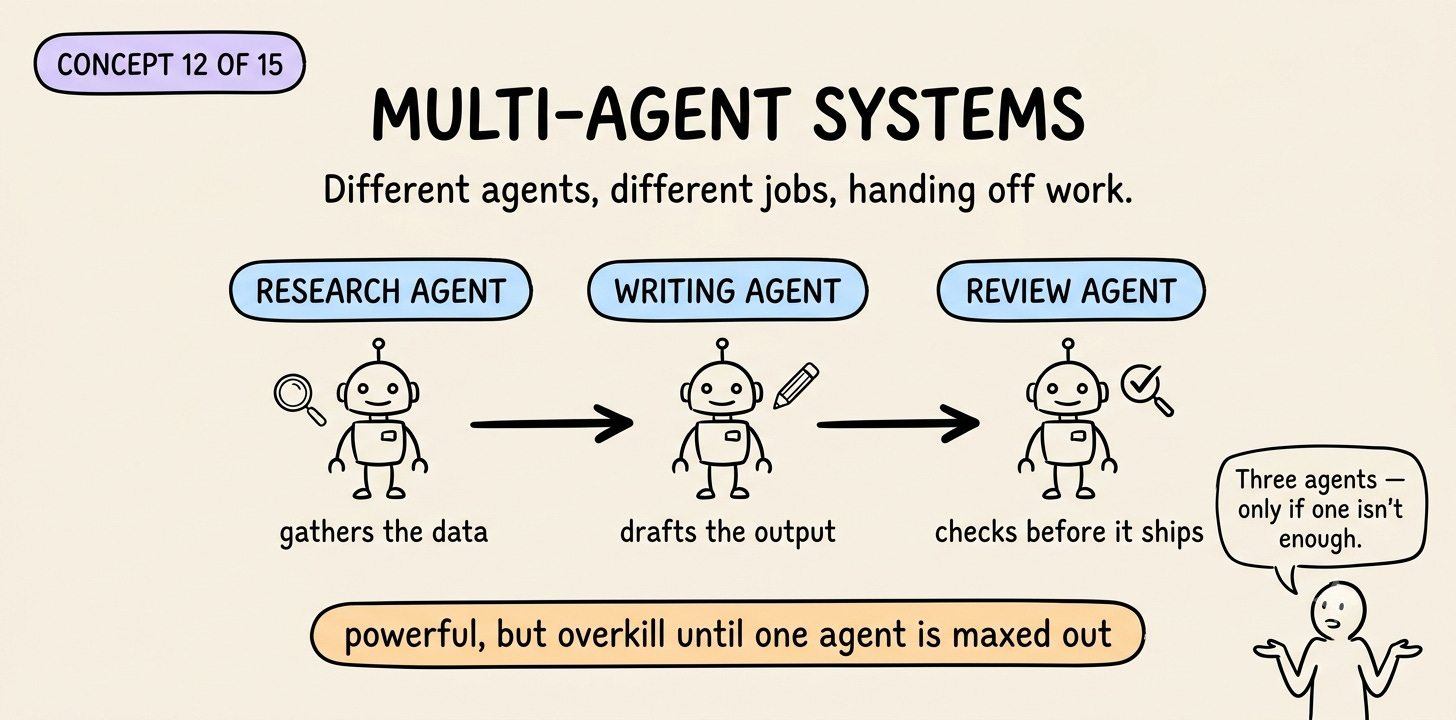
12. Multi-Agent Systems - different agents, different jobs: Same idea, bigger scale: a research agent feeding a writing agent feeding a review agent. Powerful, but overkill until a single agent is genuinely maxed out on one role.
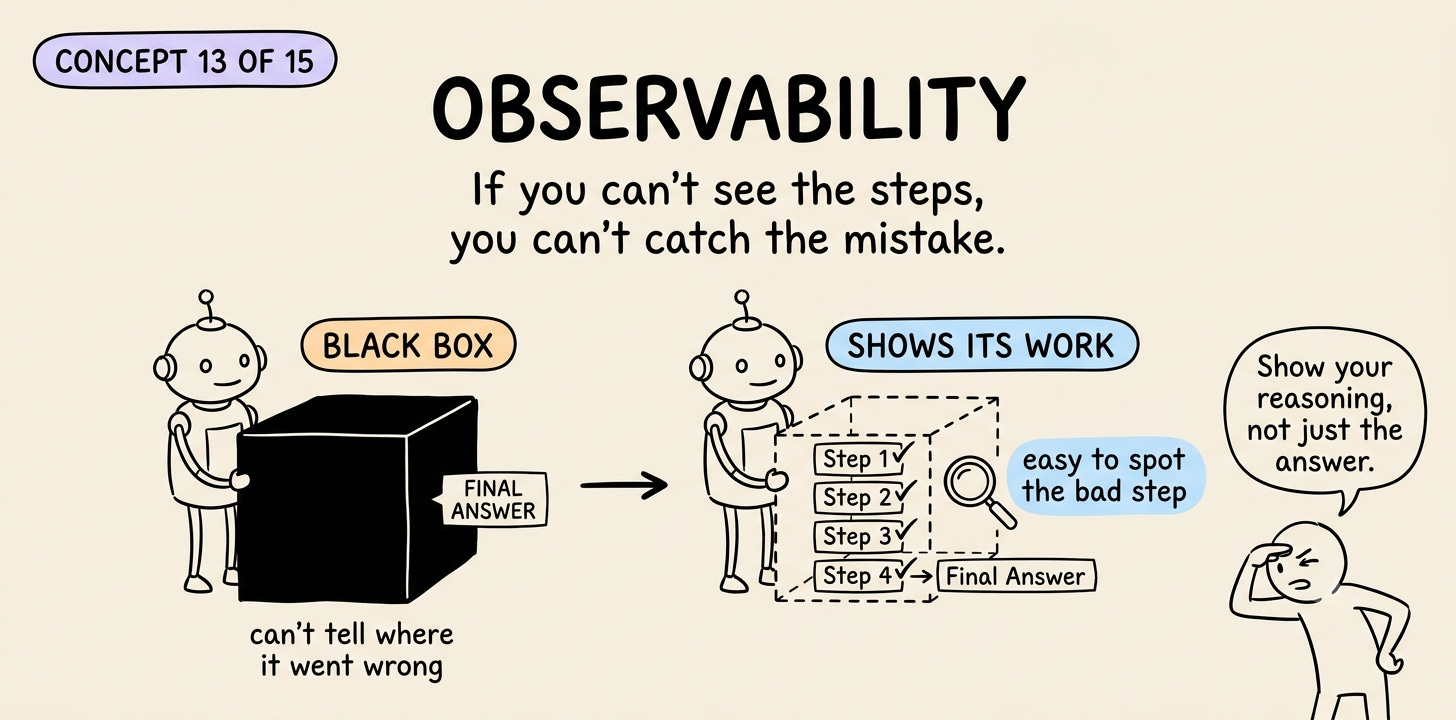
13. Observability - being able to see what it actually did. Please show your work step by step, not just the final answer (see the loop prompt above). If you can’t see the steps, you can’t catch the mistake.
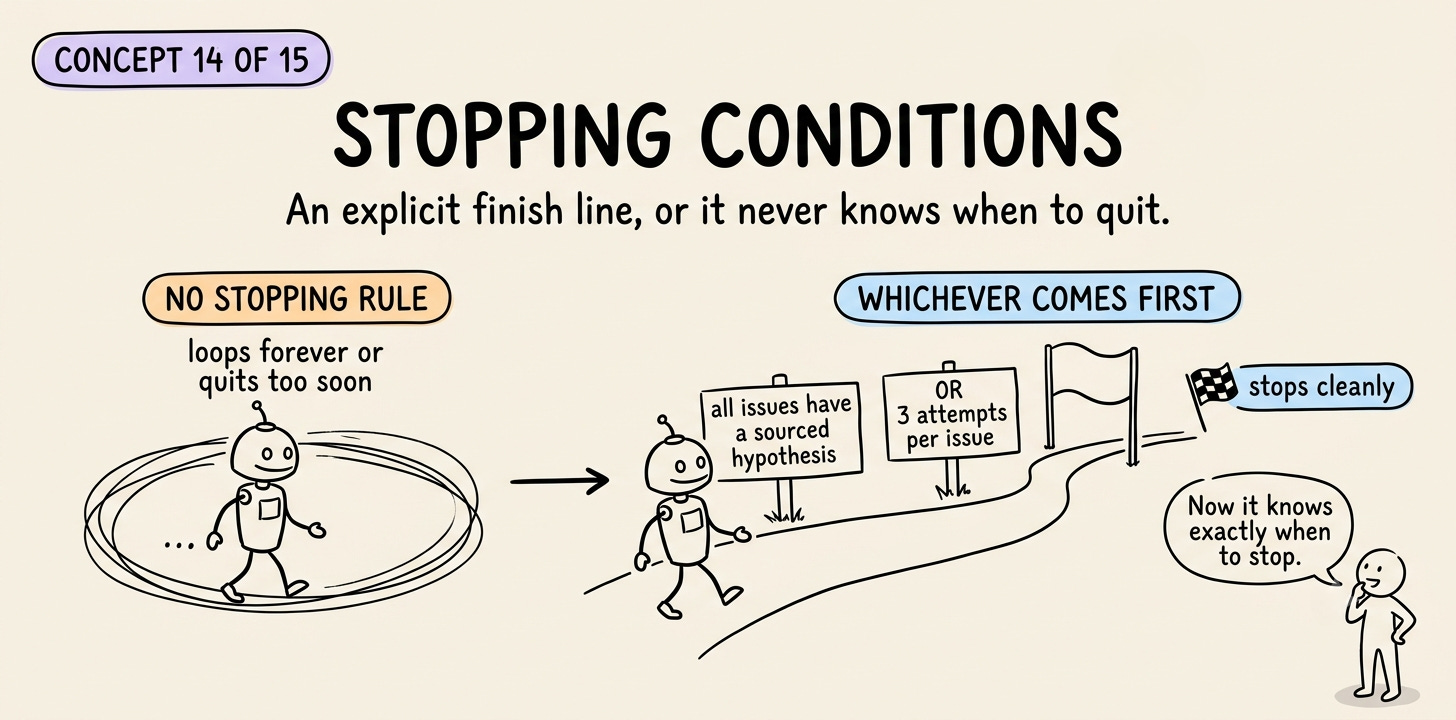
14. Stopping Conditions - when does it actually stop? Every agent needs an explicit finish line. Mine: “Stop once all flagged issues have a sourced hypothesis, or after 3 attempts per issue - whichever comes first.” Without this, agents either quit too early or loop forever.
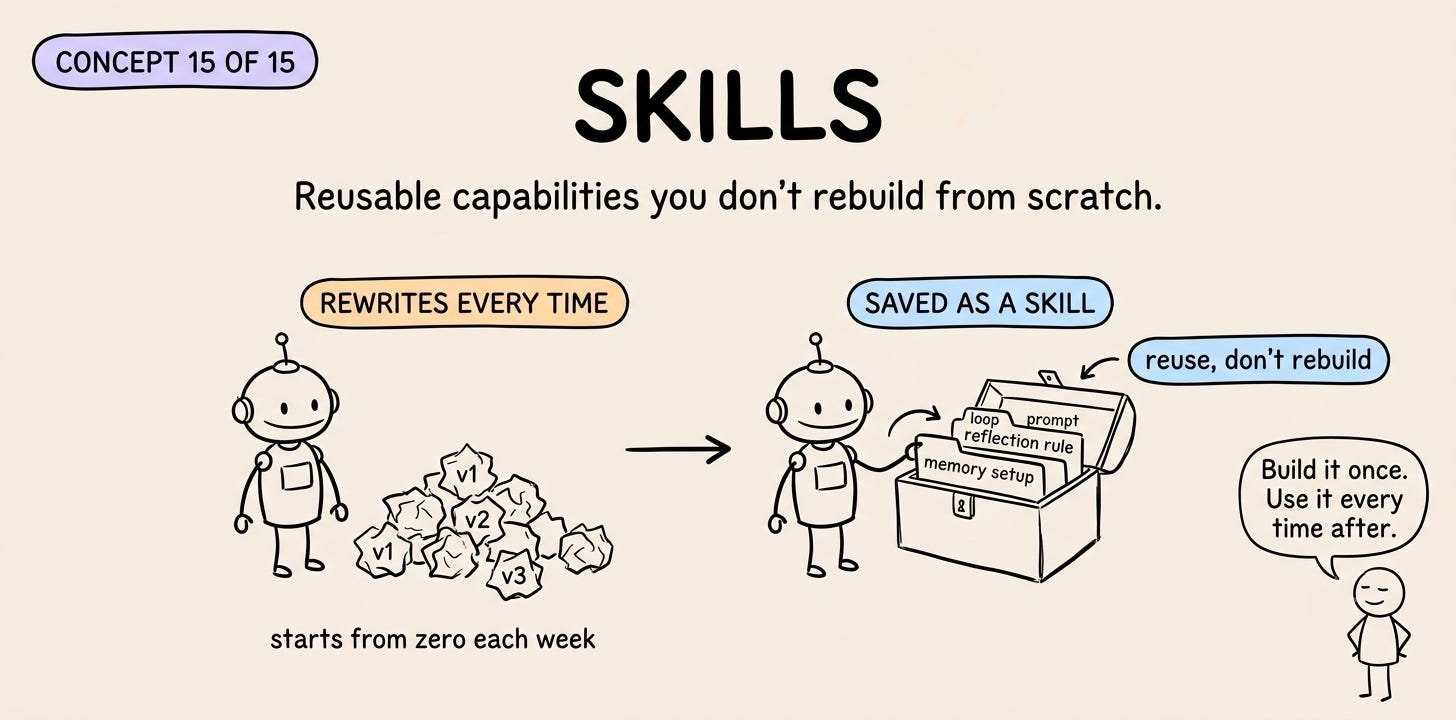
15. Skills - reusable capabilities you don’t rebuild from scratch: Once a prompt structure works, I save it as a reusable skill instead of rewriting it every week. That’s the entire idea behind ClaudeKit, more on that below.
Share this and get rewarded
Go to AI In Public → scroll to the Leaderboard section → copy your referral link → share it with anyone.
Every signup through your link moves you up the board and unlocks real rewards.
At the end of every month, we check the leaderboard.
The top 3 get our best guide - DMed directly, no opt-in required.
Best Practices / Use Cases
Use the agent loop any time you’re tempted to write one giant prompt for a multi-part task.
Add planning only when steps genuinely depend on each other.
Write checkable reflection and guardrail rules, never vague ones.
Decide memory task by task - repeating work needs it, one-off work doesn’t.
Keep a human-in-the-loop step for anything that touches client-facing output or money.
Skip orchestration and multi-agent systems until a single agent is genuinely maxed out.
Always define a stopping condition - “keep going until X” or “stop after Y attempts.”
Slow down here, because this is the part people skip.
Jargon makes you feel behind. That’s its job.
Every new framework needs new words to justify itself, and the agentic AI space is throwing out new vocabulary every week.
But underneath almost all of it is the same loop your brain already runs every time you do real work: look at what’s in front of you, decide what matters, do the next right thing, check if it worked, know when to stop.
You already know how to think like an agent.
You’ve just never had names for the 15 pieces.
Don’t let the names intimidate you out of the thing you’re already good at.
Recap Checklist
[ ] Give your next Claude task a goal, not just a one-time instruction
[ ] Break multi-part work into the observe → decide → act → check loop
[ ] Add planning only when steps genuinely depend on each other
[ ] Write one checkable reflection rule and one guardrail, not vague instructions
[ ] Decide if the task needs memory across sessions
[ ] Keep a human-in-the-loop step for anything client-facing
[ ] Define an explicit stopping condition before you hit run
[ ] Grab the Step-by-Step Guide + templates below
ClaudeKit is the slash command and skill suite I built for exactly this kind of work - the agent loop, the reflection prompts, the memory structure, the guardrails- all pre-built for Claude Code as reusable skills, so you’re not rebuilding them from scratch every time. → theclaudekit.com
Want the advanced version with trading-specific agent workflows?
Upgrade to keep reading
The free version of this newsletter gets you the what.
Paid members get the how, in detail.
Every issue comes with a resource that took me hours to build and takes you 10 minutes to use.
Paid Members: One hand-picked AI Vault guide every issue, chosen for what we covered today.
Founding Members: Full AI Vault access. Every guide. Every kit. Forever. Plus, first access to the private community at 10K subscribers.
Everything above is free. What’s below is for paid subscribers.
